
1. Вступ
Welcome to the user manual for your new MIRO A67 Smartphone. This guide provides essential information on setting up, operating, and maintaining your device. Please read this manual thoroughly to ensure optimal performance and longevity of your smartphone.
2. Що в коробці
Upon unboxing your MIRO A67, please verify that all the following items are included:
- MIRO A67 Smartphone (Blue)
- USB кабель
- Короткий посібник (може бути окремим або інтегрованим)
- SIM Ejector Tool (typically included, though not explicitly listed)

Зображення: Лицьова та зворотна сторони view of the MIRO A67 smartphone in blue. The front shows the large display with app icons, and the back features the dual camera setup and MIRO logo.
3. Продукт закінчивсяview
The MIRO A67 is designed for a seamless user experience, combining powerful performance with a vibrant display and advanced camera features.
3.1 Основні характеристики
- Powerful Octa-Core Performance: Equipped with the UniSoc SC9863A Octa-Core 1.6GHz processor and optimized Android 14 Go Edition for smooth multitasking.
- Immersive HD+ Display: Features an expansive 6.75-inch Water Drop HD+ screen with 1600x720 resolution for vibrant visuals.
- AI-Enhanced Dual Camera System: Capture stunning photos with the 13MP AI Dual Camera and a dedicated 5MP front camera.
- Long-Lasting Battery & Fast Charging: A large 4000mAh battery supports your day, with convenient 10W fast charging via Type-C.
- Розширюване сховище: Comes with 64GB internal storage, expandable up to 1TB.
3.2 Візуальні компоненти
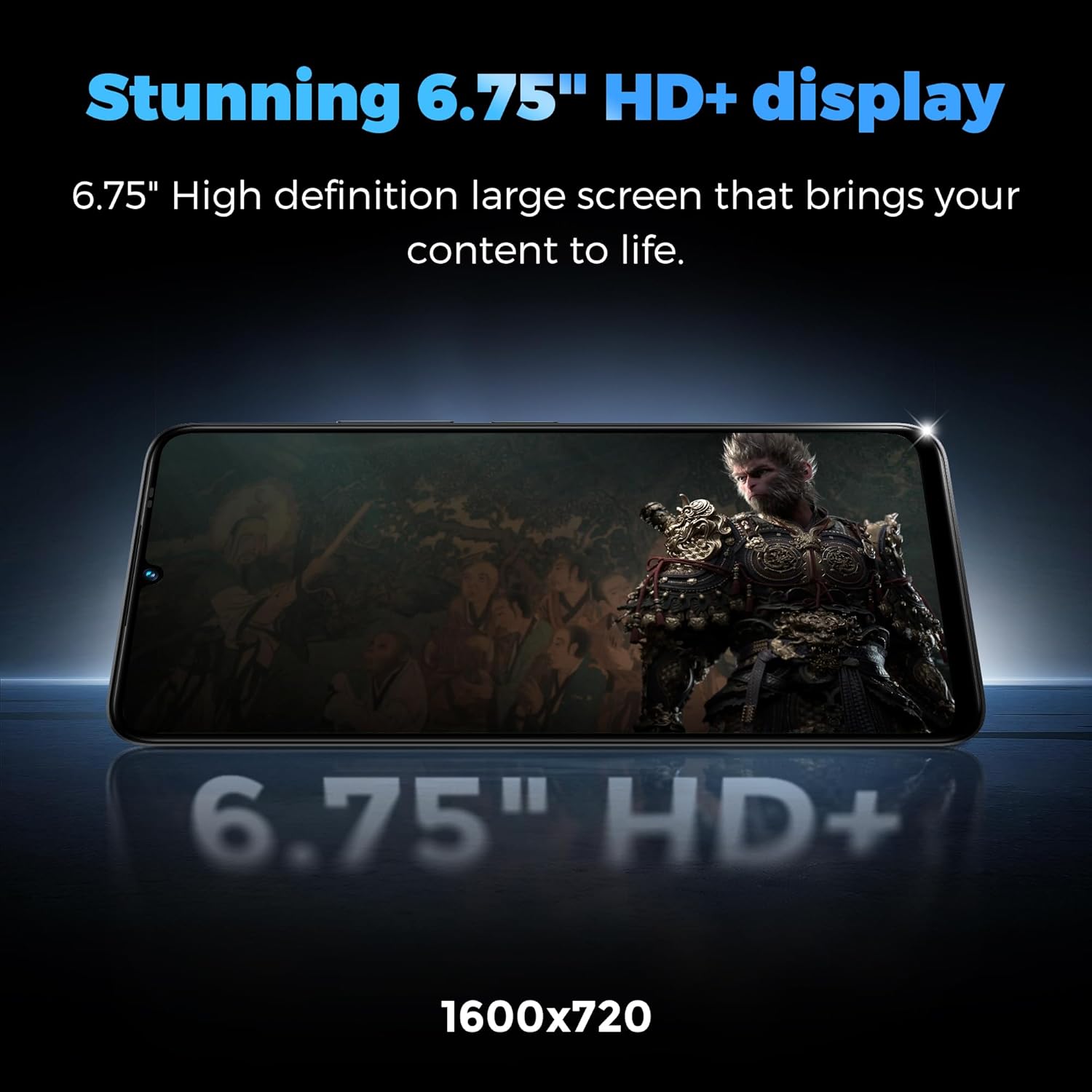
Image: The MIRO A67 smartphone displaying a high-definition movie scene, highlighting its 6.75-inch HD+ screen with 1600x720 resolution.

Image: A visual representation of the UNISOC SC9863A 8-Core processor, emphasizing its role in seamless multitasking for applications and games.

Зображення: Крупний план view of the MIRO A67's dual rear cameras, featuring a 13MP AI Double Camera and a 0.3MP Depth sensor, designed for capturing detailed photos.
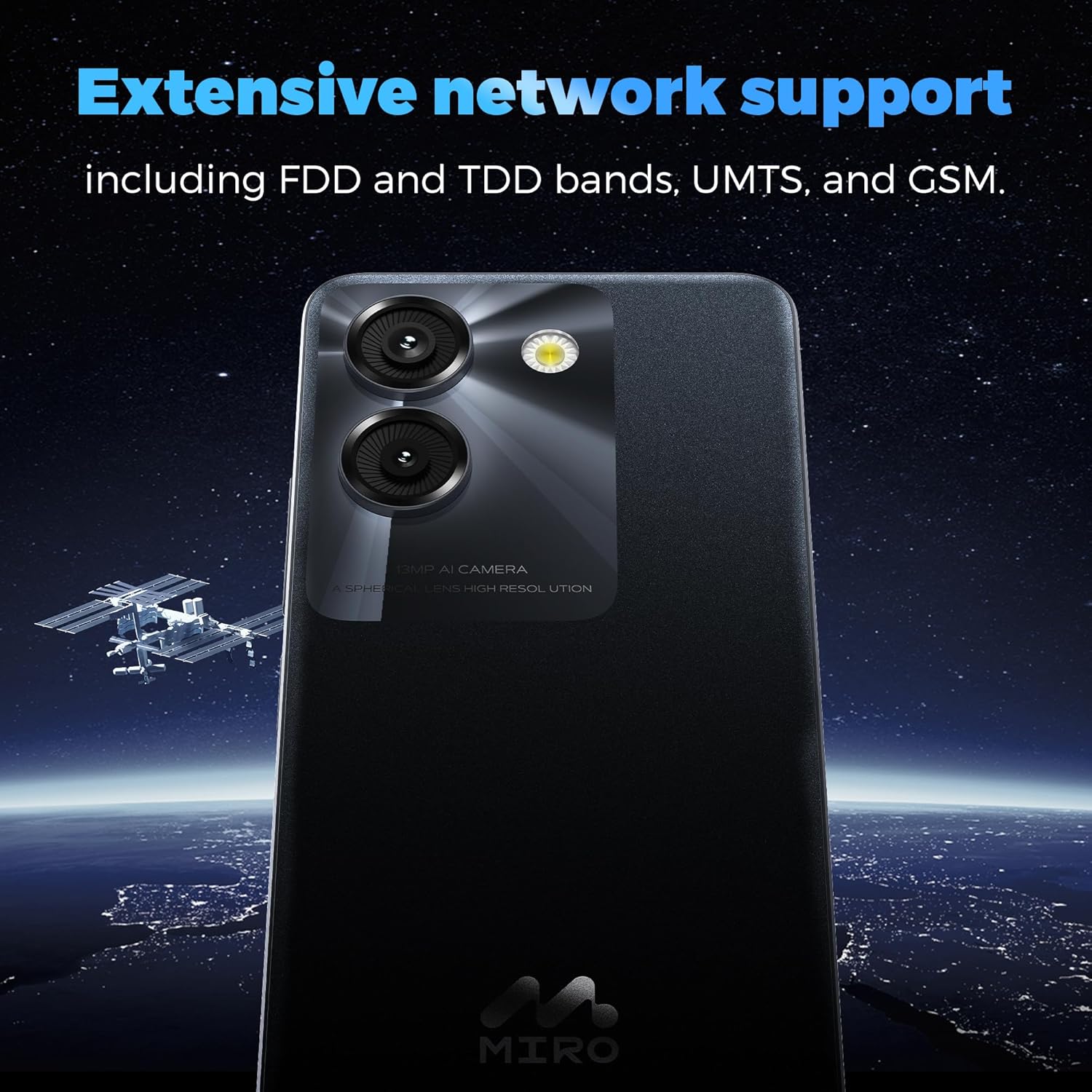
Image: The back of the MIRO A67 phone with a background illustrating extensive network support, including FDD, TDD bands, UMTS, and GSM.
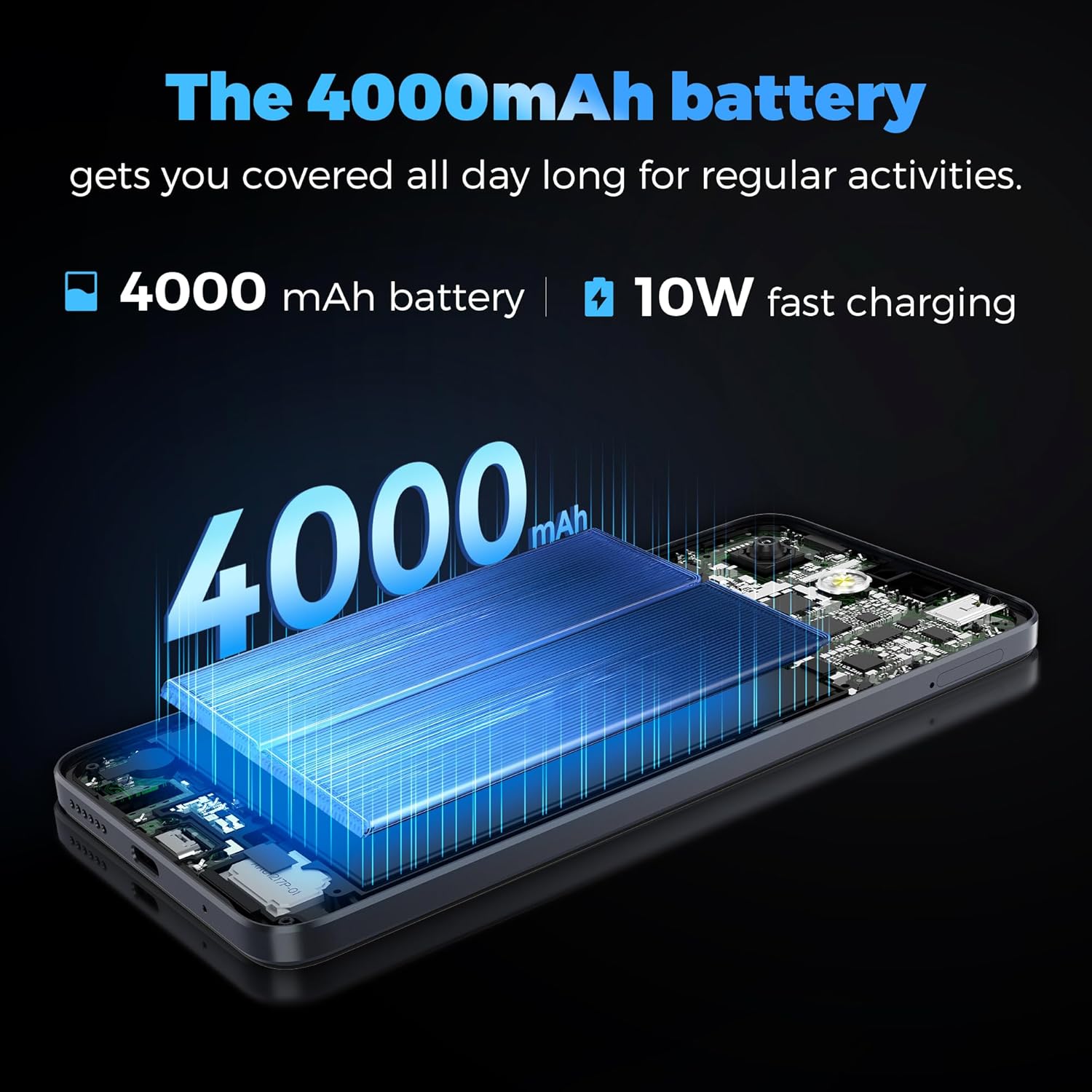
Зображення: Внутрішній view illustration of the MIRO A67, highlighting its 4000mAh battery and indicating 10W fast charging capability.
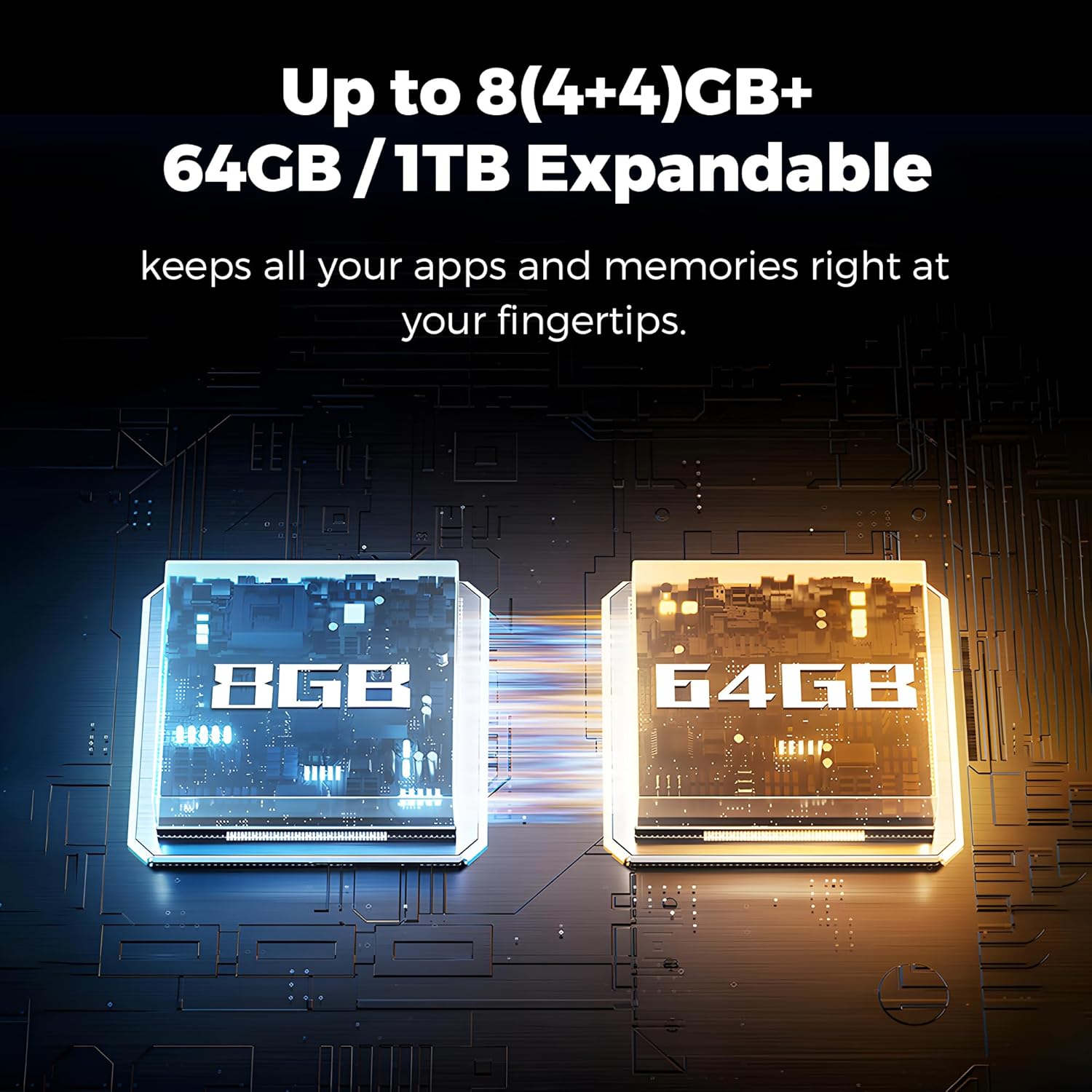
Image: A diagram illustrating the MIRO A67's memory and storage, showing 8GB (4+4GB) RAM and 64GB internal storage, expandable up to 1TB.

Image: A display of the MIRO A67 smartphone in its available color variants: Black, Green, and Blue.
4. Налаштування
4.1 Встановлення SIM-картки та картки MicroSD
- Знайдіть лоток для SIM-картки на боковій стороні телефону.
- Вставте інструмент для вилучення SIM-картки в маленький отвір поруч із лотком і обережно натисніть, доки лоток не вискочить.
- Place your Nano SIM card(s) and/or MicroSD card (for expandable storage) into the designated slots on the tray. Ensure they are correctly oriented.
- Обережно вставте лоток назад у телефон, доки він не зафіксується на місці з клацанням.
4.2 Увімкнення та початкове налаштування
- Press and hold the Power button (usually on the right side) until the MIRO logo appears.
- Follow the on-screen prompts to complete the initial setup, which includes selecting your language, connecting to Wi-Fi, setting up your Google account, and configuring security options.
5. Інструкція з експлуатації
5.1 Основна навігація
- Сенсорний екран: Торкніться, щоб вибрати, проведіть пальцем, щоб прокрутити, розведіть пальці, щоб збільшити.
- Головний екран: Your central hub for apps and widgets. Swipe left/right to access additional screens.
- Панель сповіщень: Проведіть пальцем униз від верхньої частини екрана, щоб отримати доступ до сповіщень та швидких налаштувань.
- Ящик програм: Проведіть вгору від нижньої частини екрана до view всі встановлені програми.
5.2 Здійснення дзвінків та надсилання повідомлень
- Дзвінки: Торкніться значка телефону, введіть номер і натисніть кнопку виклику.
- повідомлення: Торкніться значка «Повідомлення», розпочніть нову розмову, введіть одержувача та своє повідомлення.
5.3 Підключення до Wi-Fi та Bluetooth
- Wi-Fi: Перейти до Налаштування > Мережа та інтернет > Wi-FiУвімкніть Wi-Fi та виберіть потрібну мережу.
- Bluetooth: Перейти до Налаштування > Підключені пристрої > BluetoothУвімкніть Bluetooth та з’єднайте пристрій із доступними пристроями.
6. Функції камери
The MIRO A67 features an AI-Enhanced Dual Camera system to help you capture memorable moments.
- Задня камера: 13MP AI Dual Camera with 0.3MP Depth sensor for enhanced photography, including real-time depth effects.
- Фронтальна камера: 5MP front camera for clear selfies and video calls.
6.1 Using the Camera App
- Відкрийте програму «Камера» на головному екрані або в панелі програм.
- Виберіть потрібний режим (наприклад, Фото, Відео, Портрет).
- Натисніть кнопку спуску затвора, щоб зробити фотографію або розпочати/зупинити запис відео.
- Використовуйте перемикач для перемикання між передньою та задньою камерами.
7. Акумулятор та заряджання
Your MIRO A67 is equipped with a 4000mAh battery, designed to provide ample power for your daily activities.
- Ємність батареї: 4000 міліamp години.
- Зарядка: Supports 10W fast charging via the Type-C port.
7.1 Заряджання пристрою
- Connect the USB cable to the Type-C port on your phone.
- Connect the other end of the USB cable to a compatible power adapter (not always included) or a computer's USB port.
- The charging indicator will appear on the screen. For optimal charging speed, use a 10W compatible power adapter.
8. Зберігання та продуктивність
The MIRO A67 is built for efficient performance and ampле сховище.
- Процесор: UniSoc SC9863A Octa-Core 1.6GHz.
- Операційна система: Android 14 Go Edition.
- Оперативна пам'ять: 4GB (expandable up to 8GB with virtual RAM).
- Внутрішня пам'ять: 64 ГБ.
- Розширюване сховище: Supports MicroSD cards up to 1TB.
8.1 Керування сховищем
To check your storage usage or free up space, go to Налаштування > Зберігання. You can uninstall unused apps, clear cache, or move fileна вашу карту MicroSD.
9. Підключення
Your MIRO A67 supports various connectivity options:
- Wi-Fi: 2.4G Wi-Fi for internet access.
- Bluetooth: Bluetooth 4.2 для підключення бездротових аксесуарів.
- GPS: Вбудований GPS для навігації та служб визначення місцезнаходження.
- Стільникові мережі: Supports FDD and TDD bands, UMTS, and GSM for extensive network compatibility.
- Аудіороз'єм: 3.5-мм аудіороз'єм для дротових навушників.
- Порт USB: Type-C для зарядки та передачі даних.
10. Технічне обслуговування
To ensure the longevity and optimal performance of your MIRO A67, follow these maintenance guidelines:
- Зберігайте чистоту: Регулярно протирайте екран і корпус м’якою тканиною без ворсу. Уникайте агресивних хімічних речовин.
- Захист від пошкоджень: Use a screen protector and a protective case to prevent scratches and impacts.
- Уникайте екстремальних температур: Не піддавайте телефон впливу дуже високих або низьких температур, оскільки це може вплинути на термін служби акумулятора та внутрішні компоненти.
- Оновлення програмного забезпечення: Keep your operating system and apps updated to benefit from the latest security patches and features.
- Догляд за акумулятором: Avoid fully draining the battery frequently. Charge it regularly and avoid overcharging for extended periods.
11. Вирішення проблем
If you encounter issues with your MIRO A67, refer to the following common solutions:
11.1 Телефон не вмикається
- Переконайтеся, що акумулятор заряджений. Підключіть телефон до зарядного пристрою щонайменше на 15 хвилин, перш ніж намагатися знову його ввімкнути.
- Натисніть і утримуйте кнопку живлення протягом 10-15 секунд, щоб виконати примусовий перезапуск.
11.2 Network Issues (No Signal/Cannot Make Calls)
- Перевірте, чи правильно вставлено вашу SIM-картку.
- Переконайтеся, що ви перебуваєте в зоні покриття мережі.
- Перезавантажте телефон.
- Перейти до Налаштування > Мережа та Інтернет > Мобільна мережа and ensure your preferred network type is selected and data roaming is enabled if necessary.
11.3 Збої або зависання програм
- Закрийте та знову відкрийте програму.
- Очистіть кеш програми: Налаштування > Програми > [Назва програми] > Пам’ять і кеш > Очистити кеш.
- Оновіть програму з магазину Google Play.
- Перезавантажте телефон.
11.4 Дисплей не відповідає
- Виконайте примусовий перезапуск, утримуючи кнопку живлення.
- Ensure the screen is clean and free from moisture.
12. Технічні характеристики
Detailed technical specifications for the MIRO A67 smartphone:
| Особливість | Специфікація |
|---|---|
| Назва моделі | MIRO A67 |
| Бренд | МІРО |
| Операційна система | Версія Android 14 Go |
| ЦП | UniSoc SC9863A Octa-Core 1.6GHz |
| Розмір екрана | 6.75 дюймів |
| роздільна здатність | 720 x 1600 (HD+) |
| Пам'ять RAM | 4 ГБ (з можливістю розширення до 8 ГБ) |
| Внутрішня пам'ять | 64 ГБ |
| Розширюване сховище | До 1 ТБ (MicroSD) |
| Задня камера | 13MP AI Dual Camera + 0.3MP Depth |
| Фронтальна камера | 5 МП |
| Ємність акумулятора | 4000 мАг |
| Зарядка | Швидка зарядка 10 Вт (Type-C) |
| Підключення | Wi-Fi (2.4G), Bluetooth 4.2, GPS |
| Аудіороз'єм | 3.5 мм |
| Бездротовий оператор | Розблоковано |
| Колір | Синій |
| Вага товару | 12 унції |
| Розміри упаковки | 7.36 x 3.82 x 1.97 дюймів |

Image: A comprehensive graphic detailing various features and specifications of the MIRO A67, including screen size, OS, processor, battery, cameras, and connectivity bands.
13. Гарантія та підтримка
Your MIRO A67 smartphone comes with a standard manufacturer's warranty. Please refer to the warranty card included in your product packaging for specific terms and conditions, including warranty duration and coverage details.
For technical support, service, or further inquiries, please contact MIRO customer service through the contact information provided on the official MIRO website or your purchase documentation. Keep your proof of purchase handy when contacting support.
