
1. Вступ
This manual provides detailed instructions for the safe and effective operation of your elecci S168 Drone. The S168 Drone is equipped with a high-resolution 1080P HD camera, a robust brushless motor, and an innovative screen controller for an enhanced flying experience. Key features include Waypoint Fly, Optical Flow Localization, Active Obstacle Avoidance, and One Key Take Off/Landing functionality.

Figure 1: elecci S168 Drone and Screen Controller
2. Вміст упаковки
Переконайтеся, що всі перелічені нижче предмети присутні у вашій упаковці:
- elecci S168 Drone
- Контролер екрану
- Акумуляторні батареї (x2)
- Сумочка
- Камера
- SD-карта
- USB-кабель для зарядки
- Запасні пропелери
- Propeller Guards (optional)
- Викрутка

Figure 2: Complete package contents of the elecci S168 Drone.
3. Налаштування
3.1 Збірка дрона
- Carefully unfold the drone arms until they click into place. Ensure all four arms are fully extended.
- If desired, attach the propeller guards by snapping them onto the designated points on each arm.
3.2 Встановлення та заряджання акумулятора
- Insert a fully charged battery into the battery compartment at the rear of the drone until it clicks securely.
- To charge the drone battery, connect the USB charging cable to the battery and a power source. The red light on the battery will stay on during charging and automatically turn off when fully charged.
3.3 Controller Setup and Charging
- Ensure the screen controller is fully charged. Connect the USB charging cable to the controller and a power source. The red light on the controller will stay on during charging and automatically turn off when fully charged.
- Attach the joystick controls to the remote controller by screwing them into the designated ports.
Video 1: Remote control charging and basic setup instructions.
Відео 2: Кінецьview of the elecci S168 Drone and Screen Controller features.
4. Інструкція з експлуатації
4.1 Увімкнення/вимкнення живлення
- Увімкнення дрона: Press and hold the power button on the top of the drone until the indicator lights illuminate and you hear a startup sound.
- Контролер увімкнення: Press and hold the power button on the screen controller until the screen turns on.
- Сполучення: The drone and controller will automatically attempt to pair. Wait for the drone's indicator lights to become solid, indicating a successful connection.
- Вимкнення живлення: Press and hold the power buttons on both the drone and controller until they shut down.
4.2 Зліт та посадка
- One Key Take Off: Place the drone on a flat, open surface. Press the One Key Take Off button on the controller. The drone will automatically ascend and hover at a stable altitude.
- Одна ключова посадка: Натисніть кнопку посадки One Key. Дрон автоматично знизиться та м’яко приземлиться.
4.3 Органи керування польотом
Use the joysticks on the screen controller to maneuver the drone:
- Лівий джойстик: Керує висотою (вгору/вниз) та обертанням (вліво/вправо).
- Правий джойстик: Controls forward/backward and left/right strafing movements.
- Регулювання швидкості: The controller features multiple speed modes (e.g., low, medium, high) to suit different skill levels and wind conditions. Refer to the controller's buttons for speed selection.

Figure 3: Screen Controller displaying real-time drone footage.
4.4 Робота камери
The S168 Drone is equipped with a 1080P HD camera for capturing photos and videos.
- Регульований кут камери: Use the dedicated buttons on the controller to adjust the camera's vertical angle during flight.
- Зйомка фото/відео: Use the photo and video buttons on the controller to capture aerial imagery. Footage is saved to the included SD card.
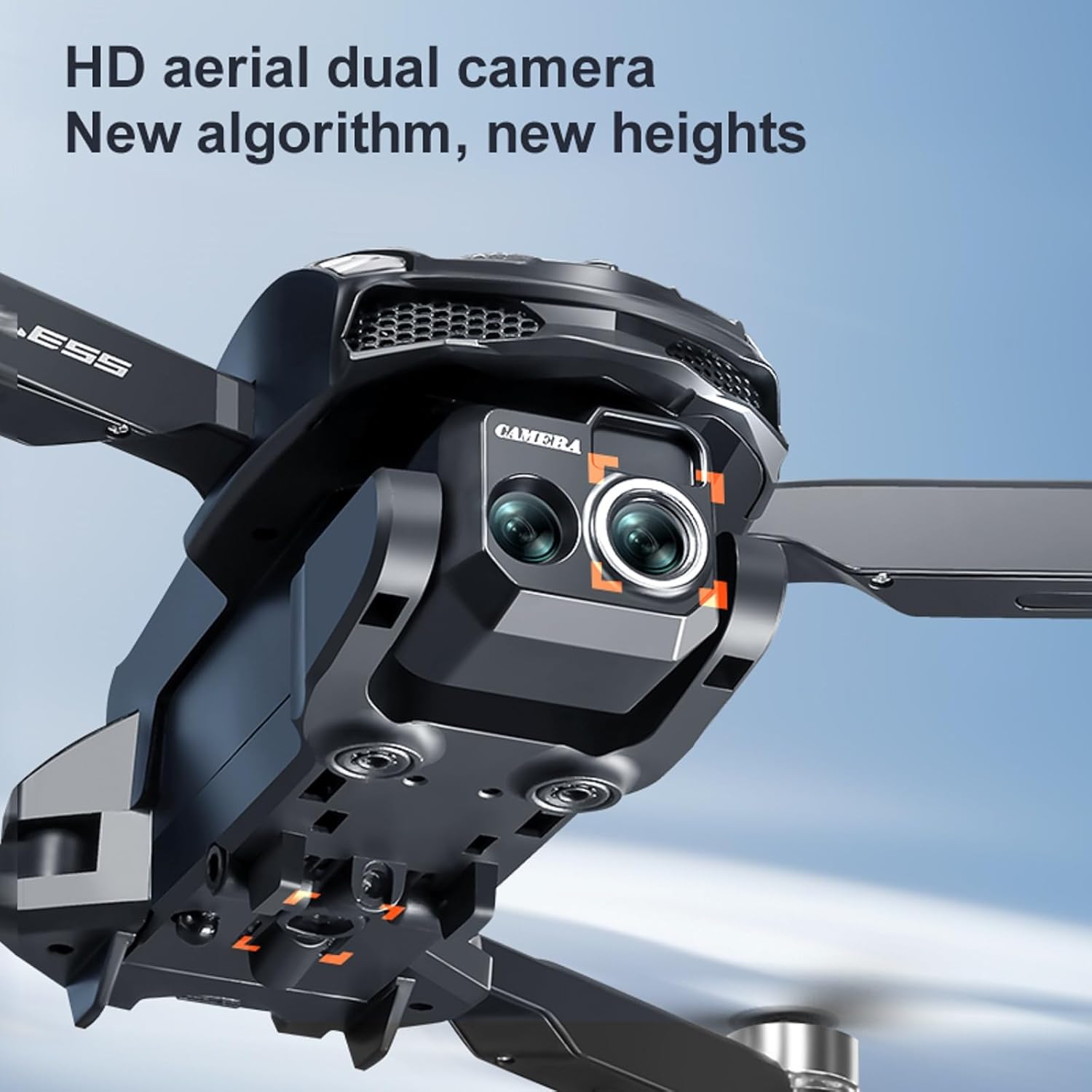
Figure 4: Detail of the drone's 1080P HD camera.
4.5 Особливості
- Optical Flow Localization: This feature provides stable hovering, especially useful for indoor flight or in areas with minimal GPS signal.
- Active Obstacle Avoidance: The drone can detect and avoid obstacles in its flight path, enhancing safety and preventing collisions.
- Переворот на 360°: Виконуйте вражаючі повітряні трюки одним натисканням кнопки.
- Waypoint Fly: Program a flight path for automated navigation.
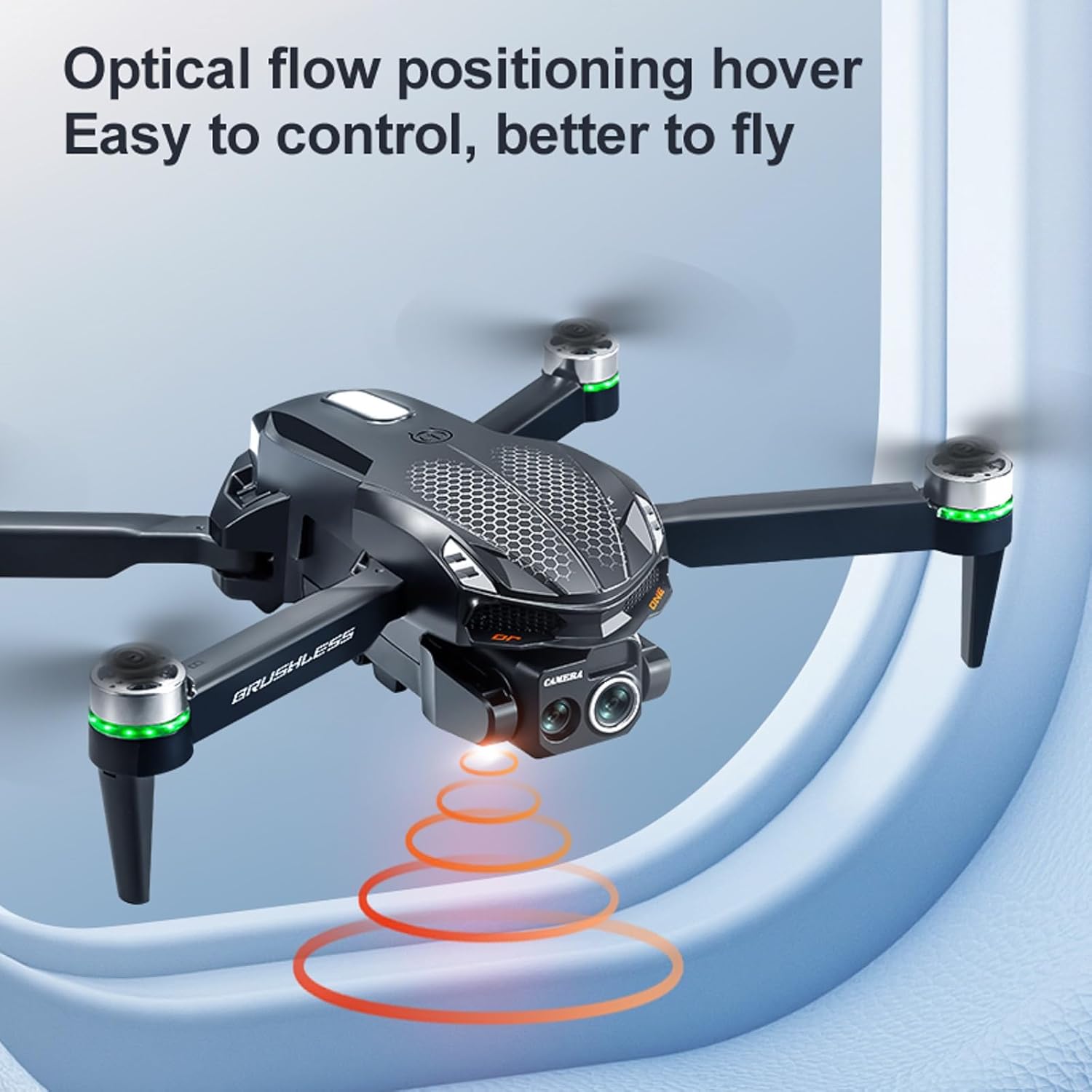
Figure 5: Drone utilizing optical flow positioning for stable flight.
Video 3: Demonstration of the elecci S168 Drone's flight capabilities and screen controller.
5. Технічне обслуговування
- Догляд за акумулятором: Зберігайте акумулятори в прохолодному, сухому місці. Не перезаряджайте та не перерозряджайте.
- Заміна гвинта: If propellers are damaged, use the provided screwdriver to replace them with spare propellers. Ensure correct orientation (A and B propellers).
- Прибирання: Use a soft, dry cloth to clean the drone and controller. Avoid water or harsh chemicals.
6. Вирішення проблем
| проблема | Можлива причина | Рішення |
|---|---|---|
| Дрон не вмикається | Низький заряд батареї; неправильне встановлення батареї | Зарядіть акумулятор; правильно встановіть акумулятор |
| Контролер не вмикається | Низький заряд батареї | Контролер заряду |
| Drone and controller fail to pair | Interference; Incorrect pairing sequence | Move to an open area; Power cycle both devices and try again |
| Нестабільний політ | Strong wind; Uncalibrated gyroscope | Fly in calm conditions; Perform gyroscope calibration (refer to controller instructions) |
| Об'їзд перешкод не працює | Sensors obstructed; Feature disabled | Clean sensors; Ensure feature is enabled in settings |
7. Технічні характеристики
- Назва моделі: S168
- Бренд: elecci
- Особливості: 360 Degree Flip, Auto Follow, Brushless Motor, One Button Return, One Key Rotation, Optical Flow, Active Obstacle Avoidance
- Роздільна здатність захоплення відео: 1080p
- Ефективна роздільна здатність фото: 2 Мп
- Технологія підключення: Bluetooth, WiFi
- Вага товару: 0.4 фунта (приблизно 6.4 унції)
- Розміри продукту: 3.2 см (Д) x 1.9 см (Ш) x 5 см (В)
- Склад батареї: Літій-іонний
- Включені компоненти: Battery, Camera, Handbag, SD Card, Screen Controller

Figure 6: Drone highlighting its brushless motor technology.
8. Гарантія та підтримка
For warranty information, technical support, or service inquiries, please refer to the documentation provided with your purchase or contact elecci customer service directly. Keep your proof of purchase for warranty claims.