
вступ
This manual provides essential instructions for setting up, operating, and maintaining your Agreago Projector V3. Please read it thoroughly before use to ensure proper functionality and to maximize your viewнабутий досвід.
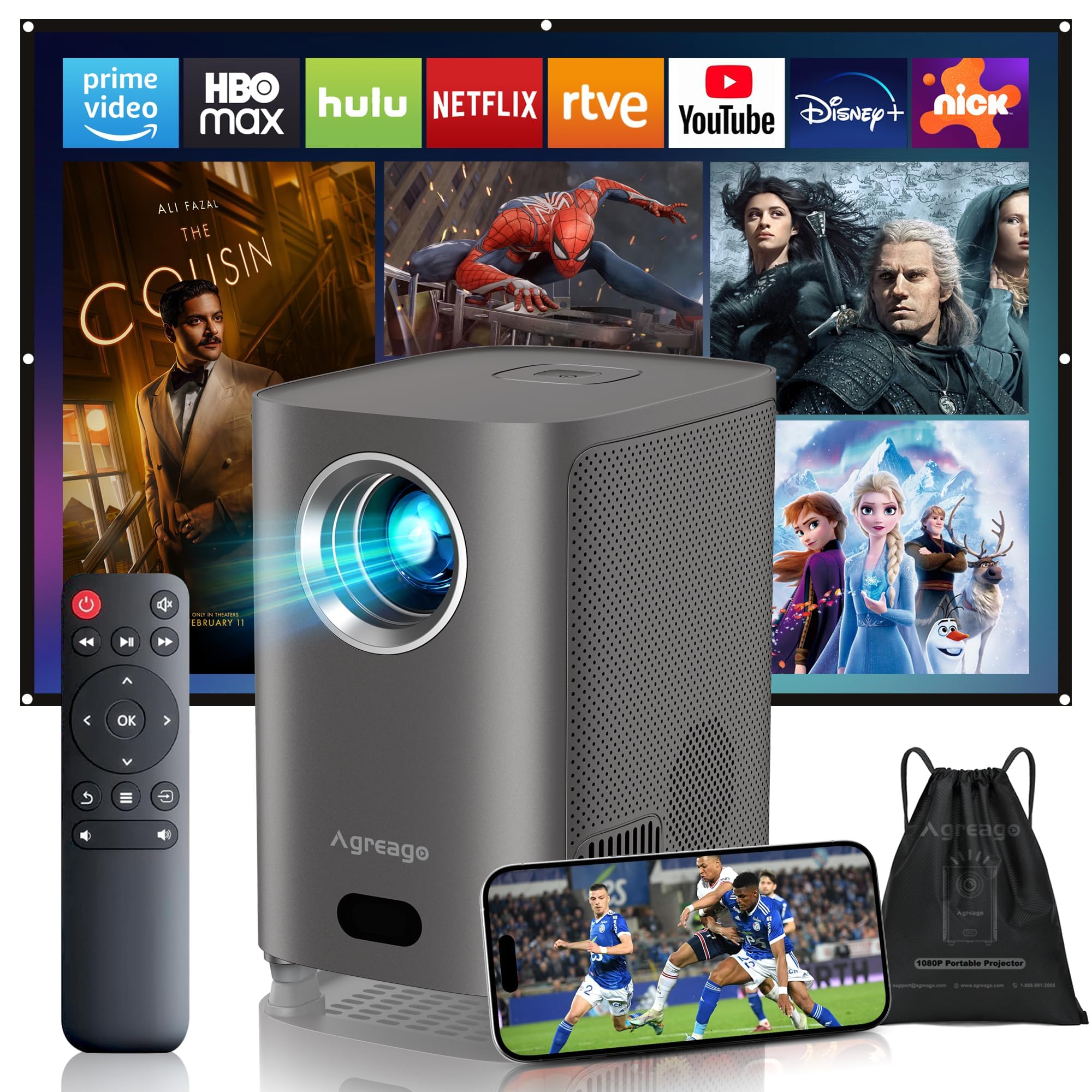
Figure 1: Agreago Projector V3 and accessories.
Що в коробці
Після розпакування перевірте наявність усіх компонентів:
- Agreago Projector V3
- Пульт дистанційного керування
- Кабель живлення
- Кабель HDMI
- AV-кабель
- Посібник користувача
- Сумка для перенесення шнурків
Video 1: Unboxing the Agreago Projector V3, showing included accessories.
Продукт закінченийview
Ознайомтеся з компонентами проектора та портами підключення.
Порти підключення

Figure 2: Rear panel with audio, AV, HDMI, and USB ports.
- Аудіовихід (3.5 мм): Підключіть зовнішні динаміки або навушники.
- AV вхід: Підключіть старіші пристрої за допомогою наданого AV-кабелю.
- HDMI (x2): Connect devices like TV sticks, laptops, gaming consoles (Xbox, PS5).
- USB (x2): Підключіть USB-накопичувачі для відтворення медіафайлів.
- ІЧ-приймач: Для сигналів дистанційного керування.
Пульт дистанційного керування

Figure 3: Remote control for easy navigation and function access.
The remote control provides convenient access to all projector functions, including power, navigation, volume, focus adjustment, and direct access to popular streaming applications.
Відео 2: Оверview of the Agreago Projector V3's features and design.
Налаштування
Розміщення
Position the projector on a stable, flat surface. The integrated stand allows for flexible angle adjustments. For larger screen sizes, increase the distance between the projector and the projection surface.

Рисунок 4: Рекомендовані відстані проекції для різних розмірів екранів.
Увімкнення
Connect the power cable to the projector and a power outlet. Press the power button on the projector or the remote control to turn it on.
Налаштування фокусу
The projector features electric focus. Use the dedicated focus buttons on the remote control (F+ / F-) to achieve a clear and sharp image. The auto-focus feature will also assist in initial setup.

Figure 5: Adjusting electric focus using the remote control.
Корекція коректури
The projector supports automatic keystone correction to ensure a rectangular image even when projected at an angle. Manual adjustments can also be made via the settings menu if needed.
Network Connection (WiFi & Bluetooth)
Connect the projector to your home Wi-Fi network for online streaming and screen mirroring. Use Bluetooth 5.2 to pair with external audio devices for enhanced sound.
Video 3: Demonstrating Wi-Fi and Bluetooth connectivity for the Agreago Projector V3.
Підключення пристроїв
Проектор пропонує кілька варіантів підключення:
- HDMI: Connect TV sticks, laptops, gaming consoles (Xbox, PS5).
- USB: Вставте USB-накопичувачі для прямого відтворення медіафайлів.
- AV: Використовуйте наданий AV-кабель для старіших пристроїв.
- Дублювання екрана (iOS/Android): Wirelessly display content from your smartphone or tablet.
Інструкція з експлуатації
Навігація
Use the remote control's directional buttons and 'OK' button to navigate the projector's interface. Dedicated buttons for streaming services provide quick access.
Відтворення медіа
Select the desired input source (HDMI, USB, Screen Mirroring) from the home screen. Navigate to your media files or streaming app to begin playback.
Налаштування звуку
The projector features built-in dual stereo speakers. Adjust volume using the remote. For a private listening experience, connect headphones via the 3.5mm audio jack or pair Bluetooth headphones.
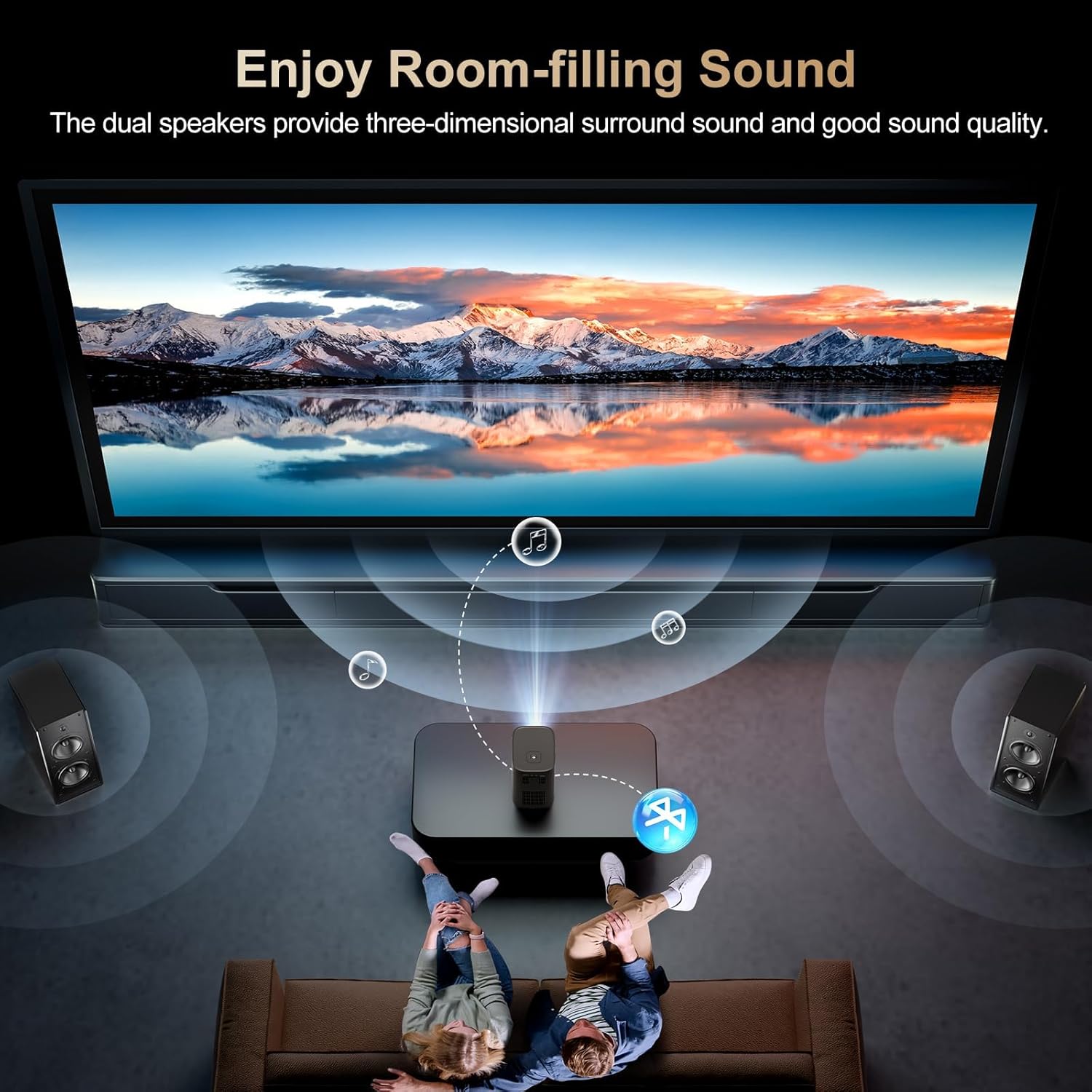
Figure 6: Dual stereo speakers provide immersive sound.
Налаштування зображення
Access the settings menu to adjust image parameters such as brightness, contrast, color temperature, and projection mode for optimal viewумови.
Технічне обслуговування
Очищення лінзи
Gently wipe the projector lens with a soft, lint-free cloth. Avoid abrasive materials or harsh chemicals that could damage the lens coating.
Пиловий фільтр
Regularly check and clean the dust filter to maintain optimal airflow and prevent overheating. Refer to the full user manual for specific instructions on accessing and cleaning the filter.
Усунення несправностей
- Без зображення: Ensure the power cable is securely connected and the projector is turned on. Verify the input source is correctly selected.
- Розмите зображення: Adjust the electric focus using the remote control. Ensure the projection surface is flat and the projector is stable.
- Немає звуку: Check the volume settings on the projector and the connected device. Ensure external speakers/headphones are properly connected or paired via Bluetooth.
- Проблеми з дзеркальним відображенням екрана: Confirm both the projector and your device are connected to the same Wi-Fi network. Ensure your device supports the mirroring protocol (iOS/Android).
Технічні характеристики
| Бренд | Agreago |
| Номер моделі | V3 |
| Роздільна здатність дисплея | 1920 x 1080 (оригінальна роздільна здатність 1080P) |
| Яскравість | 15,000 люменів |
| Коефіцієнт контрастності | 15,000:1 |
| Технологія підключення | HDMI, USB, AV, 3.5mm Audio, WiFi 6, Bluetooth 5.2 |
| Особливості | Auto Focus, Electric Focus, 50%-100% Zoom, Dual Stereo Speakers |
| Розміри продукту | 5.5 x 6.1 x 4.2 дюймів |
| Вага товару | 2.94 фунта |
Гарантія та підтримка
For warranty information and customer support, please refer to the contact details provided in the included user manual or visit the official Agreago webсайт. Плани захисту доступні для розширеного покриття.