
1. Продукт закінчивсяview
The VIBOX IV-590 is a high-performance gaming PC designed for an optimal gaming and content creation experience. It features an AMD Ryzen 7 5700X processor, an Nvidia GeForce RTX 5060 Ti graphics card with 8GB GDDR7 RAM, 16GB of DDR4 RAM, and a 1TB SSD for fast storage. The system comes pre-installed with Windows 11 Home and includes a 300 Mbps Wi-Fi adapter.
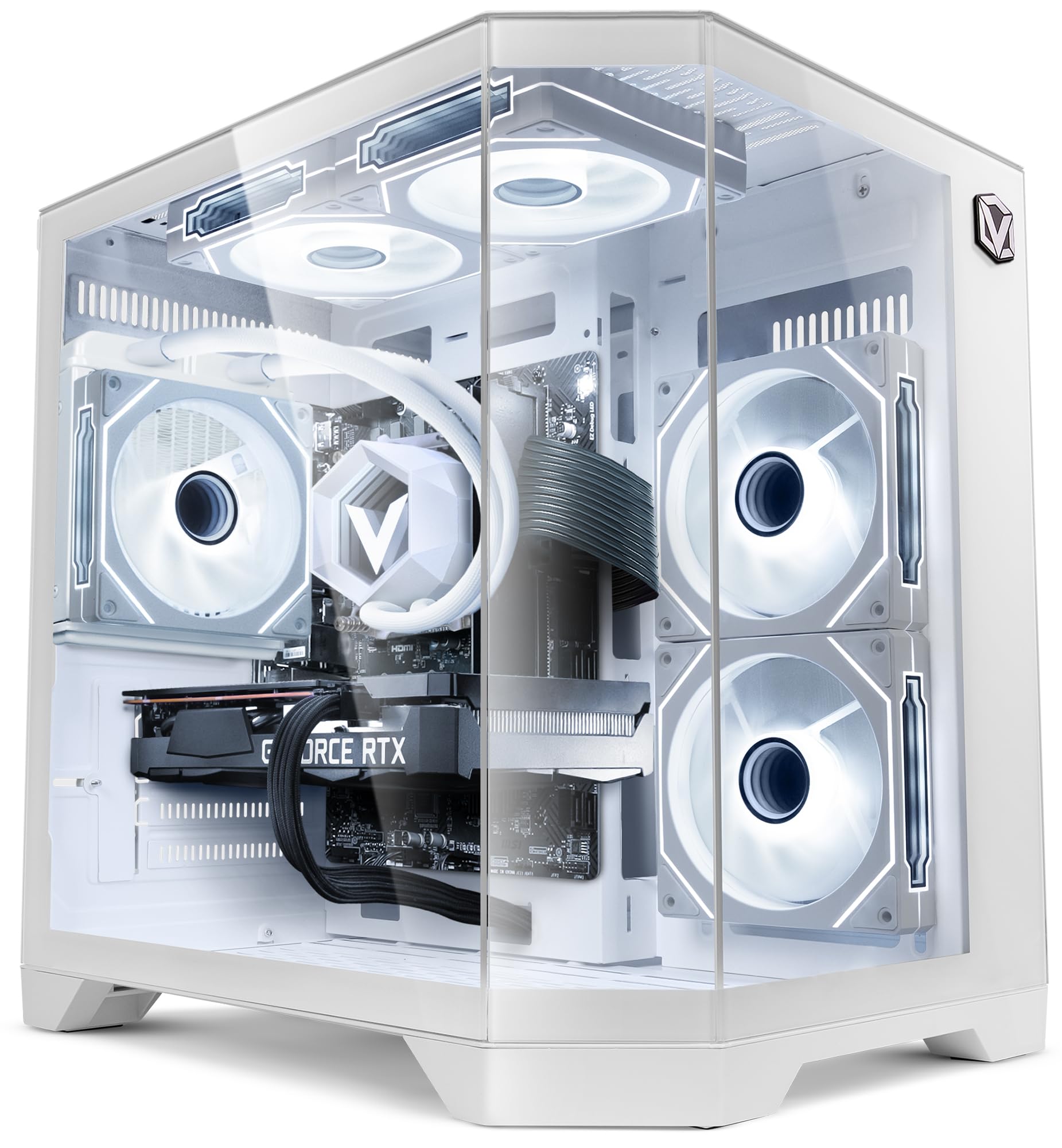
Figure 1: VIBOX IV-590 PC Gamer with illuminated interior.
2. Посібник із налаштування
2.1 Розпакування
Carefully remove the PC from its packaging. Ensure all accessories, including the power cable, Wi-Fi adapter, and any documentation, are present. Retain the original packaging for future transport or service needs.
2.2 Підключення периферійних пристроїв
- Монітор: Connect your monitor(s) to the graphics card's HDMI or DisplayPort outputs.
- Клавіатура та миша: Підключіть клавіатуру та мишу до доступних USB-портів.
- Мережа: For wired internet, connect an Ethernet cable to the LAN port. For wireless, install the provided Wi-Fi adapter.
- Аудіо: Connect speakers or headphones to the audio jacks as needed.
- Потужність: Connect the power cable to the PC's power supply unit and then to a wall outlet.
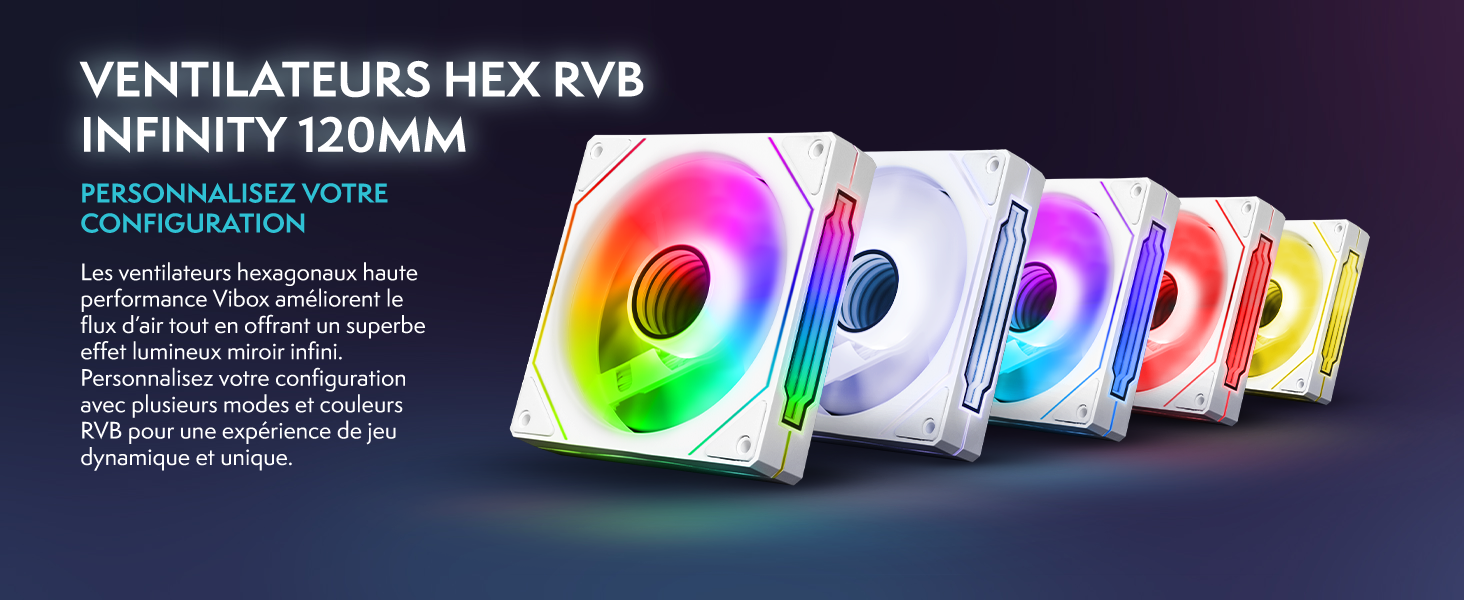
Figure 2: Front panel connectivity options.
2.3 Початкове ввімкнення та налаштування Windows
Press the power button on the front of the PC. Follow the on-screen instructions to complete the Windows 11 Home setup. This typically involves selecting your region, language, creating a user account, and connecting to your network.
3. Інструкція з експлуатації
3.1 Windows 11 Домашня версія
Your VIBOX IV-590 comes with Windows 11 Home pre-installed. This operating system offers features like DirectStorage for faster loading times, Auto HDR for enhanced visuals, and optimized CPU performance for gaming. Explore the intuitive interface and integrated Xbox Game Pass features for a seamless gaming experience.

Figure 3: Windows 11 Home features for gamers.
3.2 Продуктивність у іграх
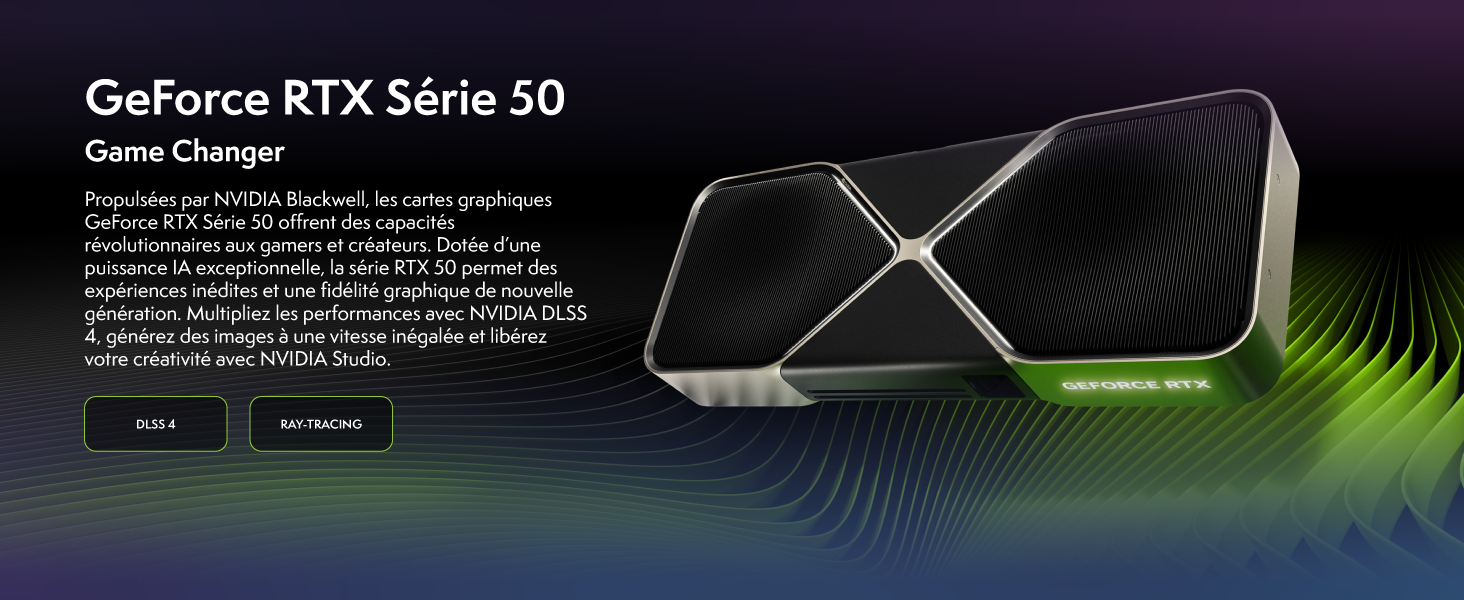
The Nvidia GeForce RTX 5060 Ti graphics card supports advanced technologies such as DLSS 4 and Ray Tracing for superior visual quality and performance in compatible games. Ensure your graphics drivers are up to date for the best experience.

Figure 4: NVIDIA GeForce RTX 50 Series capabilities.
Малюнок 5: Впрample game performance benchmarks.
4. Технічне обслуговування
4.1 Очищення
Regularly clean the exterior of your PC with a soft, dry cloth. For internal cleaning, use compressed air to remove dust from fans, heatsinks, and vents. Ensure the PC is powered off and unplugged before cleaning. Avoid using liquid cleaners directly on components.
4.2 Оновлення програмного забезпечення
Keep your Windows operating system, graphics drivers, and other software up to date. This ensures optimal performance, security, and compatibility with new applications and games.
4.3 Система охолодження
The VIBOX IV-590 features water cooling and multiple RGB fans for efficient heat dissipation. Ensure proper airflow around the PC and keep vents clear of obstructions. The inverse airflow design optimizes cooling performance.

Figure 6: Inverse Airflow cooling system.

Figure 7: VIBOX AIO 120mm liquid cooling unit.
5. Вирішення проблем
5.1 Немає живлення
- Ensure the power cable is securely connected to both the PC and the wall outlet.
- Check if the power switch on the back of the power supply unit is in the 'ON' position.
- Перевірте розетку за допомогою іншого пристрою, щоб переконатися, що вона має живлення.
5.2 Немає дисплея
- Verify that the monitor is powered on and the correct input source is selected.
- Ensure the video cable (HDMI/DisplayPort) is firmly connected to both the graphics card and the monitor.
- If using multiple monitors, try connecting only one.
5.3 Проблеми з продуктивністю
- Закрийте непотрібні фонові програми.
- Ensure all drivers (especially graphics drivers) are updated to the latest version.
- Check for sufficient free space on your 1TB SSD.
- Слідкуйте за температурою системи, щоб переконатися, що компоненти не перегріваються.
6. Технічні характеристики
| Особливість | Деталь |
|---|---|
| Бренд | VIBOX |
| Номер моделі | IV-590 |
| Операційна система | Windows 11 Домашня |
| Модель процесора | AMD Ryzen 7 5700X |
| Швидкість ЦП | 3.4 GHz (Max 4.6 GHz) |
| Ядра ЦП | 8 |
| Графічна карта | NVIDIA GeForce RTX 5060 Ti |
| Графічна оперативна пам'ять | 8 ГБ GDDR7 |
| RAM Installed | 16 ГБ DDR4 (3200 МГц) |
| Максимальний обсяг оперативної пам'яті | 128 ГБ |
| Ємність зберігання | Твердотільний накопичувач на 1 ТБ |
| Спосіб охолодження | Water Cooling, RGB Fans |
| Підключення | Wi-Fi, Ethernet, HDMI, DisplayPort, USB |
| Розміри | 35 х 28 х 38 см |
| Відеовихід | HDMI 2.1, DisplayPort |
| Максимальна роздільна здатність дисплея | 3840x2160 |
7. Інформація про гарантію
The VIBOX IV-590 PC Gamer comes with a Гарантія на запчастини 2 роки і а lifetime warranty on labor. Please retain your proof of purchase for warranty claims. For detailed terms and conditions, refer to the warranty card included with your product or contact VIBOX customer support.
8. Підтримка клієнтів
If you encounter any issues or have questions regarding your VIBOX IV-590 PC Gamer, please refer to the troubleshooting section of this manual. If the issue persists, contact VIBOX customer support for assistance. You can also visit the official VIBOX store on Amazon for more information and resources.
VIBOX Amazon Store: Visit VIBOX Gaming Store