1. Вступ
Thank you for choosing the Gtheos Captain 370 Wireless Gaming Headset. This manual provides essential information for setting up, operating, and maintaining your new headset. Designed for an immersive audio experience, the Captain 370 offers versatile connectivity and comfortable wear for extended gaming sessions and communication.
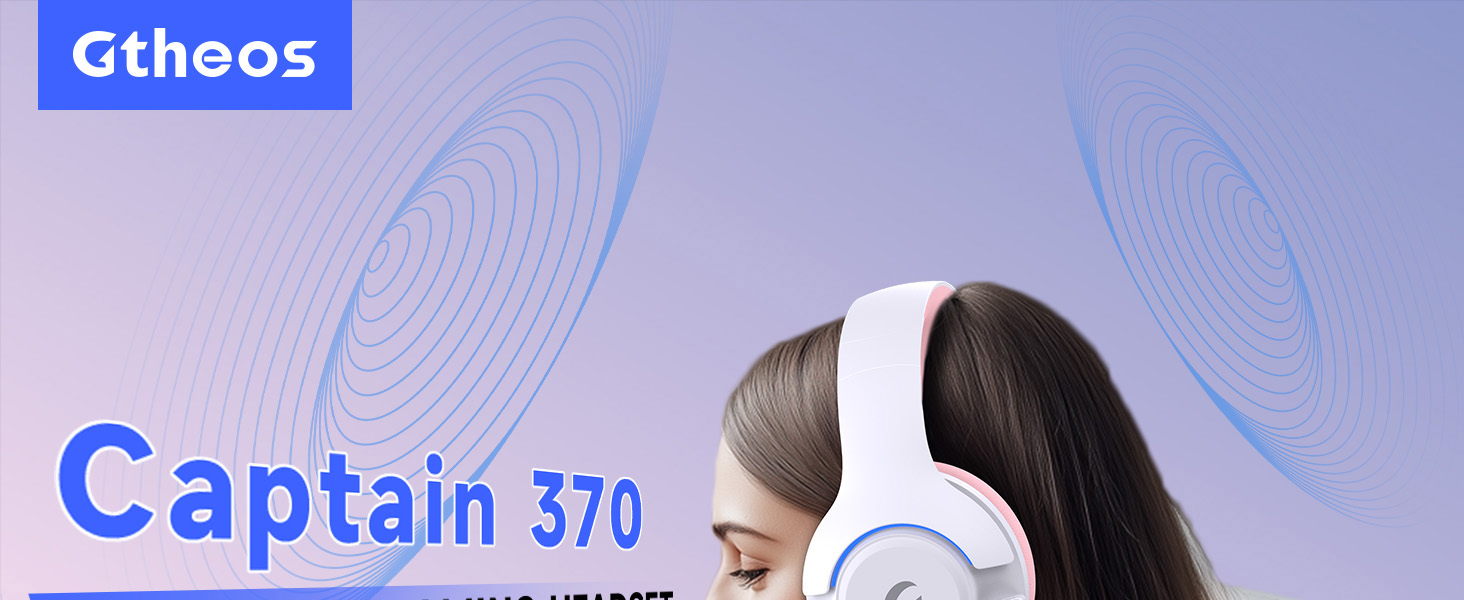
Image 1: The Gtheos Captain 370 Wireless Gaming Headset, showcasing its sleek design and comfortable earcups.
Ключові характеристики:
- 4-в-1 підключення: Seamlessly switch between 2.4GHz wireless, Bluetooth 5.3, and 3.5mm wired modes for broad device compatibility.
- Динамічні драйвери 50 мм: Experience realistic and immersive sound quality for gaming and multimedia.
- Мікрофон із шумопоглинанням: Detachable microphone designed to reduce background noise for clear communication.
- Подовжений термін служби батареї: Насолоджуйтесь до 45 годин безперервного використання на одному заряді.
- Зручний дизайн: Ergonomically designed earcups and headband for prolonged comfort during use.
- RGB освітлення: Customizable LED lighting effects on the earcups.
2. Налаштування
2.1 Що в коробці
- 1 x Gtheos Captain 370 Gaming Headset
- 1 x Detachable Noise Cancelling Microphone
- 1 кабель для заряджання Type-C
- 1 x USB Transmitter (2.4GHz dongle)
- 1 х 3.5 мм аудіокабель
- 1 х посібник користувача
2.2 Заряджання гарнітури
Before first use, fully charge the headset. Connect the Type-C charging cable to the headset's charging port and the other end to a USB power source (e.g., computer USB port, USB wall adapter). The LED indicator will show charging status and turn off when fully charged.

Image 2: Headset highlighting the 45-hour battery life and charging port.
2.3 Підключення мікрофона
The Captain 370 comes with a detachable noise-canceling microphone. Insert the microphone into the dedicated port on the left earcup until it clicks into place. Ensure it is securely connected for optimal voice pickup.

Image 3: Close-up of the headset showing the detachable noise-canceling microphone.
3. Інструкція з експлуатації
3.1 Увімкнення/вимкнення живлення
To power on the headset, press and hold the Power button located on the earcup until the LED indicator lights up. To power off, press and hold the Power button again until the LED indicator turns off.
3.2 Режими підключення
The Gtheos Captain 370 supports four connectivity modes:
- Бездротовий режим 2.4 ГГц: For PS4, PS5, PC, Mac, Nintendo Switch (via Type-C), and Phones/Pads (via Type-C). Insert the USB transmitter into your device. The headset will automatically connect.
- Режим Bluetooth 5.3: For Phones, Pads, and Notebooks. Enable Bluetooth on your device, put the headset into pairing mode (refer to device-specific instructions if needed), and select "Gtheos Captain 370" from the available devices.
- 3.5 мм дротовий режим: For PS4, PS5, Xbox, PC, Mac, and Laptops/Tablets with a 3.5mm jack. Connect the included 3.5mm audio cable to the headset and your device.
Image 4: Visual representation of the four connectivity modes and compatible devices.

Image 5: Detailed compatibility matrix for voice and microphone functions across 2.4G, Bluetooth, and 3.5mm wired modes.
3.3 Регулювання гучності
Adjust the volume using the dedicated volume roller or buttons on the headset's earcup. For optimal sound, also check the volume settings on your connected device.
3.4 Вимкнення звуку мікрофона
Press the Microphone Mute button on the headset to toggle the microphone on or off. An indicator light (often red) will typically show when the microphone is muted.
3.5 Керування світлодіодним освітленням
The headset features customizable RGB lighting. Press the dedicated LED control button (often integrated with the mic mute button or a separate button) to cycle through different lighting effects or turn them off. A quick press may change colors, while a long press might toggle the lights on/off.
4. Технічне обслуговування
To ensure the longevity and performance of your Gtheos Captain 370 headset, follow these maintenance guidelines:
- Прибирання: Use a soft, dry cloth to clean the headset. Avoid using harsh chemicals or abrasive materials. For earcups, gently wipe with a damp тканиною та дайте повністю висохнути на повітрі.
- Зберігання: Зберігайте гарнітуру в прохолодному, сухому місці, подалі від прямих сонячних променів та екстремальних температур.
- Обробка: Avoid dropping the headset or exposing it to excessive force. Do not pull on cables forcefully.
- Догляд за акумулятором: Для оптимального терміну служби акумулятора уникайте частого повного розряджання гарнітури. Регулярно заряджайте її, навіть якщо вона не використовується постійно.
5. Вирішення проблем
5.1 Немає звуку або низька гучність
- Переконайтеся, що гарнітура увімкнена та повністю заряджена.
- Перевірте рівні гучності як на гарнітурі, так і на підключеному пристрої.
- Перевірте, чи в налаштуваннях звуку вашого пристрою вибрано правильний аудіовихідний пристрій.
- If using 2.4GHz wireless, ensure the USB transmitter is securely plugged in and recognized by your device.
- If using Bluetooth, ensure the headset is properly paired and connected.
- If using 3.5mm wired, ensure the cable is fully inserted into both the headset and the device.
5.2 Мікрофон не працює
- Переконайтеся, що мікрофон надійно прикріплений до гарнітури.
- Check if the microphone is muted using the headset's mute button.
- Перевірте, чи в налаштуваннях звуку вашого пристрою вибрано правильний пристрій введення мікрофона.
- Test the microphone in different applications or with another device.
5.3 Проблеми з підключенням
- 2.4 ГГц: Try unplugging and re-plugging the USB transmitter. Ensure no other 2.4GHz devices are causing interference.
- Bluetooth: Unpair and re-pair the headset with your device. Ensure the headset is within the Bluetooth range (10 meters).
- Загальне: Перезавантажте гарнітуру та підключений пристрій.
6. Технічні характеристики
| Особливість | Деталь |
|---|---|
| Назва моделі | Капітан 370 |
| Бренд | Гтеос |
| Технологія підключення | Бездротовий зв'язок 2.4 ГГц, Bluetooth 5.3, дротовий 3.5 мм |
| Розмір звукового драйвера | 50 міліметрів |
| Тип аудіо драйвера | Динамічний драйвер |
| АЧХ | 20 кГц |
| Імпеданс | 32 Ом |
| Контроль шуму | Sound Isolation, Noise Cancellation (Microphone) |
| Термін служби батареї | До 45 годин |
| Версія Bluetooth | 5.3 |
| Діапазон Bluetooth | 10 метрів |
| Затримка звуку | 20 мілісекунд |
| Сумісні пристрої | PS5, PS4, PC, Mac, Laptop, Tablets, Phones, Nintendo Switch, Xbox (wired) |
| матеріал | ABS, Leather, PC |
| Вага товару | 0.51 кілограмів (1.12 фунти) |
| Колір | Темно-рожевий |
7. Гарантія та підтримка
7.1 Інформація про гарантію
The Gtheos Captain 370 Wireless Gaming Headset comes with a standard manufacturer's warranty. Please refer to the warranty card included in your product packaging for specific terms and conditions, including warranty period and coverage details.
7.2 Підтримка клієнтів
For technical assistance, troubleshooting, or any questions regarding your Gtheos Captain 370 headset, please contact Gtheos customer support. You can find contact information on the official Gtheos webсайті або через продавця, у якого ви придбали товар.
Відвідайте Gtheos Store on Amazon для отримання додаткової інформації та оновлень продукту.