
LeapFrog 80-621200
LeapFrog Preschool Game and Go Handheld Video Game Toy Instruction Manual
Модель: 80-621200
Бренд: LeapFrog
вступ
The LeapFrog Preschool Game and Go is a handheld video game toy designed to introduce young children to fundamental concepts such as numbers, letters, and shapes through engaging mini-games and music. This device offers a portable and interactive learning experience for children aged 2 years and older.
Що в коробці
- LeapFrog Preschool Game and Go Handheld Toy
- Короткий посібник
Note: 3 AAA batteries are included for demo purposes only. New batteries are recommended for regular use.
Налаштування
Установка батареї
- Знайдіть батарейний відсік на задній панелі пристрою.
- За допомогою викрутки відкрийте кришку батарейного відсіку.
- Вставте 3 нові батарейки типу AAA, дотримуючись правильної полярності (+/-).
- Встановіть на місце кришку батарейного відсіку та закріпіть її гвинтом.
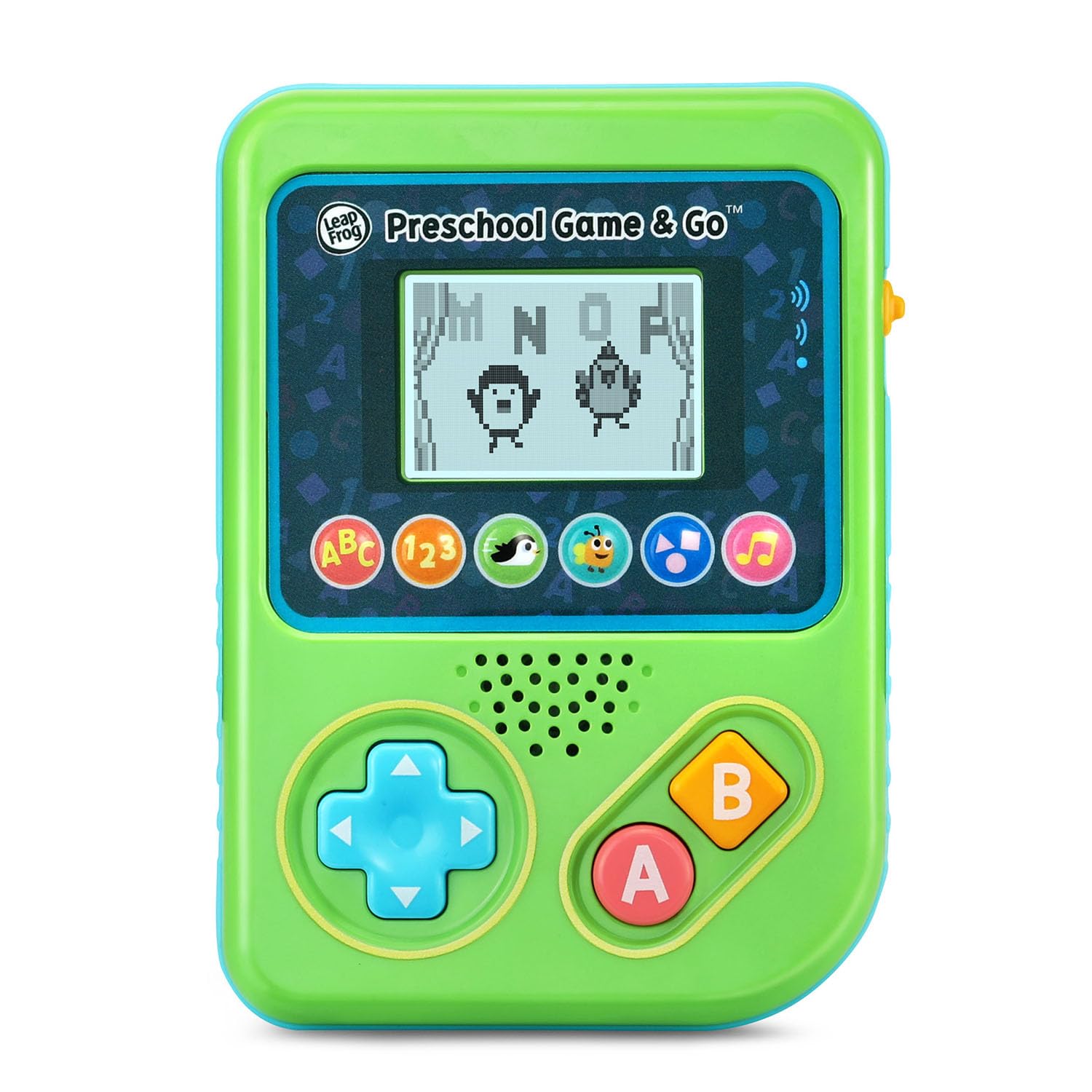
Малюнок 1: Спереду view of the LeapFrog Preschool Game and Go.
Увімкнення/вимкнення живлення
- To power on the device, slide the orange power switch located on the right side of the unit upwards.
- To power off the device, slide the orange power switch downwards.
Регулювання гучності
- The device features two volume settings.
- Adjust the volume using the dedicated switch or button, typically located near the power switch, to select between a lower or higher sound output.
Інструкція з експлуатації
Елементи керування
- Спрямований джойстик (D-Pad): Located on the left side, use this to navigate menus and control characters within games.
- Кнопка: Typically used for selection or action within games.
- B Кнопка: Typically used for secondary actions or going back in menus.
Вибір гри
The device features six distinct game icons below the screen. Press the corresponding icon to select a game:
- ABC Icon: Activates the ABC Swim game.
- 123 Піктограма: Activates the 123 Treasure game.
- Penguin Icon: Activates the Letter Slide game.
- Bug Icon: Activates the Snack Track game.
- Shapes Icon: Activates the Shape Ape game.
- Music Note Icon: Activates the Song Shuffle feature.
Personalizing Game Play
You can personalize the experience by adding a child's name (up to 10 characters). The child's name will appear in certain games, such as the Letter Slide game, where they collect letters to spell their name.
Навчальні ігри
The LeapFrog Preschool Game and Go includes six exciting learning games:
- ABC Swim: Pop bubbles to explore letter sounds.
- 123 Treasure: Collect coins and count hearts to introduce numbers.
- Letter Slide: Help a penguin slide and jump to collect letters, including those in the child's personalized name.
- Snack Track: Feed a hungry bug by eating and counting snacks.
- Shape Ape: Catch various shapes as they fall from trees.
- Song Shuffle: Dance along to three engaging learning songs.
Відео 1: Офіційне відеопрезентація продуктуasing the LeapFrog Preschool Game & Go features and gameplay.
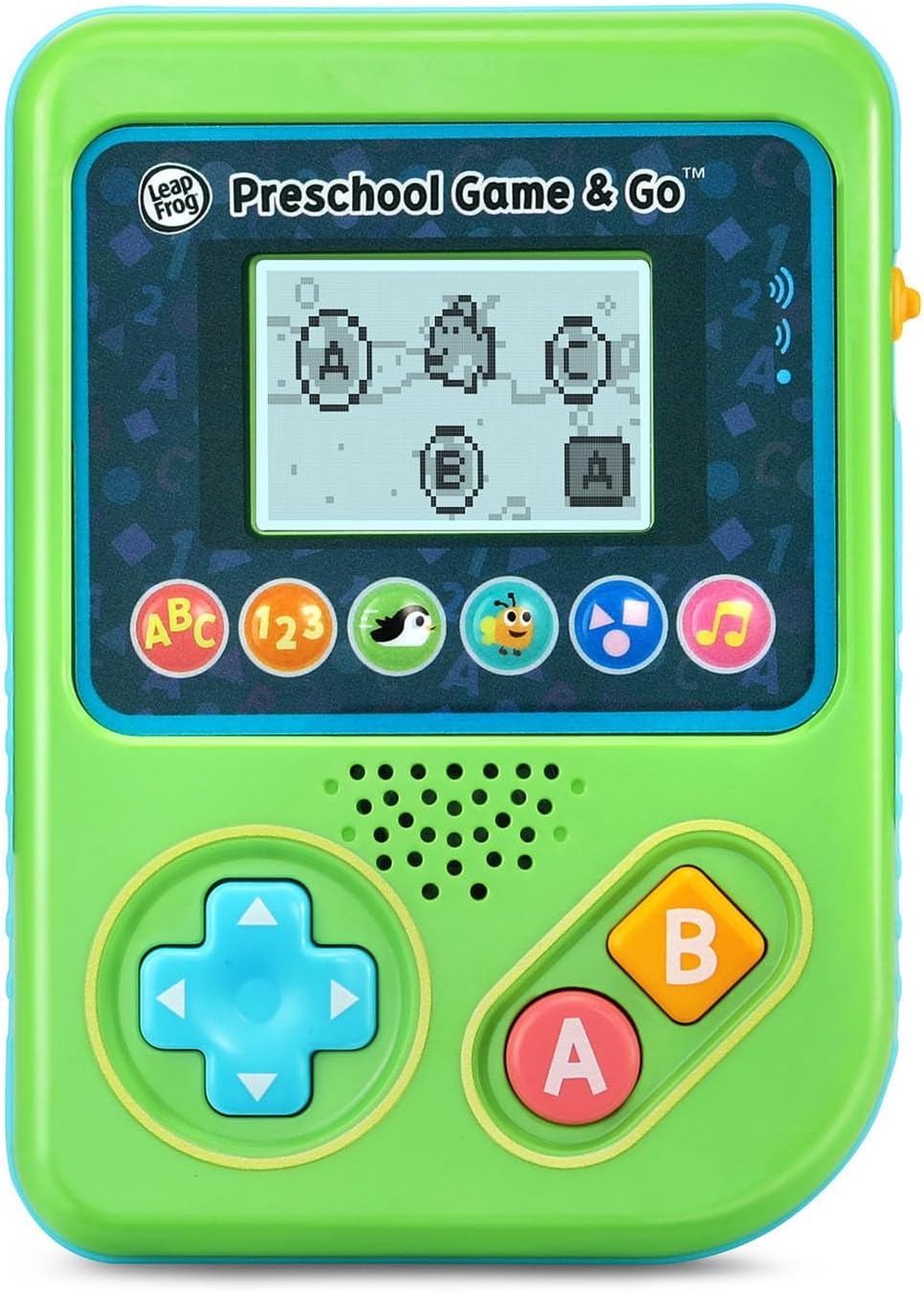
Figure 2: The ABC Swim game interface on the device screen.
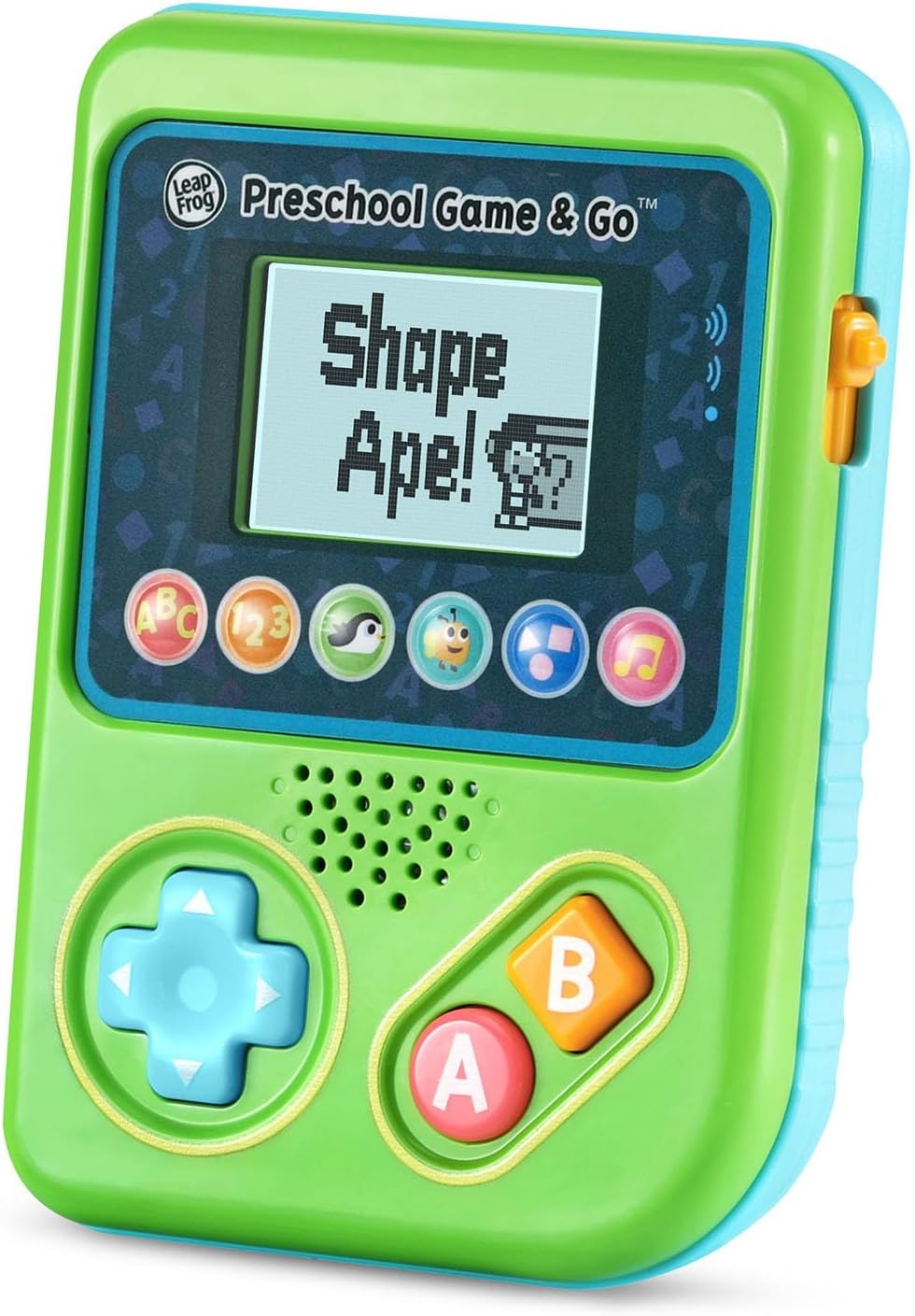
Figure 3: The Shape Ape game interface on the device screen.
Технічне обслуговування
- Щоб очистити пристрій, протріть його злегкаamp тканина. Не занурюйте у воду.
- Уникайте впливу на пристрій екстремальних температур або прямих сонячних променів.
- Вийміть батарейки, якщо пристрій не використовуватиметься протягом тривалого часу, щоб запобігти витіканню.
Усунення несправностей
- Пристрій не включається: Ensure fresh batteries are correctly installed. Check the power switch position.
- Немає звуку або звук низький: Adjust the volume switch. Replace batteries if sound is distorted or very low.
- Проблеми з екраном: If the screen is blank or flickering, try turning the device off and on again. Replace batteries if the issue persists.
- Кнопки не реагують: Ensure the device is powered on. If a specific button is unresponsive, try cleaning around it. If the issue continues, replace batteries.
Технічні характеристики
| Особливість | Деталь |
|---|---|
| Номер моделі | 80-621200 |
| Віковий діапазон | 2+ роки |
| Джерело живлення | Працює від батареї |
| Потрібні батареї | 3 AAA batteries (included for demo) |
| Тип контролера | Кнопкове керування |
| Тип дисплея | цифровий |
| матеріал | пластик |
| Розміри продукту | 1.3 x 4.1 x 5.6 дюймів |
| Вага товару | 6.4 унції |
Гарантія та підтримка
For warranty information, product registration, or additional support, please refer to the contact information provided in the Quick Start Guide included with your product or visit the official LeapFrog webсайт. Зберігайте чек про покупку для гарантійних претензій.
Ask a question about this manual
Ask about setup, troubleshooting, compatibility, parts, safety, or missing instructions. Manuals+ will review the question and use this page’s manual context to help answer it.