
1. Більшеview
The Roku Select Series HD TV provides a streamlined entertainment experience. This 32-inch 720p HD television integrates the Roku operating system for easy access to streaming content, live TV, and various applications. It features a voice remote for convenient control and includes technologies like Bluetooth Headphone Mode and Dolby Audio for enhanced sound.
Ключові характеристики
- Безперебійна потокова передача: Fast Wi-Fi and quick app launches for immediate entertainment access.
- Extensive Content: Access to thousands of streaming apps, free movies, shows, and live TV channels.
- Налаштовуваний головний екран: Organize apps and content for personalized viewінж.
- Автоматичні оновлення програмного забезпечення: Ensures access to the latest features and applications.
- Інтеграція розумного будинку: Compatible with Roku Voice, Siri, Alexa, and Google Assistant for voice control. Supports Apple AirPlay for content sharing.
- Clear HD Picture: 720p HD resolution with Roku Smart Picture technology for optimized visuals.
- Голосовий пульт: Search, play, and control streaming with voice commands.
- Покращений звук: Designed for clear speech and louder sound with Dolby Audio technology.
- Режим Bluetooth-навушників: Private listening with wireless headphones.
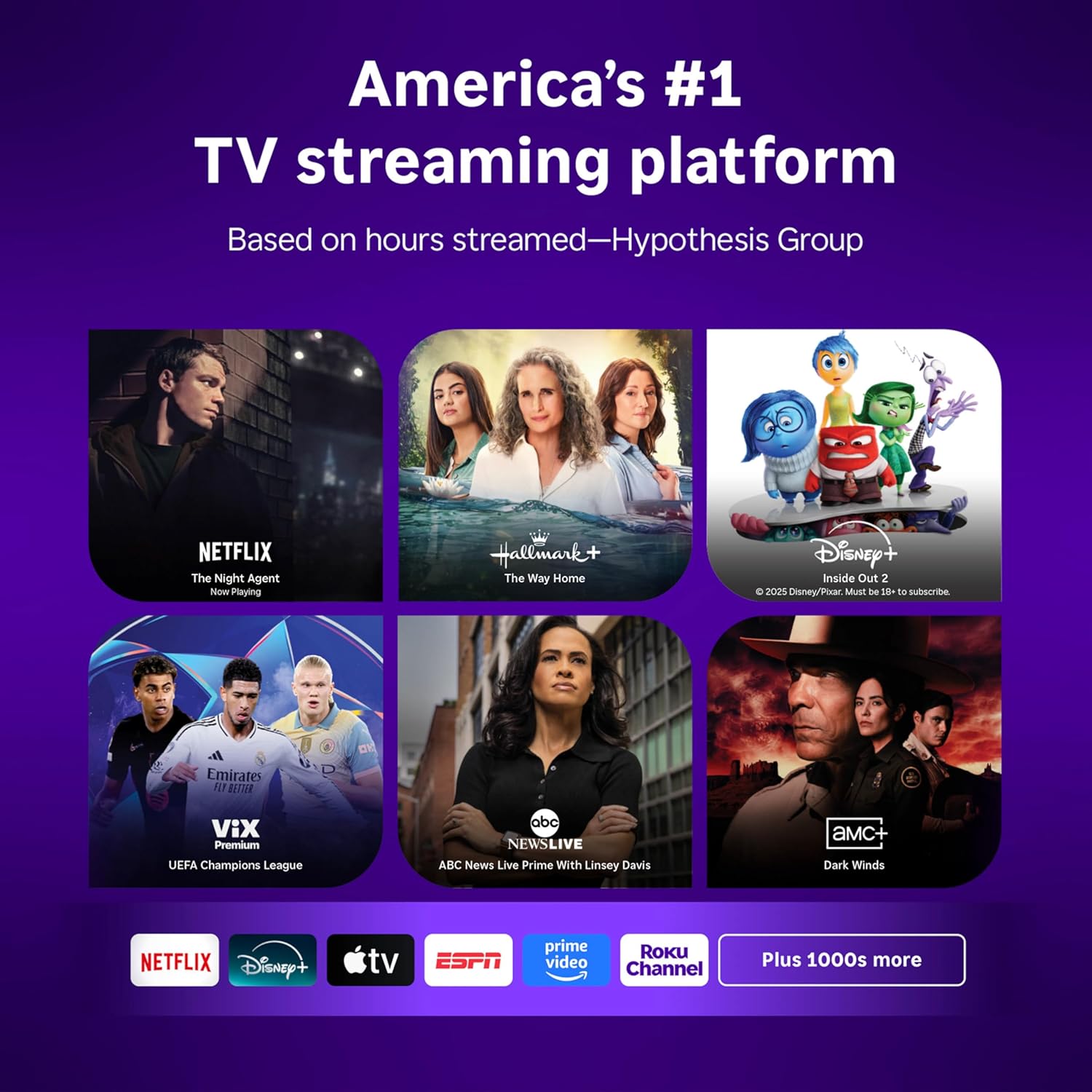
Image: Roku 32-inch Select Series HD Smart TV with included remote control.
2. Що в коробці
Перш ніж продовжувати налаштування, перевірте наявність усіх компонентів.
- Roku Select Series 32" HD TV
- Стійки та гвинти
- Roku Voice Remote with batteries (2 AAA)
- Кабель живлення
- Посібник користувача (цей документ)

Image: Contents of the Roku Select Series TV packaging.
3. Налаштування
3.1 Розпакування
Обережно вийміть телевізор та всі аксесуари з упаковки. Зберігайте упаковку для подальшого транспортування або потреб обслуговування.
3.2 Прикріплення підставки
- Покладіть телевізор екраном вниз на м’яку, чисту поверхню, щоб запобігти подряпинам.
- Вирівняйте підставки для телевізора з отворами для гвинтів у нижній частині телевізора.
- Закріпіть підставки за допомогою наданих гвинтів. Переконайтеся, що вони міцно затягнуті.
3.3 Підключення периферійних пристроїв
Підключіть свої пристрої до відповідних портів на задній панелі телевізора.
- HDMI: Connect up to three HDMI devices (e.g., cable box, gaming console, Blu-ray player) to the HDMI ports.
- USB: Use the USB port for media playback or connecting compatible accessories.
- Optical (S/PDIF): Для підключення до зовнішньої аудіосистеми.
- Кабель живлення: Підключіть кабель живлення до телевізора, а потім до розетки.
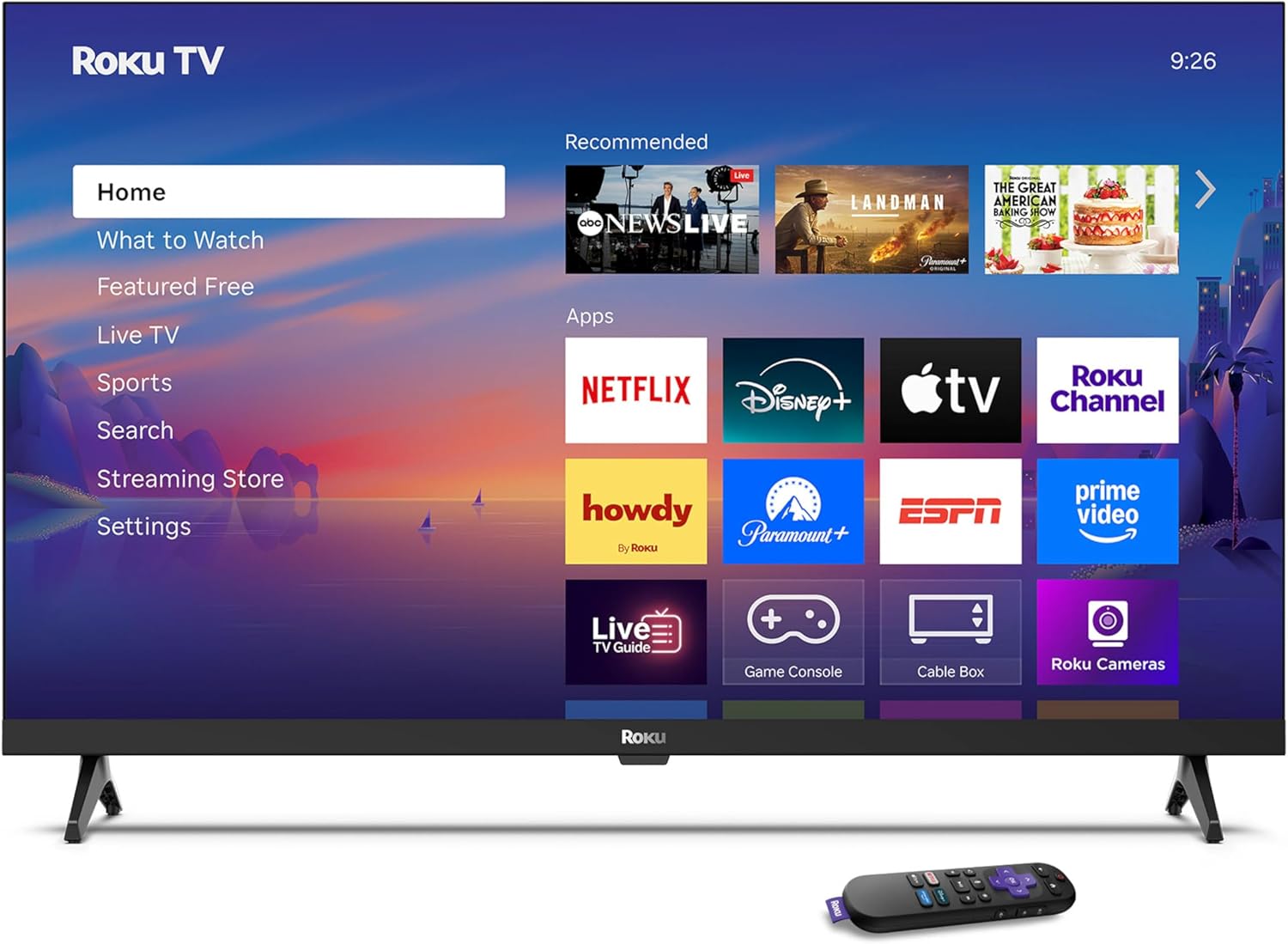
Image: Rear panel connections including HDMI, USB, and optical ports.
3.4 Початкове увімкнення та підключення до мережі
- Підключіть телевізор до мережі та натисніть кнопку живлення на пульті дистанційного керування або телевізорі.
- Follow the on-screen instructions to select your language and connect to your Wi-Fi network.
- Activate your Roku account or create a new one.
Відео: Оверview of the Roku TV operating system, demonstrating its user interface and features. This video is provided by Roku, Inc.
4. Інструкція з експлуатації
4.1 Використання голосового пульта дистанційного керування
The Roku Voice Remote allows for intuitive control of your TV and streaming content.
- Голосовий пошук: Press and hold the voice button and speak your command to search for content, launch apps, or control playback.
- Навігація: Використовуйте напрямну панель для переміщення по меню та вибору елементів.
- Ярлики програм: Dedicated buttons provide quick access to popular streaming services.

Image: Features of the Roku Voice Remote, highlighting voice control and shortcut buttons.
4.2 Navigating the Home Screen
The Roku Home Screen provides access to all your installed apps, inputs, and settings.
- Головна: Повертає вас на головний екран.
- Що подивитись: Discover recommended content.
- Телебачення в прямому ефірі: Access free live television channels.
- Магазин стрімінгу: Переглядайте та додавайте нові потокові канали.
- Налаштування: Adjust TV and system preferences.

Image: The Roku TV home screen interface.
4.3 Налаштування параметрів зображення та звуку
Налаштуйте свій viewвраження від прослуховування та відтворення через меню налаштувань.
- Режим зображення: Select from predefined modes like Standard, Vivid, Sports, or Movie. Roku Smart Picture automatically optimizes settings.
- Режим звуку: Виберіть Sound Profiles or enable features like Night Mode for reduced volume fluctuations.
- Режим Bluetooth-навушників: Pair your wireless headphones for private audio.

Image: Picture mode settings on the Roku TV.

Image: Bluetooth Headphone Mode in use.

Image: Dolby Audio technology for clear sound.
5. Технічне обслуговування
5.1 Очищення екрана
Щоб очистити екран телевізора, обережно протріть його м’якою, сухою тканиною без ворсу. Для стійких плям злегка протрітьampПротріть тканину водою або розчином для чищення екранів. Уникайте використання агресивних хімікатів або абразивних матеріалів.
5.2 Оновлення програмного забезпечення
Your Roku TV automatically receives software updates when connected to the internet. These updates provide new features, performance improvements, and bug fixes. Ensure your TV remains connected to the internet for optimal performance.
6. Вирішення проблем
If you encounter issues with your Roku TV, refer to the following common solutions:
- Немає живлення: Переконайтеся, що кабель живлення надійно підключено як до телевізора, так і до справної електричної розетки. Спробуйте іншу розетку.
- Немає зображення/звуку: Verify that the correct input source is selected. Check all cable connections (HDMI, audio). Restart the TV by unplugging it for 30 seconds and plugging it back in.
- Пульт не працює: Replace the AAA batteries in the remote. Ensure there are no obstructions between the remote and the TV. For voice remote issues, re-pair the remote if necessary (refer to Roku support for specific steps).
- Проблеми з мережевим підключенням: Restart your Wi-Fi router and modem. Go to the TV's settings menu, then Network, and try reconnecting to your Wi-Fi network.
- Додаток не завантажується/виходить з ладу: Try restarting the app. If the issue persists, remove the app from the home screen, restart the TV, and then re-add the app from the Streaming Store.
7. Технічні характеристики
| Особливість | Деталь |
|---|---|
| Розмір екрана | 32 дюймів |
| Технологія дисплея | LED |
| роздільна здатність | 720p |
| Частота оновлення | 60 Гц |
| Особливості | Bluetooth Headphone Mode, Dolby Audio, Voice Remote |
| Технологія підключення | Bluetooth, WiFi |
| Загальна кількість портів HDMI | 3 |
| Загальна кількість портів USB | 1 |
| Аудіо вхід | HDMI |
| Операційна система | Roku OS |
| Тип монтажу | Настільне кріплення, настінне кріплення |
| Стандарт кріплення VESA | 200 х 200 мм |
| Розміри продукту (Д x Ш x В) | 7" Г x 28.3" Ш x 18.3" В |
| Вага товару | 7.5 фунта |
| Номер моделі | 32R2D5 |
| UPC | 829610008974 |
8. Інформація про гарантію
8.1 Обмежена гарантія
Roku warrants the hardware against defects in materials and workmanship under normal use for a period of one (1) year from the date of purchase ("Warranty Period"). If Roku determines that the device’s hardware is defective during the Warranty Period, Roku’s sole obligation, and your exclusive remedy, will be to either repair or replace the unit with either a new or rebuilt device, at its option. This warranty applies if the product is used in accordance with the provided documentation.
8.2 Політика повернення
You may return a device for any reason:
- Within thirty (30) days from the date of purchase from Roku.
- Within the applicable return period if purchased from an authorized reseller or distributor.
Additional details regarding product returns can be found on the Roku support site.
9. Підтримка
For further assistance, troubleshooting guides, and frequently asked questions, please visit the official Roku support webсайт: