
вступ
This manual provides essential information for the assembly, operation, maintenance, and troubleshooting of your Deli Gaming Table E91511. Please read these instructions carefully before assembly and use to ensure proper function and longevity of your product.
Попередження щодо безпеки
- Завжди збирайте стіл відповідно до наданої інструкції.
- Ensure the desk is properly anchored to the floor to prevent tipping, especially when using heavy setups.
- Be cautious when moving the desk, as it may require two people due to its size and weight.
- Не перевантажуйте стіл понад його встановлену вантажопідйомність.
- Тримайте дрібні деталі подалі від дітей під час збирання.
Вміст упаковки
Before beginning assembly, verify that all components are present and undamaged. Refer to the included assembly instructions for a detailed list of parts and hardware. Typically, the package includes:
- Desktop surface (Metal and Composite)
- Desk legs (K-type carbon steel frame)
- Crossbars and support beams
- Монтажна фурнітура (гвинти, болти, шайби)
- Assembly tools (if included, otherwise standard tools like a screwdriver may be required)
- Інструкція з експлуатації
Налаштування та збірка
The Deli Gaming Table E91511 is designed for quick assembly with minimal tools. Follow the step-by-step instructions provided in the separate assembly guide included with your product. Ensure you have adequate space for assembly and consider having a second person assist with lifting and positioning larger components.
Етапи загального складання:
- Розпакуйте всі компоненти та розкладіть їх на чистій м’якій поверхні, щоб запобігти подряпинам.
- Attach the K-shaped table legs to the main support frame using the provided hardware. Ensure all connections are secure.
- Carefully place the desktop surface onto the assembled leg frame. Align the pre-drilled holes.
- Secure the desktop to the frame using the remaining hardware. Do not overtighten.
- Verify all screws and bolts are tightened and the desk is stable before placing any equipment on it.

Image: Close-up of the K-shaped table legs, demonstrating the stable structure.
Інструкція з експлуатації
The Deli Gaming Table E91511 offers a spacious and stable surface for various uses, including gaming, streaming, home office work, and student workstations.
- Wider Gaming Surface: The 120 cm width accommodates dual monitors or extra peripherals, providing ampзалишити простір для ваших налаштувань.
- Ергономічний дизайн: The desk is designed for comfortable use, allowing for extended periods of activity without discomfort.
- Управління кабелем: Utilize the integrated 3D cable management box (if applicable) to keep your cables organized and your workspace tidy.
- Несуча здатність: The desk is engineered for heavy setups and consistent use. Ensure weight is distributed evenly.
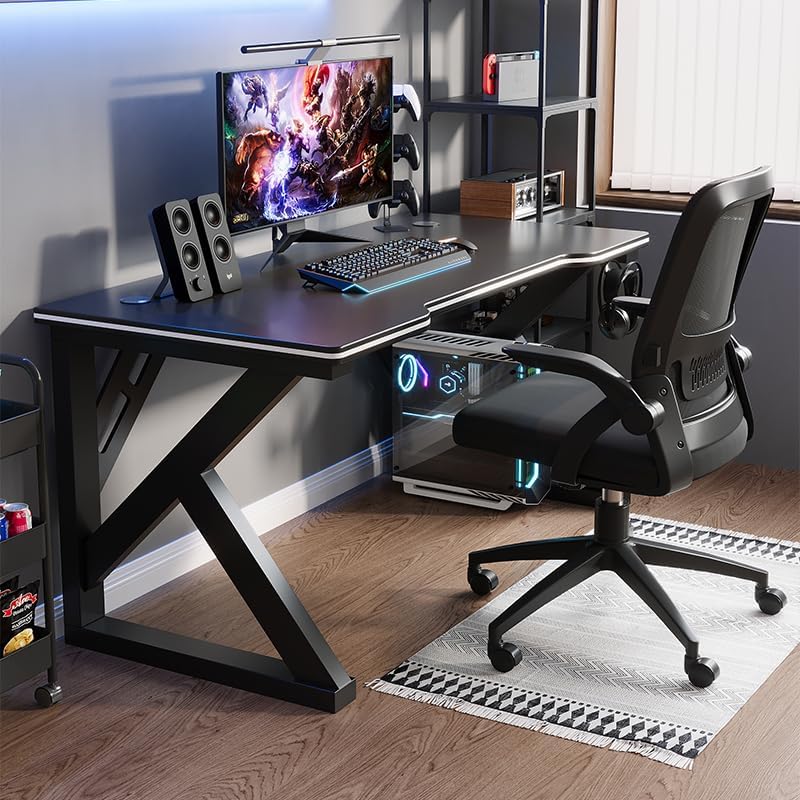
Image: A gaming setup on the Deli Gaming Table, illustrating its spacious surface.

Зображення: Зверху вниз view of a user at the Deli Gaming Table, highlighting ergonomic design.
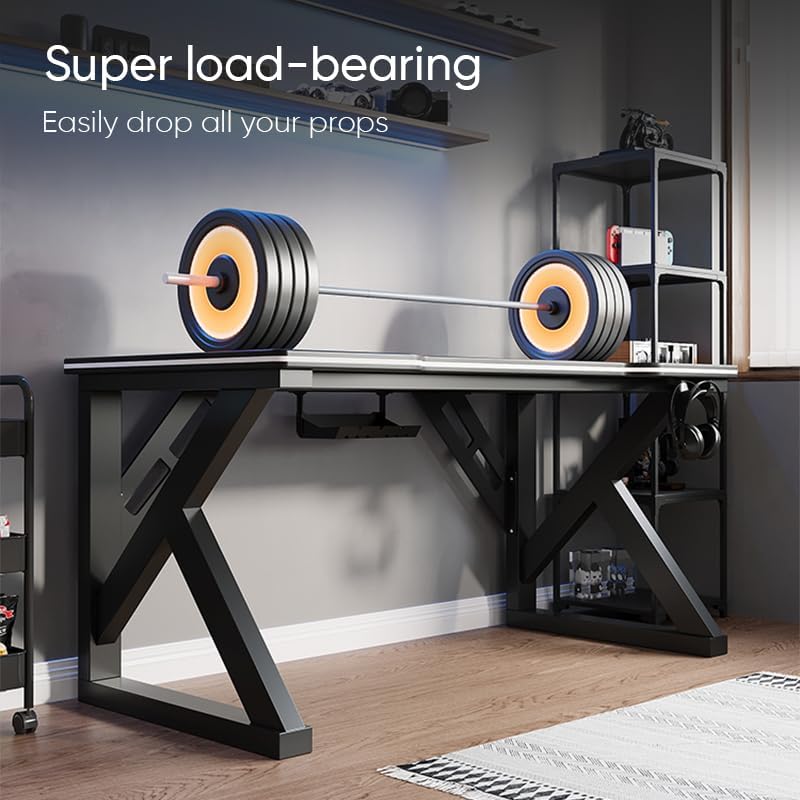
Image: The Deli Gaming Table demonstrating its load-bearing capability.
Технічне обслуговування
Regular maintenance will help preserve the appearance and functionality of your Deli Gaming Table.
- Прибирання: Wipe the desktop surface and legs with a soft, damp cloth. Avoid abrasive cleaners or harsh chemicals that could damage the painted finish or material.
- Розливи: Негайно видаляйте розливи, щоб запобігти появі плям або пошкодженню поверхні.
- Перевірка обладнання: Періодично перевіряйте всі гвинти та болти, щоб переконатися, що вони надійно затягнуті. За потреби підтягуйте їх для підтримки стабільності.
- Запобігання іржі: While the desk is made of metal, prolonged exposure to moisture can lead to rust. Keep the desk in a dry environment and wipe away any moisture promptly.
Усунення несправностей
Стіл нестійкий або хитається:
- Переконайтеся, що всі монтажні гвинти та болти повністю затягнуті.
- Check that the desk is on a level surface. Adjust floor glides if present.
- Verify that all parts are correctly assembled according to the instruction manual.
Parts are missing or damaged:
- Review the package contents list in your assembly manual.
- Contact customer support with your model number and a description of the missing or damaged part.
Складність зі складанням:
- Уважно перечитайте інструкцію зі складання, звертаючи увагу на схеми.
- Переконайтеся, що ви використовуєте правильне обладнання для кожного кроку.
- If issues persist, consider seeking assistance from another person.
Технічні характеристики

Image: Dimensions of the Deli Gaming Table.
| Особливість | Деталь |
|---|---|
| Номер моделі | E91511 |
| Розміри (Ш x Г x В) | 120 см х 60 см х 75 см |
| Колір | чорний |
| Тип матеріалу | Metal and Composite (E1 grade material) |
| Матеріал рами | K-type Carbon Steel Frame |
| Тип обробки | Пофарбований |
| Вага товару | 13000 грамів |
| Потрібна збірка | так |
| Рекомендоване використання | Gaming, Streaming, Home Office, Student Workstation |
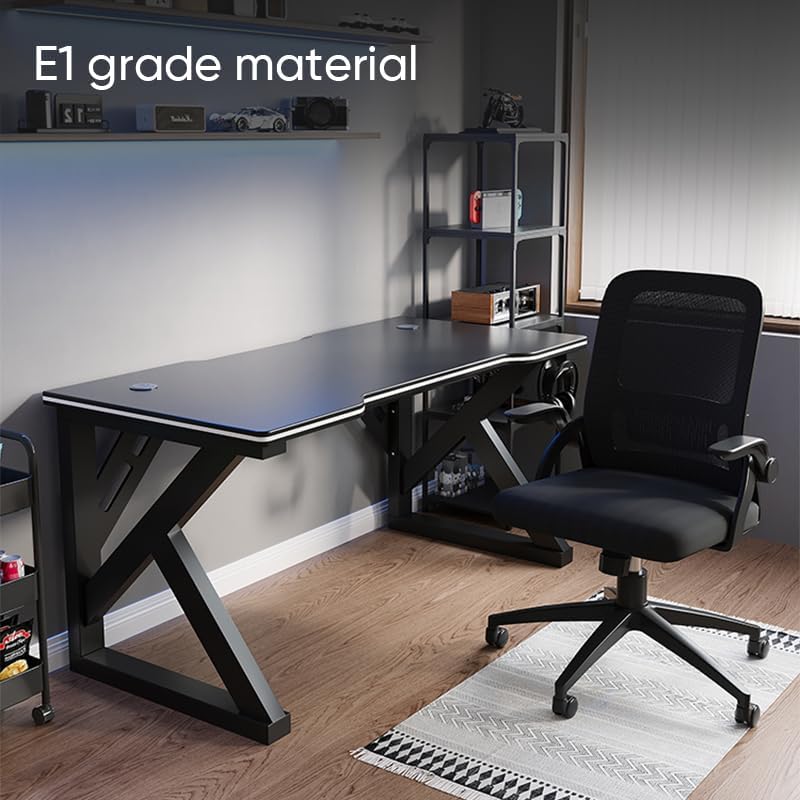
Image: The Deli Gaming Table highlighting E1 grade material.
Інформація про гарантію
For specific warranty details regarding your Deli Gaming Table E91511, please refer to the warranty card included with your purchase or visit the official Deli webсайт. Гарантійні умови зазвичай поширюються на виробничі дефекти за нормальних умов використання.
Підтримка клієнтів
If you have any questions, require assistance with assembly, or need to report a missing/damaged part, please contact Deli customer support through the following channels:
- Webсайт: Visit the official Deli webсайт із ресурсами підтримки та контактними формами.
- Електронна пошта: Refer to your purchase documentation for customer service email addresses.
- телефон: Check the product packaging or official webсайт з номерами телефонів служби підтримки клієнтів.
Please have your model number (E91511) and proof of purchase ready when contacting support.