

1. Вступ
Дякуємо за покупкуasing the karuisrc K600GPS-C GPS Drone with Camera. This manual provides essential information for the safe operation, setup, and maintenance of your new drone. Please read this manual thoroughly before operating the drone to ensure proper usage and to maximize your flying experience.

Figure 1.1: The karuisrc K600GPS-C Drone and its Remote Control.
2. Інформація про безпеку
Operating a drone requires attention to safety. Failure to follow these guidelines may result in injury, damage to property, or legal issues. Always prioritize safety during flight.
- Передпольотна перевірка: Ensure the drone and remote control batteries are fully charged. Inspect propellers for damage and ensure they are securely attached.
- Умови навколишнього середовища: Fly in open areas, away from people, animals, buildings, and trees. Avoid flying in strong winds, rain, snow, or fog.
- Пряма видимість: Завжди тримайте візуальну лінію зору з дроном під час польоту.
- Altitude and Distance: Adhere to local regulations regarding maximum flight altitude and distance.
- Безпека батареї: Використовуйте лише зарядний пристрій та акумулятори, що постачаються в комплекті. Не перезаряджайте та не проколюйте акумулятори. Зберігайте акумулятори в прохолодному, сухому місці.
- Безпека пропелера: Тримайте руки, обличчя та вільний одяг подалі від обертових пропелерів.
- Відповідальна операція: Do not operate the drone under the influence of alcohol or drugs. Respect privacy and do not fly over private property without permission.
- Weight Classification: This drone weighs under 249g, which may exempt it from certain registration requirements in some regions. Always check local aviation authority regulations.
3. Вміст упаковки
Перевірте, чи всі перелічені нижче предмети входять до вашої упаковки. Якщо будь-які предмети відсутні або пошкоджені, зверніться до служби підтримки клієнтів.
- Дрон х 1
- Пульт дистанційного керування x 1
- Батарея х 1
- Пропелер x 4 (запасний)
- Викрутка х 1
- USB-кабель x 1
- Футляр х 1
- SD-карта на 32 ГБ x 1
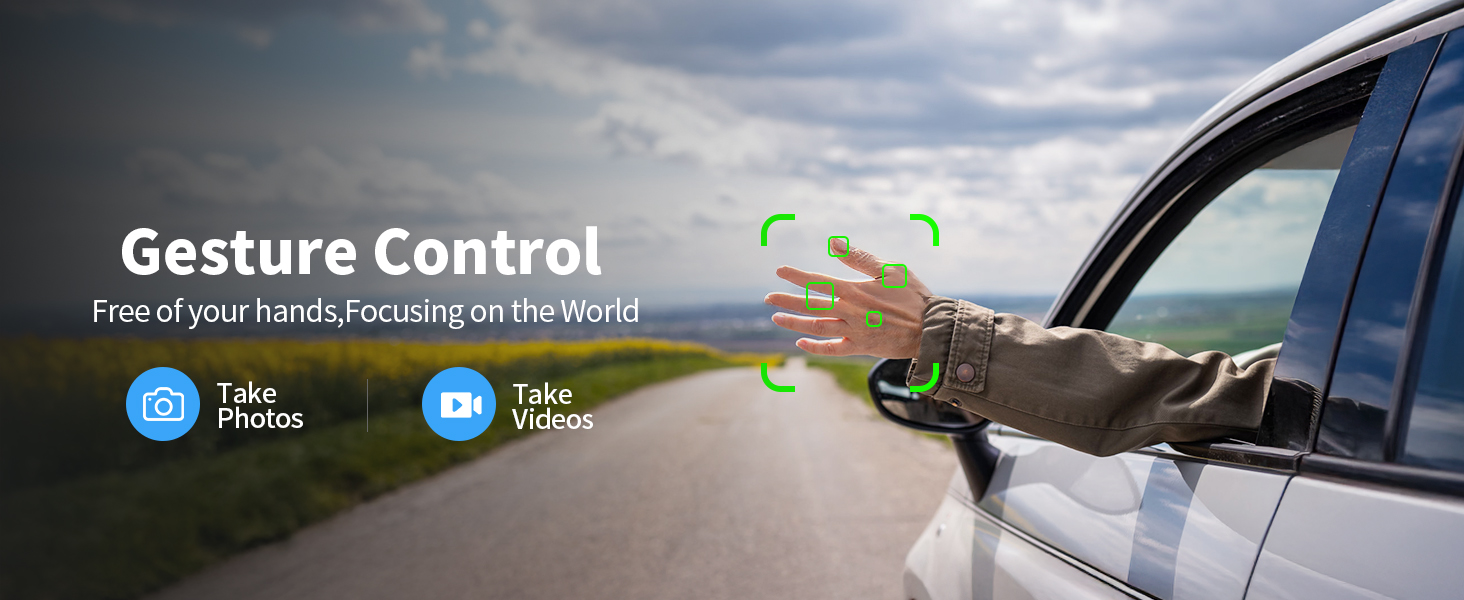
Figure 3.1: All components included in the K600GPS-C package.
4. Продукт закінчивсяview
4.1 Компоненти дрона
Familiarize yourself with the key parts of your K600GPS-C drone:
- Вібратори: Чотири обертові лопаті для підйому та руху.
- Двигуни: Power the propellers.
- HD камера: Front-facing camera for photo and video capture, with 90° electric adjustment.
- Оптичний датчик потоку: Located on the bottom, assists with stable hovering indoors.
- Батарейний відсік: Houses the drone's flight battery.
- GPS модуль: Enables precise positioning and intelligent flight features.

Figure 4.1: Detail of the drone's 1080p HD Camera with adjustable angle.
4.2 Функції пульта дистанційного керування
The remote control is your primary interface for operating the drone. It features a built-in 4.5" HD LCD screen for real-time video transmission.
- 4.5" HD LCD Screen: Displays live video feed from the drone's camera and flight data, eliminating the need for a smartphone.
- Палиці управління: Лівий стик для дросельної заслінки та риськування, правий стик для тангажу та крену.
- Функціональні кнопки: Dedicated buttons for features like One-Key Takeoff/Landing, Auto Return, Photo/Video capture, and Speed Mode.
- Антени: For stable signal transmission to the drone.

Figure 4.2: The remote control with integrated 4.5" HD LCD screen.
5. Налаштування
5.1 Заряджання акумуляторів
Перед першим використанням повністю зарядіть акумулятор дрона та акумулятор пульта дистанційного керування.
- Connect the drone battery to the provided USB charging cable. Connect the USB cable to a 5V/2A USB power adapter (not included).
- The remote control supports TPC charging. Connect the remote control to a USB power source using the provided USB cable.
- Charging indicators will show the charging status. Once fully charged, disconnect the batteries.
5.2 Встановлення батареї
- Акумулятор Drone: Insert the charged drone battery into the battery compartment on the rear of the drone until it clicks into place.
- Акумулятор пульта дистанційного керування: The remote control has a built-in rechargeable battery. Ensure it is fully charged as per section 5.1.
5.3 Встановлення пропелера
Якщо пропелери не встановлені попередньо або потребують заміни:
- Match the propellers with the corresponding motor arms (usually marked A and B).
- Use the provided screwdriver to securely attach the propellers to the motor shafts. Do not overtighten.
5.4 Initial Pairing and Calibration
- Покладіть дрон на рівну рівну поверхню.
- Увімкніть дрон, потім увімкніть пульт дистанційного керування.
- Wait for the drone and remote control to pair automatically. The indicator lights on the drone will change from flashing to solid.
- Perform gyroscope calibration by moving both control sticks to the bottom-right corner simultaneously until the drone lights flash rapidly and then become solid.
- For GPS mode, take the drone outdoors to an open area. Wait for the drone to acquire sufficient GPS satellites (indicator lights will confirm GPS lock).
6. Операція
6.1 Основні елементи керування польотом
The K600GPS-C is designed for ease of use, making it suitable for beginners.
- Зліт/посадка однією клавішею: Press the dedicated button on the remote control to automatically take off or land.
- Дросель (лівий важіль вгору/вниз): Controls the drone's altitude.
- Рисування (лівий джойстик вліво/вправо): Обертає дрон горизонтально.
- Нахил (правий джойстик вгору/вниз): Moves the drone forward or backward.
- Рол (правий стік вліво/вправо): Moves the drone left or right (sideways).
- Режими швидкості: Adjust flight speed for different skill levels or wind conditions.
6.2 Інтелектуальні функції польоту
Leverage the drone's advanced GPS capabilities for enhanced flight experiences.
- Intelligent Return to Home (RTH): The drone will automatically return to its takeoff point under the following conditions:
- Low Battery Return: When the battery level is critically low.
- Lost Signal Return: If the connection between the drone and remote control is lost.
- One-Key Return: Manually activated by pressing the RTH button on the remote.
- Режим слідкуй за мною: The drone will automatically follow the remote control, keeping you centered in the frame. Ensure sufficient GPS signal for this feature.
- Управління жестами: Perform specific hand gestures in front of the camera to trigger photo or video recording. Refer to the remote control's display for gesture recognition indicators.

Figure 6.1: Intelligent Return to Home (RTH) functionality.

Figure 6.2: Drone utilizing Follow Me mode.
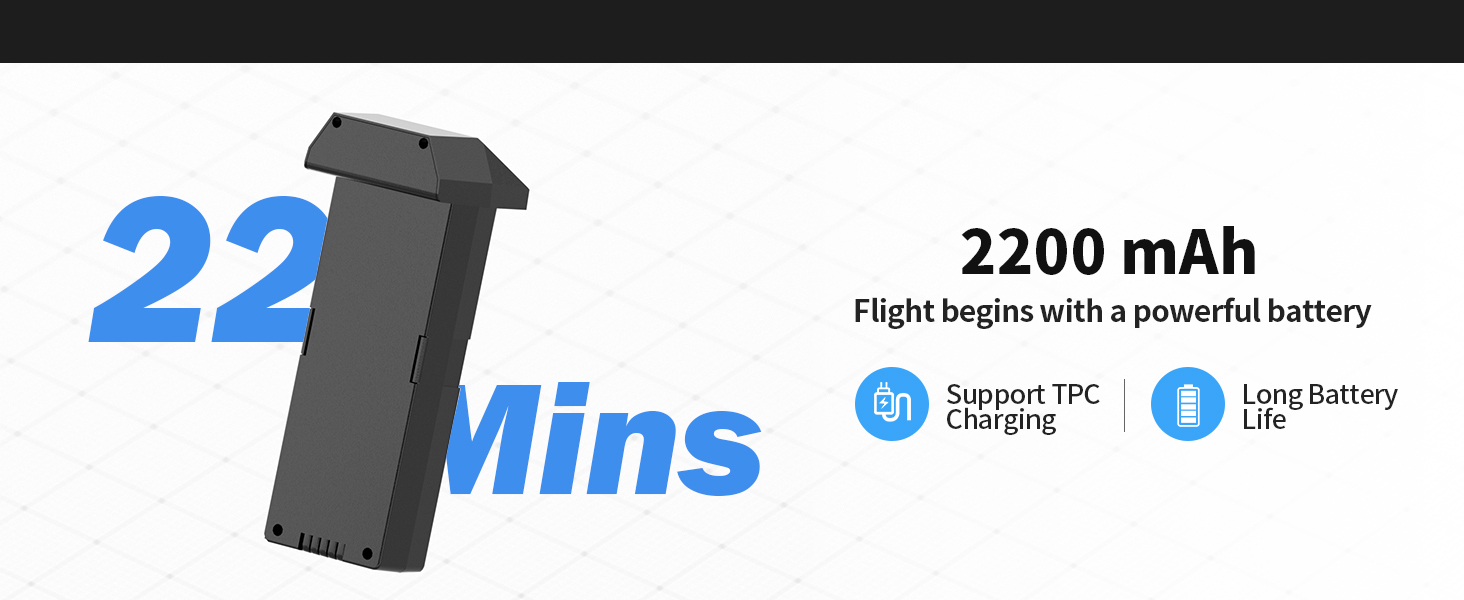
Figure 6.3: Gesture Control for photo and video capture.
6.3 Camera and SD Card Usage
The K600GPS-C is equipped with a 1080p HD camera capable of capturing high-quality photos and videos, stored on the included 32GB SD card.
- Зйомка фото/відео: Використовуйте спеціальні кнопки на пульті дистанційного керування, щоб робити фотографії або починати/зупиняти відеозапис.
- Регульований кут камери: The camera angle can be adjusted electrically via the remote control for optimal framing.
- SD-карта: Insert the 32GB SD card into the drone's SD card slot before flight. All captured media will be saved directly to this card.
- To access media, remove the SD card from the drone and insert it into a card reader connected to a computer.

Figure 6.4: SD Card slot for media storage.
7. Технічне обслуговування
Правильне обслуговування забезпечує довговічність та оптимальну продуктивність вашого дрона.
- Прибирання: After each flight, gently wipe the drone and remote control with a clean, dry cloth. Remove any dust, dirt, or debris from the motors and propellers.
- Перевірка гвинта: Regularly check propellers for cracks, bends, or chips. Replace damaged propellers immediately using the provided spares.
- Догляд за акумулятором: Store batteries in a cool, dry place, away from direct sunlight and extreme temperatures. Do not store fully charged or completely depleted batteries for extended periods. Charge them to about 50% for long-term storage.
- Зберігання: Коли дрон та всі аксесуари не використовуються, зберігайте їх у наданому футлярі для перенесення, щоб захистити від пошкоджень.
8. Вирішення проблем
If you encounter issues with your K600GPS-C drone, refer to the following common problems and solutions:
| проблема | Можлива причина | Рішення |
|---|---|---|
| Дрон не реагує на пульт дистанційного керування. | Не сполучено, низький заряд батареї, поза зоною досяжності. | Ensure both drone and remote are powered on and paired. Recharge batteries. Fly within operational range. |
| Дрон дрейфує під час польоту. | Gyroscope not calibrated, strong wind. | Perform gyroscope calibration on a flat surface. Avoid flying in windy conditions. |
| Poor video transmission or freezing. | Interference, drone too far, low battery. | Fly in an open area away from obstacles. Keep drone within optimal transmission range (within 50 meters for best video). Ensure batteries are charged. |
| Drone does not return to home point accurately. | Weak GPS signal, strong wind, RTH initiated indoors. | Ensure strong GPS signal before takeoff. Avoid strong winds. RTH is designed for outdoor GPS-enabled flight. |
| Акумулятор не заряджається. | Faulty cable/adapter, battery issue. | Try a different USB cable and power adapter. If issue persists, contact customer support. |
9. Технічні характеристики
| Особливість | Деталь |
|---|---|
| Бренд | каруїсрк |
| Назва моделі | K600GPS-C |
| Номер моделі | JRSMY2026043001 |
| Розміри | 9 см (Д) x 7.3 см (Ш) x 5 см (В) |
| Вага товару | 2.27 pounds (under 249g for drone itself, total package weight is 2.27 lbs) |
| Роздільна здатність захоплення відео | 1080p (4K quality photos) |
| Технологія підключення | Wi-Fi (5GHz Transmission) |
| Особливості | Auto Follow, Auto-Landing, GPS Positioning, Gesture Control, 4.5" HD LCD RC Screen |
| Тип батареї | Літій-іонний (2200 мАг) |
| Підтримка SD-карт | Up to 32GB (32GB SD Card included) |
| Тип управління | Пульт дистанційного керування |
| матеріал | пластик |
| Рівень майстерності | All (Beginner-friendly) |
10. Гарантія та підтримка
karuisrc is committed to providing high-quality products and customer satisfaction. For any inquiries, technical support, or warranty claims, please contact us using the information below.
- Телефон служби підтримки клієнтів: +44 7419 298225
- Електронна адреса служби підтримки клієнтів: Karuisrc@gmail.com
- Політика повернення: This product is eligible for a 30-day refund/replacement policy from the date of purchase. Please refer to your retailer's specific return guidelines for detailed information.
Figure 10.1: Dedicated customer support for karuisrc products.