1. Вступ
This manual provides essential information for setting up, operating, and maintaining your new Samsung QN48S90FAEXZA 48 Inch 4K OLED Smart TV. Please read it thoroughly to ensure safe and optimal use of your television. Keep this manual for future reference.
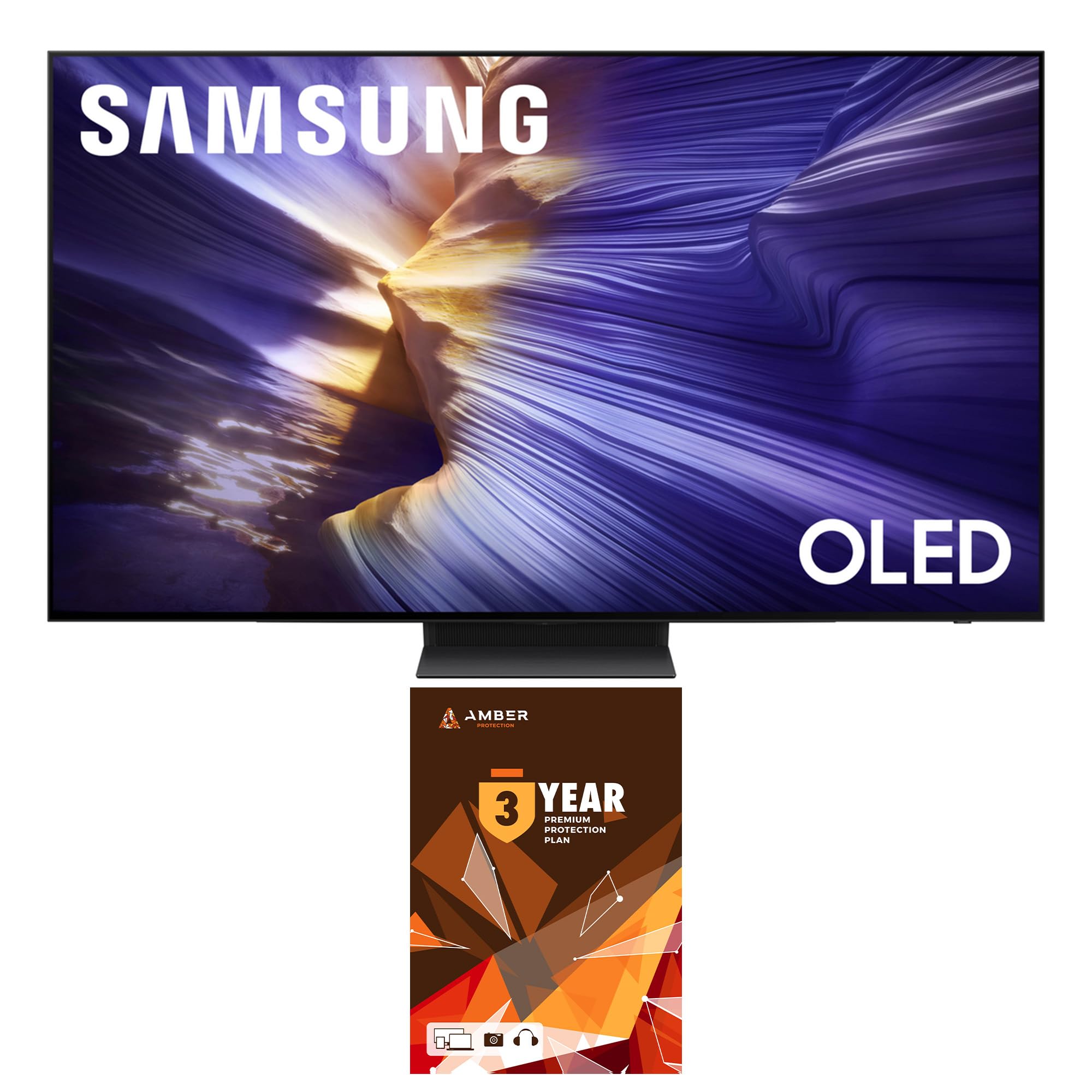
Figure 1: Samsung QN48S90FAEXZA 48 Inch 4K OLED Smart TV.
2. Що в коробці
Carefully unpack your television and check for the following items:
- Samsung QN48S90FAEXZA 48 Inch 4K OLED Smart TV
- Кабель живлення
- SolarCell™ Remote (Model TM2560E)
- Посібник користувача (цей документ)
- Компоненти підставки для телевізора
- Комплект для очищення екрану HDTV Amber Protection

Figure 2: Illustration of the TV, remote, and stand components included in the box.
3. Налаштування
3.1 Фізичне налаштування (стійка або настінне кріплення)
Your Samsung TV can be placed on a stand or mounted on a wall. Ensure proper ventilation around the TV.
- Монтаж підставки: Attach the provided stand components to the TV following the instructions in the separate stand assembly guide. Place the TV on a stable, level surface.
- Монтаж настінного кріплення: For wall mounting, use a VESA-compliant wall mount (300mm x 200mm) and consult a professional installer. Ensure the wall can support the TV's weight (approximately 26.2 pounds).

Рисунок 3: Бічний профіfile of the TV on its stand.
3.2 Підключення
Connect your external devices to the TV's ports. The TV features 4 HDMI ports and 2 USB-A ports.
- HDMI: Use HDMI cables to connect devices like Blu-ray players, game consoles, or cable boxes.
- USB: Підключіть USB-накопичувачі для відтворення медіафайлів.
- Мережа: Connect to your home network via Wi-Fi 5 or an Ethernet cable for smart TV features.

Малюнок 4: Задня частина view телевізійних портів.
3.3 Початкове ввімкнення
Plug the power cable into the TV and a wall outlet. Press the power button on the remote control to turn on the TV. Follow the on-screen instructions for initial setup, including network connection and channel scanning.
4. Керування телевізором
4.1 Пульт дистанційного керування
The SolarCell™ Remote (TM2560E) is designed for intuitive control. It charges via solar energy or USB-C. Use it to navigate menus, adjust volume, change channels, and access smart features.
Figure 5: SolarCell™ Remote Control.
4.2 Smart Features (Tizen OS, Voice Assistants)
Your TV runs on the Tizen Smart TV platform, providing access to a wide range of apps like Netflix, Prime Video, Disney+, Hulu, Apple TV, YouTube, HBO Max, Peacock, and Sling. Built-in voice assistants allow for hands-free control and content search.
4.3 Налаштування зображення
Experience stunning visuals with advanced picture technologies:
- Процесор NQ4 AI Gen3: Використовує формули на основі штучного інтелекту для масштабування контенту до роздільної здатності 4K, покращуючи зображення та звук.
- 4K AI Upscaling Pro: Transforms everything on screen to impressive 4K resolution using 128 AI neural networks.
- OLED HDR: Delivers powerful brightness and deeper contrast in every pixel for a vibrant viewнабутий досвід.
- Motion Xcelerator 144 Гц: Enjoy smooth motion, especially for fast-paced content and PC-connected games (4K 144Hz requires a compatible PC graphic card).

Figure 6: NQ4 AI Gen3 Processor.

Рисунок 7: 4K AI Upscaling Pro в дії.

Figure 8: OLED HDR+ for enhanced contrast.

Figure 9: Motion Xcelerator 144Hz for smooth gaming.
4.4 Параметри звуку
Immerse yourself in rich audio with:
- Dolby Atmos: Delivers multi-dimensional sound that moves around you.
- OTS Lite (Полегшений звук відстеження об'єктів): Звук слідує за діями на екрані для більш динамічного враження.
- Q-Симфонія Про: Synchronizes TV speakers with compatible Samsung soundbars for an enhanced, harmonious soundstage.
Video 1: S90F Features Overview. This video highlights the key features of the Samsung S90F OLED TV, including its picture and sound technologies.
5. Технічне обслуговування
5.1 Очищення екрана
Use the included Amber Protection HDTV Screen Cleaner Kit to keep your screen pristine. The non-ammonia and alcohol-free solution safely removes dust, dirt, and fingerprints without damaging the display.

Figure 10: Amber Protection Screen Cleaner Kit.
5.2 Загальний догляд
To ensure the longevity of your TV, avoid placing it in direct sunlight or near heat sources. Keep vents clear for proper airflow. Unplug the TV during lightning storms or when not in use for extended periods.
6. Вирішення проблем
Якщо у вас виникли проблеми з телевізором, зверніться до наступних поширених рішень:
- Немає живлення: Перевірте, чи кабель живлення надійно підключено до телевізора та розетки. Перевірте розетку за допомогою іншого пристрою.
- Немає зображення/звуку: Ensure all external devices are properly connected and powered on. Verify the correct input source is selected on the TV.
- Пульт не працює: Check the SolarCell remote's charge level. Ensure there are no obstructions between the remote and the TV.
- Проблеми з мережевим підключенням: Restart your router and modem. Reconnect the TV to your Wi-Fi network or try a wired Ethernet connection.
For more detailed troubleshooting, visit the Samsung support webсайту або зв’яжіться зі службою підтримки клієнтів.
7. Технічні характеристики
| Особливість | Специфікація |
|---|---|
| Назва моделі | QN48S90FAEXZA |
| Розмір екрана | 48 дюймів |
| Технологія дисплея | OLED |
| роздільна здатність | 4K (3840 x 2160) |
| Частота оновлення | 120 Гц (до 144 Гц) |
| Процесор | Процесор NQ4 AI Gen3 |
| Аудіотехнології | Dolby Atmos, OTS Lite, Q-Symphony Pro |
| Платформа Smart TV | Tizen Smart TV |
| Підключення | Wi-Fi 5, HDMI x 4, USB-A x 2 |
| Розміри (з підставкою) | 10.4" Г x 42.1" Ш x 27" В |
| Розміри (без підставки) | 42.1 см Ш x 24.4 см В x 1.6 см Г |
| Вага товару | 26.2 фунта |
| Колір | Графіт чорний |
8. Гарантія та підтримка
This product includes a full 1-year manufacturer's warranty. Additionally, it comes with a 3-Year Amber Protection Plan, providing extended coverage for mechanical and electrical failures, and power surge protection. Benefits such as Power Surge Protection and Mechanical & Electrical Failures begin on Day 1. For warranty claims or technical support, please refer to the contact information provided with your Amber Protection Plan documentation or visit the official Samsung support webсайт.

Figure 11: Amber Protection Plan details.