
KOORUI S2721XO 27-Inch QD-OLED Gaming Monitor User Manual
Модель: S2721XO
1. Вступ
This manual provides instructions for the setup, operation, maintenance, and troubleshooting of your KOORUI S2721XO 27-inch QD-OLED Gaming Monitor. Please read this manual thoroughly before using the product to ensure proper function and safety.
The KOORUI S2721XO monitor features a 27-inch QD-OLED panel with QHD (2560x1440) resolution, a 240Hz refresh rate, and a 0.03ms (GtG) response time. It supports HDR True Black 400 and AdaptiveSync technology for a smooth visual experience. Connectivity options include HDMI 2.1 and DisplayPort 1.4.
2. Інформація про безпеку
- Переконайтеся, що монітор розміщено на стійкій, рівній поверхні, щоб запобігти випадковому падінню.
- Не піддавайте монітор впливу дощу або вологи, щоб уникнути ураження електричним струмом.
- Тримайте вентиляційні отвори вільними, щоб запобігти перегріву.
- Використовуйте лише адаптер живлення, що постачається з монітором.
- Уникайте торкання екрана гострими предметами.
- Disconnect the power cable from the outlet before cleaning or if the monitor will be unused for an extended period.
3. Налаштування
3.1 Вміст упаковки
Перевірте наявність усіх компонентів в упаковці:
- KOORUI S2721XO Monitor
- Підставка для монітора (основа та шия)
- Кабель живлення
- DisplayPort Cable (1.8m)
- Посібник користувача (цей документ)
3.2 Збірка підставки
- Прикріпіть шийку підставки до панелі монітора. Переконайтеся, що вона надійно зафіксувалася.
- Прикріпіть основу підставки до шиї підставки. За потреби затягніть гвинти.
Alternatively, the monitor supports VESA 100x100mm mounting for compatible wall mounts or monitor arms.
Малюнок 3.2.1: Задня частина view of the monitor with VESA mount and stand attachment.

Малюнок 3.2.2: Задня частина view монітора зі зібраною підставкою.
3.3 Підключення до пристрою
The monitor provides multiple input options:
- HDMI 2.1: Connect to a PC or gaming console using an HDMI 2.1 cable. The monitor has two HDMI 2.1 ports.
- DisplayPort 1.4: Connect to a PC using a DisplayPort 1.4 cable. A DisplayPort cable is included.
- Аудіовихід: Connect external speakers or headphones to the 3.5mm audio jack.

Рисунок 3.3.1: Вхідні порти монітора.
Після підключення відеокабелю підключіть кабель живлення до монітора, а потім до розетки.
4. Операція
4.1 Увімкнення/вимкнення живлення
Press the power button (usually located on the back or bottom of the monitor) to turn the monitor on or off. The power indicator light will illuminate when the monitor is on.
4.2 Екранне меню (OSD)
The monitor features a joystick controller for navigating the OSD menu. This allows for easy adjustment of various settings.
- Натисніть джойстик: Відкриває екранне меню.
- Переміщення джойстика вгору/вниз: Навігація між опціями меню.
- Переміщення джойстика вліво/вправо: Налаштування значень або вхід до підменю.
- Натисніть ще раз: Підтверджує вибір або виходить з підменю.
4.3 Налаштування дисплея
Adjust the following settings via the OSD menu for optimal performance:
- роздільна здатність: Set to 2560x1440 (QHD) for the native display resolution.
- Частота оновлення: Select 240Hz for the smoothest motion.
- AdaptiveSync: Enable AdaptiveSync (FreeSync compatible) to eliminate screen tearing and stuttering during gaming.
- HDR True Black 400: Activate HDR for enhanced contrast and color depth in compatible content.
- Колірна гамма: Adjust color settings, including DCI-P3 99% and sRGB 100% modes, for accurate color reproduction.
- Яскравість/Контрастність: Fine-tune display brightness (average 280 nits) and contrast levels.
- Оновлення залишкового зображення: This feature helps prevent burn-in on the OLED panel. It is recommended to keep this enabled.
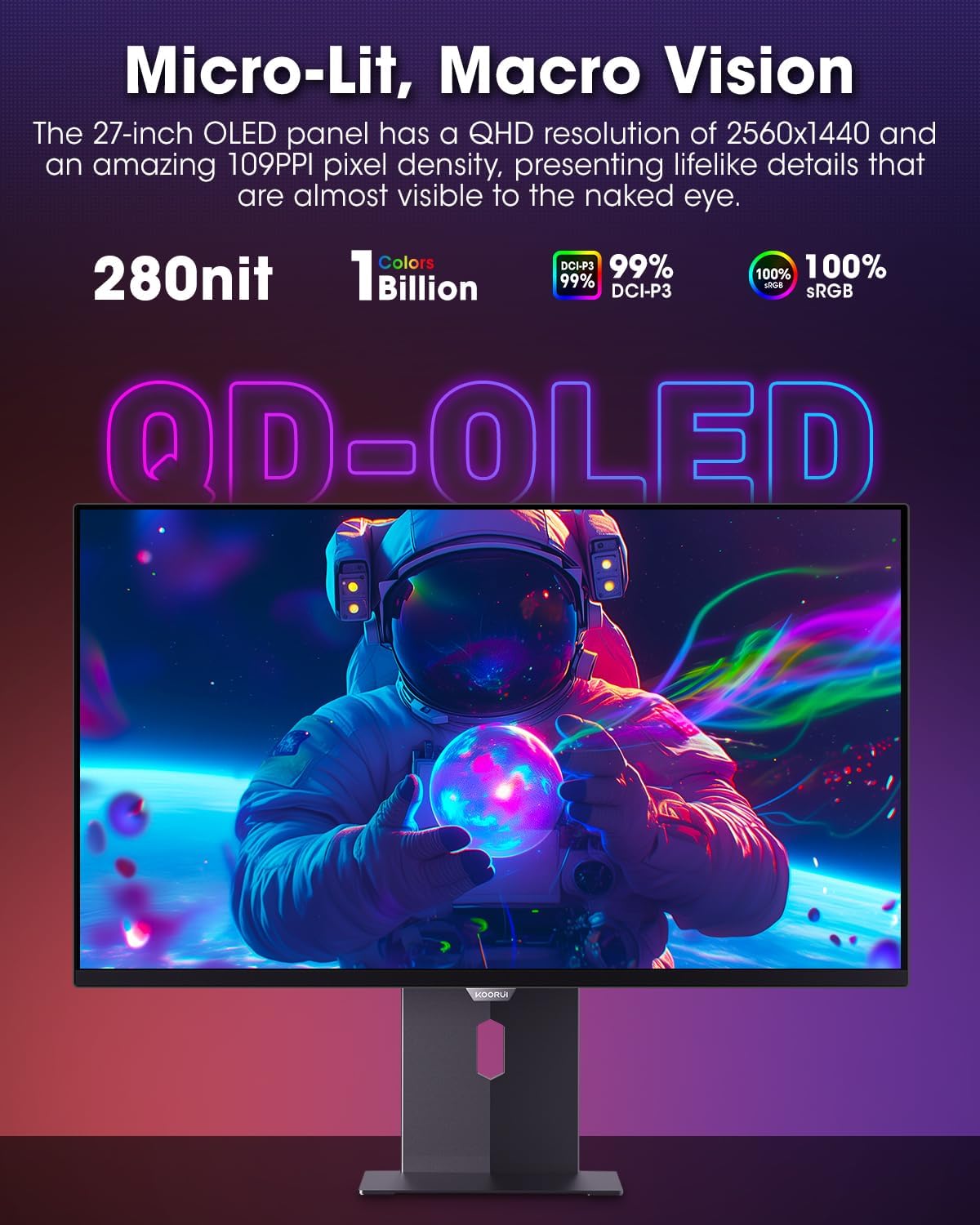
Figure 4.3.1: The QD-OLED panel delivers vivid colors and deep blacks.

Figure 4.3.2: High refresh rate and low response time for smooth gaming.
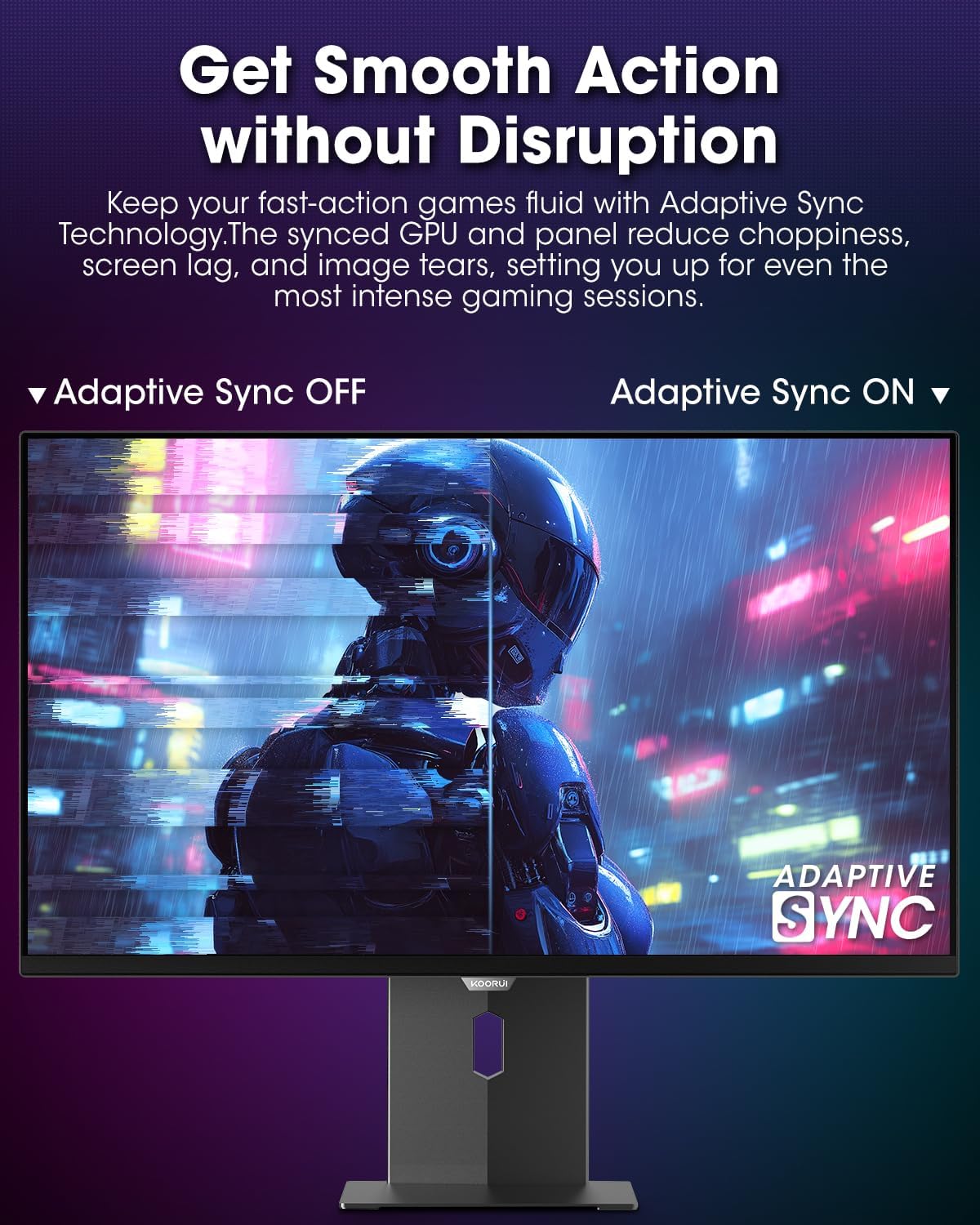
Figure 4.3.3: AdaptiveSync technology prevents screen tearing.
4.4 Ергономічні налаштування
Підставка для монітора дозволяє здійснювати різні налаштування для покращення viewкомфорт:
- Регулювання висоти: Підніміть або опустіть монітор до рівня очей.
- Нахил: Відрегулюйте кут нахилу екрана вперед або назад.
- Поворотний: Поверніть монітор горизонтально.
- Опорна точка: Поверніть монітор вертикально (портретний режим).

Рисунок 4.4.1: Регулювання нахилу монітора.

Рисунок 4.4.2: Регулювання повороту монітора в портретний режим.
5. Технічне обслуговування
- Очищення екрану: Злегка протріть м’якою тканиною без ворсу dampводою або засобом для чищення екранів. Не розпилюйте засіб для чищення безпосередньо на екран.
- Очищення Casing: Протріть монітор casing with a soft, dry cloth. Avoid abrasive cleaners.
- Вентиляція: Ensure the monitor's ventilation holes are not blocked to prevent overheating.
- Вимкнення живлення: Always turn off and unplug the monitor before cleaning.
6. Вирішення проблем
| проблема | Можлива причина | Рішення |
|---|---|---|
| На екрані немає зображення | Відключено кабель живлення; відключено відеокабель; вибрано неправильне джерело вхідного сигналу. | Перевірте підключення кабелів живлення та відео; виберіть правильне джерело вхідного сигналу в екранному меню. |
| Мерехтіння або розриви зображення | AdaptiveSync не ввімкнено; проблеми з драйвером відеокарти. | Enable AdaptiveSync in OSD menu; Update graphics card drivers. |
| Кольори виглядають неправильно | Color settings misconfigured; Faulty video cable. | Скиньте налаштування кольору в екранному меню; спробуйте інший відеокабель. |
| Монітор не вмикається | Кабель живлення не підключено; розетка не працює. | Ensure power cable is securely connected; Test power outlet with another device. |
7. Технічні характеристики
| Особливість | Деталь |
|---|---|
| Бренд | KOORUI |
| Номер моделі | S2721XO |
| Розмір екрана | 27 дюймів |
| Тип дисплея | QD-OLED |
| роздільна здатність | QHD ширококутний 1440p (2560 x 1440 пікселів) |
| Частота оновлення | 240 Гц |
| Час відгуку | 0.03 Milliseconds (GtG) |
| Коефіцієнт контрастності | 20,000,000:1 |
| Яскравість | 350 candela_per_square_meter (average 280 nits) |
| Колірна гамма | 99% DCI-P3 |
| Підтримка HDR | HDR True Black 400 |
| Адаптивна синхронізація | Сумісність з FreeSync |
| Підключення | 2x HDMI 2.1, 1x DisplayPort 1.4, 1x аудіовихід |
| Ергономіка | Tilt, Height, Swivel, Pivot Adjustment |
| Гора VESA | 100х100 мм |
| Розміри продукту | 21.58 х 61 х 51.2 см; 8.96 кг |

Рисунок 7.1: Розміри монітора.
8. Гарантія та підтримка
8.1 Інформація про гарантію
The KOORUI S2721XO monitor comes with a 1 рік обмеженої гарантії. Please retain your proof of purchase for warranty claims. For detailed warranty terms and conditions, refer to the official KOORUI webсайту або зв’яжіться зі службою підтримки клієнтів.
8.2 Підтримка клієнтів
For technical assistance, troubleshooting, or warranty inquiries, please contact KOORUI customer support. Refer to the contact information provided on the official KOORUI webсайт або вашу документацію щодо придбання.
You can also find additional support resources and FAQs on the KOORUI brand store on Amazon: KOORUI Amazon Store
9. Відео про продукти
KOORUI 4K OLED Gaming Monitor 240Hz (Seller Video)
Це відео забезпечує завершенняview of the KOORUI OLED Gaming Monitor, highlighting its key features such as high refresh rate and OLED display technology. While the title mentions "4K", the video content is generally applicable to high-performance OLED gaming monitors from KOORUI, including the S2721XO model's features like 240Hz refresh rate and fast response time.