
Leica Q3
Leica Q3 Camera User Manual
Вичерпні інструкції з експлуатації та технічного обслуговування
1. Introduction to the Leica Q3
This manual provides detailed instructions for the effective use and maintenance of your Leica Q3 camera. Designed for both new and experienced photographers, it aims to clarify camera functions, settings, and operational procedures to help you achieve optimal photographic results.
The Leica Q3 is a high-performance digital camera known for its exceptional image quality, intuitive controls, and robust build. Understanding its capabilities is key to unlocking its full potential.
This document serves as a practical guide, offering insights into various aspects of the camera's operation, from initial setup to advanced creative controls and troubleshooting.
2. Початкове налаштування
2.1. Unpacking and First Steps
- Carefully remove all components from the packaging. Verify that all items listed in the camera's official packing list are present.
- Insert the battery into the camera. Ensure it is fully charged before first use.
- Insert a compatible SD card (UHS-II recommended) into the designated slot.
2.2. Basic Camera Settings
- Вибір мови: Navigate to the camera's main menu and select your preferred language.
- Дата і час: Set the correct date and time to ensure accurate metadata for your photographs.
- Оновлення мікропрограми: Check the Leica website for the latest firmware version for your Q3. Follow the instructions for updating if a newer version is available.
3. Operating the Leica Q3
3.1. Розуміння елементів керування камерою
Familiarize yourself with the physical controls of the Leica Q3, including the aperture ring, shutter speed dial, ISO dial, and customizable function buttons. Each control is designed for intuitive access to key photographic parameters.
3.2. Навігація по меню
The Q3's menu system is structured for efficiency. Use the joystick and control dials to navigate through settings. Key menu sections include:
- Налаштування фотографії: Image quality (JPG/DNG), resolution, aspect ratio.
- Налаштування відео: Resolution, frame rate, audio options.
- Налаштування: Assign functions to programmable buttons, configure user profiles.
3.3. Exposure Control (Aperture, Shutter Speed, ISO)
Mastering the exposure triangle is fundamental. The Leica Q3 offers various modes to control exposure:
- Пріоритет діафрагми (A): Set the aperture, and the camera selects the shutter speed. Ideal for controlling depth of field.
- Пріоритет витримки (S): Set the shutter speed, and the camera selects the aperture. Useful for controlling motion blur.
- Інструкція (М): Full control over aperture, shutter speed, and ISO.
- Програма (П): Camera sets both aperture and shutter speed for balanced exposure.
3.4. Focusing Techniques
The Q3 features a sophisticated autofocus system and precise manual focus capabilities.
- Режими автофокусування: Single AF (AF-S) for stationary subjects, Continuous AF (AF-C) for moving subjects, and Touch AF.
- Ручне фокусування: Utilize focus peaking and magnification aids for critical manual focusing.
3.5. Image Styles and Profiles
The Leica Q3 allows for customization of image processing parameters, often referred to as "Leica Looks" or film simulations. Experiment with these settings to achieve desired aesthetic outcomes directly in-camera for JPG files.
3.6. Video Recording and Connectivity
The Q3 supports high-quality video recording. Access video mode via the dedicated switch or menu option. For connectivity, use the Leica FOTOS app for wireless transfer and remote control, or connect directly via USB-C for data transfer.
4. Технічне обслуговування та догляд
Proper care ensures the longevity and performance of your Leica Q3.
- Очищення лінзи: Use a soft brush or air blower to remove dust, followed by a microfiber cloth and lens cleaning solution if necessary. Avoid touching the lens surface with bare hands.
- Очищення датчика: Sensor cleaning should be performed by authorized service personnel or with extreme caution using specialized tools.
- Догляд за акумулятором: Store batteries in a cool, dry place. Avoid overcharging or fully discharging them frequently.
- Зберігання: When not in use, store the camera in a dry, dust-free environment, preferably with a desiccant to prevent moisture buildup.
- Захист навколишнього середовища: Protect the camera from extreme temperatures, humidity, dust, and direct impact.
5. Вирішення проблем
This section addresses common issues you might encounter with your Leica Q3.
| проблема | Можлива причина | Рішення |
|---|---|---|
| Камера не вмикається. | Батарейка розряджена або неправильно вставлена. | Повністю зарядіть акумулятор. Вставте акумулятор правильно. |
| Зображення розмиті. | Incorrect focus, camera shake, or low shutter speed. | Check focus mode and point. Use a faster shutter speed or tripod. Ensure lens is clean. |
| Помилка карти пам'яті. | Картка переповнена, пошкоджена або несумісна. | Replace with an empty card. Format the card (this will erase all data). Use a recommended card type. |
| Спалах не спрацьовує. | Flash is disabled, or in a mode where it won't fire. | Check flash settings in the menu. Ensure it's not in silent or specific scene modes. |
If problems persist, consult the official Leica Q3 support resources or contact authorized service centers.
6. Specifications (Leica Q3 Camera)
Note: These are general specifications for the Leica Q3 camera. For detailed and up-to-date technical specifications, please refer to the official Leica Q3 product documentation.
- датчик: Full-frame BSI CMOS sensor (approx. 60.3 MP)
- Об'єктив: Leica Summilux 28mm f/1.7 ASPH. (fixed)
- Діапазон ISO: ISO від 50 до 100,000
- Відеозапис: Up to 8K video
- Автофокусування: Hybrid AF system (Phase Detection AF + Contrast AF)
- Дисплей: 3.0-inch tiltable touchscreen LCD
- Viewшукач: 5.76 MP OLED electronic viewшукач
- Підключення: Wi-Fi, Bluetooth, USB-C, HDMI
- Зберігання: SD card slot (UHS-II compatible)
- Батарея: Leica BP-SCL6 (rechargeable Li-Ion)
7. Гарантія та підтримка
Warranty information for your Leica Q3 camera is typically provided with the original purchase documentation. Please refer to the warranty card or the official Leica website for details regarding coverage, terms, and conditions.
For technical support, service, or further inquiries, please visit the official Leica Camera AG website or contact an authorized Leica service center in your region. Keep your proof of purchase handy when seeking support.
8. Додаткові ресурси
For more in-depth information and visual aids, consider consulting the official Leica Q3 user manual provided with your camera or visiting the Leica support portal online.
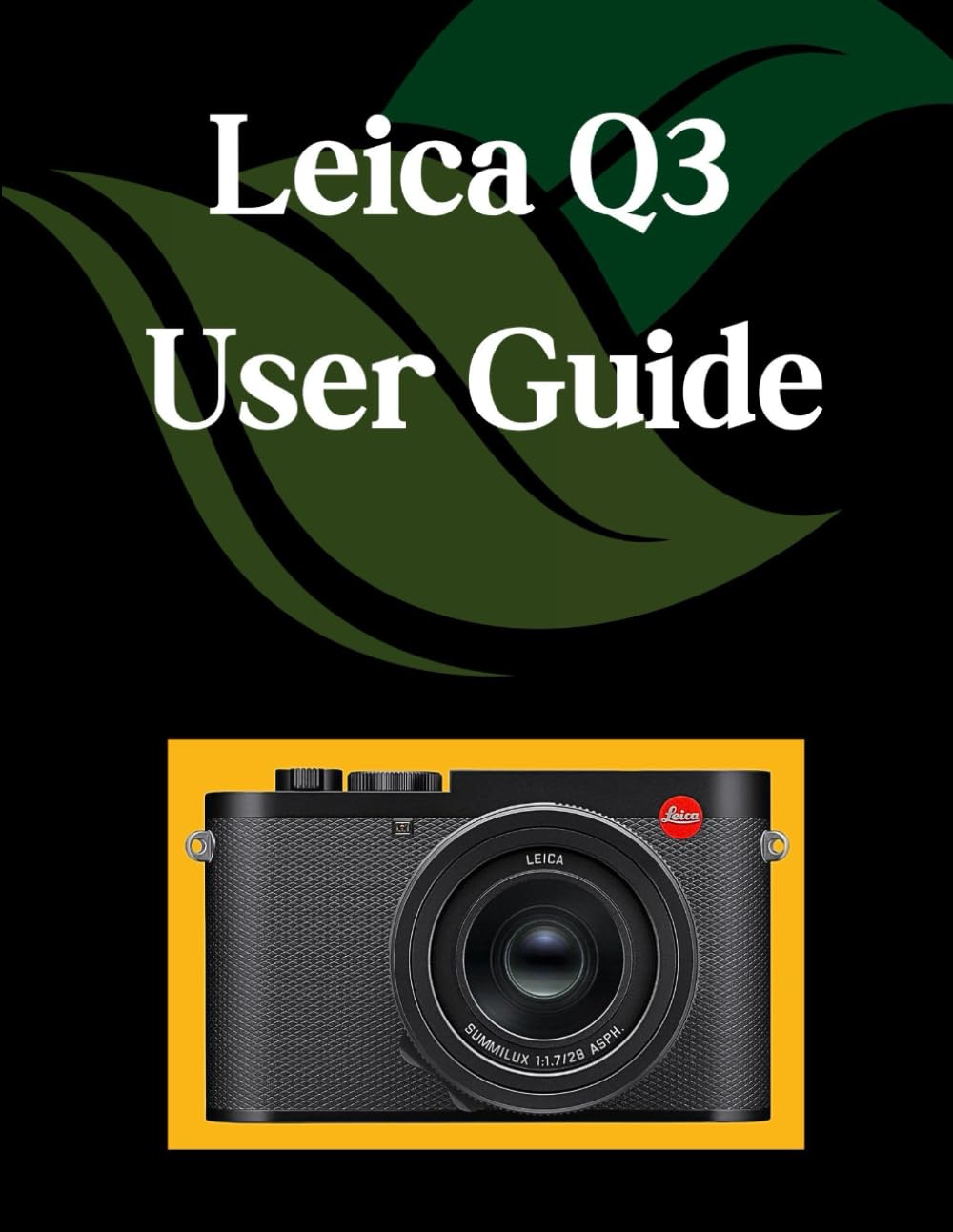
Image 1: Front cover of the 'Leica Q3 User Guide' book. This image displays the title and design of the instructional manual itself.

Image 2: Back cover of the 'Leica Q3 User Guide' book. This image shows the rear design, including the ISBN barcode and publisher information of the manual.
Ask a question about this manual
Ask about setup, troubleshooting, compatibility, parts, safety, or missing instructions. Manuals+ will review the question and use this page’s manual context to help answer it.