
1. Вступ
Thank you for choosing the Intelbras PFL7560 Full HD Wi-Fi Projector. This projector is designed to deliver a high-quality visual and audio experience for various applications, from home cinema to business presentations. It features Full HD resolution, 8000 lumens brightness, and integrated 12W stereo speakers. This manual provides essential information for safe and efficient operation of your projector.
2. Інформація про безпеку
Будь ласка, уважно прочитайте всі інструкції з техніки безпеки перед використанням проектора. Зберігайте цей посібник для подальшого використання.
- Джерело живлення: Використовуйте лише адаптер живлення, що постачається з проектором. Переконайтеся, що гучністьtage відповідає вашому місцевому джерелу живлення.
- Вентиляція: Не блокуйте вентиляційні отвори. Забезпечте достатній простір навколо проектора для належної циркуляції повітря, щоб запобігти перегріву.
- Розміщення: Розмістіть проектор на стійкій, рівній поверхні. Уникайте його розміщення під прямими сонячними променями, поблизу джерел тепла або в середовищах з високою вологістю чи пилом.
- Захист очей: Не дивіться безпосередньо в об'єктив проектора, коли він увімкнений.amp увімкнено, оскільки яскраве світло може пошкодити очі.
- Прибирання: Від’єднайте проектор від мережі перед чищенням. Використовуйте м’яку суху тканину. Не використовуйте рідкі або аерозольні засоби для чищення.
- Обслуговування: Не намагайтеся ремонтувати проектор самостійно. Звертайтеся до кваліфікованого сервісного персоналу для всіх робіт з обслуговування.
3. Вміст упаковки
Перевірте наявність усіх елементів в упаковці:
- Intelbras PFL7560 Projector Unit
- Пульт дистанційного керування
- Кабель живлення
- Посібник користувача
4. Продукт закінчивсяview
Familiarize yourself with the main components and ports of your Intelbras PFL7560 projector.
4.1. Компоненти проектора

Image: Intelbras PFL7560 Projector with included remote control.
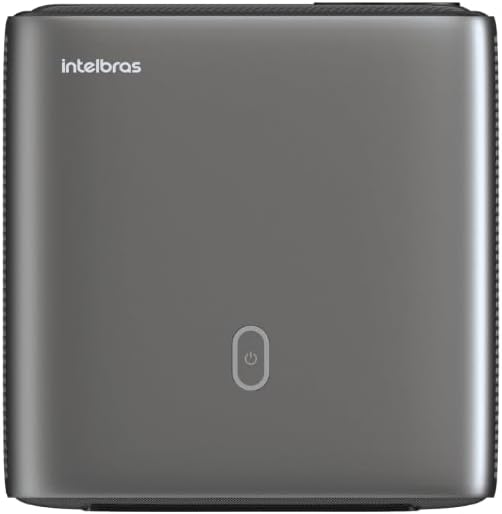
Зображення: Верх view of the projector, highlighting the power button and sleek design.
4.2. Порти та підключення
Проектор пропонує кілька варіантів підключення:
- HDMI: For connecting high-definition devices such as laptops, gaming consoles, or Blu-ray players.
- USB: Для підключення USB-накопичувачів для відтворення медіафайлів files безпосередньо.
- Wi-Fi (802.11 ac/b/g/n): For wireless connectivity and screen mirroring from compatible Android devices.
- Аудіо вихід: Для підключення зовнішніх аудіосистем або навушників.
5. Налаштування
5.1. Розміщення
Choose a suitable location for your projector. The PFL7560 can project images from 60 to 150 inches, making it versatile for various room sizes. Ensure the projector is placed on a stable surface and is not obstructed.
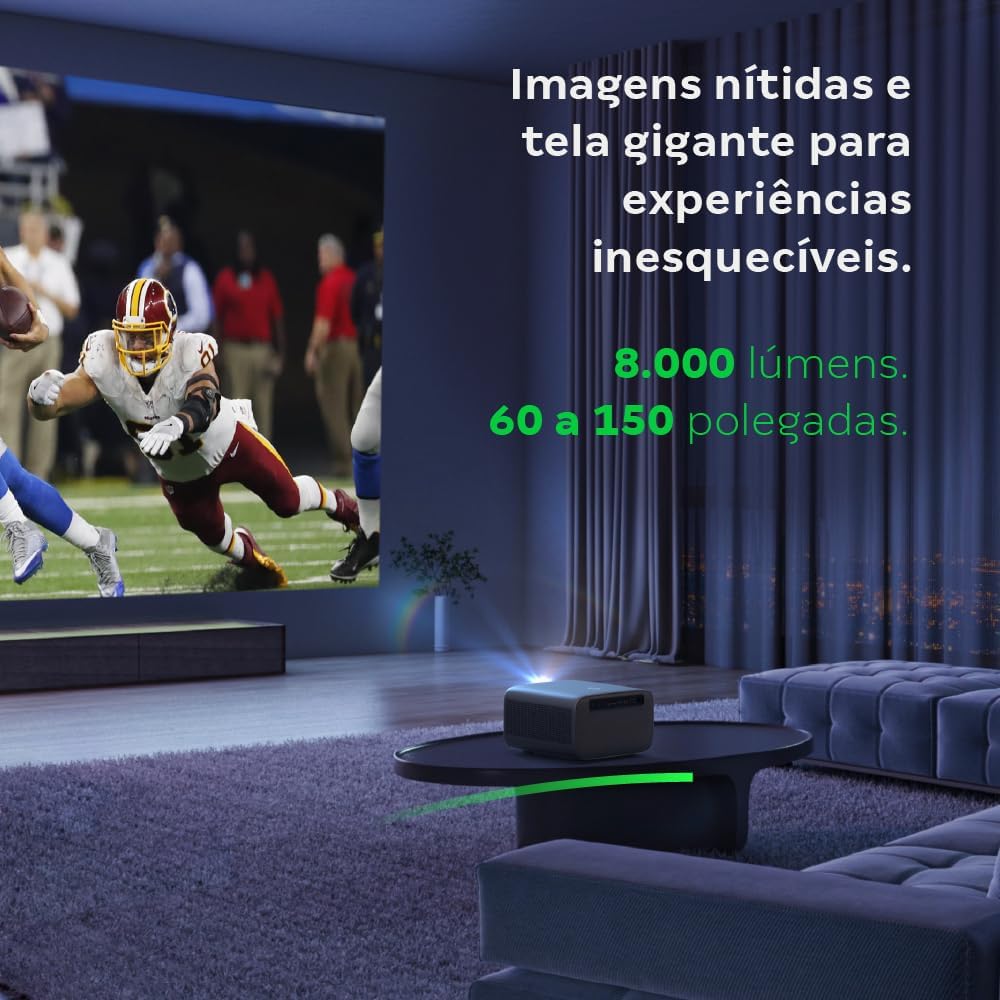
Image: The projector creating a large, clear image in a home environment, demonstrating its capability for immersive viewінж.
5.2. Підключення живлення
Підключіть кабель живлення до входу живлення проектора, а потім до розетки.
5.3. Початкове увімкнення
Натисніть кнопку живлення на проекторі або пульті дистанційного керування, щоб увімкнути пристрій. Проектор розпочне послідовність запуску.
5.4. Фокус і корекція трапецеїдальних спотворень
The PFL7560 features automatic focus and keystone correction for a perfectly aligned and sharp image without manual effort. If manual adjustment is needed, refer to the on-screen display (OSD) menu.
6. Інструкція з експлуатації
6.1. Підключення пристроїв
- HDMI: Connect your device using an HDMI cable to the HDMI port on the projector. Select the corresponding HDMI input from the projector's source menu.
- USB: Insert a USB drive into the USB port. The projector's media player will typically detect the drive automatically, allowing you to browse and play files.
- Wi-Fi / Screen Mirroring: For compatible Android devices, enable screen mirroring on your device and select the projector from the available devices. Ensure both devices are connected to the same Wi-Fi network.
6.2. Аудіо вихід
The projector is equipped with two integrated 12W speakers, providing clear and immersive audio. For external audio, connect speakers or headphones to the audio output port.

Image: Detail of the projector's integrated 12W speakers, designed for powerful and clear sound.
7. Технічне обслуговування
7.1. Очищення об'єктива
Використовуйте м’яку тканину без ворсу, спеціально призначену для оптичних лінз, щоб обережно протерти об’єктив проектора. Уникайте використання абразивних матеріалів або агресивних хімікатів.
7.2. Очищення корпусу проектора
Wipe the exterior of the projector with a soft, dry cloth. Do not use liquid or spray cleaners directly on the unit.
7.3. LED Light Source Longevity
The Intelbras PFL7560 uses an LED light source with a lifespan of up to 30,000 hours, ensuring long-term use and consistent performance without significant brightness degradation.
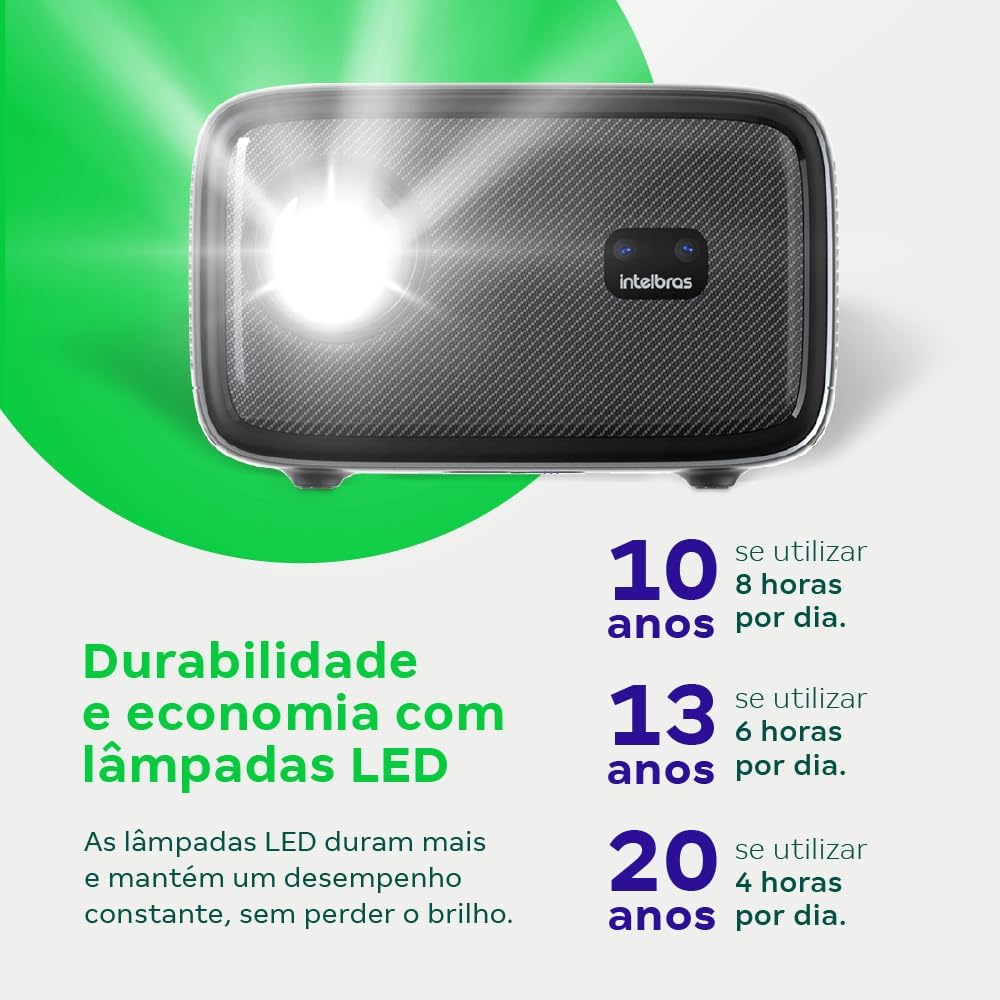
Image: An infographic illustrating the extended durability and economic benefits of the LED lamp, lasting up to 30,000 hours.
8. Вирішення проблем
Якщо у вас виникли проблеми з проектором, зверніться до наступних поширених проблем та способів їх вирішення:
- Без зображення: Ensure the power cable is securely connected and the projector is turned on. Check the input source selection to match your connected device.
- Розмите зображення: Adjust the focus. If the image is distorted, check for automatic keystone correction or adjust it manually via the settings menu.
- Немає звуку: Verify the volume level on both the projector and the connected device. Ensure external speakers are properly connected if used, or that the internal speakers are enabled.
- Проблеми з підключенням: For Wi-Fi or screen mirroring, ensure both the projector and your device are on the same network. Restart both devices if necessary.
- Перегрів: Ensure the projector's ventilation openings are not blocked. Turn off the projector and allow it to cool down if it feels excessively hot.
9. Технічні характеристики
| Особливість | Специфікація |
|---|---|
| Бренд | Intelbras |
| Назва моделі | ПФЛ 7560 |
| Технологія підключення | Wi-Fi |
| Особливості | Готовий до Wi-Fi |
| Роздільна здатність дисплея | 1920 x 1080 (Full HD) |
| Рідна роздільна здатність | 1920 х 1080 |
| Максимальна роздільна здатність дисплея | 1920 х 1080 |
| Тип дисплея | ЖК |
| Яскравість | 8000 люменів |
| Сумісні пристрої | Ноутбук, смартфон, планшет |
| Термін експлуатації джерела світла | 30000 години |
| Апаратний інтерфейс | 802.11 ac/b/g/n |
| Кодування відео | H.264, H.265 |
| Рекомендоване використання | Домашній кінотеатр |
| Аудіо | 2 вбудовані динаміки потужністю 12 Вт |
10. Гарантія та підтримка
For warranty information, technical support, or service requests, please refer to the official Intelbras webсайт або зверніться безпосередньо до служби підтримки клієнтів. Зберігайте чек про покупку як підтвердження покупки для гарантійних претензій.