
вступ
Welcome to the user manual for your new DIALN X65 Unlocked Smartphone. This guide provides essential information to help you set up, operate, maintain, and troubleshoot your device. Please read this manual carefully to ensure optimal performance and longevity of your smartphone.
The DIALN X65 features a 6.5-inch display, runs on Android 13, and offers 32GB of internal storage, expandable via microSD. It is equipped with a 13MP camera and a 4500mAh battery.
Що в коробці
Upon unboxing your DIALN X65, verify that all items are present:
- Смартфон DIALN X65
- Зарядний кабель
- Посібник користувача (цей документ)
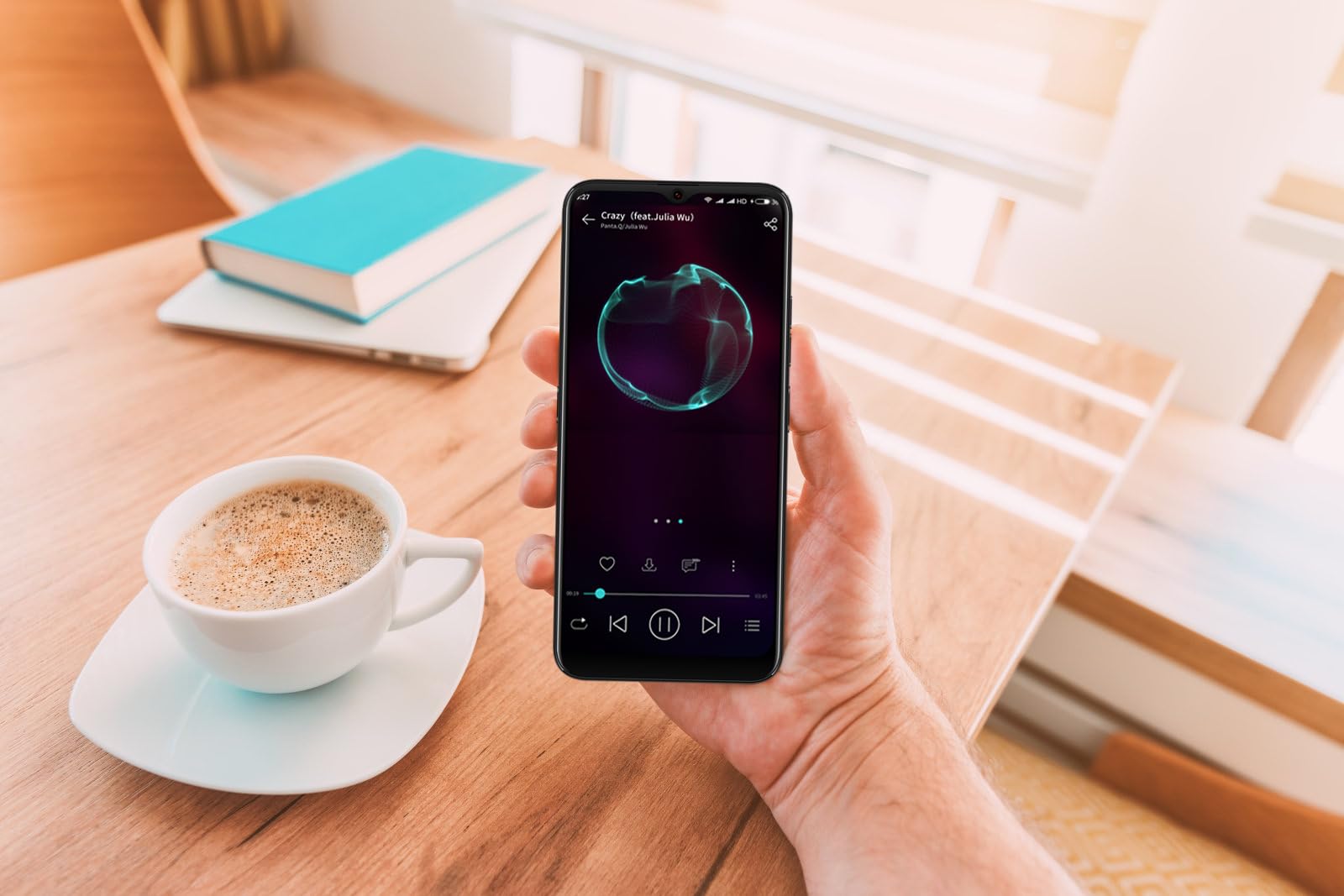
Image: The DIALN X65 smartphone displayed with its charging cable and user manual, as typically found in the product packaging.
Налаштування
1. Insert SIM Card and MicroSD Card (Optional)
- Знайдіть лоток для SIM-картки на боковій стороні телефону.
- Insert the SIM ejector tool (not included, a paperclip can be used) into the small hole on the tray to open it.
- Вставте картку(и) Nano-SIM та/або картку microSD у лоток золотими контактами вниз, переконавшись, що вони правильно орієнтовані.
- Обережно вставте лоток назад у телефон, доки він не зафіксується на місці з клацанням.
2. Початкове заряджання
Before first use, it is recommended to fully charge your DIALN X65. Connect the charging cable to the phone's charging port and plug the other end into a power adapter (not included) or a USB port. The battery indicator on the screen will show charging progress. A full charge typically takes approximately 2 hours.
3. Увімкнення/вимкнення живлення
- Щоб увімкнути: Press and hold the Power button (located on the right side) until the DIALN logo appears on the screen.
- Щоб вимкнути: Натисніть і утримуйте кнопку живлення, доки не з’явиться меню параметрів живлення. Натисніть «Вимкнути» та підтвердіть.
- Щоб перезапустити: Press and hold the Power button until the power options menu appears. Tap 'Restart' and confirm.
4. Майстер початкового налаштування
The first time you power on your phone, you will be guided through an initial setup process. Follow the on-screen prompts to:
- Виберіть свою мову.
- Підключіться до мережі Wi-Fi.
- Увійдіть за допомогою свого облікового запису Google або створіть новий.
- Налаштуйте блокування екрана (PIN-код, графічний ключ, пароль або розблокування обличчям).
- Review та прийняти умови та положення.
Operating Your DIALN X65
1. Основна навігація
- Торкніться: Торкніться значка, щоб відкрити програму або вибрати елемент.
- Проведіть пальцем: Проведіть пальцем по екрану, щоб прокручувати або переходити між екранами.
- Щіпка: Використовуйте два пальці, щоб збільшувати або зменшувати масштаб фотографій та web сторінки.
- Головний екран: The central hub for your apps and widgets. Swipe left or right to access additional home screens.
- Панель сповіщень: Проведіть пальцем униз від верхньої частини екрана, щоб отримати доступ до сповіщень та швидких налаштувань.
2. Дзвінки та контакти
- Здійснення дзвінка: Відкрийте програму «Телефон», введіть номер і натисніть значок виклику.
- Відповідь на дзвінок: Swipe up on the green phone icon when a call comes in.
- Керування контактами: Open the 'Contacts' app to add, edit, or delete contacts.
3. Обмін повідомленнями
Open the 'Messages' app to send and receive SMS/MMS messages. Tap the '+' icon to compose a new message, enter the recipient's number or select from contacts, and type your message.
4. Інтернет та підключення
- Wi-Fi: Go to Settings > Network & internet > Wi-Fi. Turn Wi-Fi on and select your desired network.
- Bluetooth: Перейдіть до Налаштування > Підключені пристрої > Налаштування підключення > Bluetooth. Увімкніть Bluetooth для сполучення з іншими пристроями.
- Мобільні дані: Go to Settings > Network & internet > Mobile network. Ensure mobile data is enabled for internet access via your SIM card.
5. Фотоапарат
Open the 'Camera' app to capture photos and videos. Tap the shutter button to take a photo. Swipe left or right to switch between photo, video, and other modes. Use the front camera for selfies.
6. Розблокування обличчям
To set up Face Unlock, go to Settings > Security & privacy > Device unlock > Face unlock. Follow the on-screen instructions to register your face. Once set up, you can unlock your phone by looking at the front camera.
7. Управління зберіганням
Your DIALN X65 comes with 32GB of internal storage. You can expand this up to 256GB using a microSD card. To check storage usage, go to Settings > Storage. Regularly clear unnecessary fileта програми для підтримки оптимальної продуктивності.
Технічне обслуговування
1. Очищення пристрою
Use a soft, lint-free cloth to clean the screen and body of your phone. Avoid using harsh chemicals or abrasive materials, as these can damage the display and finish. Do not expose the phone to excessive moisture.
2. Оновлення програмного забезпечення
Regularly check for and install software updates to ensure your phone has the latest features, security patches, and performance improvements. Go to Settings > System > System update to check for available updates.
3. Догляд за акумулятором
- Уникайте екстремальних температур, оскільки вони можуть знизити термін служби акумулятора.
- Не допускайте частої повної розрядки акумулятора.
- Use the provided charging cable or a compatible, certified charger.
- Unplug the charger once the battery is full to prevent overcharging.
4. Оптимізація сховища
To keep your phone running smoothly, regularly review and delete unused apps, old photos, videos, and downloaded files. Consider moving large media fileна карту microSD або хмарне сховище.
Усунення несправностей
Поширені проблеми та рішення:
- Телефон не вмикається: Переконайтеся, що акумулятор заряджений. Підключіть до зарядного пристрою щонайменше на 15 хвилин, а потім спробуйте знову ввімкнути.
- Poor Signal/No Network: Check if your SIM card is properly inserted. Ensure mobile data is enabled in settings. Try restarting the phone. If issues persist, contact your network provider.
- Збої/зависання програм: Close and reopen the app. Clear the app's cache (Settings > Apps > [App Name] > Storage & cache > Clear cache). If the problem continues, uninstall and reinstall the app.
- Швидко розряджається акумулятор: Reduce screen brightness, disable unused features like Bluetooth or GPS, close background apps, and check for apps consuming excessive power in battery settings.
- Сенсорний екран не реагує: Restart the phone. If the issue persists, a factory reset might be necessary (see below).
Factory Reset (Data Erase)
Скидання до заводських налаштувань видалить усі дані з вашого телефону та відновить його до початкових заводських налаштувань. Перш ніж продовжити, зробіть резервну копію всіх важливих даних.
- Перейдіть до Налаштування > Система > Параметри скидання.
- Tap 'Erase all data (factory reset)'.
- Підтвердіть своє рішення та введіть PIN-код/графічний ключ/пароль, якщо буде запропоновано.
- Телефон перезавантажиться та розпочне процес скидання налаштувань.
Технічні характеристики
| Особливість | Специфікація |
|---|---|
| Назва моделі | X65 |
| Операційна система | Android 13.0 |
| Розмір дисплея | 6.5 дюймів |
| роздільна здатність | 1280 х 720 |
| Процесор | Quad Core 2.26GHz (MediaTek) |
| ОЗУ | 3 ГБ |
| Внутрішня пам'ять | 32 ГБ (розширюється до 256 ГБ за допомогою microSD) |
| Основна камера | 13 Мп |
| Ємність акумулятора | 4500 мАг |
| Підключення | 4G LTE, Wi-Fi, Bluetooth |
| Особливості | Expandable Storage, Face Unlock, Built-in GPS |
| Розміри | 6.5 x 3 x 6.5 дюймів |
| вага | 6.5 унції |
Гарантія та підтримка
Your DIALN X65 Smartphone is covered by a limited manufacturer's warranty. Please refer to the warranty card included with your product for specific terms and conditions, including warranty period and coverage details. For technical support, service, or further inquiries, please visit the official DIALN website or contact customer service through the contact information provided on the product packaging or official webсайт.


