
вступ
Welcome to the user manual for your Acer Nitro V 15 ANV15-52 Gaming Laptop. This document provides essential information for setting up, operating, maintaining, and troubleshooting your device. The Acer Nitro V 15 is designed for an immersive gaming experience, powered by an Intel Core i7-13620H processor and NVIDIA GeForce RTX 5050 graphics.
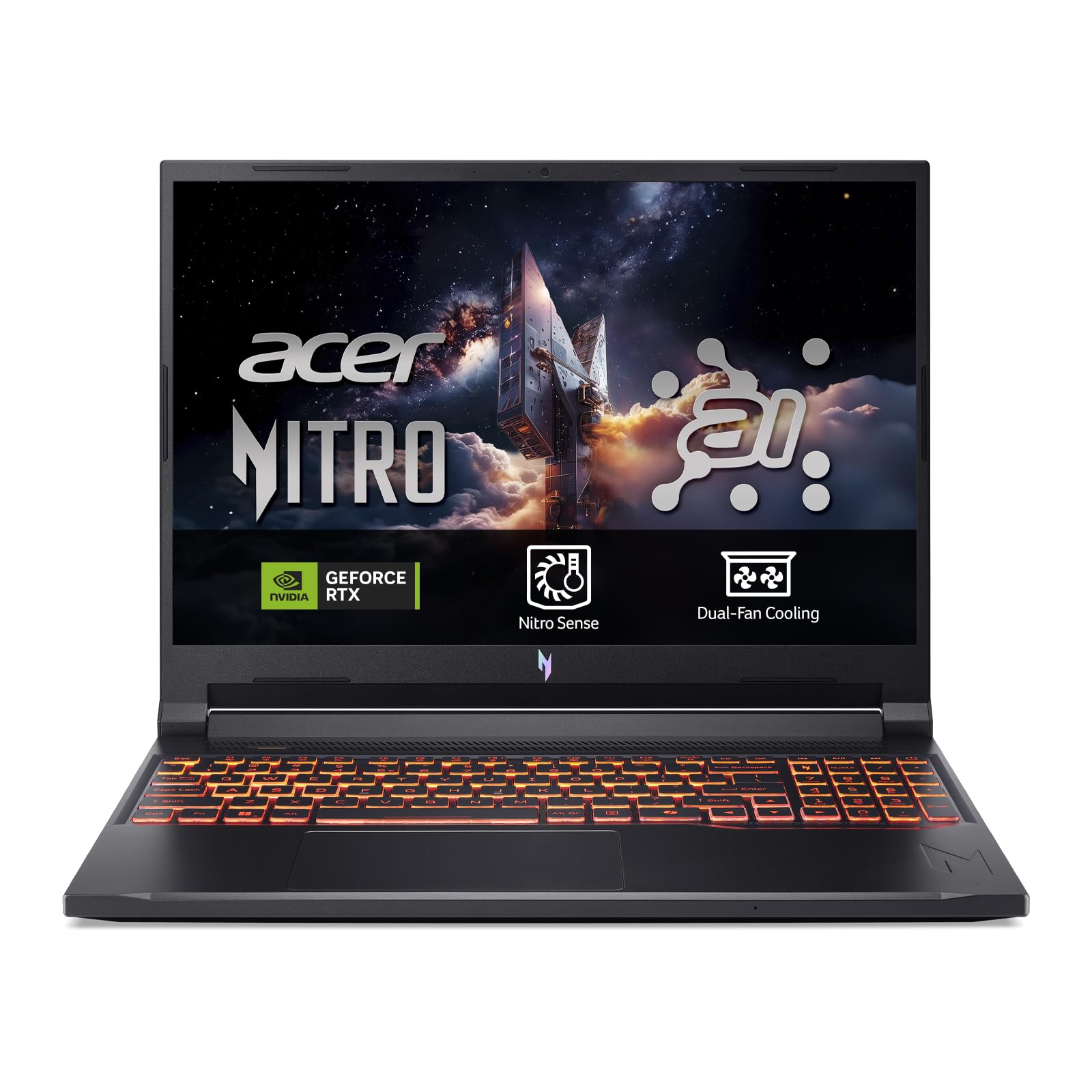
Figure 1: Acer Nitro V 15 ANV15-52 Gaming Laptop.
Налаштування
1. Розпакування та первинна перевірка
Carefully remove your laptop and all accessories from the packaging. Verify that all components, including the charger, are present and undamaged. Keep the packaging for future transport or service needs.
2. Підключення адаптера живлення
Connect the power adapter to the laptop's power input port and then plug it into a wall outlet. It is recommended to fully charge the battery before initial use.
3. Встановлення операційної системи
This laptop is shipped without a pre-installed operating system (DOS). You will need to install a compatible operating system, such as Windows or Linux, to use the device. Ensure you have the necessary installation media (USB drive) and drivers ready. Drivers can typically be downloaded from the Acer support webсайт для вашої конкретної моделі.
4. Підключення периферійних пристроїв
Utilize the available ports to connect external devices such as a mouse, external keyboard, or monitor. The laptop features multiple USB 3.2 Type-A ports and a Thunderbolt port for versatile connectivity.

Малюнок 2: Сторона view of the laptop displaying connectivity ports.
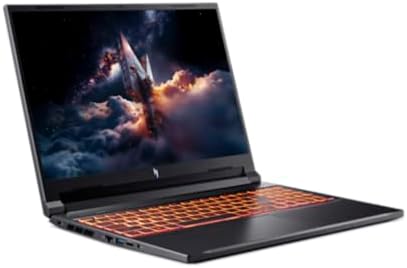
Малюнок 3: Задня частина view of the laptop with power and display output ports.
Керування ноутбуком
1. Увімкнення/вимкнення живлення та режим сну
- To power on, press the power button located on the keyboard.
- Щоб вимкнути систему, скористайтеся функцією вимкнення операційної системи.
- To enter sleep mode, close the lid or select 'Sleep' from the operating system's power options.
2. Клавіатура та тачпад
The laptop features a full-size QWERTY keyboard, often with backlighting for low-light conditions. The precision touchpad supports multi-touch gestures for navigation.
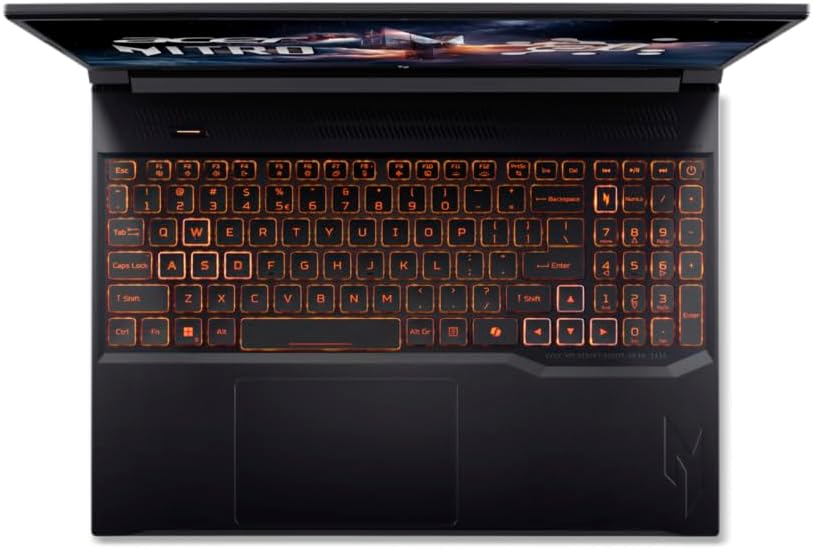
Рисунок 4: Зверху вниз view of the laptop keyboard and touchpad.
3. Функції дисплея
Enjoy clear visuals on the 15.6-inch Full HD (1920 x 1080) LCD display with a 165Hz refresh rate, providing smooth and responsive gaming. The narrow bezels enhance the immersive viewнабутий досвід.
4. Бездротове підключення
The laptop supports Wi-Fi 6 (802.11ax) for high-speed wireless internet access. Connect to compatible networks for online gaming, streaming, and browsing.
Технічне обслуговування
1. прибирання
- Використовуйте м’яку тканину без ворсу для очищення екрана та зовнішніх поверхонь. Уникайте агресивних хімікатів.
- Periodically clean the keyboard and touchpad to remove dust and debris.
2. Догляд за акумулятором
- Уникайте частого повного розряджання акумулятора.
- Зберігайте ноутбук у прохолодному, сухому місці, якщо він не використовується протягом тривалого часу.
- Use only the original Acer power adapter.
3. Система охолодження
Gaming laptops generate heat. Ensure the cooling vents are not obstructed to maintain optimal performance and prevent overheating. Regular cleaning of the vents can help.

Малюнок 5: Нижня частина view of the laptop, highlighting cooling vents.
4. Оновлення програмного забезпечення
Regularly update your operating system, drivers, and gaming software to ensure stability, security, and optimal performance.
Усунення несправностей
If you encounter issues with your Acer Nitro V 15 laptop, refer to the following common solutions:
- Немає живлення: Ensure the power adapter is securely connected to both the laptop and a working power outlet. Check the power button.
- Проблеми з відображенням: If the screen is blank, try connecting an external monitor to verify if the laptop is functioning. Adjust display settings in your operating system.
- Проблеми з продуктивністю: Close unnecessary applications, update drivers, and ensure the cooling vents are clear.
- Встановлення операційної системи: As noted in the setup section, this laptop requires an OS installation. If you face issues during OS setup, ensure all necessary drivers (especially storage drivers) are loaded during the installation process. Refer to Acer's support website for specific driver downloads and installation guides.
- Проблеми з підключенням: For Wi-Fi problems, restart your router and laptop. Check network settings in your operating system.
For further assistance, visit the official Acer support webсайту або зв’яжіться з їхньою службою обслуговування клієнтів.
Технічні характеристики
| Особливість | Деталь |
|---|---|
| Бренд | Acer |
| Назва моделі | Nitro V 15 ANV15-52 |
| Розмір екрана | 15.6 дюймів |
| Роздільна здатність дисплея | 1920 x 1080 пікселів (Full HD) |
| Технологія дисплея | LCD, 165Hz Refresh Rate |
| Процесор | Intel Core i7-13620H (13th Gen, 10 Cores, up to 2.41 GHz) |
| Графічний процесор | NVIDIA GeForce RTX 5050 (виділена) |
| ОЗУ | 16 ГБ DDR4 SDRAM |
| Зберігання | Твердотільний накопичувач PCIe 4.0 NVMe на 512 ГБ |
| Операційна система | DOS (User-installed OS required) |
| Бездротовий стандарт | Wi-Fi 6 (802.11ax) |
| Bluetooth | Не вказано |
| USB порти | 4 (including USB 3.2 Type-A) |
| Порти Thunderbolt | 1 |
| Клавіатура | QWERTY Type Keyboard |
| Включені компоненти | Зарядний пристрій |
Гарантія та підтримка
Your Acer Nitro V 15 ANV15-52 laptop comes with a standard manufacturer's warranty. Please refer to the warranty card included with your product for specific terms, conditions, and duration. For technical support, driver downloads, and service inquiries, please visit the official Acer support webсайт:
Ensure you have your laptop's serial number and model information ready when contacting support.


