
1. Вступ
This manual provides detailed instructions for the installation, operation, and maintenance of your UNITOPSCI 4GB+64GB Single Din Android Car Stereo. This device features a 7-inch flip-out touchscreen, Wireless CarPlay, Android Auto, GPS navigation, Wi-Fi, Bluetooth 5.0, FM/RDS radio, DSP, USB/TF card/AUX inputs, backup camera support, and steering wheel control compatibility. Please read this manual thoroughly before using the product to ensure proper function and safety.
2. Інформація про безпеку
- Завжди керуйте транспортним засобом безпечно. Неуважність водія може призвести до аварій.
- Do not attempt to install or service this unit if you are not qualified. Professional installation is recommended.
- Ensure all wiring is correctly connected to prevent short circuits or damage to the vehicle's electrical system.
- Підтримуйте гучність на рівні, який дозволить вам чути зовнішній транспорт та машини екстрених служб.
- Уникайте тривалого перебування пристрою під екстремальними температурами, прямими сонячними променями або надмірною вологістю.
- Не блокуйте вентиляційні отвори на пристрої.
3. Вміст упаковки
Перевірте наявність усіх елементів в упаковці:
- 1 х Автомобільна стереосистема
- 1 х кабель живлення
- 1 x RCA кабель
- 1 кабель задньої камери
- 1 x 6 PIN USB Cable
- 1 х монтажний кронштейн
- 1 х Радіоантена
- 1 x GPS антена
- 1 х мікрофон
- 1 х посібник користувача
- 1 x AHD камера заднього виду

4. Продукт закінчивсяview
The UNITOPSCI Single Din Android Car Stereo is designed to integrate advanced multimedia and navigation features into your vehicle. It features a motorized 7-inch IPS touchscreen that flips out from a standard single DIN chassis.

Ключові характеристики:
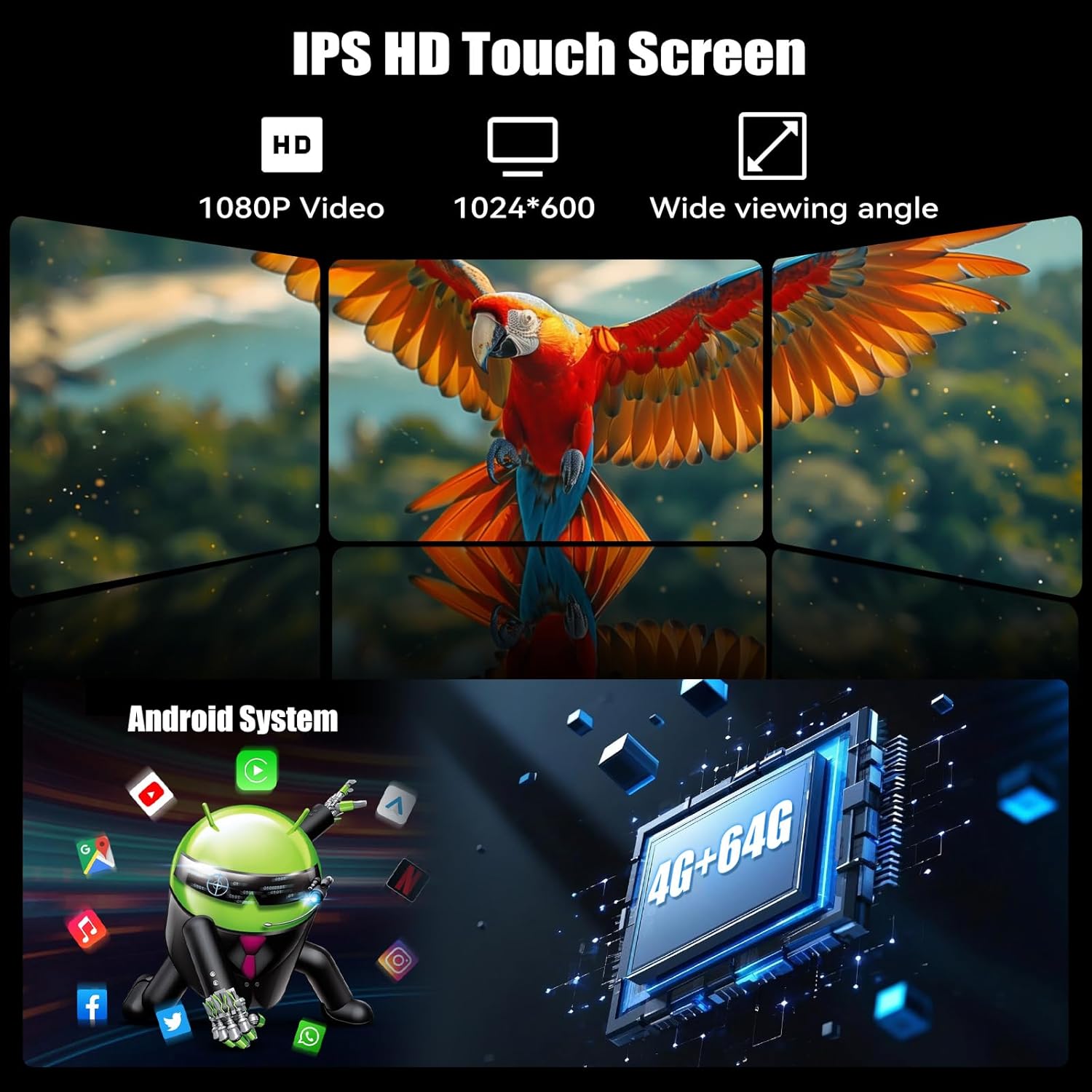
- Система Android 13: Оснащений 4 ГБ оперативної пам'яті та 64 ГБ вбудованої пам'яті для безперебійної роботи ampле сховище.
- 7-inch IPS Flip-Out Touchscreen: High-definition 1024*600 capacitive display with wide viewкути.
- Бездротовий CarPlay та Android Auto: Безшовна інтеграція зі смартфоном для навігації, музики та зв'язку.
- GPS-навігація: Built-in GPS module supporting online and offline maps.
- З'єднання Wi-Fi: For online functions, app downloads, and internet browsing.
- Bluetooth 5.0: Дзвінки в режимі hands-free та потокове передавання аудіо.
- FM/RDS-радіо: 18 preset stations with memory function.
- DSP & EQ Sound: Built-in digital sound processing with customizable EQ settings.
- Кілька входів: Dual USB ports, TF card slot, and AUX input.
- Камера заднього виду AHD: Included for enhanced reversing safety.
- Керування на кермі (SWC): Compatible with existing vehicle steering wheel controls.
- Дзеркальне посилання: Supports wireless mirroring for Android/iOS devices.
- Функція розділеного екрана: Allows two applications to run simultaneously on the display.
- 7-кольорове підсвічування: Customizable button illumination.
5. Налаштування та встановлення
Важливо: Due to the complexity of car audio system wiring, professional installation is highly recommended. Incorrect wiring can cause damage to the unit or your vehicle.
5.1 Контрольний список перед установкою
- Перед початком будь-яких електромонтажних робіт від'єднайте негативну клему акумулятора автомобіля.
- Ensure you have the correct wiring harness adapter for your vehicle model (if not included).
- Confirm the single DIN opening in your dashboard is compatible with the unit's dimensions.
5.2 Підключення проводів
Refer to the wiring diagram provided in the included user manual for specific connections. General connections include:
- Потужність: Підключіть жовтий провід до постійної напруги 12 В, червоний провід до допоміжної напруги 12 В, а чорний провід до заземлення.
- Доповідачі: Підключіть дроти динаміка до відповідних проводів динаміка автомобіля (наприклад, передній лівий +, передній лівий -).
- GPS антена: Підключіть GPS-антену та встановіть її в місці з чітким view of the sky (e.g., dashboard, corner of the windshield).
- Задня камера: Connect the video input from the AHD backup camera to the unit's camera input. Connect the camera's power to the reverse light circuit.
- Мікрофон: Підключіть зовнішній мікрофон для дзвінків у режимі hands-free.
- USB кабелі: Route the USB extension cables to an accessible location.
- Радіоантена: Підключіть радіоантену автомобіля.
- Керування на кермі (SWC): Connect the SWC wires according to your vehicle's wiring diagram.
5.3 Встановлення пристрою
- Slide the mounting sleeve into the dashboard opening.
- Secure the sleeve using the bending tabs.
- Carefully slide the car stereo unit into the mounting sleeve until it locks into place.
- Знову підключіть негативну клему акумулятора автомобіля.
6. Інструкція з експлуатації
6.1 Основна операція
- Увімкнення/вимкнення живлення: Натисніть кнопку живлення (зазвичай ручку гучності), щоб увімкнути або вимкнути пристрій.
- Регулювання гучності: Поверніть ручку, щоб відрегулювати гучність.
- Регулювання екрану: The 7-inch screen is motorized. Use the screen controls to adjust its angle or retract it.
- Інтерфейс сенсорного екрану: Navigate the Android system by tapping, swiping, and pinching on the capacitive touchscreen.

6.2 Бездротовий CarPlay та Android Auto
Connect your smartphone wirelessly for an integrated driving experience.
- Переконайтеся, що Bluetooth і Wi-Fi увімкнено на вашому смартфоні.
- На автомобільній стереосистемі відкрийте програму CarPlay або Android Auto.
- Follow the on-screen prompts to pair your phone. Once paired, your phone will automatically connect in the future.


6.3 GPS-навігація
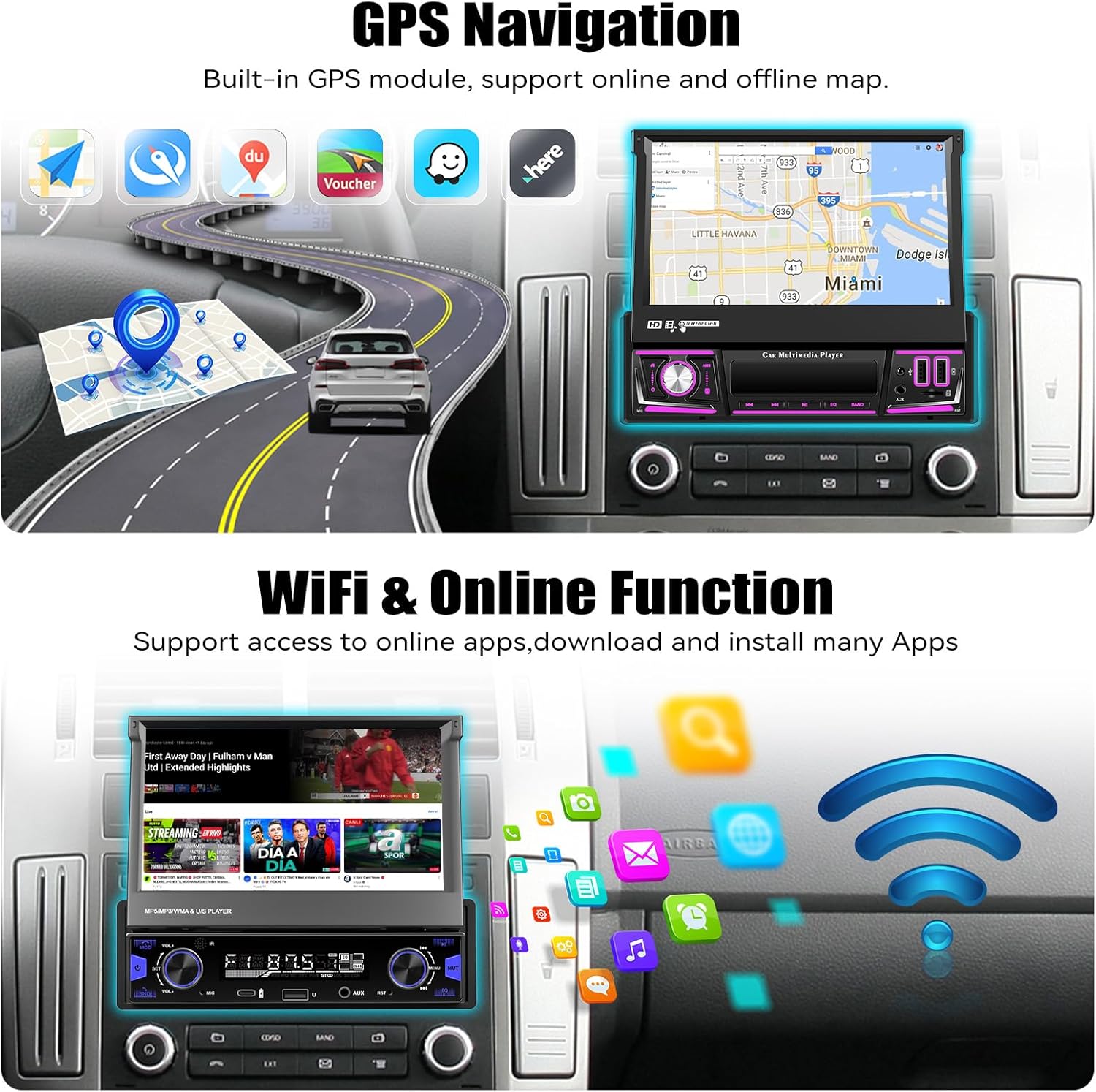
The unit includes a built-in GPS module for navigation. It supports both online and offline map applications.
- Переконайтеся, що GPS-антена правильно встановлена та має чіткий сигнал view неба.
- Use pre-installed navigation apps or download your preferred map applications via Wi-Fi.
- For offline maps, download the necessary map data when connected to Wi-Fi.


6.4 Wi-Fi & Online Functions
Connect the stereo to a Wi-Fi hotspot (e.g., from your smartphone) to access online features.
- Перейдіть до Налаштування > Мережа та Інтернет > Wi-Fi.
- Виберіть потрібну мережу Wi-Fi та введіть пароль.
- Once connected, you can download apps from the Google Play Store, browse the internet, and stream online content.

6.5 Bluetooth 5.0
Підключіть свій мобільний телефон через Bluetooth для дзвінків у режимі hands-free та потокової передачі аудіо.
- Увімкніть Bluetooth на телефоні та автомобільній стереосистемі.
- On the car stereo, search for available devices and select your phone.
- Підтвердьте код сполучення на обох пристроях.
- Після підключення ви можете здійснювати/приймати дзвінки та відтворювати музику бездротовим способом.


6.6 FM/RDS радіо
Access local radio stations with FM and RDS (Radio Data System) functionality.
- Виберіть програму «Радіо» в головному меню.
- Use the scan function to automatically search for and save available stations.
- Manually tune to frequencies or select from your preset stations.
- RDS provides station information, song titles, and traffic announcements where available.


6.7 EQ Sound Settings
Customize your audio experience using the built-in Equalizer (EQ).
- Access the 'EQ' or 'Sound Settings' option from the main menu or during audio playback.
- Adjust frequency bands, bass, treble, and other audio parameters to your preference.
- Select from various preset EQ modes (e.g., Pop, Rock, Jazz) or create custom settings.

6.8 Backup Camera Operation
The included AHD backup camera automatically displays the rear view коли транспортний засіб знаходиться на задній передачі.
- Ensure the camera is properly installed and connected to the reverse trigger wire.
- When shifting into reverse, the screen will automatically switch to the camera view, displaying parking guidelines.


6.9 Керування на кермі (SWC)
Program your vehicle's steering wheel buttons to control the car stereo functions.
- Отримайте доступ до налаштувань «Керування на кермі» в меню пристрою.
- Дотримуйтесь інструкцій на екрані, щоб призначити функції (наприклад, збільшення/зменшення гучності, перемикання треків, режим) кнопкам на кермі.

6.10 Дзеркальне посилання
Mirror your Android or iOS smartphone screen onto the car stereo display.
- Відкрийте програму «Mirror Link» на автомобільній стереосистемі.
- Connect your phone via Wi-Fi or USB cable as prompted.
- Your phone's screen will be displayed on the stereo, allowing you to view apps not supported by CarPlay/Android Auto.

6.11 Multiple Input (USB/TF/AUX)
The unit supports various media inputs for playback and charging.
- USB: Connect USB drives for media playback or use the USB ports for charging your smartphone.
- Картка TF: Вставте карту TF (microSD) у призначений слот для відтворення медіафайлів.
- AUX: Connect external audio devices (e.g., MP3 players) via the 3.5mm AUX input.

6.12 Функція розділеного екрана
The split-screen feature allows you to run two applications side-by-side on the display.
- While an app is open, swipe up from the bottom of the screen or long-press the recent apps button (if available) to enter split-screen mode.
- Select a second app to display on the other half of the screen.

6.13 7 Color Backlight
Customize the illumination color of the physical buttons on the unit.
- Navigate to the 'Settings' menu and look for 'Button Light' or 'Backlight Color' options.
- Choose from seven available colors to match your vehicle's interior lighting or personal preference.

7. Технічне обслуговування
- Очищення екрану: Використовуйте м’яку тканину без ворсу, щоб обережно протерти сенсорний екран. Для стійких плям злегкаampПротріть тканину водою або розчином для чищення екрану. Уникайте агресивних хімікатів.
- Генеральне прибирання: Wipe the unit's body with a dry, soft cloth. Do not use abrasive cleaners.
- Оновлення програмного забезпечення: Periodically check for software updates via the unit's settings menu to ensure optimal performance and access to new features.
- Уникайте рідин: Prevent liquids from entering the unit, as this can cause severe damage.
8. Вирішення проблем
| проблема | Можлива причина | Рішення |
|---|---|---|
| Пристрій не вмикається. | Неправильне підключення проводки; перегорілий запобіжник; відсутнє живлення. | Перевірте підключення живлення (жовтий, червоний, чорний дроти). Огляньте запобіжники автомобіля. Переконайтеся, що акумулятор заряджений. |
| Немає звуку з динаміків. | Incorrect speaker wiring; Volume too low; Mute activated. | Verify speaker connections. Increase volume. Check if mute is active. |
| GPS signal lost frequently. | GPS antenna improperly placed; Obstructions; Weak signal area. | Переконайтеся, що GPS-антена має чіткий сигнал view of the sky. Relocate antenna if necessary. Update map data. |
| Проблеми з підключенням Bluetooth. | Телефон не виявлено; неправильне сполучення; перешкоди. | Ensure phone's Bluetooth is on and discoverable. Delete previous pairings and re-pair. Restart both devices. |
| CarPlay/Android Auto не підключається. | Wi-Fi/Bluetooth issues; Phone software outdated; App permissions. | Check Wi-Fi and Bluetooth connections. Update phone OS and CarPlay/Android Auto apps. Verify app permissions. |
| Не відображається зображення з камери заднього виду. | Camera wiring incorrect; Reverse trigger not connected; Faulty camera. | Check camera power and video connections. Ensure reverse trigger wire is correctly connected. |
| Сенсорний екран не реагує. | Software glitch; Screen damage. | Restart the unit. If issue persists, perform a factory reset (data will be lost). Contact support if physical damage is suspected. |
9. Технічні характеристики
| Особливість | Деталь |
|---|---|
| Операційна система | Android 13 |
| ОЗУ | 4 ГБ |
| Внутрішня пам'ять (ROM) | 64 ГБ |
| Розмір дисплея | 7 дюймів |
| Роздільна здатність дисплея | 1024 * 600 IPS |
| Підключення | Bluetooth 5.0, Wi-Fi, Wireless CarPlay, Android Auto |
| Навігація | Built-in GPS (North America, Worldwide map support) |
| Режим аудіовиходу | Stereo, Built-in EQ |
| Вхідні дані | Dual USB, TF Card, AUX-in, Rear Camera Input |
| Особливості | Flip-out screen, Mirror Link, Split Screen, Steering Wheel Control, 7 Color Backlight |
| Розміри продукту | 7.36 x 7.87 x 2.32 дюйми (18.7 x 20.0 x 5.9 см) |
| Вага товару | 4.18 фунта (1.9 кг) |
10. Гарантія та підтримка
This UNITOPSCI product comes with a Гарантія 1 рік з дати покупки, що покриває виробничі дефекти. Будь ласка, збережіть підтвердження покупки для пред'явлення гарантійних претензій.
Підтримка клієнтів:
For technical assistance, troubleshooting, or warranty inquiries, please contact UNITOPSCI customer service:
- Електронна пошта: UNITOPSCI@126.com
Будь ласка, вкажіть модель вашого продукту та детальний опис проблеми під час звернення до служби підтримки для швидшого вирішення.


