
вступ
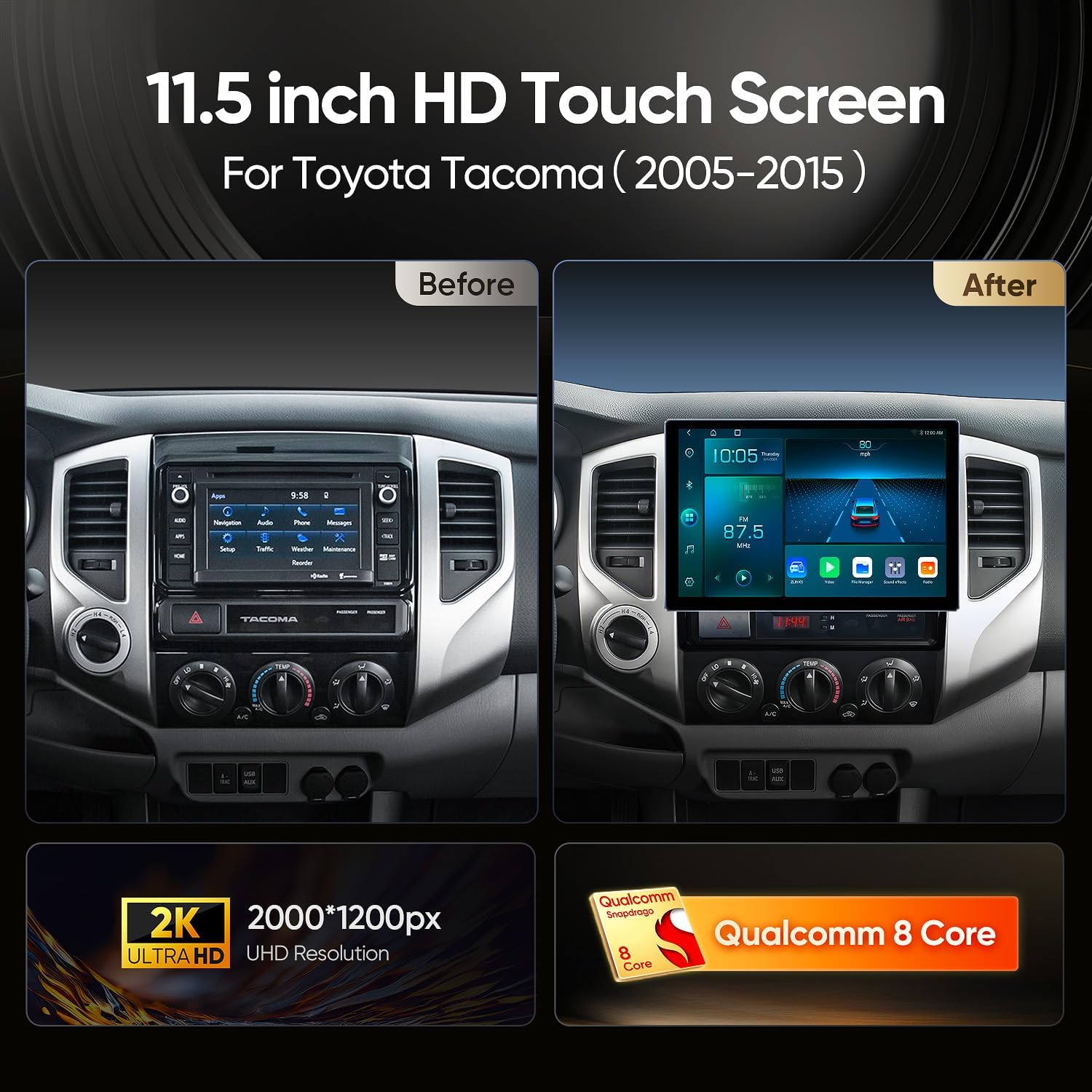
This manual provides detailed instructions for the installation, operation, and maintenance of your AINAVIGO 11.5-inch Android 13 Car Radio Stereo. Designed specifically for the Toyota Tacoma (2005-2015), this system offers an enhanced in-car experience with its ultra HD display, powerful 8-core CPU, and seamless smartphone integration. Please read this manual thoroughly before use to ensure proper functionality and safety.
Що в коробці
Your AINAVIGO car radio stereo package includes the following components:
- Touchscreen host
- Touchscreen radio install kit
- HD reversing camera
- Зовнішній мікрофон *1
- USB Cables *2
- Complete set of special harness

Технічні характеристики
| Вага товару | 4.86 фунта |
| Розміри упаковки | 13.15 x 12.99 x 5.87 дюймів |
| Номер моделі товару | 11.5inch 8Core 4GB+64GB |
| Розмір дисплея | 11.5 дюймів |
| Гарантія | 12 місяців |
| Голосові команди | Мікрофон, сенсорний екран |
| Операційна система | Android 13, CarPlay & Android Auto |
| Особливість | HD backup camera, Touchscreen, Wireless CarPlay & Android Auto |
| Технологія підключення | Bluetooth, Carplay&Android Auto, Ethernet, USB, Wi-Fi |
| Тип карти | Північна Америка |
Налаштування та встановлення
This unit is specifically designed for the Toyota Tacoma (2005-2015) and includes a custom frame kit and dedicated wiring harness for a perfect fit. Professional installation is recommended.
Загальні етапи встановлення
- Remove the original head unit: Carefully remove the existing car radio and associated trim.
- Disconnect wiring: Unplug all cables from the original head unit.
- Install the new unit: Attach the new AINAVIGO head unit to the dedicated frame.
- Підключіть джгут проводів: Connect the provided special harness to the new head unit and the vehicle's existing wiring.
- Підключення периферійних пристроїв: Attach the GPS antenna, external microphone, USB cables, and HD reversing camera.
- Закріпіть пристрій: Carefully slide the new head unit assembly into the dashboard and secure it with screws.
- Reinstall trim: Знову прикріпіть будь-які зняті елементи оздоблення.
Установка резервної камери
The included HD backup camera enhances safety by providing a clear view when reversing. Connect the camera to the designated input on the head unit and ensure proper wiring to the vehicle's reverse light circuit.

Встановлення відео
For visual guidance, please refer to the following seller-provided installation videos:
Video 1: ASURE Car Stereo Radio Installation. This video demonstrates the installation process for a 12.3-inch or 13.1-inch car stereo radio, which shares similar steps with this 11.5-inch unit.
Video 2: How to install RUICAR car radio for your Tacoma 2005-2015. This video provides a step-by-step guide on installing a car radio specifically for Toyota Tacoma models from 2005 to 2015.
Video 3: How to Install Dasaita Head Unit - Toyota Tacoma. This video offers a detailed installation guide for a Dasaita head unit in a Toyota Tacoma, showcasing the process for similar car stereo upgrades.
Інструкція з експлуатації
Бездротові CarPlay і Android Auto
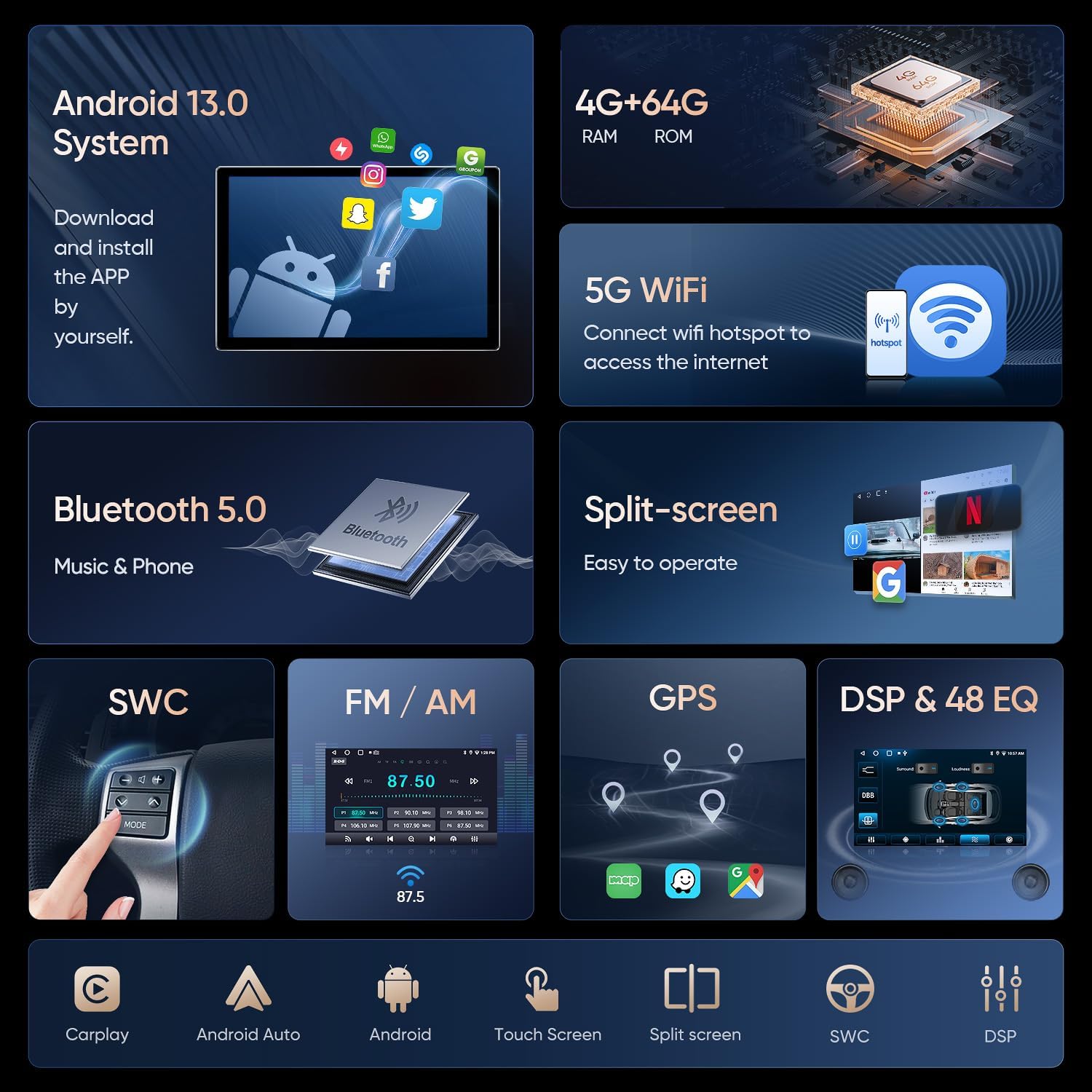
Connect your iPhone or Android device wirelessly to access your favorite apps, make calls, send messages, and navigate with ease. CarPlay and Android Auto integration ensures a seamless and safe driving experience.

Video 4: 11.5'' Car Stereo: CarPlay Setup. This video demonstrates the steps to set up and connect CarPlay on the 11.5-inch car stereo.
Калібрування сенсорного екрана
To ensure accurate touch response, you may need to calibrate the screen. This process typically involves pressing and holding five fingers on the screen for about 10 seconds until a calibration prompt appears. Follow the on-screen instructions to tap the indicated points.
Video 5: Essential Troubleshooting Guide. This video covers various common issues and includes instructions for screen calibration and steering wheel control programming.
Програмування керування кермом
To program your steering wheel controls, navigate to the car settings menu. Select 'SWC Type' and change it to 'Learning Type'. Enter the SWC setting interface and follow the on-screen prompts to assign functions to your steering wheel buttons. You can program functions for short press and long press actions.

Audio Features (DSP, FM/AM/RDS)
The unit features a built-in Digital Sound Processor (DSP) with 48-band EQ for customizable audio. Access FM/AM radio with RDS functionality for station information.
GPS навігація
Utilize the integrated GPS navigation system with pre-loaded North America maps. The 11.5-inch ultra HD display provides clear visuals for easy navigation.

Технічне обслуговування
- Очищення екрану: Використовуйте м’яку тканину без ворсу, щоб обережно протерти сенсорний екран. Уникайте абразивних засобів для чищення або розчинників.
- Оновлення програмного забезпечення: Periodically check for system updates via the Android 13 smart system to ensure optimal performance and access to new features.
- Загальний догляд: Ensure all connections remain secure and avoid exposing the unit to extreme temperatures or moisture.
Усунення несправностей
For common issues and solutions, please refer to the troubleshooting guide provided by the seller:
Video 6: Fixes 90% of Common Issues: Essential Troubleshooting Guide. This video provides solutions for frequently encountered problems, including screen calibration and steering wheel control programming.
Гарантія та підтримка
The AINAVIGO 11.5-inch Android 13 Car Radio Stereo comes with a Гарантія 12 місяців. AINAVIGO is a leader in automotive electronics, offering high-quality products that enhance driving experiences. Our lineup includes large-screen car radios, rear-seat entertainment systems, and advanced vehicle monitoring solutions. With a focus on innovation, smart design, and reliability, AINAVIGO is the trusted choice for drivers and automotive professionals.
For any questions about compatibility, installation, or product support, our expert support team is available to assist you.
