
Docooler NPT69542448697367MU
Docooler BT-Controller for Motorcycle, Handlebar Remote Control
Посібник користувача
вступ
This manual provides detailed instructions for the proper use and maintenance of your Docooler BT-Controller. Please read this manual thoroughly before using the device to ensure optimal performance and safety. This device is designed for convenient control of calls and music while riding motorcycles, electric bicycles, or standard bicycles.

Image: The Docooler BT-Controller, a compact black device with illuminated blue buttons for call, volume, power, and voice assistant functions.
Налаштування
Вміст упаковки
Перш ніж продовжити, будь ласка, перевірте, чи всі предмети присутні в упаковці:
- 1 x Wireless Key Controller (DX1 device)
- 1 x кабель для зарядки
- 1 x Fixed Mounting Bracket
- 1 х посібник користувача

Image: The components included in the product package: the DX1 device, fixed fittings (mounting bracket), charging cable, and manual.
Зарядка пристрою
The device is powered by a built-in 90 mAh lithium battery. For first use, or if the battery is low, charge the device using the provided charging cable.
- Connect the charging cable to the charging port on the controller.
- Підключіть інший кінець кабелю до стандартного джерела живлення USB (наприклад, USB-порту комп'ютера, настінного USB-адаптера).
- The charging indicator (red) will illuminate during charging.
- A full charge takes approximately 1 hour. The indicator light will change or turn off once charging is complete.

Image: An illustration showing the battery performance of the controller, indicating a standby time of 30 days, duration of use of 22 days, and a charging time of 1 hour.
монтаж
The controller is designed for easy installation on various handlebars of motorcycles, electric bicycles, and standard bicycles.
- Select a suitable position on your handlebar that allows for easy access to the buttons without obstructing your view або контроль.
- Use the fixed mounting bracket to secure the controller firmly to the handlebar. Ensure it is tight enough to prevent movement during riding.

Image: The Docooler BT-Controller securely mounted on a motorcycle handlebar, positioned for easy access by the rider's thumb.
Bluetooth-парування
The device uses BT 5.4 technology for a stable and fast connection to your smartphone.
- Переконайтеся, що Bluetooth на вашому смартфоні увімкнено.
- Turn on the Docooler BT-Controller by pressing and holding the Power On/Off button (center button with power icon) until the BT indicator (blue) starts flashing, indicating it's in pairing mode.
- On your smartphone, search for available Bluetooth devices.
- Select "DX1" or a similar name from the list of found devices to initiate pairing.
- Once paired, the blue BT indicator light will become solid, indicating a successful connection.
Інструкція з експлуатації
The Docooler BT-Controller features intuitive buttons for managing calls, music, and voice assistant functions.

Image: A diagram illustrating the function of each button on the Docooler BT-Controller, including call, volume, power/play/pause, and voice assistant controls.
Функції кнопок завершеноview
- Call Button (Top, Phone Icon): Керує телефонними дзвінками.
- Volume Down / Previous Song Button (Left, Minus Icon): Зменшує гучність або переходить до попереднього треку.
- Power On/Off / Play/Pause Button (Center, Power Icon): Powers the device on/off and controls music playback.
- Volume Up / Next Song Button (Right, Plus Icon): Збільшує гучність або переходить до наступного треку.
- Voice Assistant Button (Bottom, Microphone Icon): Activates the smartphone's voice assistant.
Управління дзвінками
Effortlessly manage your calls while riding:
- Accept/Hang Up: Коротко натисніть кнопку виклику.
- Повторний набір останнього номера: Double-click the Call button.
- Відхилити вхідний дзвінок: Довго натискайте кнопку виклику.

Image: An illustration demonstrating the one-touch operation for wireless calls, showing how short press, double-click, and long press actions on the call button correspond to answering/hanging up, redialing, and rejecting calls, respectively.
Керування музикою
Control your music playback with ease:
- Відтворення/пауза: Short press the Power On/Off / Play/Pause button.
- Наступний трек: Short press the Volume Up / Next Song button.
- Попередній трек: Short press the Volume Down / Previous Song button.
- Збільшення гучності: Long press the Volume Up / Next Song button.
- Зменшення гучності: Long press the Volume Down / Previous Song button.
Голосовий помічник
Enjoy hands-free functionality for calls and music with simple voice commands:
- Активувати голосового помічника: Short press the Voice Assistant button.
Once activated, you can issue commands such as "Play music" or "Open navigation" to your smartphone's voice assistant.

Image: An illustration showing the intelligent voice assistant operation, where a short press of the microphone button activates the voice assistant, allowing commands like "play music" or "open navigation."
Технічне обслуговування
прибирання
To maintain the device's appearance and functionality, clean it regularly:
- Use a soft, dry cloth to wipe the surface of the controller.
- Для стійкого бруду злегкаampпромийте тканину водою. Уникайте використання агресивних хімікатів або абразивних засобів для чищення.
Водонепроникність
The Docooler BT-Controller features an IPX6 waterproof design, meaning it is protected against powerful water jets. This makes it suitable for use in various weather conditions, including rainy days.
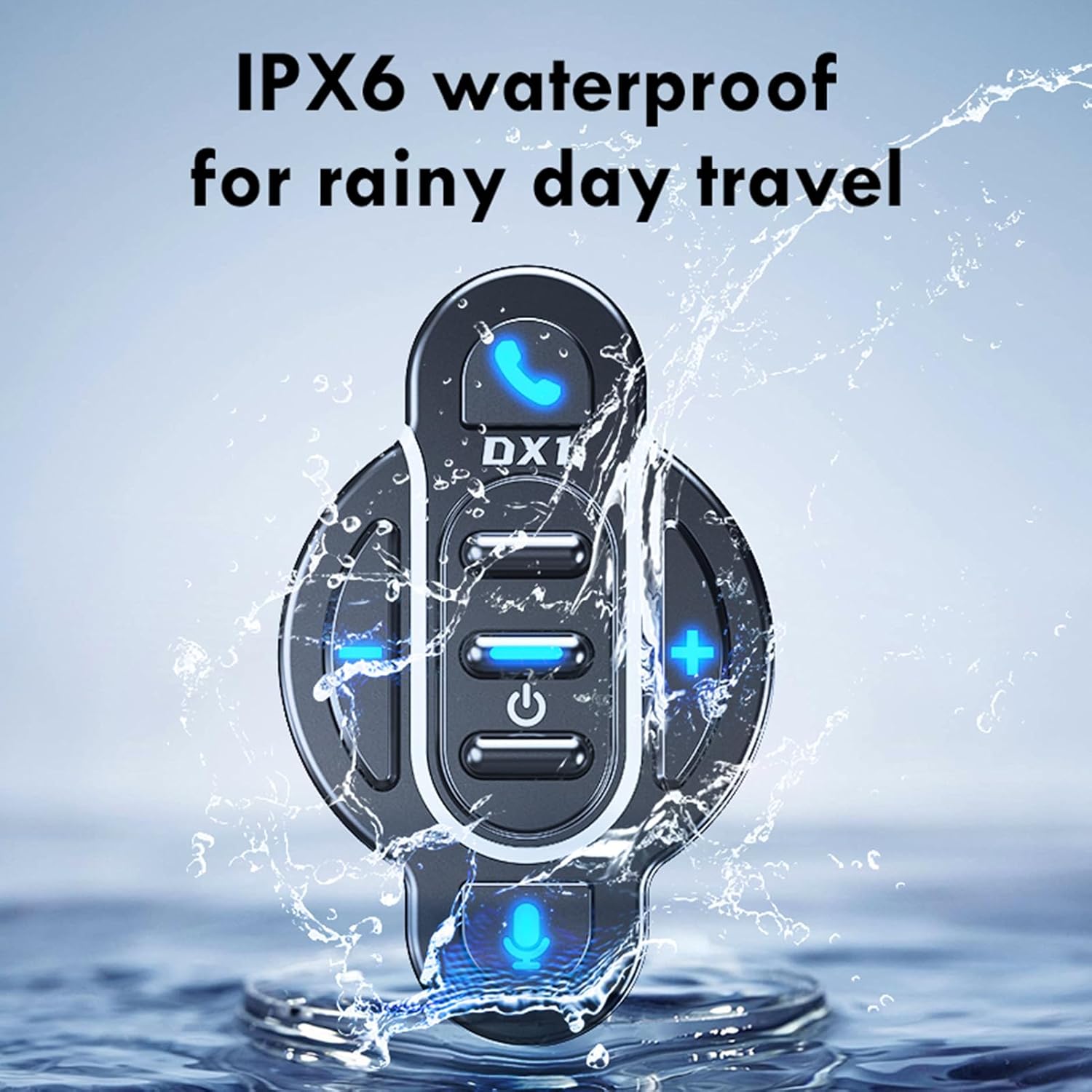
Image: The Docooler BT-Controller being splashed with water, illustrating its IPX6 waterproof rating for use in rainy conditions.
While the device is water-resistant, avoid submerging it in water or exposing it to high-pressure water streams for extended periods.
Зберігання
Якщо пристрій не використовується протягом тривалого часу, зберігайте його в прохолодному, сухому місці, подалі від прямих сонячних променів та екстремальних температур.
Усунення несправностей
If you encounter issues with your Docooler BT-Controller, refer to the following common problems and solutions:
| проблема | Можлива причина | Рішення |
|---|---|---|
| Пристрій не вмикається. | Акумулятор розрядився. | Заряджайте пристрій щонайменше 1 годину. |
| Не вдається з'єднати пристрій зі смартфоном. | Bluetooth is off on smartphone; device not in pairing mode; too far from smartphone. | Ensure smartphone Bluetooth is on. Put controller in pairing mode (flashing blue light). Move device closer to smartphone (within 10 meters). |
| No sound or control response. | Device not connected; volume too low; app issue. | Verify Bluetooth connection. Increase volume on both controller and smartphone. Restart music/call app. |
| Кнопки не реагують. | Пристрій завис; низький заряд батареї. | Try turning the device off and on again. Charge the device. |
If the problem persists after trying these solutions, please contact Docooler customer support for further assistance.
Технічні характеристики
| Особливість | Деталь |
|---|---|
| Версія BT | 5.4 |
| Діапазон передачі | 10 метрів (без перешкод) |
| Тип батареї | Вбудований полімерний літій-іонний акумулятор 3.7 В |
| Ємність акумулятора | 90 мАг |
| Час роботи | Прибл. 22 днів |
| Час очікування | Прибл. 30 днів |
| Час зарядки | прибл. 1 година |
| Рейтинг водонепроникності | IPX6 |
| Колір | чорний |
| Розмір елемента | Прибл. 5.5 x 3.5 x 3 см |
| Вага товару | прибл. 20 грам |
| Кількість кнопок | 8 |
| Максимальна кількість підтримуваних пристроїв | 1 |
| Номер моделі | NPT6954248697367MU |
Гарантія та підтримка
Specific warranty information for this product is not provided in this manual. For details regarding warranty coverage, returns, or technical support, please refer to the product packaging, the retailer's website where you purchased the device, or contact Docooler customer service directly.
For the latest support information and frequently asked questions, please visit the official Docooler webсайт або зверніться до їхніх каналів підтримки.