
ORICO S5-256GB
ORICO S5 Portable SSD User Manual
Model: S5-256GB
вступ
The ORICO S5 Portable SSD is a compact and efficient external solid-state drive designed for seamless data backup and storage expansion. Featuring a direct USB-C plug design, it is ideal for use with compatible devices such as the iPhone 15/16 series, laptops, and tablets, providing a convenient solution to free up device storage space.

Image: The ORICO S5 Portable SSD directly connected to an iPhone, illustrating its direct plug design and data transfer capabilities.
Налаштування та підключення
The ORICO S5 Portable SSD offers versatile connection options for various devices.
1. Direct Plug Connection
The S5 SSD features a direct USB-C plug, allowing for immediate connection to compatible devices without the need for additional cables.
- For iPhone 15/16 Series: Simply plug the USB-C connector of the SSD directly into the USB-C port of your iPhone.
- For USB-C Laptops/Tablets: Insert the SSD's USB-C connector into an available USB-C port on your laptop or tablet.

Image: Illustration of two connection methods: direct plug and magnetic suction (if applicable to your model, verify accessory). The ORICO S5 supports direct USB-C connection.
2. Expanding Storage
The ORICO S5 provides an easy way to expand your device's storage capacity, allowing you to store more photos, videos, and documents.
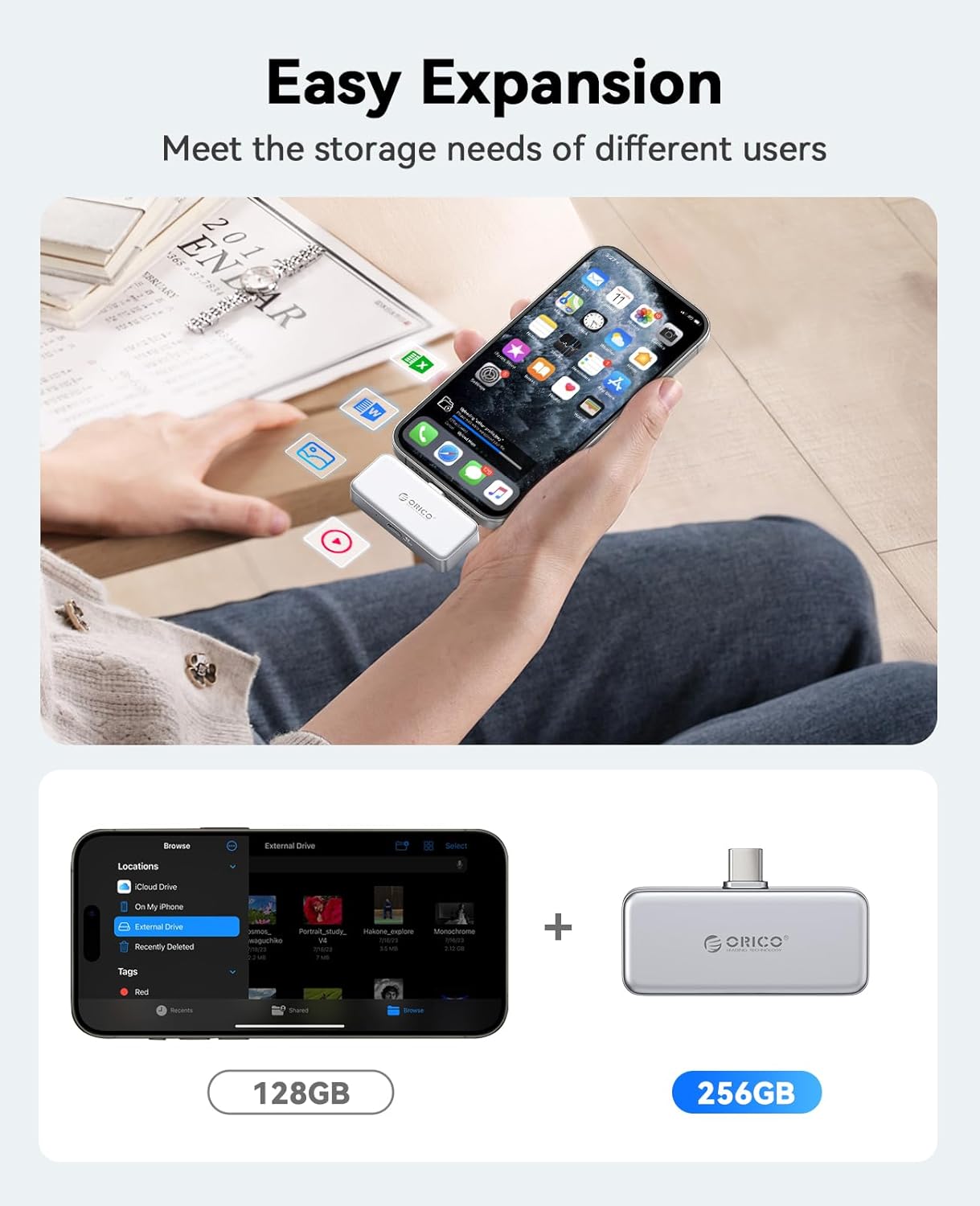
Image: Visual representation of how the ORICO S5 Portable SSD expands storage, comparing typical phone storage (128GB) with the SSD's capacity (256GB).
Інструкція з експлуатації
1. Data Backup and Charging
The ORICO S5 Portable SSD is equipped with a PD100W charging port, enabling simultaneous data backup and device charging. This prevents interruptions during large data transfers due to low battery.
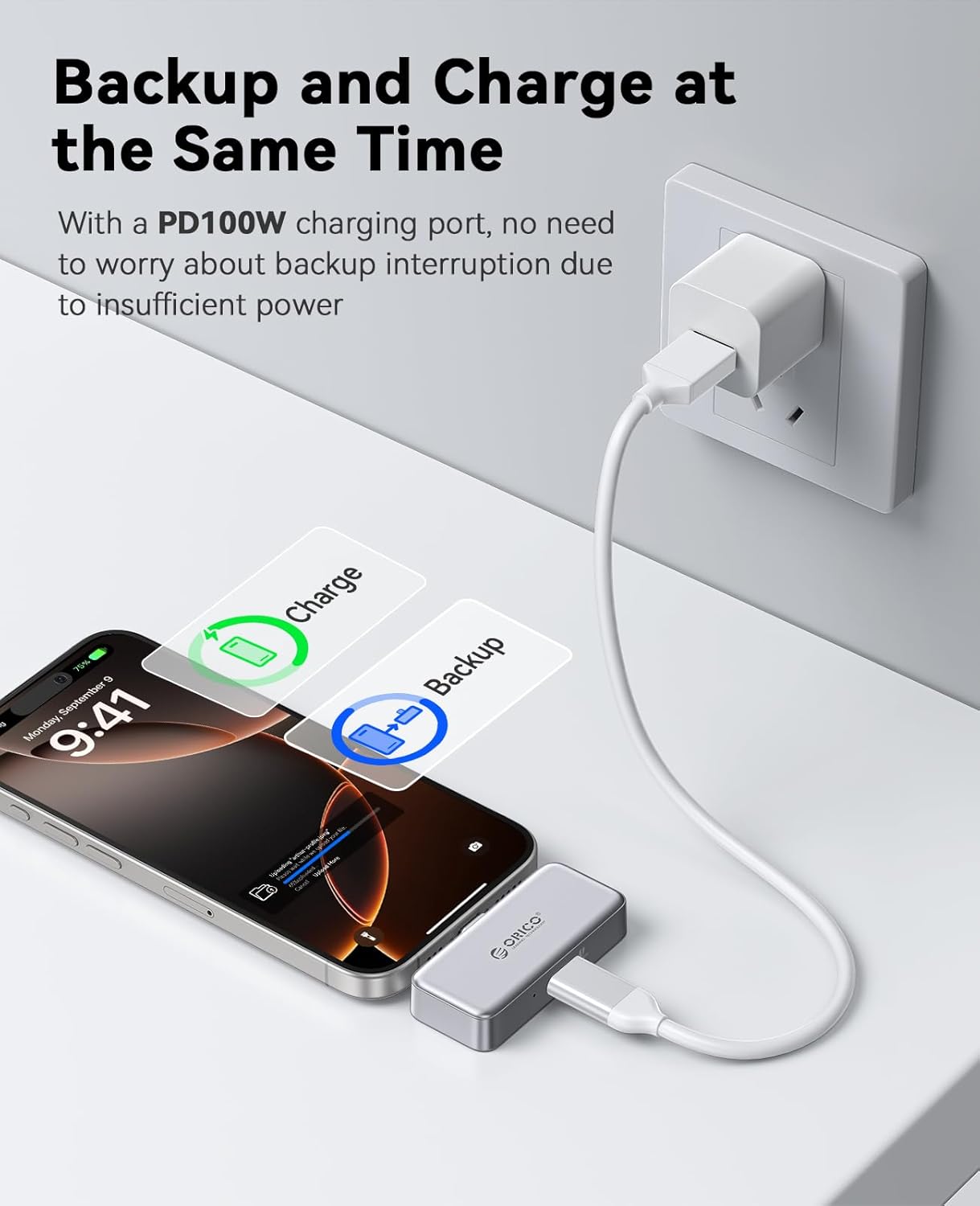
Image: The ORICO S5 Portable SSD connected to both an iPhone and a power adapter, demonstrating its ability to charge the phone while backing up data.
2. Data Transfer for Mobile Phones (iPhone 15/16 Series)
Follow these steps to transfer photos and videos from your iPhone to the ORICO S5 SSD:
- Крок 1: Connect the ORICO S5 SSD to your iPhone 15/16 series device.
- Крок 2: Open your Photos app, select the desired photos/videos, and click the "Share" icon.
- Крок 3: From the share options, click "Save to Files ".
- Крок 4: в Files app, click "Browse".
- Крок 5: Locate and click on "ORICO" under Locations.
- Крок 6: Click "Save" to transfer the selected fileдо SSD.
Note: This functionality is specifically for iPhone 15/16 series. Not applicable for iPhone 14, iPhone 13, iPhone 12, iPhone 11, iPhone XS, iPhone XR, iPhone X, or iPhone SE.

Image: Step-by-step guide for transferring data from iPhone 15/16 series to the ORICO S5 Portable SSD.
3. Data Transfer for Android Phones
Follow these steps to transfer photos and videos from your Android phone to the ORICO S5 SSD:
- Крок 1: Connect the ORICO S5 SSD to your Android phone.
- Крок 2: Відкрийте свій "Files" app or file менеджер.
- Крок 3: Click "Images" or navigate to the folder containing your desired files.
- Крок 4: Select the photos/videos you wish to transfer and click "Copy".
- Крок 5: Navigate to the "ORICO" external storage device.
- Крок 6: Click "Paste" (represented by a checkmark or similar icon) to transfer the files.

Image: Step-by-step guide for transferring data from an Android phone to the ORICO S5 Portable SSD.
4. Usage with Laptops and Tablets
The ORICO S5 SSD can also be used with laptops and tablets for expanded storage and convenient data access.
- Використання ноутбука: Connect the SSD to your laptop's USB-C port to manage files, edit projects, or store large media files, preventing "insufficient storage space" issues.
- Tablet Use: Connect to your tablet to store and access movies, documents, or other media, effectively turning your tablet into a portable entertainment hub.

Image: The ORICO S5 Portable SSD connected to a laptop, mobile phone, and tablet, highlighting its multi-device compatibility for easy data expansion and transmission.
Технічне обслуговування
To ensure the longevity and optimal performance of your ORICO S5 Portable SSD, follow these maintenance guidelines:
- Обережно поводьтеся: Although durable, avoid dropping the SSD or subjecting it to strong impacts.
- Зберігати сухим: Protect the device from moisture and liquids.
- Обережно очищайте: Використовуйте м’яку суху тканину для очищення зовнішньої частини. Не використовуйте агресивні хімікати або абразивні матеріали.
- Правильний викид: Always safely eject the SSD from your device before disconnecting it to prevent data corruption.
- температура: Store and operate the SSD within recommended temperature ranges (typically 0°C to 70°C or 32°F to 158°F) to ensure stable performance.
Усунення несправностей
If you encounter issues with your ORICO S5 Portable SSD, refer to the following common troubleshooting steps:
| проблема | Можливе рішення |
|---|---|
| SSD-накопичувач не розпізнається пристроєм |
|
| Низька швидкість читання/запису |
|
| Fileне передається |
|
Технічні характеристики
Key technical specifications for the ORICO S5 Portable SSD:
| Особливість | Деталь |
|---|---|
| Назва моделі | S5 |
| Номер моделі товару | S5-256GB |
| Бренд | ORICO |
| Ємність пам'яті | 256 ГБ |
| Тип жорсткого диска | SSD (твердотільний накопичувач) |
| Тип флеш-пам'яті | NAND |
| Швидкість читання | 180 мегабайт на секунду |
| Швидкість запису | 100 МБ/с |
| Технологія підключення | USB |
| Апаратний інтерфейс | USB 3.0 |
| Технологія підключення апаратного забезпечення | USB типу A, USB типу C |
| Колір | Срібло |
| Вага товару | 3.17 унції |
| Розміри упаковки | 3.94 x 3.15 x 0.79 дюймів |
| Особливість | Портативний |
| Виробник | ШЕНЬЧЖЕНЬ ОРІКО ТЕХНОЛОГІЇ, ТОВ |
| Дата першої доступності | 30 грудня 2024 р |
Гарантія та підтримка
ORICO products are designed for reliability and performance. For warranty information, technical support, or customer service inquiries, please refer to the official ORICO webсайт або зверніться безпосередньо до служби підтримки клієнтів.
You can typically find support contact details on the product packaging or by visiting the Магазин ORICO на Amazon або офіційний представник виробника webсайт.