
1. Вступ
Thank you for choosing the YI Smart Security Camera 360° PTZ Dome Camera. This camera provides comprehensive surveillance with its 360° pan and tilt capabilities, delivering crystal-clear 1080p Full HD video. Designed for indoor use, it features advanced motion detection, smart auto-tracking, enhanced night vision, and two-way audio communication. This manual will guide you through the setup, operation, and maintenance of your new security camera.
Ключові характеристики:
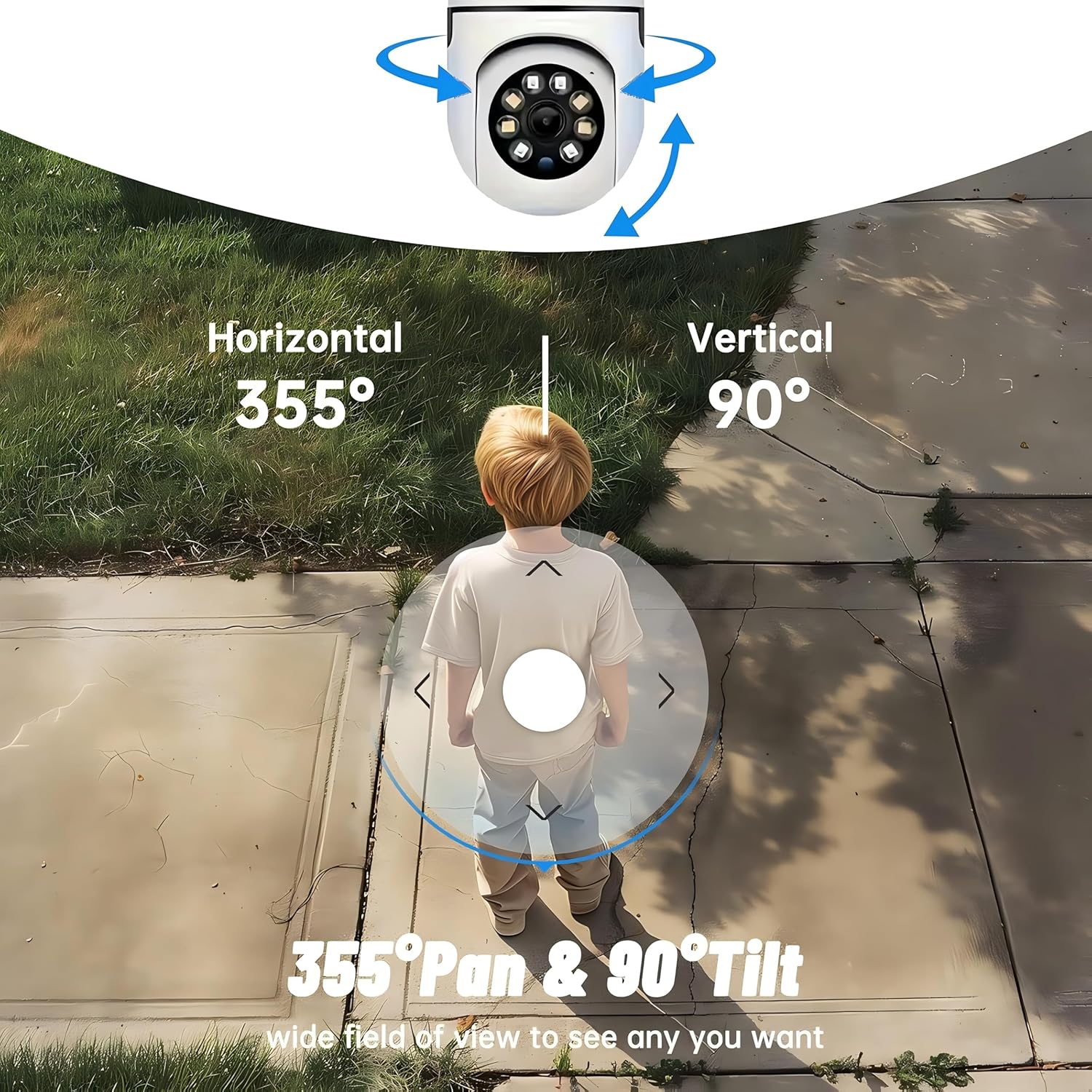
- Покриття 360°: 355° horizontal and 90° vertical rotation for zero blind spots.
- 1080p Full HD: High-definition video for clear monitoring.
- Виявлення руху та автоматичне відстеження: Alerts and tracks moving objects automatically.
- Покращене нічне бачення: Multiple modes including full-color night vision.
- Двостороннє аудіо: Вбудований мікрофон і динамік для зв'язку в режимі реального часу.
- Гнучке зберігання: Supports Cloud storage and local storage via microSD card (up to 128GB).
2. Вміст упаковки
Будь ласка, перевірте упаковку на наявність наступних предметів:
- YI Smart Security Camera x1
- USB кабель x1
- Посібник користувача x1 (цей документ)
3. Продукт закінчивсяview
Familiarize yourself with the components of your YI Smart Security Camera.

Малюнок 3.1: Спереду view of the YI Smart Security Camera, showing the lens, LED lights, and two antennas.

Figure 3.2: Dimensions of the YI Smart Security Camera, indicating a height of 180mm (7.08in), width of 102mm (4.0in), and depth of 85mm (3.34in).
4. Налаштування та встановлення
4.1 Початкове ввімкнення
- Connect the provided USB cable to the camera's power port and plug the other end into a compatible USB power adapter (not included).
- The camera will power on and initiate its self-test sequence. Wait for the indicator light to flash, indicating it's ready for setup.
4.2 Завантаження програми та створення облікового запису
- Завантажити YI IOT App з App Store (iOS) або Google Play Store (Android).
- Відкрийте програму та дотримуйтесь інструкцій на екрані, щоб створити новий обліковий запис або увійти, якщо він у вас вже є.
4.3 Adding Your Camera to the App
- In the YI IOT App, tap the "+" icon to add a new device.
- Виберіть модель вашої камери зі списку.
- Follow the app's instructions to connect the camera to your 2.4GHz Wi-Fi network. This typically involves scanning a QR code generated by the app with the camera's lens.
- Після підключення ви можете назвати свою камеру та розпочати пряму трансляцію viewінж.
4.4 Встановлення камери
The camera is designed for indoor use and can be placed on a flat surface or wall-mounted. For wall mounting, use the included mounting accessories (if applicable) and ensure the camera is securely fastened.
Малюнок 4.1: Впрamples of multi-scene applications, including wall and ceiling mounting, and placement in living rooms, bedrooms, and studies.
5. Керування камерою
5.1 Керування панорамуванням та нахилом
The YI Smart Security Camera offers extensive pan and tilt capabilities, allowing you to monitor a wide area.
- Горизонтальне обертання: 355°
- Вертикальне обертання: 90°
In the YI IOT App, use the directional controls on the live view screen to remotely adjust the camera's viewкут.

Figure 5.1: Illustration of the camera's 355° horizontal pan and 90° vertical tilt capabilities, providing a wide field of view.
5.2 Motion Detection & Smart Auto Tracking
The camera can detect movement and automatically track objects, sending alerts to your smartphone.
- Виявлення руху: When motion is detected, the camera will send an instant push notification with a 6-second video clip to your phone via the YI IOT App.
- Smart Auto Tracking: If enabled, the camera will automatically follow moving objects for up to 10 seconds after detection, ensuring continuous monitoring of the activity.
Adjust sensitivity settings and notification preferences within the app.

Figure 5.2: Real-time alarm notification on the YI IOT app, showing an intruder detected by the camera.
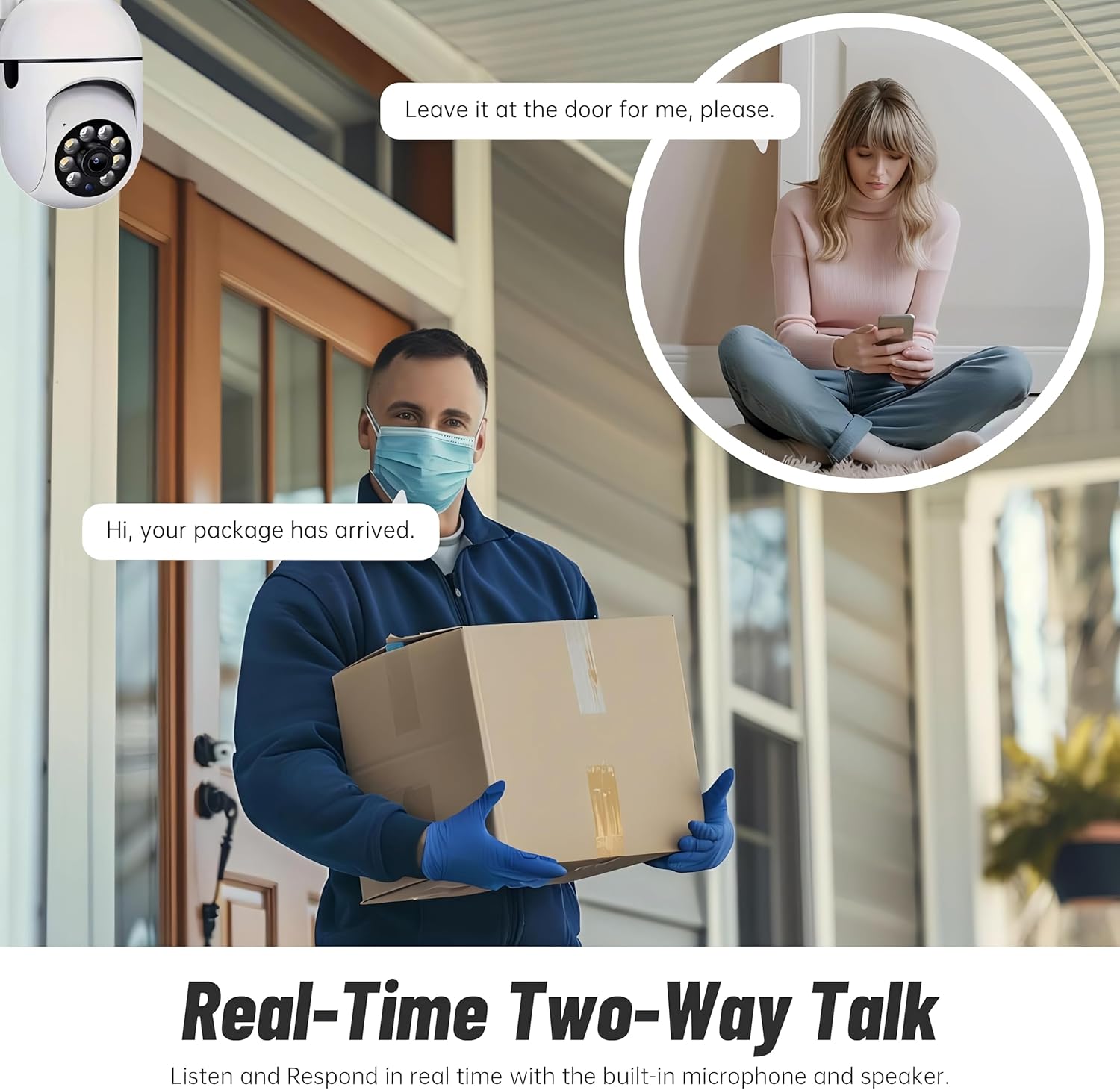
Figure 5.3: The camera's motion tracking feature focusing on a moving pet.

Figure 5.4: Visual representation of a motion detection alert, showing the camera capturing movement and sending notifications.
5.3 Покращене нічне бачення
The camera is equipped with ultra-long-distance infrared LEDs and floodlight LEDs, offering multiple night vision modes for clear visibility in low-light conditions.
- Звичайне нічне бачення: Standard black and white infrared view.
- Інтелектуальне нічне бачення: Automatically switches between infrared and full-color based on detected activity.
- Повнокольорове нічне бачення: Provides a color image even in low light, utilizing the built-in floodlight.
You can switch between these modes directly from the YI IOT App.

Figure 5.5: Comparison illustrating the difference between standard infrared night vision (monochrome) and 1080p full-color night vision.
5.4 Двосторонній аудіозв'язок
Communicate through the camera using its built-in microphone and high-power speaker.
- Домофонний режим: Press and hold the microphone icon in the app to speak, and release to listen. Ideal for giving commands to pets or deterring unwanted visitors.
- Режим «Вільні руки»: Allows for a continuous two-way conversation, similar to a phone call.
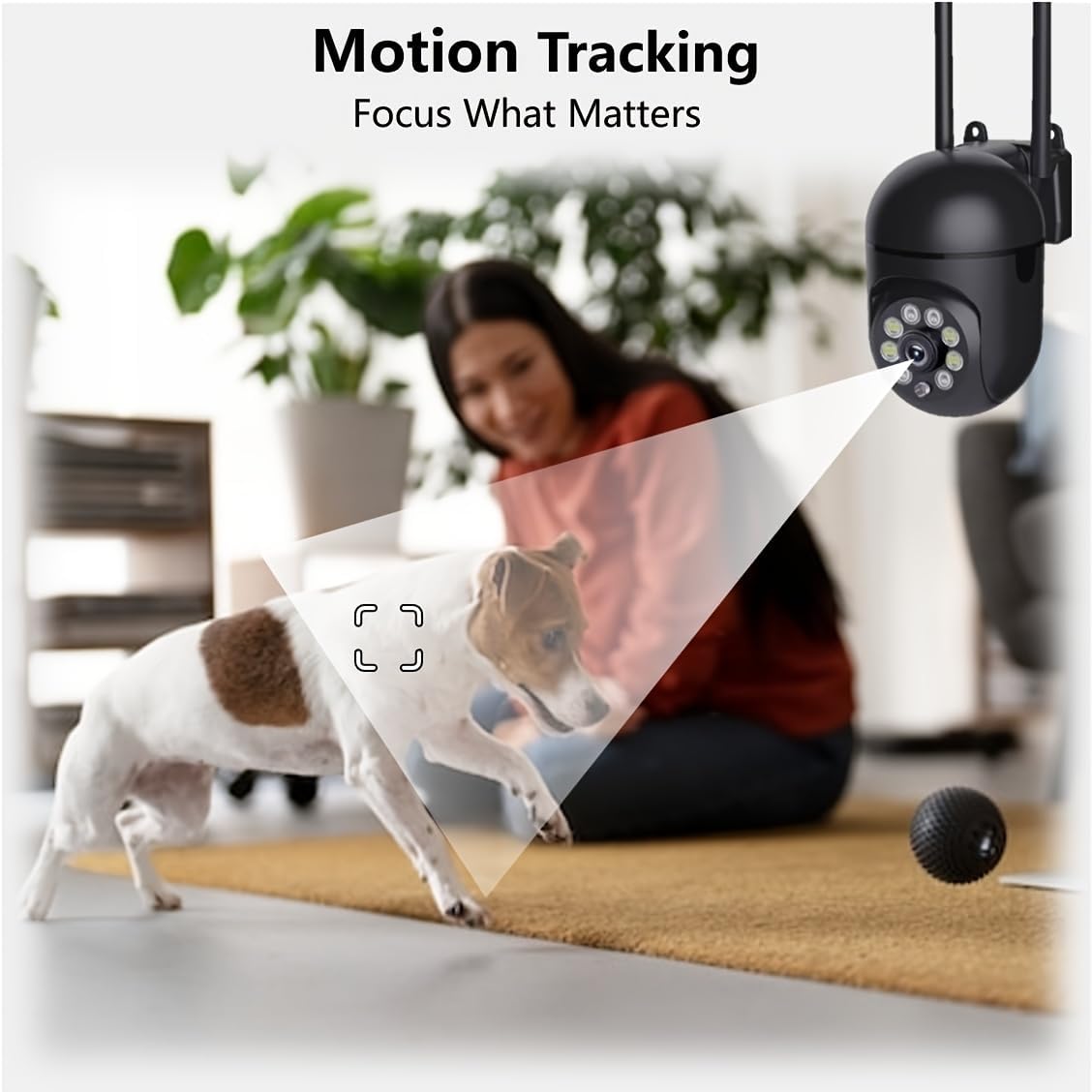
Figure 5.6: Demonstration of real-time two-way talk, allowing communication between the camera's location and the app user.
5.5 Cloud & Local Storage
Your camera offers flexible storage options for your video footage.
- YI Cloud Storage: Securely store 6-second video clips triggered by motion or sound detection. This ensures your footage is safe from loss, theft, or damage to local storage. Available for both iOS and Android.
- Локальна пам'ять: The camera supports microSD cards up to 128GB (not included) for continuous recording or event-triggered recordings.
6. Технічне обслуговування
To ensure optimal performance and longevity of your camera, follow these maintenance guidelines:
- Прибирання: Обережно протріть об’єктив та корпус камери м’якою сухою тканиною. Уникайте використання агресивних хімікатів або абразивних матеріалів.
- Оновлення прошивки: Regularly check for and install firmware updates via the YI IOT App. Updates often include performance improvements, new features, and security enhancements.
- Цикл живлення: If the camera becomes unresponsive, unplug it from the power source for 10 seconds, then plug it back in to restart it.
7. Вирішення проблем
Якщо у вас виникли проблеми з камерою, зверніться до наступних поширених проблем та способів їх вирішення:
| проблема | Можлива причина | Рішення |
|---|---|---|
| Камера офлайн | Немає живлення; відключено Wi-Fi; проблема з маршрутизатором | Перевірте підключення живлення; перезавантажте камеру та маршрутизатор; знову підключіть камеру до Wi-Fi через застосунок. |
| Погана якість зображення | Dirty lens; Insufficient lighting; Network bandwidth | Clean the lens; Ensure adequate lighting or enable night vision; Check Wi-Fi signal strength. |
| Виявлення руху не працює | Feature disabled; Incorrect sensitivity; Obstruction | Enable motion detection in app; Adjust sensitivity; Ensure clear view. |
| Проблеми з двостороннім аудіо | Microphone/speaker muted; App permissions; Network delay | Check app settings; Grant microphone permissions; Ensure stable network connection. |
| Карта MicroSD не розпізнається | Card not inserted correctly; Incompatible card; Corrupted card | Reinsert card; Use a compatible card (Class 10 or higher); Format card in app or replace. |
If the problem persists, please contact YI customer support.
8. Технічні характеристики
Detailed technical specifications for the YI Smart Security Camera.
| Особливість | Специфікація |
|---|---|
| Назва моделі | CB201-1X-W |
| Використання в приміщенні/зовні | закритий |
| Роздільна здатність захоплення відео | 1080p Full HD |
| Технологія підключення | Бездротовий зв'язок (Wi-Fi 2.4 ГГц) |
| Діапазон повороту/нахилу | По горизонталі 355°, по вертикалі 90° |
| Діапазон нічного бачення | 10 метрів |
| Двостороннє аудіо | так |
| Параметри зберігання | Cloud Storage, MicroSD Card (up to 128GB) |
| Джерело живлення | Провідний електричний |
| Сумісні пристрої | Смартфон (iOS/Android) |
| Розміри продукту (Д x Ш x В) | 4 x 3.35 x 7.09 дюймів |
| Включені компоненти | Security Camera x1, USB Cable x1 |
9. Гарантія та підтримка
For warranty information and technical support, please refer to the official YI website or contact their customer service directly. Details can typically be found on the product packaging or within the YI IOT App's 'About' or 'Support' section.
Інтернет-підтримка: Visit the official YI webсайт із поширеними запитаннями, посібниками з усунення несправностей та варіантами зв’язку.
Підтримка додатків: Access support resources directly within the YI IOT App.