
вступ
The Xmenha YX36 RGB Mecha True Wireless Gaming Earbuds are designed to provide an immersive audio experience for gaming and music. Featuring Bluetooth 5.4 connectivity, low latency, and a unique mecha-inspired design, these earbuds offer enhanced sound quality and comfortable wear. This manual provides instructions for setup, operation, maintenance, and troubleshooting to ensure optimal performance.
Вміст упаковки
Будь ласка, поставте позначку у відповідному полі для наступних пунктів:
- Gaming Earbuds (L/R)
- 2 Sizes of Ear Caps
- Зарядний футляр
- USB-кабель для заряджання (Type-C)
- Інструкція користувача (2 примірники)
Продукт закінченийview
The Xmenha YX36 earbuds feature a distinctive mecha design with RGB lighting, housed in a compact charging case. They are engineered for comfort and performance, especially for gaming.

Image: The Xmenha YX36 Winter-Blue earbuds are shown inside their open charging case, highlighting the unique design and glowing elements.
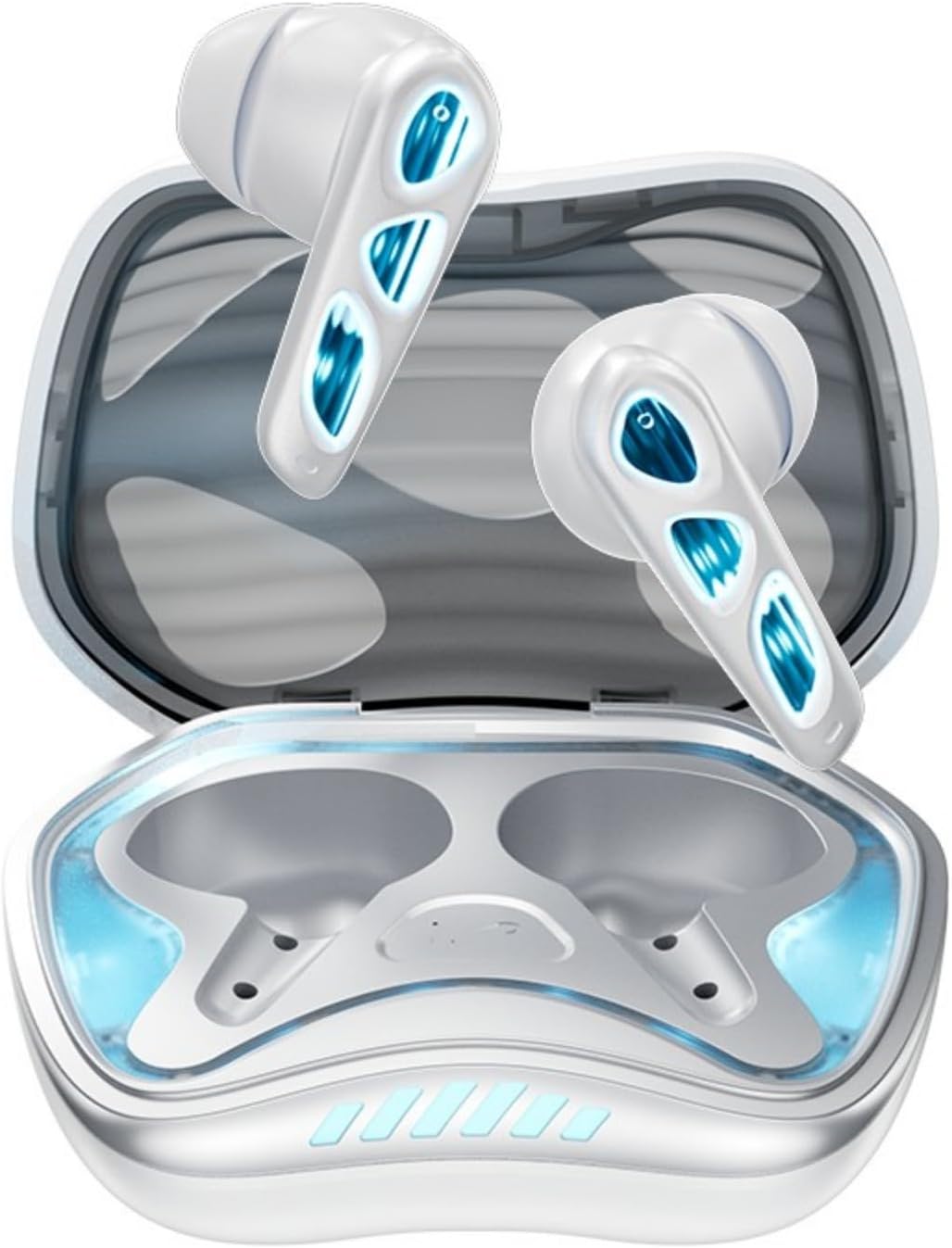
Зображення: Зверху вниз view of the Winter-Blue earbuds resting in their charging case, showcasing the internal layout and design details.

Image: This graphic highlights the gaming-specific features of the earbuds, including Bluetooth 5.4 for smooth connection, a polymer diaphragm for sound quality, super heavy bass, and comfortable noise reduction.
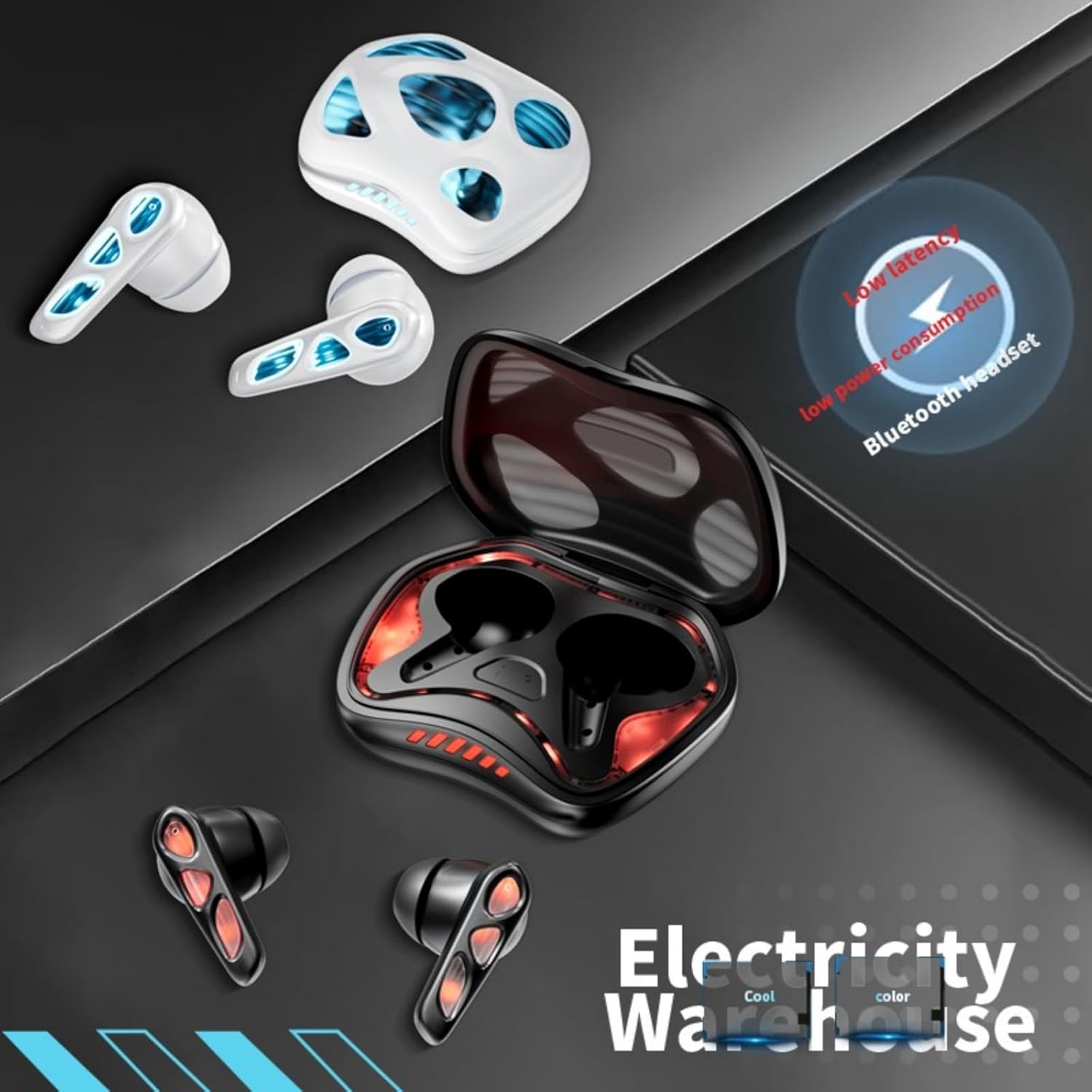
Image: The earbuds and charging case are depicted alongside text indicating low latency and low power consumption, emphasizing efficient performance for gaming and extended use.
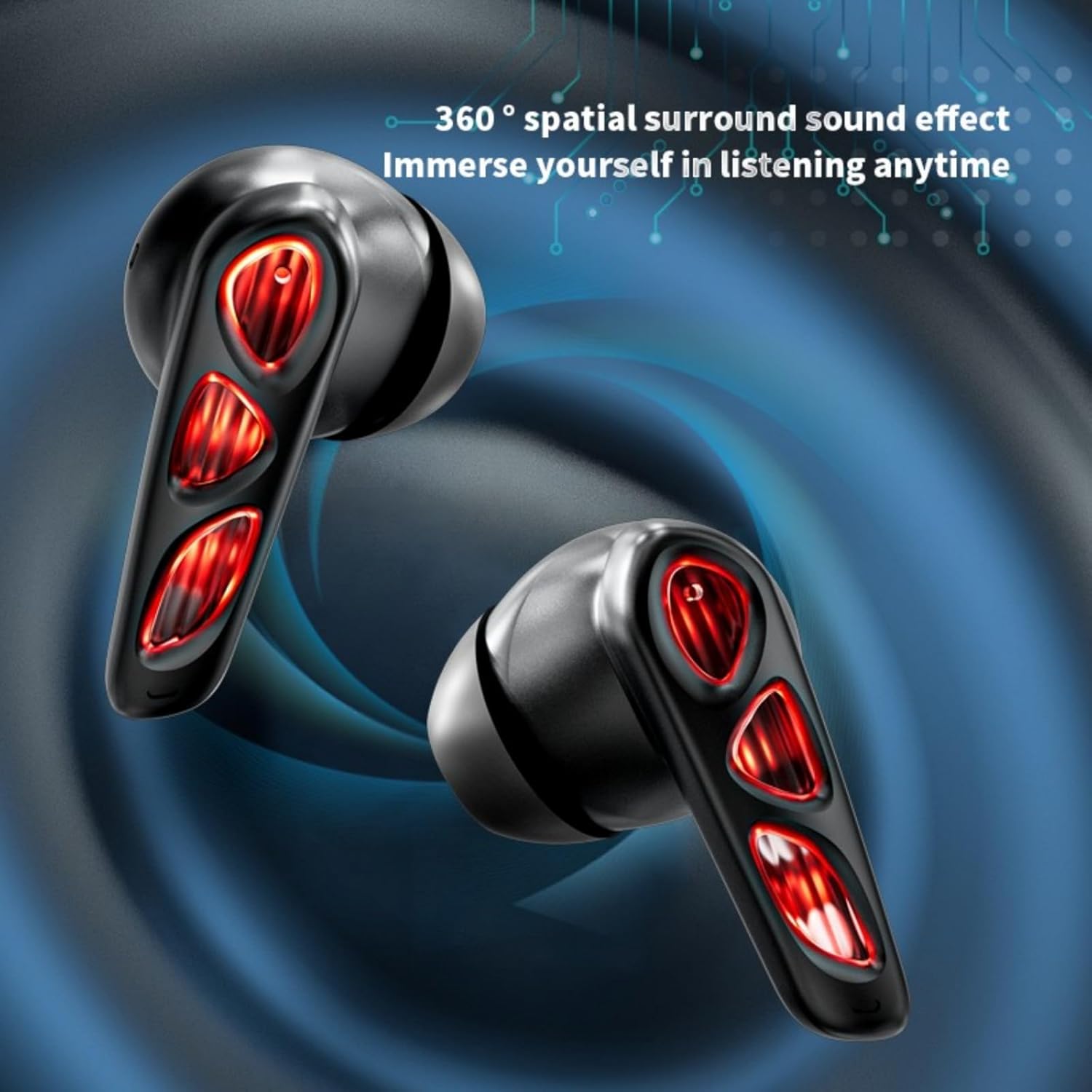
Image: A close-up of the earbuds (in the Flame-Red variant) highlights the 360-degree spatial surround sound effect, designed to immerse the user in their audio experience.

Image: This image showcases the Winter-Blue earbuds in their charging case, emphasizing the ultra-long battery life and strong power reserve for extended gaming sessions.

Image: A person is shown wearing the earbuds, illustrating the ergonomic design for comfortable and worry-free use during play.
Налаштування
1. Заряджання навушників та кейса
Перед першим використанням повністю зарядіть навушники та зарядний футляр.
- Підключіть наданий зарядний кабель USB Type-C до зарядного порту на корпусі та до джерела живлення.
- The charging case will indicate its charging status. A full charge for the case typically takes approximately 2 hours.
- Place the earbuds into the charging case. They will begin charging automatically. The earbuds provide approximately 5.5 hours of continuous playtime on a single charge, with the charging case offering an additional 36 hours of battery life.
2. Підключення Bluetooth
Навушники мають зручне сполучення в один крок.
- Відкрийте зарядний футляр. Навушники автоматично увімкнуться та перейдуть у режим сполучення.
- На вашому пристрої (смартфоні, планшеті, ПК) увімкніть Bluetooth та знайдіть доступні пристрої.
- Select "YX36" (or similar name) from the list of found devices to connect.
- Після сполучення навушники автоматично підключаться до останнього сполученого пристрою, коли їх виймають з кейса.
Інструкція з експлуатації
Сенсорне керування
The Xmenha YX36 earbuds utilize intelligent touch controls for various functions:
- Відтворення/пауза музики: Один раз торкніться будь-якого навушника.
- Наступна пісня: Двічі торкніться правого навушника.
- Попередня пісня: Двічі торкніться лівого навушника.
- Відповісти/закінчити виклик: Одне торкання будь-якого навушника під час вхідного дзвінка.
- Відхилити виклик: Натисніть і утримуйте будь-який з навушників протягом 2 секунд під час вхідного дзвінка.
- Активувати голосового помічника: Потрійне торкнення будь-якого навушника (функціональність може відрізнятися залежно від пристрою).
Ігровий режим
The earbuds are designed with a low-latency connection (55ms) for an optimized gaming experience. This ensures audio and video synchronization with near-zero delay.
Технічне обслуговування
прибирання
Для підтримки оптимальної продуктивності та гігієни:
- Обережно протріть навушники та зарядний футляр м’якою, сухою тканиною без ворсу.
- Не використовуйте абразивні засоби для чищення, спирт або хімічні розчинники.
- Переконайтеся, що зарядні контакти на обох навушниках і в футлярі чисті та сухі.
Зберігання
Коли навушники не використовуються, зберігайте їх у зарядному футлярі, щоб захистити їх та підтримувати зарядженими. Уникайте зберігання за екстремальних температур або вологого середовища.
Усунення несправностей
If you encounter issues with your Xmenha YX36 earbuds, please refer to the following common solutions:
| проблема | Рішення |
|---|---|
| Навушники не підключаються |
|
| Немає звуку з одного навушника |
|
| Зарядний футляр не заряджається |
|
| Низька гучність або погана якість звуку |
|
Технічні характеристики
| Особливість | Деталь |
|---|---|
| Номер моделі | YX36 |
| Версія Bluetooth | 5.4 |
| Відстань передачі | >10 метрів |
| Ємність акумулятора навушника | 30mAh (кожен) |
| Ємність батареї зарядного футляра | 380 мАг |
| Час відтворення | Approx. 5.5 hours (earbuds), 36 hours (with charging case) |
| Час зарядки | прибл. 2 години (зарядний футляр) |
| Порт зарядки | Тип-C |
| Низька затримка | 55 мс |
| Спосіб контролю | Дотик |
| Рівень водонепроникності | Водостійкий |
| Сумісні пристрої | iPhone, Android, PC |
| матеріал | пластик |
| Вага товару | 3.8 унції |
Гарантія та підтримка
Xmenha is committed to providing quality products and customer satisfaction. While specific warranty details are not provided in this manual, if you receive a defective product or have any questions during use, please contact Xmenha customer support. We aim to respond and provide a solution within 24 hours.
For support, please refer to the contact information provided with your purchase or visit the official Xmenha store page on Amazon.