
EBTOOLS EBTOOLSs1gq2a4o5t-12
EBTOOLS Body Camera User Manual
Model: EBTOOLSs1gq2a4o5t-12
1. Вступ
This manual provides comprehensive instructions for the operation and maintenance of your EBTOOLS Body Camera, Model EBTOOLSs1gq2a4o5t-12. This portable, body-mounted camcorder is designed for various recording needs, including law enforcement, security, and outdoor activities, offering 1080P HD video recording, night vision capabilities, and a wide-angle lens.
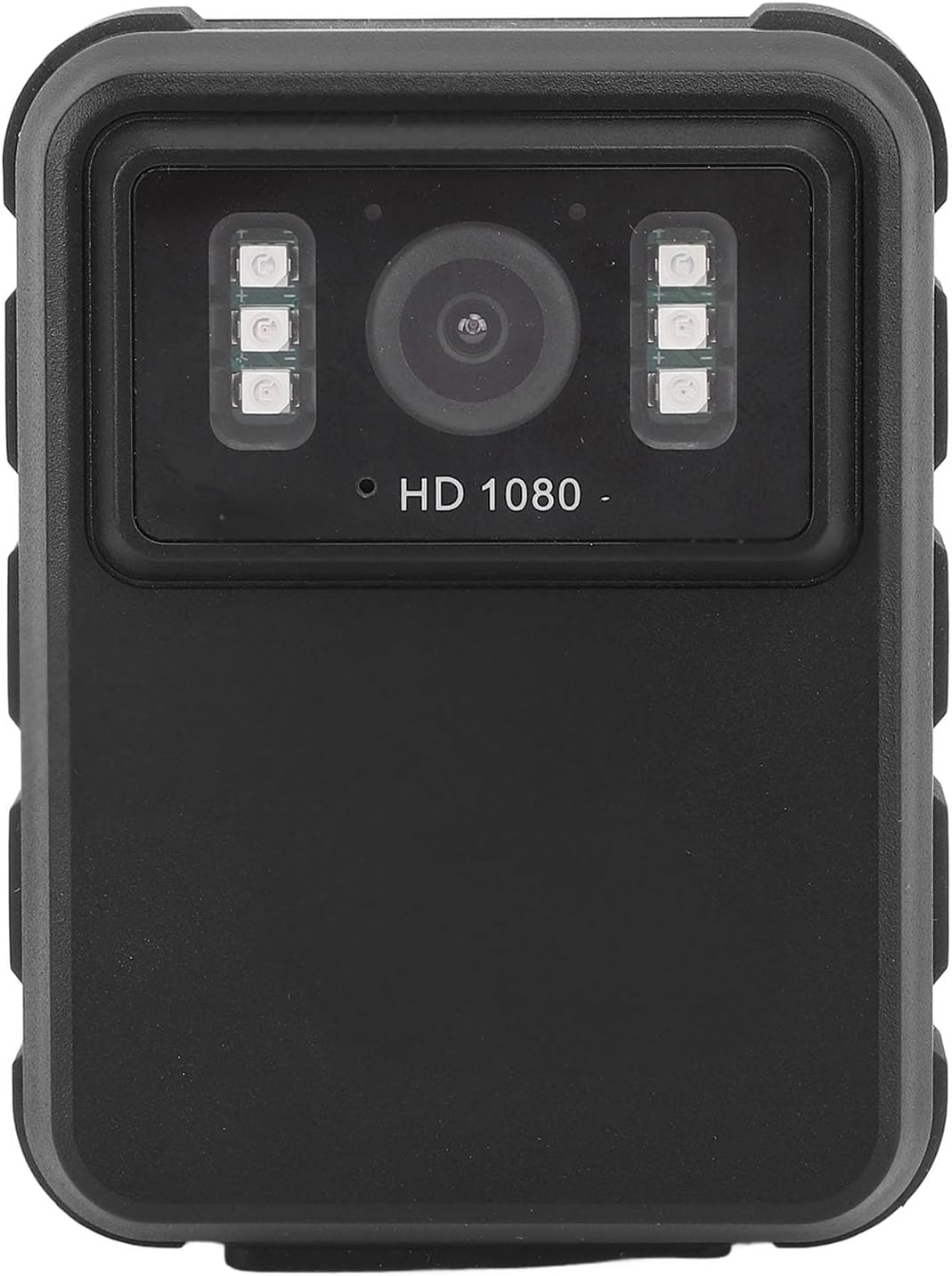
малюнок 1: Фронт view of the EBTOOLS Body Camera, showing the lens and infrared LEDs.
2. Продукт закінчивсяview
2.1 Основні характеристики
- Запис відео високої чіткості 1080P: Captures high-definition video for clear footage.
- Нічне бачення: Equipped with 6 infrared LEDs for clear recording up to 33 feet in low-light or dark conditions, with manual and automatic activation modes.
- Ширококутний об'єктив 130°: Забезпечує ширше поле view to capture more of the surroundings.
- Циклічний запис: Автоматично перезаписує найстаріший footage when storage is full, ensuring continuous recording.
- 2.0-дюймовий IPS дисплей: Allows for immediate video playback and photo viewing directly on the device.
- Універсальні варіанти монтажу: Can be clipped to clothing, mounted on a motorcycle, or used as a dash cam.
- Тривалий термін служби батареї: Built-in 1800mAh lithium battery supports approximately 8 hours of continuous recording.

малюнок 2: Illustration of the 130° wide-angle lens and the 2.0-inch IPS display for clear viewінж.

малюнок 3: The camera's built-in infrared lights for night vision and its robust design suitable for various conditions.
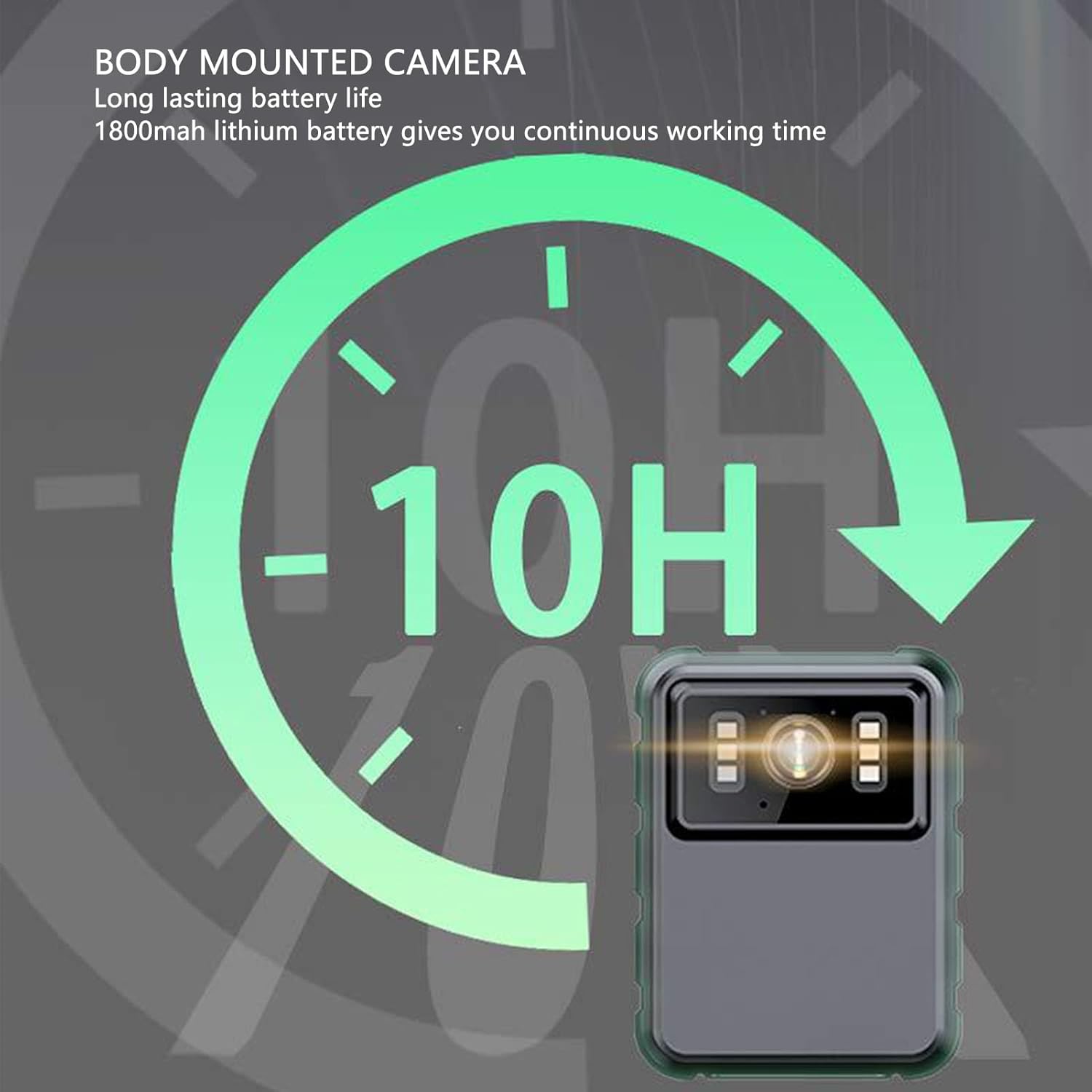
малюнок 4: The camera features a long-lasting 1800mAh lithium battery, providing extended operational time.
2.2 Вміст упаковки
Перевірте наявність усіх елементів в упаковці:
- 1 x EBTOOLS Body Camera
- 2 х кріплення кронштейнів
- 1 x адаптер
- 1 x зарядний кабель (USB)
- 1 x Посібник користувача (цей документ)
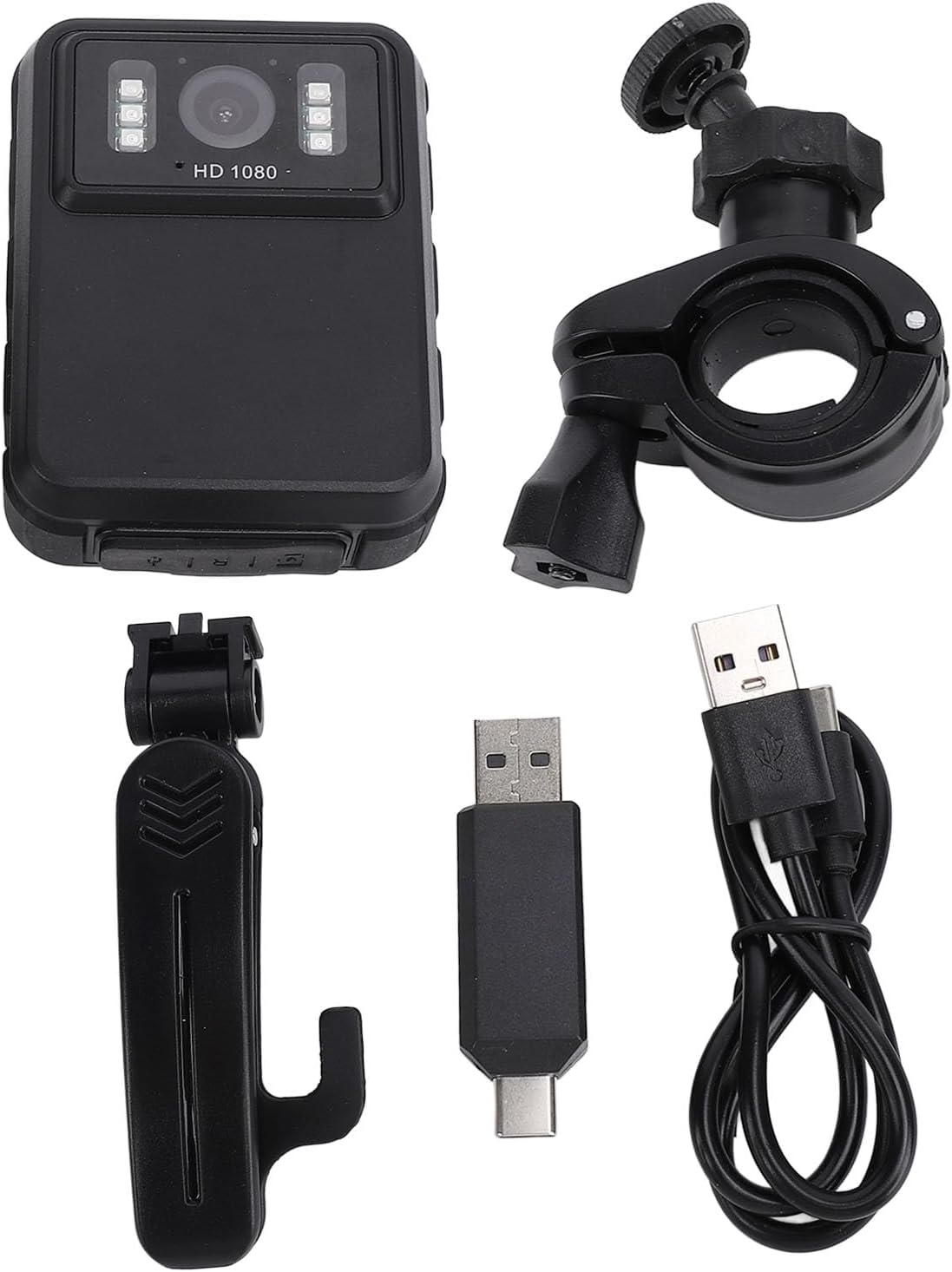
малюнок 5: All components included in the EBTOOLS Body Camera package.
3. Налаштування
3.1 Початкове заряджання
- Connect the provided charging cable to the camera's USB port.
- Connect the other end of the charging cable to the adapter, then plug the adapter into a standard power outlet.
- Allow the camera to charge fully before first use. The charging indicator light will typically change color or turn off when charging is complete.
3.2 Увімкнення/вимкнення
- Щоб увімкнути: Натисніть і утримуйте кнопку живлення (зазвичай розташовану збоку або зверху) протягом кількох секунд, поки екран не підсвічиться.
- Щоб вимкнути: Знову натисніть і утримуйте кнопку живлення, доки пристрій не вимкнеться.
3.3 Attaching Brackets
The camera comes with two types of brackets for versatile mounting:
- Clip Bracket: For attaching to clothing, pockets, or straps. Slide the camera onto the clip until it securely locks.
- Universal Mount Bracket: For motorcycle handlebars, dashboards, or other surfaces. Attach the camera to the bracket's screw mount, then secure the bracket to the desired location.

малюнок 6: Detail of the camera's universal mounting screw thread.
4. Інструкція з експлуатації
4.1 Запис відео
- Переконайтеся, що камеру ввімкнено.
- Press the dedicated Record button (often marked with a red dot or camera icon) to start video recording. A recording indicator (e.g., a flashing red light or icon on the screen) will appear.
- Press the Record button again to stop recording. The video file буде збережено автоматично.
- The camera supports 1080P and 2K resolution. Refer to the on-screen menu for resolution selection.

малюнок 7: The camera supports both 2K and 1080P video recording resolutions.
4.2 Фотографування
- With the camera powered on, switch to photo mode (if applicable, via a mode button or menu).
- Press the Shutter button (often the same as the Record button, or a separate button) to capture a still image.
4.3 Night Vision Activation
The camera features both automatic and manual night vision modes:
- Автоматичний режим: The camera will detect low light conditions and automatically activate the infrared LEDs.
- Ручний режим: Access the camera's menu settings to manually turn night vision on or off.
4.4 Цикловий запис
When the storage capacity is full, the camera will automatically overwrite the oldest video files to continue recording. This feature ensures continuous operation without manual intervention to clear space.
4.5 Відтворення та File управління
- Відтворення на пристрої: Use the 2.0-inch IPS display and navigation buttons to browse and play recorded videos or view photos directly on the camera.
- Підключення до комп'ютера: Connect the camera to a computer using the USB cable to transfer files for backup or viewing on a larger screen. The camera will appear as a removable disk drive.

малюнок 8: The camera's display and control buttons for navigation and playback.

малюнок 9: Examples of the camera's versatile applications, such as for delivery personnel or motorcycle riders.
5. Технічне обслуговування
- Прибирання: Use a soft, dry cloth to clean the camera body. For the lens, use a specialized lens cleaning cloth and solution to avoid scratches. Do not use harsh chemicals.
- Зберігання: Зберігайте камеру в прохолодному, сухому місці, подалі від прямих сонячних променів та екстремальних температур.
- Догляд за акумулятором: Щоб продовжити термін служби акумулятора, уникайте частого повного розряджання акумулятора. Регулярно заряджайте камеру, навіть якщо вона не використовується, щоб підтримувати справність акумулятора.
- Оновлення прошивки: Перевірте виробника webперіодично перевіряйте сайт на наявність доступних оновлень прошивки, щоб забезпечити оптимальну продуктивність і нові функції.
6. Вирішення проблем
6.1 Камера не вмикається
- Ensure the battery is sufficiently charged. Connect the camera to a power source and allow it to charge for at least 30 minutes before attempting to power on again.
- Verify that the power button is being pressed and held for the required duration (typically 3-5 seconds).
6.2 Recording Issues (e.g., not saving, corrupted files)
- Check available storage space. If the storage is full and loop recording is not enabled or functioning correctly, new recordings may not save.
- Ensure the camera's internal storage is not corrupted. If issues persist, consider formatting the storage via the camera's settings menu (this will erase all data).
6.3 Night Vision Not Activating
- Verify that night vision is enabled in the camera's settings, either in automatic or manual mode.
- Ensure there are no obstructions blocking the infrared LEDs on the front of the camera.
6.4 Computer Not Recognizing Camera
- Спробуйте інший порт USB на комп’ютері.
- Переконайтеся, що USB-кабель надійно підключено як до камери, так і до комп’ютера.
- Restart both the camera and the computer.
7. Технічні характеристики
| Особливість | Деталь |
|---|---|
| Бренд | EBTOS |
| Назва моделі | EBTOOLSs1gq2a4o5t-12 |
| Екран дисплея | 2.0 inch IPS Screen (Resolution: 320x240) |
| Об'єктив Viewкут нахилу | 100° (Wide Angle) |
| Роздільна здатність камери | 3840x2160p (2K), 2560x1440p, 1920x1080p (1080P) |
| Аудіобіт | WAV (512 Кбіт/с) |
| Інфрачервоне нічне бачення | Support, Built-in 6 Enhanced Energy Saving Infrared Lights |
| Infrared Switching Mode | Off, Auto, Manual Adjustment |
| мікрофон | Omnidirectional Built-in Capacitor MIC |
| Вбудований акумулятор | Літієва батарея 1800mAh |
| Recording Working Time | Приблизно 8 годин |
| Час безперервного запису | Приблизно 8 годин |
| Longest Photo Time | Approximately 10 hours (1080p 30fps High Grade Video) |
| Технологія підключення | USB |
| Вага товару | 10.9 унції |
| Розміри упаковки | 5.91 x 5.12 x 2.36 дюймів |
8. Гарантія та підтримка
For warranty information, technical support, or service inquiries, please refer to the official EBTOOLS webсайт або зверніться до їхнього відділу обслуговування клієнтів. Зберігайте чек про покупку як підтвердження покупки для гарантійних претензій.
Зазвичай контактну інформацію служби підтримки можна знайти на веб-сайті виробника webсайті або через продавця, де було придбано товар.
Ask a question about this manual
Ask about setup, troubleshooting, compatibility, parts, safety, or missing instructions. Manuals+ will review the question and use this page’s manual context to help answer it.