
вступ
This manual provides detailed instructions for the assembly, operation, and maintenance of your ErGear Height Adjustable Electric Standing Desk. Please read this manual thoroughly before use to ensure proper setup and safe operation. Keep this manual for future reference.
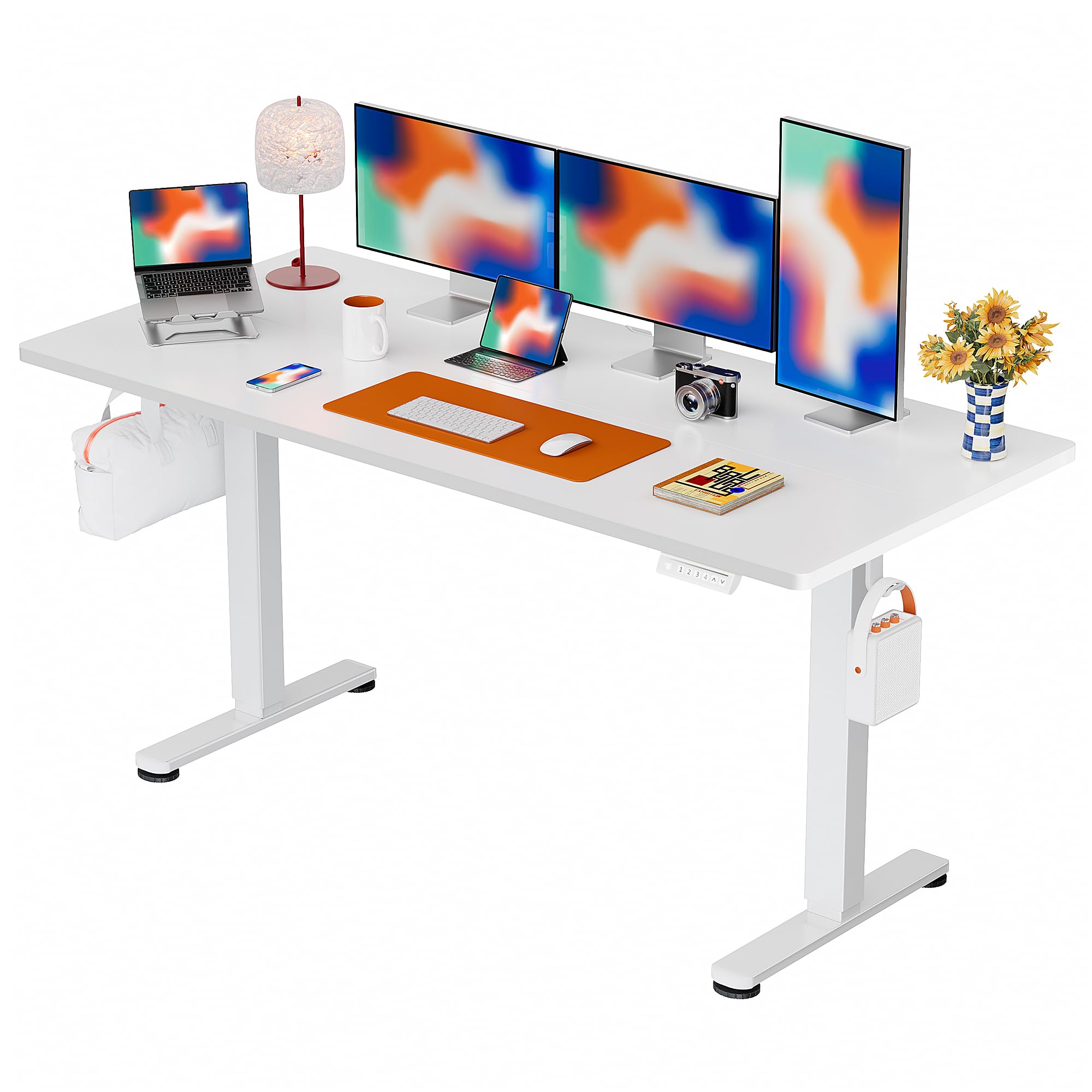
The ErGear Electric Standing Desk, designed for comfortable and productive workspaces.
Важлива інформація з безпеки
УВАГА: Do not exceed the weight limit of 176 lbs (79.8 kg). Overloading the desk can cause damage to the product and potential injury.
- Перед використанням столу переконайтеся, що всі з'єднання надійно закріплені.
- Тримайте дітей та домашніх тварин подалі від столу під час роботи.
- Уникайте потрапляння рідин безпосередньо на панель керування або поблизу електричних компонентів.
- Do not attempt to modify the desk's structure or electrical system.
- If any unusual noise or movement occurs, discontinue use immediately and contact customer support.
Вміст упаковки
Your ErGear Electric Standing Desk package includes all necessary components and tools for assembly. Please verify all parts are present and undamaged upon unboxing.
Інструкції зі складання
The ErGear Electric Standing Desk is designed for simplified assembly. A screwdriver is recommended for installation. Follow the step-by-step instructions provided in the included manual or refer to the official assembly video below for visual guidance.

The desk features a simplified assembly process, typically taking around 30 minutes.
Відеоінструкція зі складання
Official ErGear Electric Standing Desk Assembly Video (Model EGESD123B/W). This video provides a visual walkthrough of the assembly process.
Інструкція з експлуатації
Регулювання висоти
The desk features an electric height adjustment system, allowing you to smoothly transition between sitting and standing positions. The height can be adjusted from 28.35 inches to 46.46 inches. Use the up (^) і вниз (v) arrow buttons on the control panel to raise or lower the desk to your desired height.
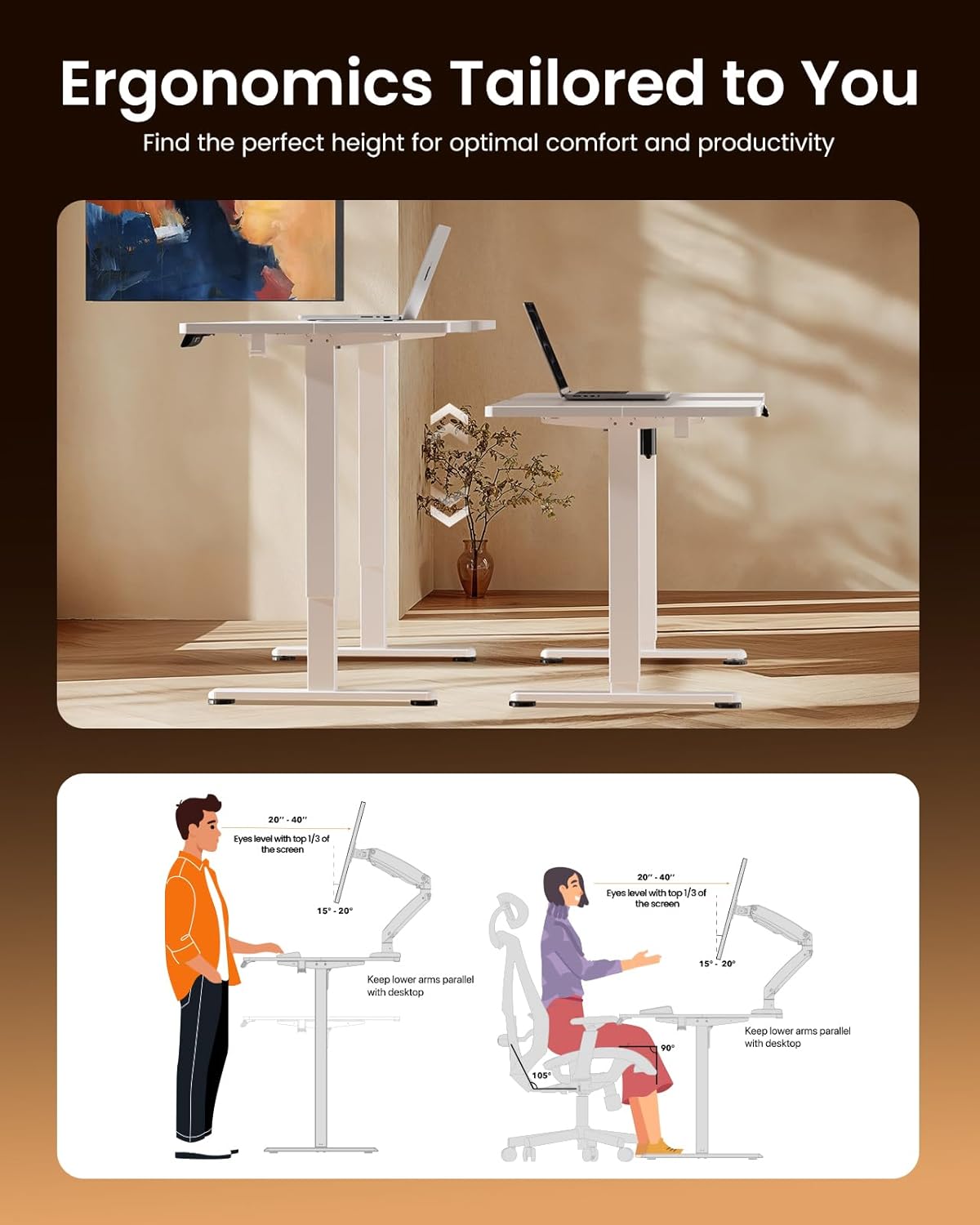
The intuitive control panel allows for easy height adjustments and memory preset selection.
Налаштування пам'яті
The control panel allows you to save up to 4 preferred height settings for quick and convenient adjustments. To set a memory preset:
- Відрегулюйте висоту столу на потрібну вам висоту за допомогою стрілок вгору/вниз.
- Натисніть кнопку «S' button. The display will show 'S-'.
- Immediately press one of the number buttons (1, 2, 3, або 4), щоб зберегти поточну висоту в цьому пресеті. На дисплеї з’явиться «S-1», «S-2» тощо для підтвердження.
Щоб викликати збережену висоту, просто натисніть відповідну цифрову кнопку (1, 2, 3, або 4). Стіл автоматично переміститься у збережене положення.

Adjust the desk to achieve optimal ergonomic posture for both sitting and standing.
Технічне обслуговування
To maintain the quality and longevity of your ErGear Electric Standing Desk, wipe it with a dry cloth regularly. Avoid using harsh chemicals or abrasive cleaners, which can damage the laminated finish. Periodically check all screws and connections to ensure they remain tight.
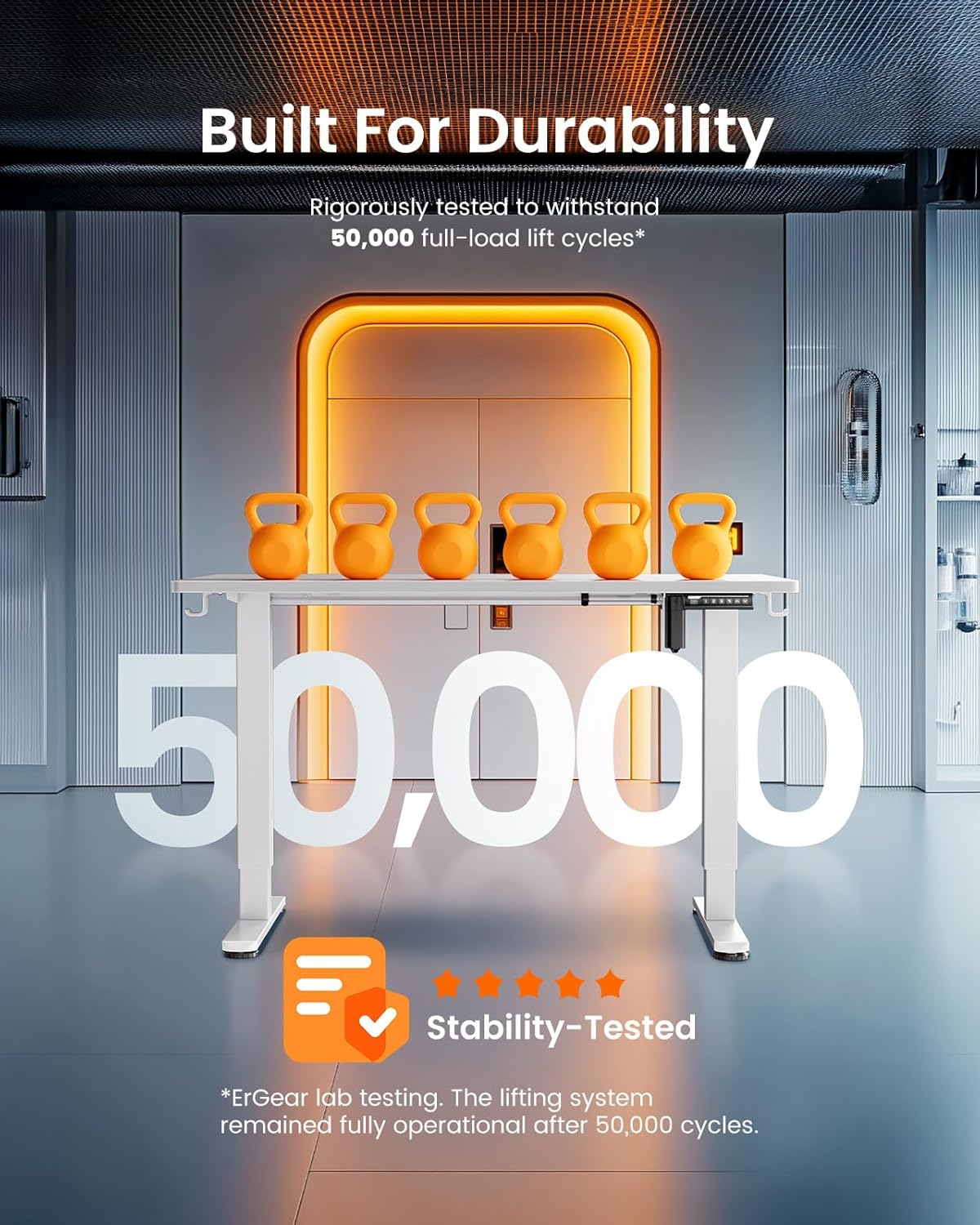
Utilize the integrated cable slots and storage hooks for a tidy workspace.
Усунення несправностей
If you encounter any issues with your ErGear Electric Standing Desk, please refer to the following general troubleshooting steps:
- Стіл не рухається: Check if the power cord is securely plugged into both the desk and a working power outlet. Ensure no obstructions are blocking the desk's movement.
- Нерівномірний рух: Verify that the desk is placed on a level surface and that all leg components are properly assembled and tightened.
- Панель керування не реагує: Try unplugging the desk from the power source for 10-15 seconds, then plug it back in to reset the system.
For persistent issues or specific error codes, please contact ErGear customer support for assistance.
Технічні характеристики продукту
| Бренд | ErGear |
| Номер моделі | 810174344066 |
| Розміри продукту (Д x Ш x В) | 29.5 см x 70.9 см x 28.35 см |
| Розмір | 71 x 30 дюйми |
| Колір | Білий |
| Мінімальна висота | 28.35 дюймів |
| Максимальна висота | 46 дюймів |
| Рекомендована максимальна вага | 176 фунта (79.8 кг) |
| Тип матеріалу | Легована сталь, інженерна деревина |
| Підйомний механізм | Електричний |
| Кількість позицій висоти | 4 (пресети пам'яті) |
| Assembly Time (Average) | 30 хвилин |

Detailed dimensions of the ErGear Electric Standing Desk.
Гарантія та підтримка
ErGear provides comprehensive warranty coverage for your electric standing desk:
- 5-річний захист: Covers the desktop and desk frame.
- 2-річний захист: Covers motors and electrical components.
For any questions, technical assistance, or warranty claims, please contact Bestqi Ergonomic customer support. They are available to provide US-based support and address your needs.