
вступ
Thank you for choosing the KASOHQEE HBL100 Portable Karaoke Machine. This device combines high-quality audio with versatile connectivity and fun lighting effects, making it perfect for various occasions. Please read this manual carefully to ensure proper use and maintenance of your new karaoke machine.
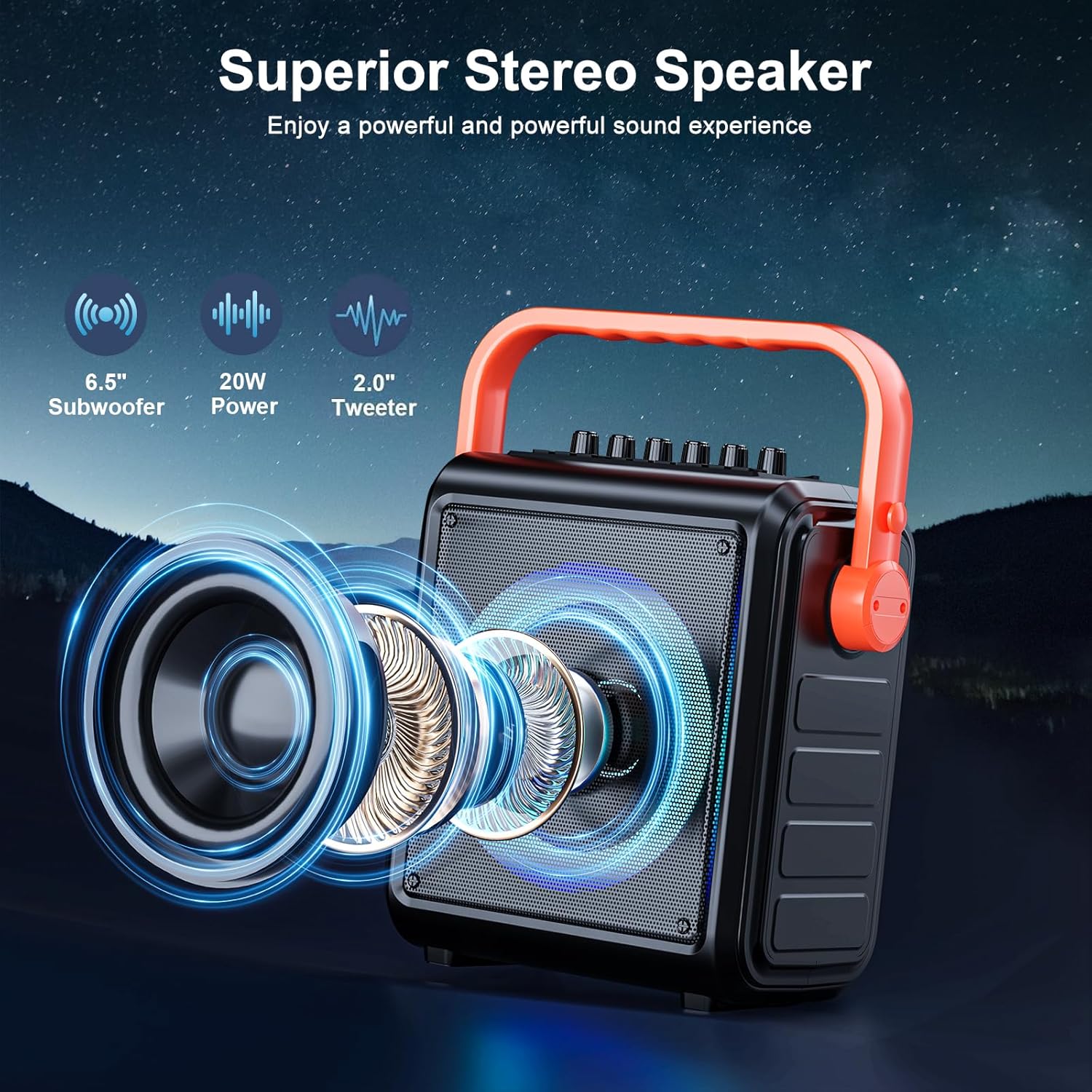
- HD Stereo Sound Quality: Equipped with high-performance audio drivers, advanced digital signal processors, 6.5-inch full-range speakers, high-bass separation technology, and professional reverb adjustment for clear, powerful sound.
- Велика ємність акумулятора: Features a built-in 8000mAh battery providing 12-15 hours of continuous use. Portable design with a movable handle and detachable shoulder strap for easy transport.
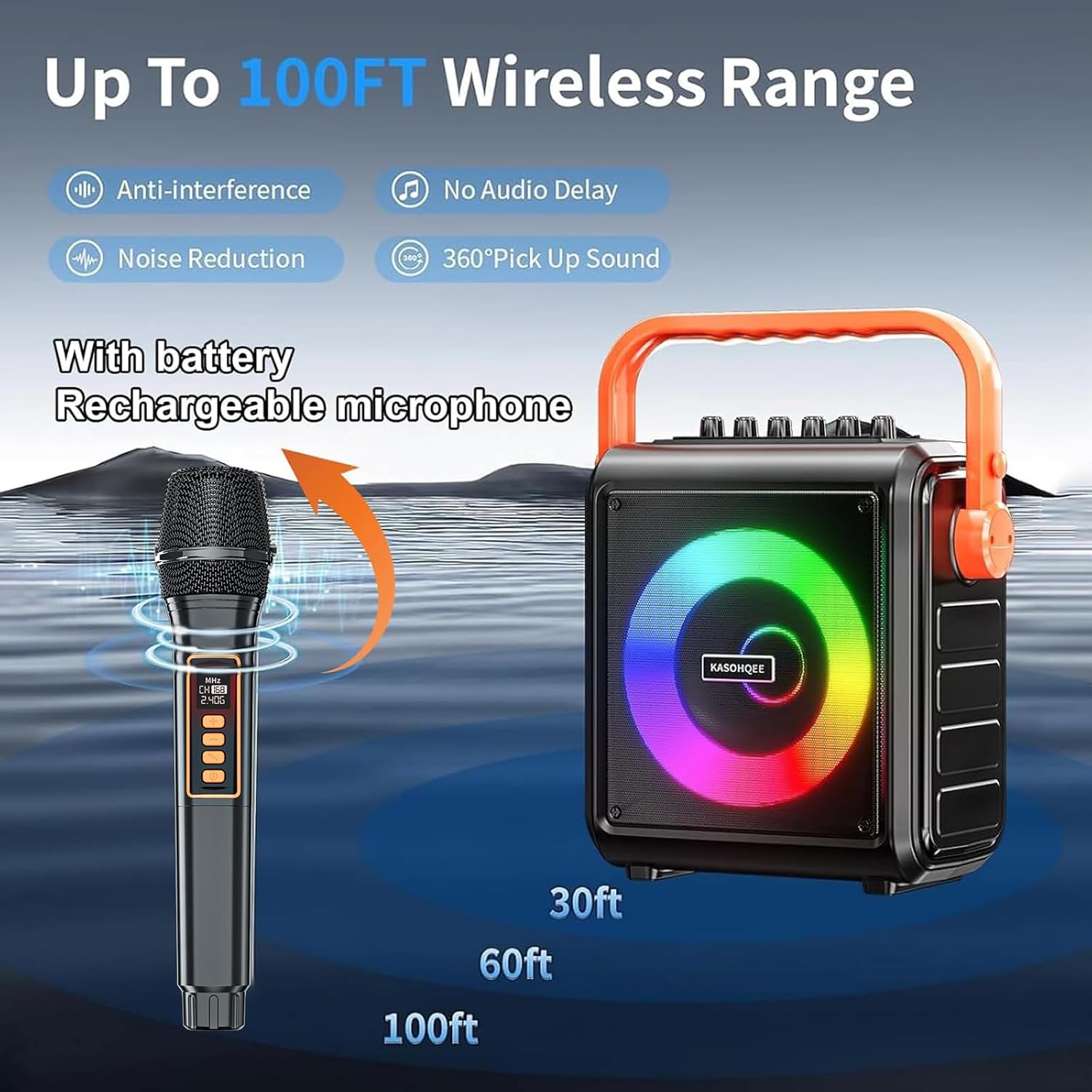
- 2 Rechargeable Microphones: Includes two wireless microphones with ultra-long battery life and Type-C charging. Dynamic microphone cores ensure clear, high-fidelity vocals with anti-whistling and noise reduction.
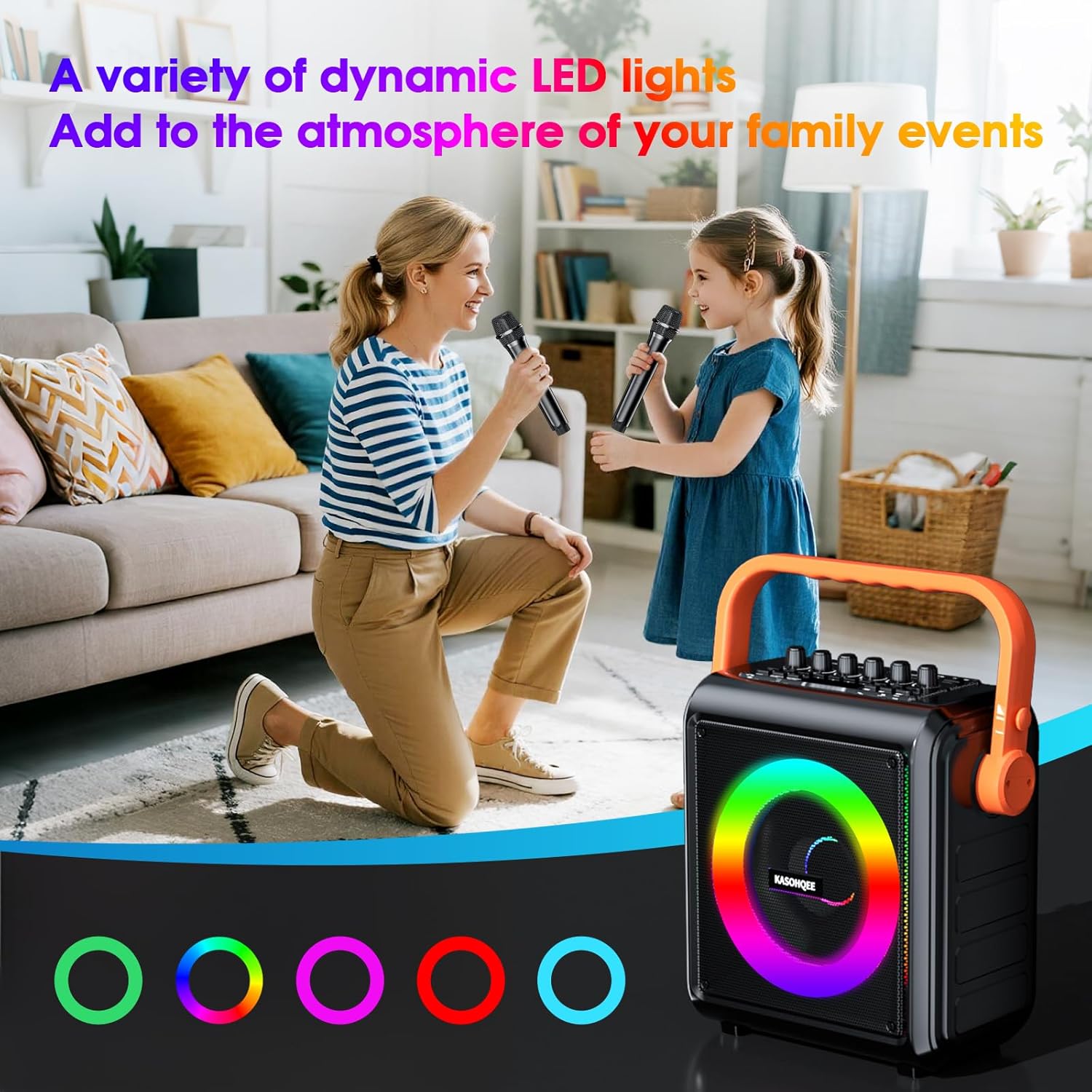
- 5-Color Light Mode: Dynamic RGB lighting with multiple effects synchronized to the music rhythm, transforming any space into a lively concert venue.
- Movable Handle: The flexible handle design enhances portability and convenience for various events.
Що в коробці
- KASOHQEE HBL100 Portable Karaoke Machine
- 2 Wireless Rechargeable Microphones
- Зарядний кабель USB Type-C
- Пульт дистанційного керування
- Знімний плечовий ремінь
- Посібник користувача
Налаштування
- Розпакування: Обережно вийміть усі компоненти з упаковки. Переконайтеся, що всі елементи, перелічені в розділі «Комплектація», присутні.
- Зарядка пристрою: Before first use, fully charge the karaoke machine and both wireless microphones using the provided USB Type-C cable. The charging lamp on the unit will indicate charging status.
- Attaching the Shoulder Strap (Optional): If desired, attach the detachable shoulder strap to the designated points on the side of the karaoke machine for easier portability.
- Батарейки для мікрофонів: Ensure the rechargeable batteries are correctly inserted into the microphones.
- Увімкнення: Locate the POWER switch on the top panel of the karaoke machine and slide it to the "ON" position. The unit will power on and enter Bluetooth pairing mode automatically.
Інструкція з експлуатації
1. Підключення Bluetooth
- Turn on the karaoke machine. It will automatically enter Bluetooth mode, indicated by "bt" on the LED display.
- On your mobile device (smartphone, tablet, etc.), enable Bluetooth and search for "KASOHQEE HBL100".
- Select the device to pair. A confirmation sound will indicate a successful connection.
- You can now play audio from your device through the karaoke machine.
2. Using Wireless Microphones
- Turn on each microphone using its power button. They will automatically pair with the karaoke machine.
- Adjust microphone volume using the "MIC.VOL+" knob on the top panel or the remote control.
- Adjust echo effect using the "ECHO+" knob on the top panel or the remote control.
- Для оптимального звуку тримайте мікрофон на відстані кількох сантиметрів від рота.
3. Елементи керування та вхідні дані
The top panel features various controls and input ports:
- MIC IN (3.5mm): Для підключення дротового мікрофона.
- AUX IN/OUT: Для підключення зовнішніх аудіопристроїв.
- TF CARD Slot: Вставте TF-карту з MP3 аудіо files для відтворення.
- Порт USB: Вставте USB-накопичувач із аудіофайлом у форматі MP3 files для відтворення.
- GT IN: For connecting a guitar or other musical instrument.
- Ручки: Adjust GT.VOL (guitar volume), ECHO, MIC.VOL (microphone volume), BASS, TREBLE, and main VOLUME.
- кнопки: Control playback (play/pause, next/previous track), mode selection (Bluetooth, FM, AUX, USB, TF Card), LED light mode, and recording functions.
- Пульт дистанційного керування: Provides full control over all functions from a distance.
4. Режими світлодіодного освітлення
Press and hold the "MODE LED" button on the top panel or use the remote control to cycle through different 5-color RGB lighting effects. The lights can be set to solid colors, flashing, or dynamic patterns synchronized with the music.
5. Функція запису
To record your karaoke sessions or speeches, insert a USB drive or TF card into the respective port. Press the "REC/REPLAY" button to start recording. Press again to stop. You can replay your recordings using the same button.
Інтеграція медіа
Зображення продукту




Офіційні відео про продукти
Технічні характеристики
| Особливість | Деталь |
|---|---|
| Тип монтажу | Портативний |
| Джерело живлення | Працює від батареї |
| Тип роз'єму | USB типу C |
| матеріал | Інженерна деревина, пластик |
| Вага товару | 3.07 кілограмів (6.76 фунти) |
| Кількість каналів | 2 |
| Аудіо вхід | Instrument, Auxiliary |
| Рекомендоване використання | Home, Parties, Outdoor |
| Розміри продукту | 10.81 x 14.21 x 5.91 дюймів |
| Акумулятори | Потрібні 4 літій-іонні батареї (у комплекті) |
| Вихідна ватtage | 20 Вт |
| Технологія підключення | Bluetooth 5.1, USB, TF-карта, AUX |
| Колір | чорний |
Технічне обслуговування
- Keep the device dry and clean. Avoid exposure to water or excessive humidity.
- Протирайте зовнішню частину м’якою сухою тканиною. Не використовуйте абразивні засоби для чищення або розчинники.
- Store the karaoke machine in a cool, dry place when not in use.
- Ensure microphones are fully charged before extended use to maintain battery health.
Усунення несправностей
- Немає живлення: Ensure the unit is charged. Connect to a power source using the USB Type-C cable.
- Немає звуку: Check volume levels on both the karaoke machine and your connected device. Ensure microphones are turned on and paired.
- Відключення Bluetooth: Ensure your device is within the 100FT wireless range. Try re-pairing the device.
- Microphone Feedback/Noise: Adjust microphone volume and echo levels. Ensure microphones are not too close to the speaker.
- Світлодіодні лампи не працюють: Check the LED mode button. Ensure the unit is powered on.
Гарантія та підтримка
For warranty information, technical support, or any inquiries regarding your KASOHQEE HBL100 Portable Karaoke Machine, please refer to the contact information provided in the packaging or visit the official KASOHQEE webсайт. Зберігайте чек про покупку для гарантійних претензій.