
1. Вступ
This manual provides detailed instructions for setting up, operating, and maintaining your THOMSON 40-inch FHD Fire TV. Please read this manual thoroughly before using the television to ensure proper functionality and safety. Keep this manual for future reference.
2. Інформація про безпеку
Завжди дотримуйтесь основних запобіжних заходів під час використання цього виробу, щоб зменшити ризик пожежі, ураження електричним струмом та травмування.
- Не піддавайте телевізор дії дощу або вологи.
- Не перекривайте вентиляційні отвори.
- Забезпечте належне заземлення вилки живлення.
- Від’єднуйте телевізор від мережі під час грози або якщо він не використовується протягом тривалого часу.
- Звертайтеся до кваліфікованого сервісного персоналу.
3. Вміст упаковки
Перевірте, чи всі предмети входять до вашої упаковки:
- THOMSON 40-inch FHD Fire TV
- Пульт дистанційного керування (з батарейками)
- Шнур живлення
- Тумба під телевізор (2 шт.)
- Гвинти для підставки під телевізор
- Посібник користувача (цей документ)

Image: The product box illustrating the TV, remote control, and various features like Fire TV, Alexa, and Dolby Audio.
4. Продукт закінчивсяview
Familiarize yourself with the components and connections of your THOMSON Fire TV.
4.1 Спереду View

Image: The front of the TV, showcasing its slim bezel and the Fire TV smart interface with popular streaming applications.
4.2 Сторона View та Розміри
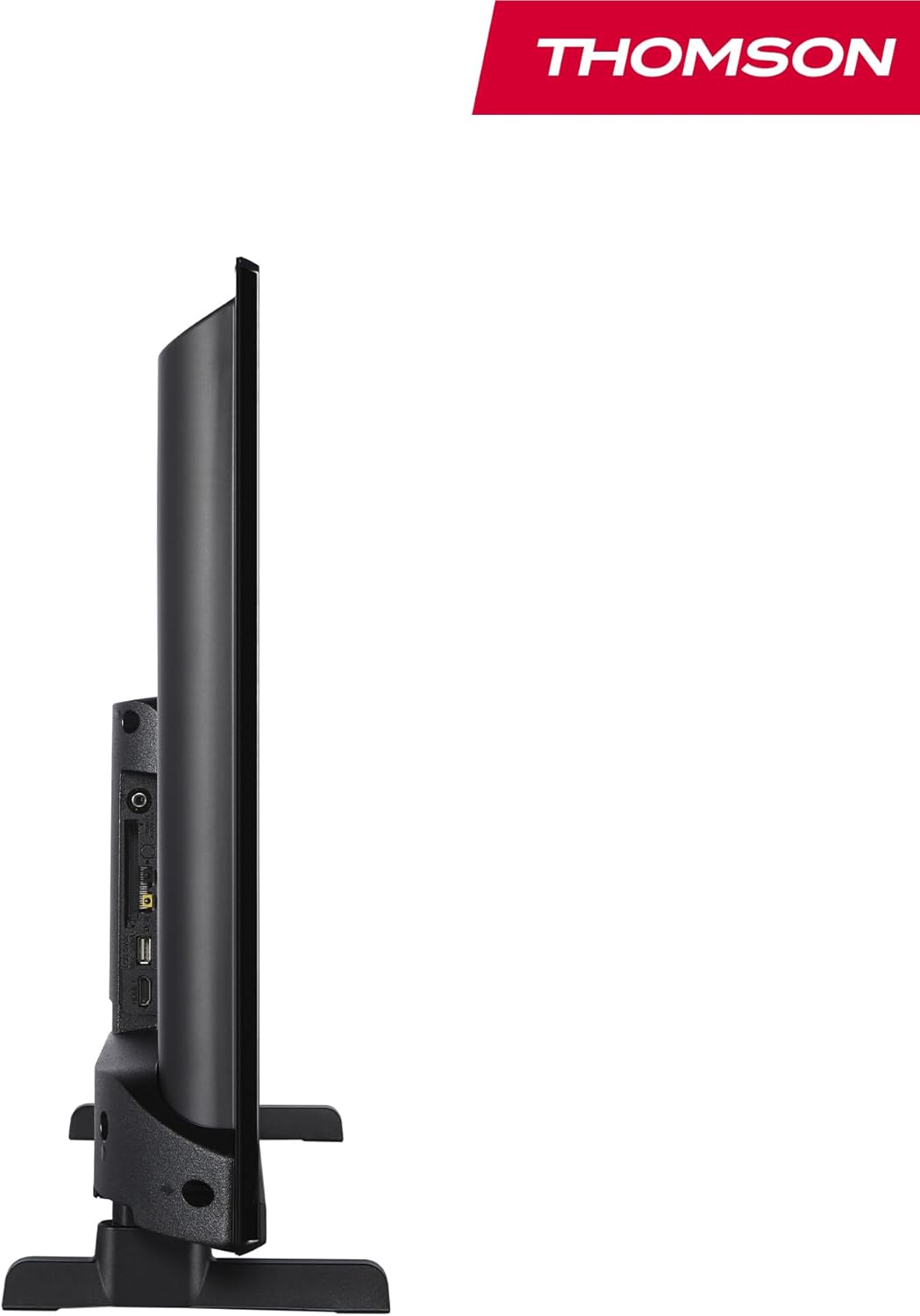
Зображення: Сторона view of the television, demonstrating its thin profile.

Image: A diagram illustrating the physical dimensions of the TV, including width, height, and depth with the stand.
4.3 Задня частина View і порти
The rear panel of your TV features various input and output ports for connecting external devices.

Зображення: Детальний view of the TV's rear panel, highlighting all connectivity ports such as HDMI, USB, Audio Out, CI+, and antenna inputs.
- Аудіо вихід: Для підключення зовнішніх аудіосистем.
- CI+: Слот Common Interface Plus для модулів умовного доступу.
- Навушники: 3.5-мм роз'єм для приватного прослуховування.
- AV IN: Для підключення старіших пристроїв із композитним відео та стереоаудіо.
- USB 2.0: Для відтворення медіафайлів з USB-накопичувачів.
- HDMI 1.4 (2 шт.): Мультимедійний інтерфейс високої чіткості для підключення Blu-ray програвачів, ігрових консолей тощо.
- Антена: For connecting a terrestrial antenna (DVB-T2).
- Супутник: Для підключення супутникової антени (DVB-S2).
- LAN: Порт Ethernet для підключення до дротової мережі.
5. Налаштування
5.1 Кріплення підставки для телевізора
- Обережно покладіть телевізор екраном донизу на м’яку рівну поверхню, щоб запобігти пошкодженню екрана.
- Вирівняйте деталі підставки з відповідними пазами на нижній панелі телевізора.
- Закріпіть стійки за допомогою наданих гвинтів.
5.2 Початкове увімкнення та підключення до мережі
- Підключіть шнур живлення до телевізора та розетки.
- Натисніть кнопку живлення на телевізорі або пульті дистанційного керування, щоб увімкнути його.
- Follow the on-screen instructions for initial setup, including language selection and network connection (Wi-Fi or Ethernet).
- Log in with your Amazon account to activate Fire TV features.
5.3 Tuner Setup (Triple-Tuner)
Your TV is equipped with a triple-tuner for DVB-C (cable), DVB-S2 (satellite), and DVB-T2 (terrestrial) reception.

Image: The DVB-T2/C/S2 tuner inputs, allowing connection to various broadcast sources.
- Connect your antenna or satellite cable to the appropriate input on the TV.
- Navigate to the TV settings and select 'Channel Scan' or 'Tuner Setup'.
- Choose your broadcast type (Antenna, Cable, or Satellite) and follow the prompts to scan for available channels.
6. Інструкція з експлуатації
6.1 Інтерфейс пожежного телебачення
The Fire TV interface provides easy access to your favorite streaming services, apps, and live TV.
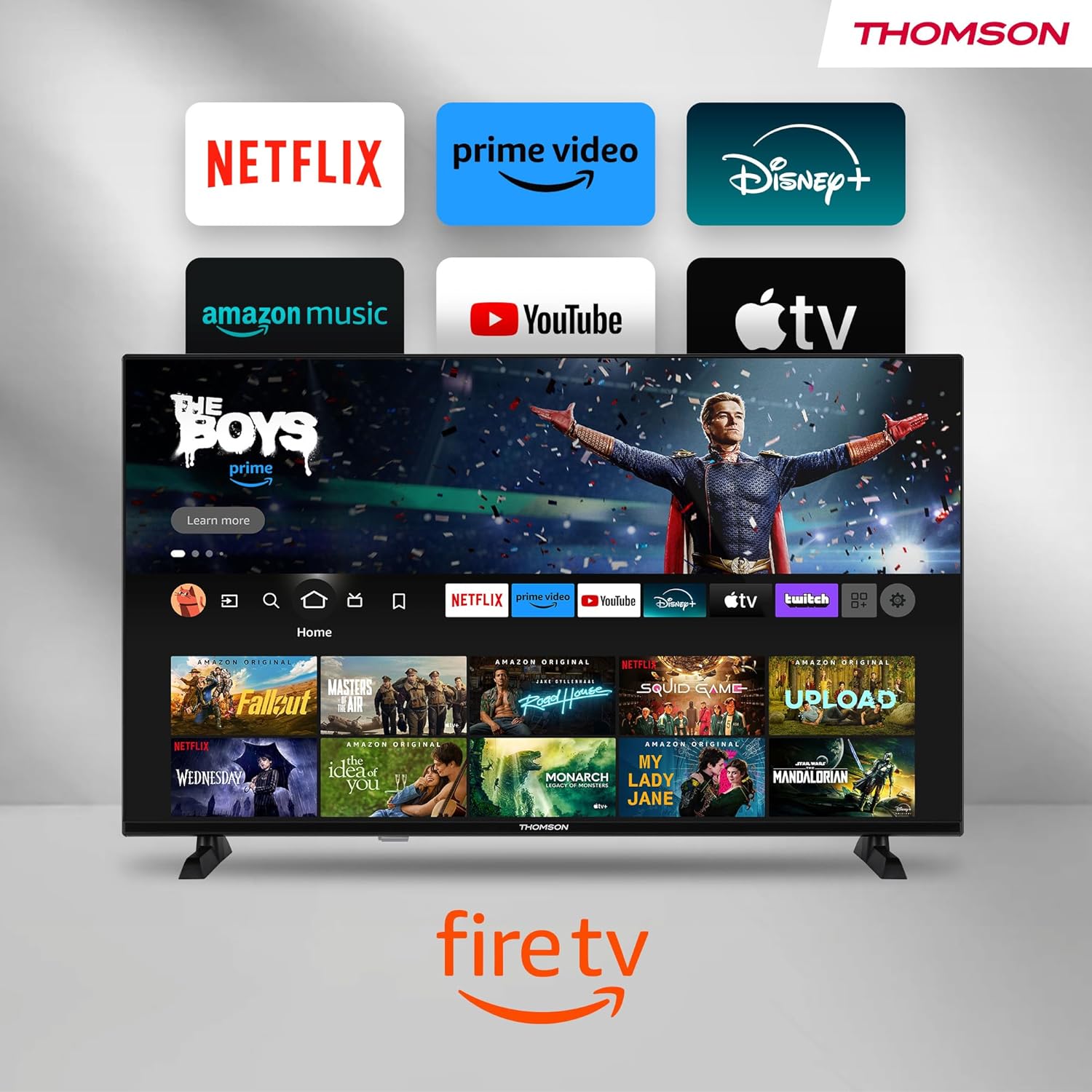
Image: The Fire TV home screen, showing a selection of popular streaming apps and content recommendations.
Navigate using the remote control's directional pad. The home screen provides personalized recommendations and quick access to your installed applications.
6.2 Голосове керування Alexa
Use the integrated Alexa voice control for hands-free operation.
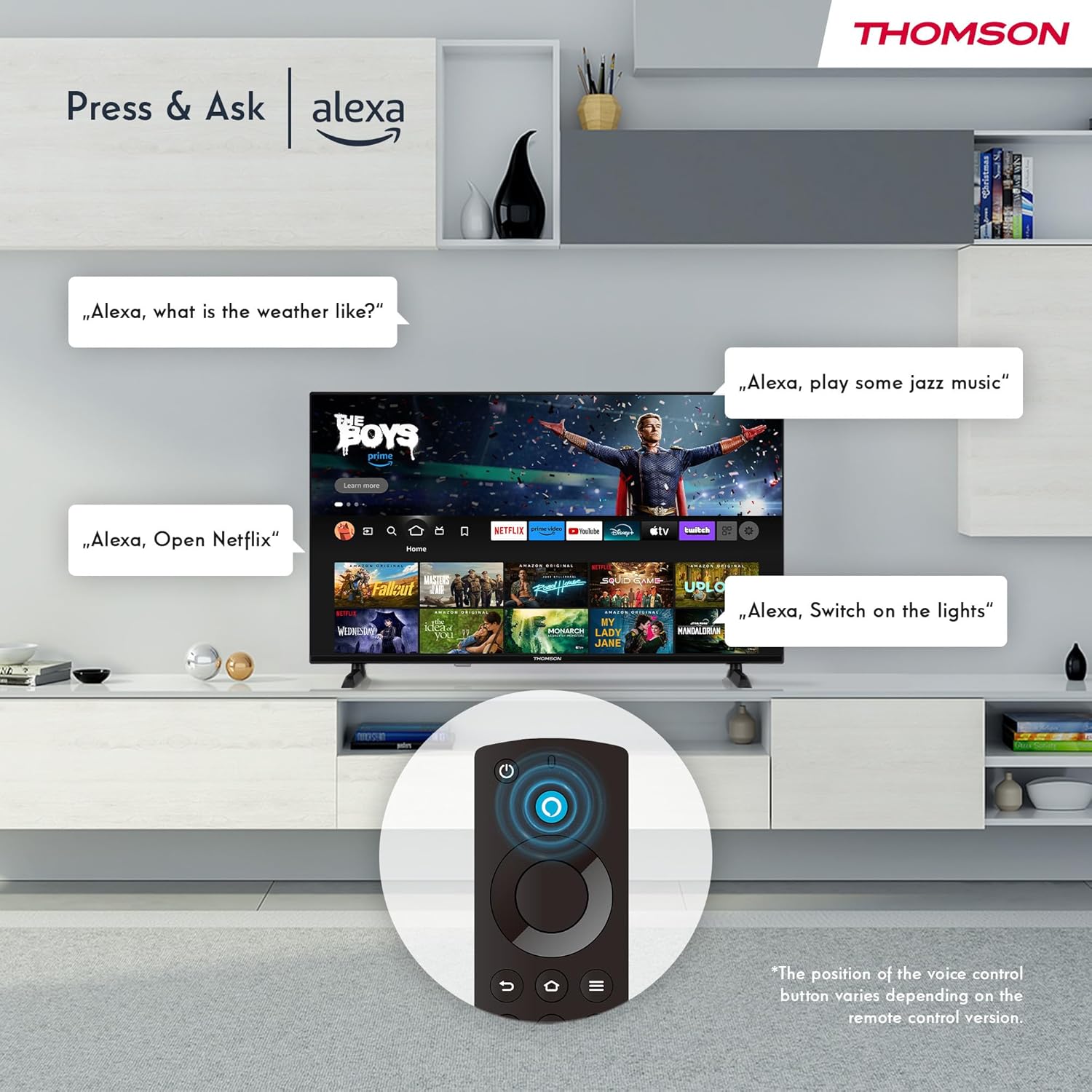
Image: Demonstrating Alexa voice commands for controlling the TV, searching content, and managing smart home devices.
Press the Alexa button on your remote and speak your command. You can ask Alexa to:
- шукати фільми чи телепередачі.
- Запуск програм.
- Control playback (pause, play, skip).
- Перевірте погоду або новини.
- Керуйте сумісними пристроями розумного будинку.
6.3 Інтеграція з розумним будинком
Manage your connected smart home devices directly from your TV's integrated dashboard.

Image: The Smart Home dashboard, providing a centralized control panel for various smart devices in your home.
Access the Smart Home dashboard to monitor and control devices such as cameras, lights, and plugs.
6.4 Функціональність AirPlay
Stream content directly from your Apple devices (iPhone, iPad, Mac) to your THOMSON Fire TV using AirPlay.

Image: A demonstration of Apple AirPlay, showing content being mirrored from an iOS device to the television screen.
Ensure both your Apple device and the TV are connected to the same Wi-Fi network. Select the AirPlay icon on your Apple device and choose your THOMSON TV from the list of available devices.
6.5 Creating User Profiles
Створення професіонала для кількох користувачівfiles for personalized content recommendations and settings.

Image: The user profile selection screen on Fire TV, allowing different users to have their own personalized viewнабутий досвід.
From the Fire TV home screen, navigate to the profile selection to add or switch profileс. Кожен проfile can have its own watch history and app preferences.
6.6 HDR10 та Dolby Audio
Experience enhanced picture quality with HDR10 and immersive sound with Dolby Audio.

Image: A visual comparison demonstrating the improved contrast and color vibrancy offered by HDR10 technology.

Image: A graphic illustrating the immersive sound experience provided by Dolby Audio.
HDR10 provides a wider range of colors and contrasts, while Dolby Audio delivers rich, clear, and powerful sound.
6.7 Пульт дистанційного керування
The ergonomic Bluetooth remote control provides easy navigation and direct access to key features.
- Кнопка Алекси: Натисніть і утримуйте, щоб активувати голосові команди.
- Навігаційна панель: For moving through menus and selecting items.
- Кнопки Netflix/Prime Video: Прямий доступ до цих потокових сервісів.
- Amazon Silk Button: Прямий доступ до web браузер.
7. Технічне обслуговування
Щоб забезпечити довговічність та оптимальну роботу вашого телевізора, дотримуйтесь цих правил технічного обслуговування:
- Очищення екрану: Обережно протріть екран м’якою тканиною без ворсу. Для стійких плям використовуйте засіб для чищення екранів, спеціально розроблений для телевізорів, наносячи його на тканину, а не безпосередньо на екран.
- Прибирання шафи: Використовуйте м’яку суху тканину для протирання корпусу телевізора. Не використовуйте абразивні засоби для чищення або розчинники.
- Вентиляція: Переконайтеся, що вентиляційні отвори на задній панелі телевізора не заблоковані, щоб запобігти перегріву.
- Шнур живлення: Регулярно перевіряйте шнур живлення на наявність пошкоджень. У разі пошкодження негайно замініть його.
8. Вирішення проблем
Якщо у вас виникли проблеми з телевізором, зверніться до наступних поширених проблем та способів їх вирішення:
| проблема | Можлива причина / рішення |
|---|---|
| Немає живлення | Check if the power cord is securely plugged into the TV and the wall outlet. Ensure the outlet is active. |
| Немає зображення, але звук є | Check input source. Ensure external devices are properly connected and powered on. |
| Звуку немає, але зображення є | Перевірте рівень гучності. Переконайтеся, що режим беззвучності не активовано. Перевірте аудіокабелі для зовнішніх пристроїв. |
| Пульт не працює | Check batteries. Ensure there are no obstructions between the remote and the TV. Re-pair the Bluetooth remote if necessary. |
| Неможливо підключитися до Wi-Fi | Ensure Wi-Fi is enabled on the TV. Check Wi-Fi password. Restart your router. Move TV closer to router. |
| Програми працюють повільно або зависають | Restart the TV. Clear app cache or data in settings. Ensure sufficient internet speed. |
Якщо проблема не зникає, зверніться до служби підтримки клієнтів.
9. Технічні характеристики
| Особливість | Деталь |
|---|---|
| Номер моделі | 40FF2S34 |
| Розмір екрана | 40.0 дюйма (100 см) |
| Технологія дисплея | LED |
| роздільна здатність | 1080p (повна HD) |
| Частота оновлення | 60 Гц |
| Співвідношення сторін | 16:9 |
| Підключення | Wi-Fi, Bluetooth 5.0, 2x HDMI 1.4, USB 2.0, AV IN, Audio Out, CI+, LAN |
| Тюнери | DVB-C, DVB-S2, DVB-T2 |
| Особливості | Fire TV, Alexa Voice Control, AirPlay, HDR10, Dolby Audio, Smart Home Dashboard, User Profiles |
| Розміри (з підставкою) | 90.2 x 55.4 x 17.5 см (Ш x В x Г) |
| вага | 9 кг |
| Рейтинг енергоефективності | E |
| Включені компоненти | Дистанційне керування |
| Підтримувані мови | Spanish, French, English, Italian, Germanic languages |
10. Гарантія та підтримка
Your THOMSON Fire TV comes with a manufacturer's warranty. Please refer to the warranty card included in your package for specific terms and conditions.
For technical support, troubleshooting assistance, or warranty claims, please visit the official THOMSON support website or contact their customer service line. Keep your purchase receipt and model number (40FF2S34) handy when contacting support.
Інтернет-підтримка: www.thomsonconsumer.com/support