
1. Вступ
This manual provides essential information for the safe and efficient installation, operation, and maintenance of the XP POWER C10N Non-Isolated DC/DC Converter. Please read this manual thoroughly before attempting to install or operate the device. Retain this manual for future reference.
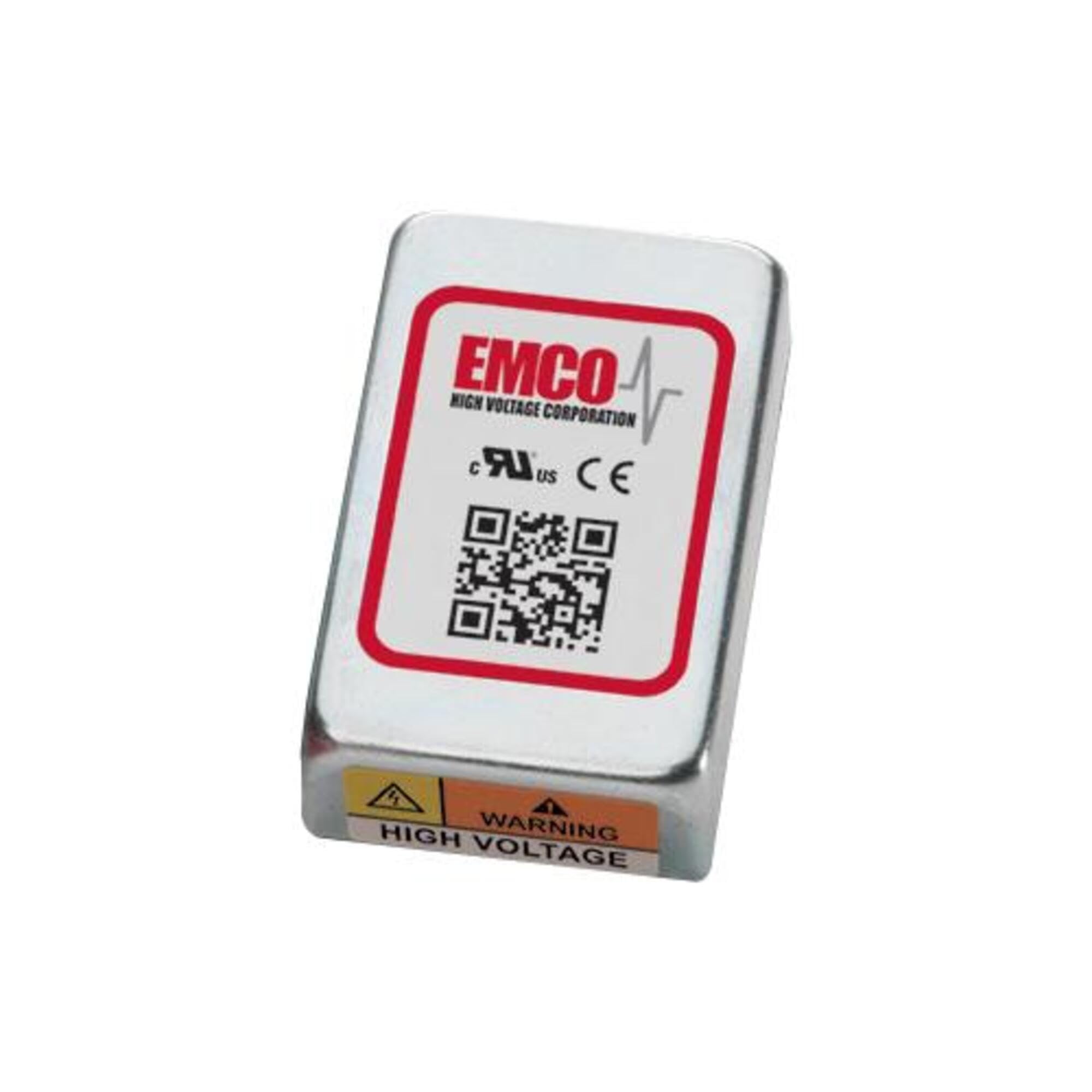
Image showing the physical unit of the XP POWER C10N Non-Isolated DC/DC Converter, typically displaying its casing and connection terminals.
2. Інформація про безпеку
Always observe the following safety precautions to prevent injury and damage to the device or connected equipment.
- Кваліфікований персонал: Встановлення та обслуговування повинні виконуватися лише кваліфікованими фахівцями.
- Небезпека ураження електричним струмом: Цей пристрій працює від електричної напругиtages that can cause severe injury or death. Ensure all power sources are disconnected before installation, wiring, or maintenance.
- Правильне підключення: Verify correct input and output polarity and voltage levels before applying power. Incorrect wiring can damage the converter and connected devices.
- Вентиляція: Ensure adequate ventilation around the converter to prevent overheating. Do not obstruct airflow.
- Умови навколишнього середовища: Operate the converter within its specified environmental limits (temperature, humidity).
- Вантажопідйомність: Do not exceed the maximum output current or power rating of the converter. Overloading can lead to damage or failure.
3. Налаштування
3.1 Розпакування та перевірка
Upon receiving the C10N converter, carefully unpack it and inspect for any signs of physical damage. If damage is found, do not proceed with installation and contact your supplier immediately.
3.2 Монтаж
Mount the converter in a secure location that provides sufficient airflow for cooling. Ensure the mounting surface is stable and capable of supporting the converter's weight. Avoid mounting near heat sources or in enclosed spaces without ventilation.
3.3 Підключення проводів
Refer to the product datasheet for specific pin assignments and wiring diagrams. Ensure all connections are secure and correctly polarized. Use appropriate wire gauges for the expected current levels.
- Вхідна потужність: Підключіть вхід постійного струму voltage source to the designated input terminals. Observe correct polarity (+IN, -IN).
- Вихідна потужність: Connect the load to the designated output terminals. Observe correct polarity (+OUT, -OUT).
- Заземлення: Ensure proper grounding practices are followed according to local electrical codes and product specifications.
3.4 Початкове ввімкнення
Before applying power, double-check all wiring connections. Once verified, apply the specified input voltage. Monitor the output voltage and current to ensure proper operation. If any anomalies are observed, immediately disconnect power and troubleshoot.
4. Операційна
The C10N converter is designed for continuous operation within its specified parameters. Once properly installed and powered, it will provide a stable DC output voltage.
- Керування навантаженням: Ensure the connected load does not exceed the converter's maximum output current or power rating.
- Екологічний моніторинг: Maintain the operating environment within the specified temperature and humidity ranges to ensure optimal performance and longevity.
- Моніторинг виходу: Periodically verify the output voltage and current to confirm stable operation, especially in critical applications.
5. Технічне обслуговування
The C10N converter is designed for minimal maintenance. However, periodic checks can help ensure long-term reliability.
- Прибирання: Keep the converter free from dust and debris. Use a soft, dry cloth for cleaning. Do not use liquid cleaners or solvents.
- Перевірки підключення: Періодично перевіряйте всі з'єднання проводів на міцність та наявність ознак корозії або пошкоджень.
- Вентиляція: Ensure that ventilation openings remain clear and unobstructed.
6. Вирішення проблем
If the converter is not functioning as expected, perform the following basic troubleshooting steps:
| проблема | Можлива причина | Рішення |
|---|---|---|
| Вихідний об'єм відсутнійtage | Немає вхідної потужності Неправильна проводка Активований захист від перевантаження | Check input power source and connections. Verify wiring against datasheet. Reduce load, then cycle input power. |
| Вихід обtagе нестабільний | Вхідний обtage коливання Стан перевантаження Погані зв’язки | Забезпечте стабільне вхідне живлення. Зменшити навантаження. Перевірте всі з’єднання проводів на герметичність. |
| Converter is overheating | Недостатня вентиляція Стан перевантаження Висока температура навколишнього середовища | Забезпечте достатній потік повітря навколо пристрою. Зменшити навантаження. Relocate converter to a cooler environment. |
If the problem persists after performing these steps, contact XP POWER technical support.
7. Технічні характеристики
The following are key specifications for the XP POWER C10N Non-Isolated DC/DC Converter. For a complete list of detailed electrical and environmental specifications, please refer to the official product datasheet available on the XP POWER webсайт.
- Виробник: XP POWER
- модель: C10N
- ASIN: B0D38GP8ZW
- Дата першої доступності: 3 травня 2024 р
- тип: Non-Isolated DC/DC Converter
8. Гарантія та підтримка
For information regarding the warranty period and terms for your XP POWER C10N converter, please refer to the official warranty statement provided with your purchase or visit the XP POWER official website. Technical support is available to assist with any questions or issues not covered in this manual.
Контактна інформація: Please visit the official XP POWER website for the most current contact details for technical support and customer service in your region.