
1. Вступ
The Yesido TV12 Gaming TV Box is a versatile device designed to transform your television into a smart entertainment hub. It combines 4K media streaming capabilities with extensive gaming emulation, offering a comprehensive entertainment experience. This manual provides essential information for setting up, operating, maintaining, and troubleshooting your device.
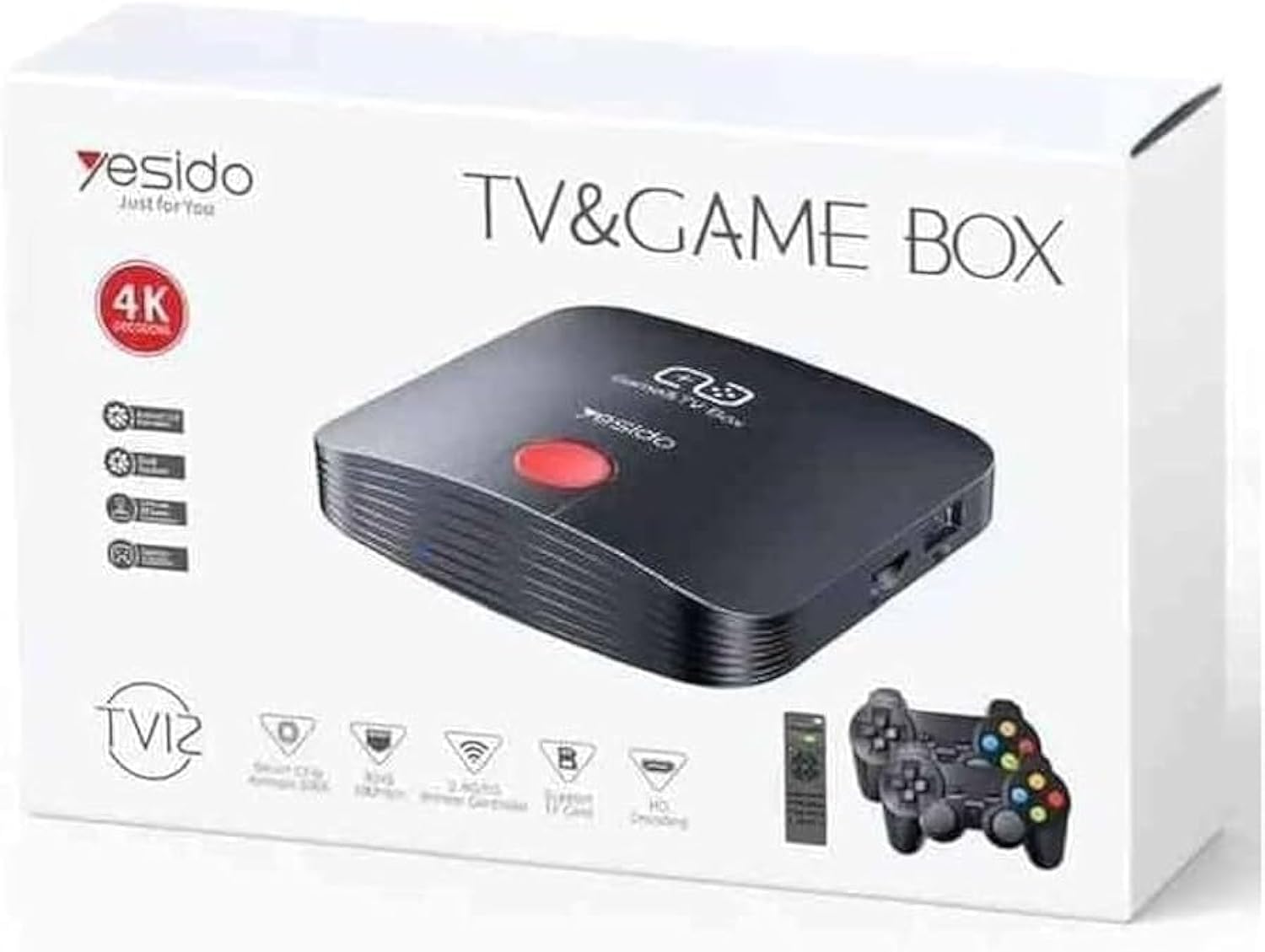
Image 1.1: The Yesido TV12 Gaming TV Box and included game controllers.
2. Продукт закінчивсяview
The Yesido TV12 is a high-tech smart TV box that supports high-definition 4K resolution, allowing you to enjoy movies and TV shows with stunning clarity. It features an Amlogic S905 smart chip and runs on an Android 12.0 dual system. The device is equipped with 2GB RAM and 16GB internal storage, facilitating multitasking and storage of your favorite media and games. A powerful Mali-G31 MP2 GPU ensures smooth performance for demanding games.
Ключові характеристики:
- 4K HD Resolution Support (1080P to 4K)
- Android 12.0 Dual System
- Amlogic S905 Smart Chip
- Графічний процесор Mali-G31 MP2
- 2 ГБ оперативної пам'яті та 16 ГБ вбудованої пам'яті
- Supports over 10,000 game emulations (14 types)
- Integrated 2.4G/5G Wi-Fi and 100Mbps RJ45 Ethernet
- Compatible with popular streaming services (Netflix, Hulu, Amazon Prime Video, Disney+)
- Voice-controlled remote for easy navigation
- Compatible with two game controllers
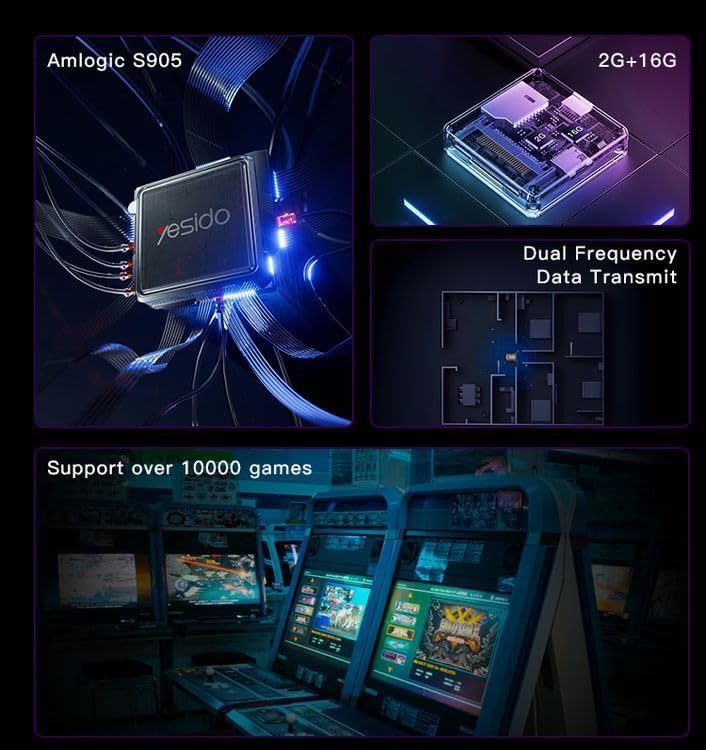
Image 2.1: Internal architecture highlighting the Amlogic S905 chip, memory, and data transmission capabilities.
3. Посібник із налаштування
3.1 Розпакування та компоненти
Обережно вийміть усі предмети з упаковки. Переконайтеся, що є такі компоненти:
- Yesido TV12 Gaming TV Box
- Адаптер живлення
- Кабель HDMI
- Пульт дистанційного керування
- Game Controllers (quantity may vary)
- Посібник користувача (цей документ)
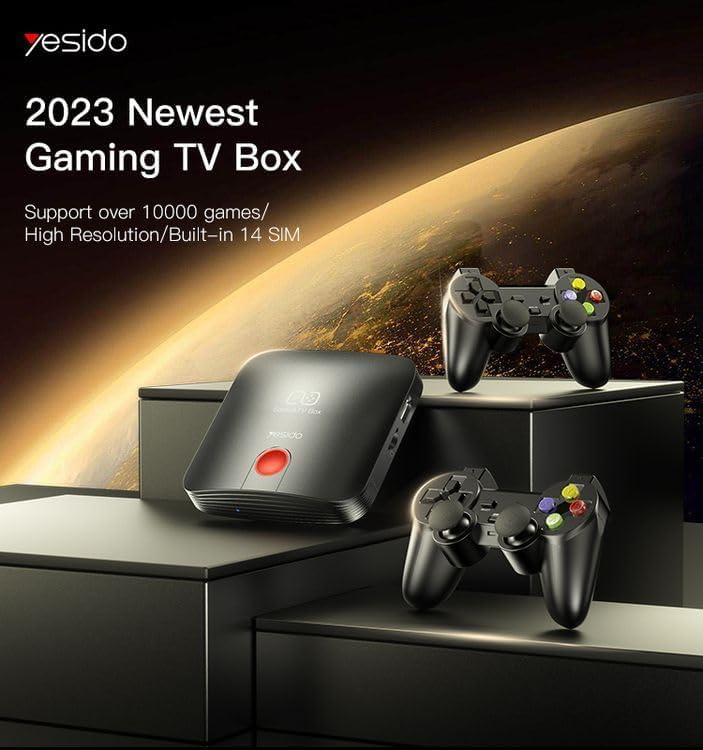
Image 3.1: The TV Box and game controllers, ready for setup.
3.2 Підключення до телевізора
- Connect one end of the HDMI cable to the HDMI port on the Yesido TV12.
- Connect the other end of the HDMI cable to an available HDMI input port on your television. Note the HDMI input number (e.g., HDMI 1, HDMI 2).
3.3 Увімкнення
- Підключіть адаптер живлення до порту DC IN на телевізійній приставці.
- Підключіть адаптер живлення до настінної розетки.
- Увімкніть телевізор і виберіть відповідний вхід HDMI за допомогою пульта дистанційного керування телевізора.
- The TV Box will automatically power on and display the boot-up screen.
3.4 Мережеве підключення
For internet access, you can connect via Wi-Fi or Ethernet.
- Wi-Fi: Navigate to Settings > Network > Wi-Fi. Select your network from the list, enter the password, and connect.
- Ethernet: Connect an Ethernet cable from your router to the RJ45 port on the TV Box. The connection should be established automatically.
3.5 Remote Control and Gamepad Pairing
The included remote control is typically pre-paired. If not, or if pairing gamepads:
- Ensure batteries are inserted correctly into the remote/gamepad.
- For Bluetooth gamepads, go to Settings > Connected Devices > Pair new device and follow the on-screen instructions.
4. Інструкція з експлуатації
4.1 Навігація інтерфейсом
Use the remote control to navigate the Android 12.0 interface. The directional buttons move the cursor, the OK button selects, and the Back button returns to the previous screen. The Home button returns to the main launcher screen.
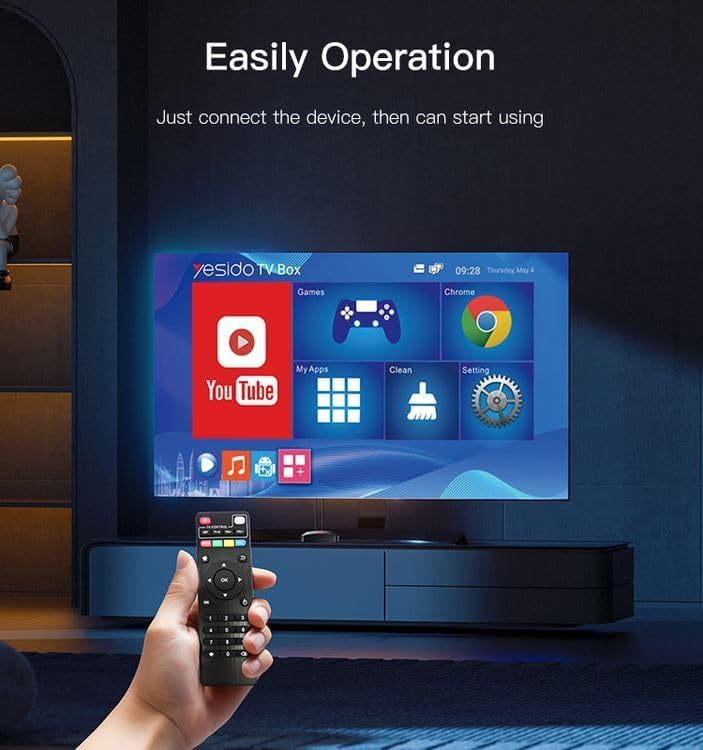
Image 4.1: Navigating the Yesido TV Box interface with the remote control.
4.2 Потокове передавання медіа
The TV Box supports various streaming applications. Pre-installed apps like YouTube are available, and you can download more from the app store (e.g., Netflix, Hulu, Amazon Prime Video, Disney+).
- Select the desired streaming app from the home screen or 'My Apps' section.
- Увійдіть, використовуючи дані свого облікового запису.
- Browse and select content to watch.
4.3 Ігри
The Yesido TV12 is designed for gaming, supporting over 10,000 game emulations. Connect your game controllers as described in Section 3.5.
- Access the 'Games' or 'Emulator' section from the home screen.
- Select your desired game or emulator.
- Use the connected game controllers for an immersive gaming experience.

Image 4.2: The wireless gamepads compatible with the TV Box.
4.4 Голосове керування
If your remote control supports voice input, press the voice button and speak your commands or search queries. This allows for hands-free content search and device control.
5. Технічне обслуговування
5.1 Очищення пристрою
To maintain optimal performance and appearance, regularly clean the TV Box:
- Перед чищенням вимкніть пристрій з розетки.
- Використовуйте м’яку, суху тканину для протирання зовнішніх поверхонь.
- Do not use liquid cleaners, aerosols, or abrasive materials, as they may damage the device.
5.2 Оновлення програмного забезпечення
Keep your device's software updated to ensure the best performance and access to new features:
- Connect the TV Box to the internet.
- Navigate to Settings > About > System Update.
- Дотримуйтесь підказок на екрані, щоб перевірити наявність та встановити будь-які доступні оновлення.
5.3 Керування сховищем
With 16GB of internal storage, managing your space is important:
- Перейдіть до Налаштування > Пам’ять, щоб view використання сховища.
- Uninstall unused applications or delete unnecessary files, щоб звільнити місце.
- The device supports TF cards for expandable storage.
6. Вирішення проблем
6.1 Немає живлення
- Переконайтеся, що адаптер живлення надійно підключений до телевізійної приставки та справної розетки.
- Спробуйте іншу розетку.
6.2 No Signal / No Display
- Переконайтеся, що кабель HDMI надійно підключено як до телевізійної приставки, так і до телевізора.
- Переконайтеся, що ваш телевізор налаштовано на правильне джерело вхідного сигналу HDMI.
- Спробуйте інший кабель HDMI або порт HDMI на вашому телевізорі.
6.3 Проблеми з мережевим підключенням
- Wi-Fi: Check if your Wi-Fi router is working correctly. Re-enter the Wi-Fi password in Settings > Network.
- Ethernet: Ensure the Ethernet cable is properly connected to both the TV Box and the router.
- Перезавантажте маршрутизатор і телевізійну приставку.
6.4 Пульт дистанційного керування не реагує
- Перевірте та замініть батарейки в пульті дистанційного керування.
- Переконайтеся, що між пультом дистанційного керування та телевізійною приставкою немає перешкод.
- Re-pair the remote control if necessary (refer to Section 3.5).
6.5 Game Performance Issues
- Close any background applications to free up RAM.
- Переконайтеся, що є достатньо місця для зберігання.
- For online games, check your internet connection stability.
7. Технічні характеристики
Image 7.1: The powerful Amlogic S905 CPU at the core of the TV Box.
| Особливість | опис |
|---|---|
| Торгова марка | Yesido |
| Назва моделі | TV12 |
| Операційна система | Android 12.0 Dual System |
| ЦП | Amlogic S905 |
| GPU | Mali-G31 MP2 |
| Встановлена оперативна пам'ять | 2 ГБ |
| Ємність пам'яті | 16 ГБ |
| Роздільна здатність відеосигналу | 1080P to 4K |
| Технологія підключення | HDMI, Wi-Fi (2.4G/5G), RJ45 (100Mbps) |
| Тип роз'єму | HDMI |
| Підтримувані Інтернет-послуги | Netflix, Hulu, Amazon Prime Video, Disney+ |
| Сумісні пристрої | телебачення |
| Включені компоненти | TV Box, Controllers |
| Колір | чорний |
| Вага товару | 1200 грами |
| Розміри продукту (Д x Ш x В) | 20 х 5 х 10 см |
8. Гарантія та підтримка
8.1 Інформація про гарантію
The Yesido TV12 Gaming TV Box comes with a standard manufacturer's warranty. Please refer to the warranty card included in your product packaging for specific terms, conditions, and duration. Keep your proof of purchase for warranty claims.
8.2 Підтримка клієнтів
If you encounter any issues not covered in this manual or require further assistance, please contact Yesido customer support. Contact details can typically be found on the product packaging, the official Yesido website, or your retailer's support page.