
1. Продукт закінчивсяview
The Docooler IPX7 Waterproof Bluetooth Portable Shower Speaker is designed for audio playback in various environments, including wet conditions. It features Bluetooth 5.0 connectivity, an LED display, FM radio, and a light show function. The speaker is equipped with a removable suction cup for versatile placement.

Image: Docooler IPX7 Waterproof Bluetooth Portable Shower Speaker, showcasinйого дизайн та особливості.
2. Вміст упаковки
Перевірте наявність усіх елементів в упаковці:
- Docooler IPX7 Waterproof Bluetooth Portable Shower Speaker
- Зарядний кабель USB-C
- Знімна присоска
- Посібник користувача
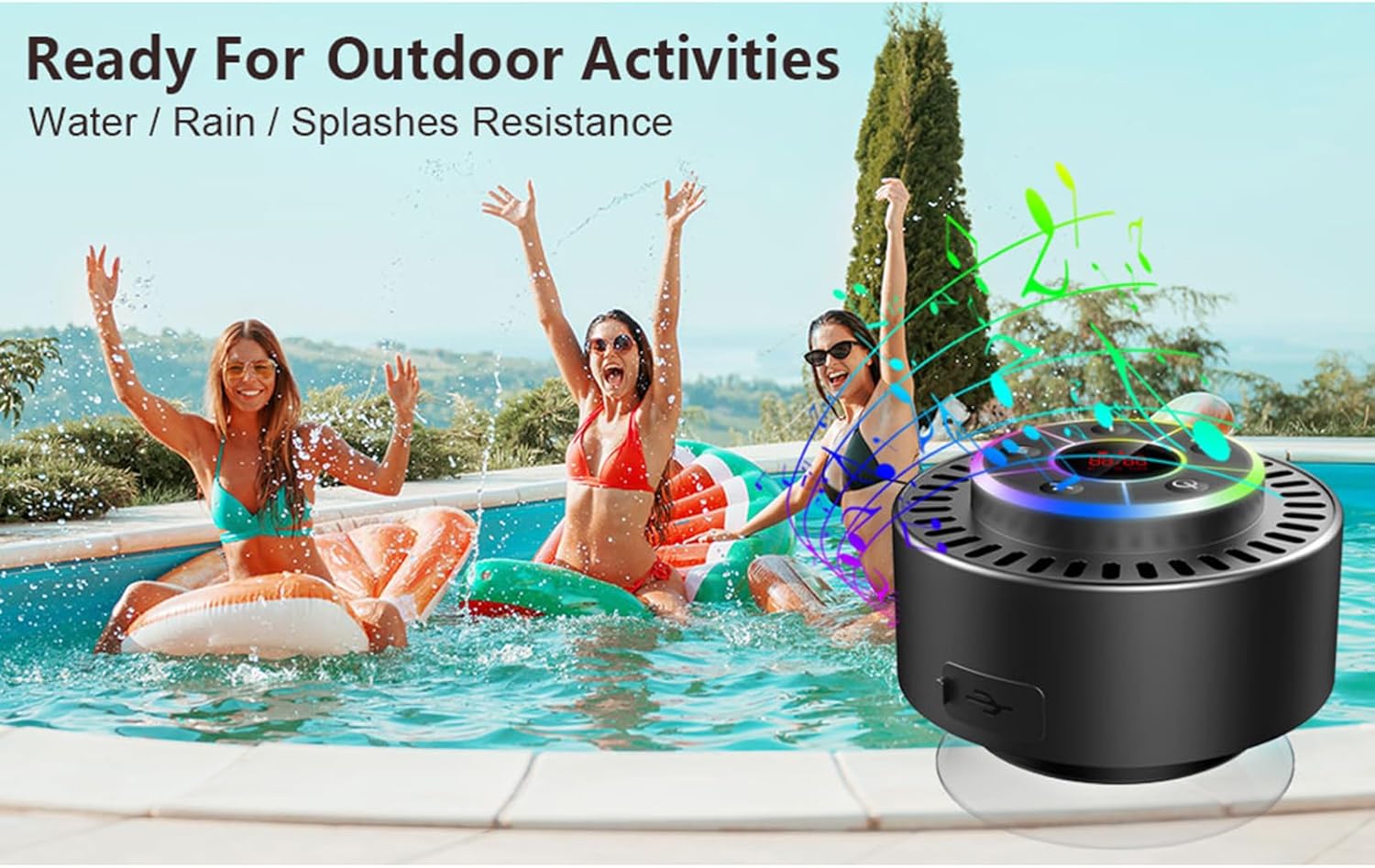
Image: The speaker, USB-C charging cable, and user manual as included in the package.
3. Налаштування
3.1 Заряджання динаміка
Before initial use, fully charge the speaker. Connect the provided USB-C charging cable to the speaker's charging port and the other end to a USB power adapter (not included) or a computer's USB port. The LED display will indicate charging status.
3.2 Прикріплення присоски
To attach the suction cup, ensure both the speaker's back surface and the desired mounting surface are clean and dry. Press the suction cup firmly against the surface until it adheres securely. For best results, slightly moisten the suction cup before application.
3.3 Увімкнення/вимкнення
- Щоб увімкнути: Натисніть і утримуйте Кнопка живлення (
 ) for approximately 3 seconds until the LED display illuminates.
 - Щоб вимкнути: Натисніть і утримуйте Кнопка живлення for approximately 3 seconds until the LED display turns off.
4. Інструкція з експлуатації
4.1 Функції кнопок
Зображення: Детальне view of the speaker's control panel, indicating the function of each button.
| Кнопка | Функція (коротке натискання) | Функція (тривале натискання) |
|---|---|---|
| Кнопка живлення () | Toggle LED light show modes | Увімкнення/вимкнення живлення |
| Кнопка M | Switch between Bluetooth and FM Radio modes | N/A |
| Кнопка відтворення/паузи () | Play/Pause music; Answer/End calls; Auto-scan in FM mode | Відхилити вхідний дзвінок |
| Previous Song / Volume Down (-) | Previous song (Bluetooth); Previous station (FM) | Зменшити гучність |
| Next Song / Volume Up (+) | Next song (Bluetooth); Next station (FM) | Збільшити гучність |
4.2 Створення пари Bluetooth
When powered on, the speaker automatically enters Bluetooth pairing mode. The LED display will show 'BT'.
- Ensure Bluetooth is enabled on your device (smartphone, tablet, laptop).
- шукати available Bluetooth devices and select "Docooler Speaker" from the list.
- Once connected, the speaker will emit an audible confirmation, and the 'BT' indicator on the LED display will stabilize.

Image: The speaker demonstrating connectivity with a phone, tablet, and computer via Bluetooth.
4.3 Сполучення справжнього бездротового стерео (TWS)
To achieve 3D stereo sound, two Docooler speakers can be paired together.
- Переконайтеся, що обидва динаміки увімкнені та не підключені до жодного іншого пристрою Bluetooth.
- На одному динаміку (це буде основний динамік) натисніть і утримуйте Кнопка відтворення/паузи for 2-3 seconds until you hear a pairing tone.
- Два динаміки автоматично підключаться один до одного.
- Once paired, connect your device to the primary speaker via Bluetooth as described in section 4.2. Audio will now play through both speakers in stereo.

Image: Two Docooler speakers wirelessly connected to a computer, illustrating the True Wireless Stereo (TWS) feature.
4.4 Режим FM-радіо
To switch to FM Radio mode:
- Натисніть Кнопка M to cycle through modes until 'FM' appears on the LED display.
- Автосканування: У режимі FM коротко натисніть Кнопка відтворення/паузи to automatically scan and save available radio stations.
- Станція пересадки: Використовуйте Previous Song / Volume Down (-) і Next Song / Volume Up (+) кнопки для навігації по збереженим станціям.
- Регулювання гучності: Тривале натискання Previous Song / Volume Down (-) or Next Song / Volume Up (+) кнопки для регулювання гучності.
4.5 Світлове шоу зі світлодіодами
The speaker features a beat-driven LED light show with seven colors.
- Змінити режим освітлення: Коротко натисніть кнопку Кнопка живлення to cycle through different light show patterns or to lock a single color.
- Вимкніть світло: Продовжуйте натискати Кнопка живлення until the lights turn off.
4.6 Дзвінки "вільні руки"
При підключенні через Bluetooth вбудований мікрофон дозволяє здійснювати дзвінки в режимі hands-free.
- Відповісти на дзвінок: Коротко натисніть кнопку Кнопка відтворення/паузи.
- Завершити виклик: Коротко натисніть кнопку Кнопка відтворення/паузи під час дзвінка.
- Відхилити виклик: Тривале натискання Кнопка відтворення/паузи.
4.7 Інформація про світлодіодний дисплей
The LED display shows the current time and battery level in Bluetooth mode. In FM radio mode, it displays the frequency.
5. Технічне обслуговування
5.1 Водостійкість (IPX7)
The speaker is IPX7 waterproof, meaning it can be submerged in up to 1 meter (3 feet) of water for up to 30 minutes. Ensure the charging port cover is securely closed before exposing the speaker to water. After exposure to water, wipe the speaker dry with a soft cloth.
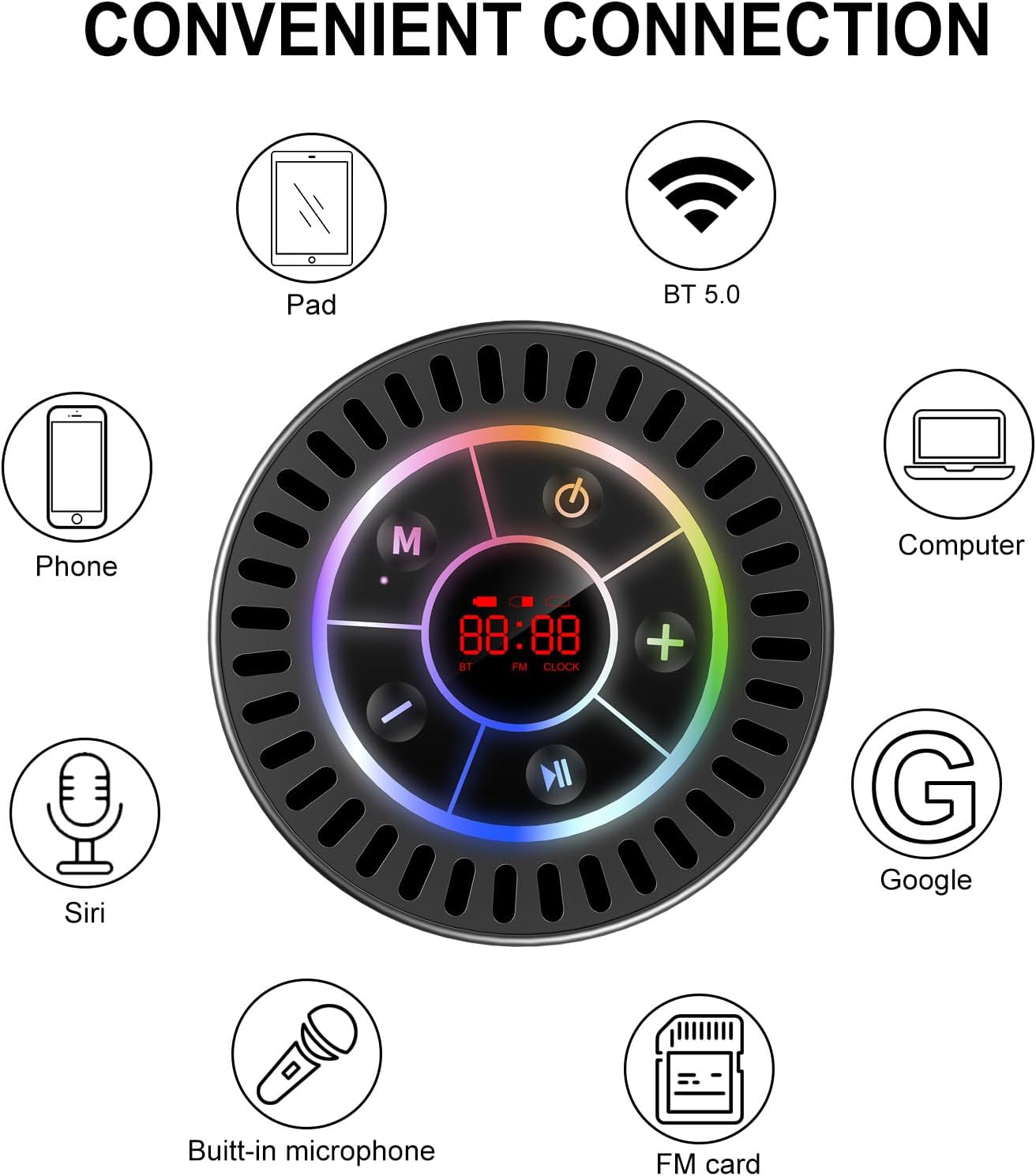
Image: The Docooler speaker attached to a shower wall, demonstrating its waterproof capability.
5.2 Очищення
Очистіть динамік м’якою, damp тканиною. Не використовуйте абразивні засоби для чищення, спирт або хімічні розчинники, оскільки вони можуть пошкодити поверхню або внутрішні компоненти.
5.3 Зберігання
Зберігайте динамік у прохолодному, сухому місці, подалі від прямих сонячних променів та екстремальних температур. Якщо ви зберігатимете його протягом тривалого часу, періодично заряджайте акумулятор, щоб продовжити термін його служби.
6. Вирішення проблем
- Динамік не вмикається: Переконайтеся, що акумулятор заряджений. Підключіть динамік до джерела живлення за допомогою кабелю USB-C і спробуйте ще раз.
- Не вдається підключити пристрій через Bluetooth:
- Ensure the speaker is in Bluetooth pairing mode ('BT' flashing on display).
- Переконайтеся, що на вашому пристрої ввімкнено Bluetooth, і він знаходиться в межах 15 метрів від динаміка.
- Якщо раніше було встановлено сполучення, спробуйте забути пристрій на телефоні та повторно виконати сполучення.
- Перезавантажте динамік і пристрій Bluetooth.
- Поганий прийом FM-радіо: FM radio reception can be affected by location and environmental factors. Try repositioning the speaker or using it in an open area. The charging cable can sometimes act as an antenna to enhance signal.
- Немає звуку або гучність низька:
- Перевірте рівень гучності як на динаміку, так і на підключеному пристрої.
- Ensure the speaker is properly paired and not connected to another device.
- Якщо ви використовуєте TWS, переконайтеся, що обидва динаміки правильно сполучені один з одним, а потім з вашим пристроєм.
- Speaker starts at full volume: Some units may default to a high volume upon power-on. Immediately adjust the volume using the '-' button to a comfortable level after turning the speaker on.
- Присоска не тримає: Ensure the mounting surface is clean, smooth, and dry. Slightly moisten the suction cup before pressing it firmly onto the surface. Avoid porous or textured surfaces.
7. Технічні характеристики

Зображення: Вибух view showing the internal components of the Docooler speaker, highlighting its sound technology.
| Особливість | Деталь |
|---|---|
| Бренд | Docooler |
| Номер моделі | SMT4782513347516YX |
| Технологія підключення | Bluetooth 5.0 |
| Діапазон Bluetooth | До 15 метрів |
| Рівень водонепроникності | IPX7 (водонепроникний) |
| Максимальна вихідна потужність динаміка | 5 Вт |
| АЧХ | 100 Гц |
| Режим аудіовиходу | Стерео, об'ємний звук (з TWS) |
| Співвідношення сигнал-шум | 95 дБ |
| Кількість мікрофонів | 1 (вбудований) |
| Джерело живлення | Працює від батареї |
| Спосіб контролю | Кнопка |
| Вага товару | 300 грамів |
| Сумісні пристрої | Ноутбук, MP3-плеєр, смартфон, планшет, телевізор |
8. Гарантія та підтримка
8.1 Інформація про гарантію
This Docooler speaker comes with a limited warranty. For specific terms and conditions, please refer to the warranty card included in your package or contact Docooler customer support.
8.2 Підтримка клієнтів
For further assistance, technical support, or warranty claims, please visit the official Docooler website or contact their customer service department. Contact information can typically be found on the product packaging or the brand's online store.