
вступ
This manual provides comprehensive instructions for the safe and effective use of your Levana Ella Video Baby Monitor. Please read this manual thoroughly before operating the device and retain it for future reference. The Levana Ella monitor offers a secure, non-WiFi connection to provide clear video and audio monitoring of your baby.
Інформація про безпеку
Для забезпечення безпечної роботи та запобігання пошкодженням, будь ласка, дотримуйтесь наступних запобіжних заходів:
- Keep all components out of reach of children. Cords can pose a strangulation hazard.
- Do not place the camera or monitor in or near water.
- Використовуйте лише надані адаптери живлення. Використання неавторизованих адаптерів може пошкодити пристрій та анулювати гарантію.
- Ensure proper ventilation for both the camera and monitor. Do not cover them with blankets or other materials.
- This product is intended for monitoring purposes only and should not replace responsible adult supervision.
- Avoid placing the camera within 3 feet of the baby's crib or play area to prevent cord entanglement.
Вміст упаковки
Перевірте наявність усіх предметів у вашій упаковці:
- 1 x 5-inch 720P HD Monitor
- 1 x 720P HD PTZ Camera
- 1 x Camera Charger (6.5 ft)
- 1 x Monitor Charger (6.5 ft)
- 1 кріплення для камери
- 1 x Premium Carrying Case
- 1 x Короткий посібник

Image: The Levana Ella Video Baby Monitor package contents, showing the 5-inch monitor, PTZ camera, and a premium carrying case.
Налаштування
1. Заряджання пристроїв
- Connect the monitor charger to the monitor and a power outlet. Charge the monitor for at least 7 hours before initial use to ensure optimal battery performance.
- Connect the camera charger to the camera and a power outlet. The camera requires continuous power to operate.
2. Розміщення камери
Place the camera on a flat surface or mount it to a wall using the provided hardware. Ensure the camera has a clear, unobstructed view of the desired monitoring area. Keep the camera at a safe distance from the baby's reach.
3. Увімкнення
Press and hold the power button on the monitor until the screen illuminates. The camera will automatically connect to the monitor once both are powered on and within range.
Інструкція з експлуатації
Monitor Controls Overview
The monitor features intuitive buttons for easy navigation and control:
- Кнопка живлення: Вмикає/вимикає монітор.
- Кнопка меню: Accesses monitor settings.
- Кнопки навігації (Вгору/Вниз/Вліво/Вправо): Used for menu navigation and camera pan/tilt.
- Кнопка ОК: Підтверджує вибір.
- Кнопка розмови: Activates two-way talk.
- Кнопка масштабування: Adjusts digital zoom level.
Pan, Tilt, and Zoom (PTZ)
Камера пропонує гнучкі viewкути нахилу:
- Використовуйте Кнопки навігації on the monitor to pan the camera 330° horizontally and tilt 100° vertically.
- Натисніть Кнопка масштабування to activate 2X digital zoom for a closer view.

Image: The monitor displaying a baby, with the camera shown next to it, illustrating its 330° pan, 100° tilt, and 2X digital zoom functions.
Нічне бачення
The camera automatically switches to infrared night vision in low-light conditions, providing a clear black and white image of your baby without disturbing them.
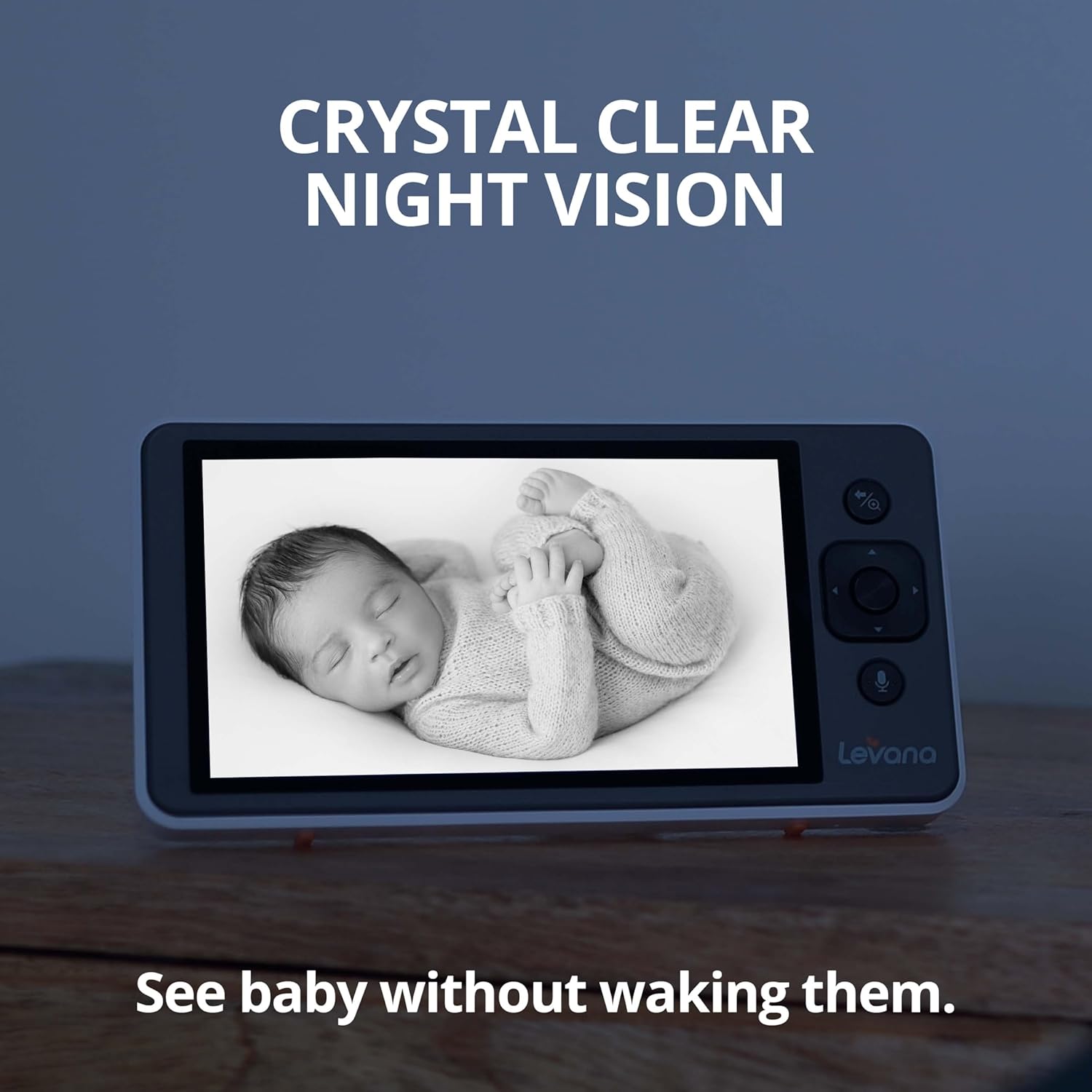
Image: The monitor screen showing a sleeping baby in clear black and white night vision, indicating visibility in low light.
Двостороння розмова
Communicate with your baby remotely:
- Натисніть і утримуйте Кнопка розмови on the monitor to speak.
- Release the button to hear your baby's response.

Image: Hands holding the monitor, with speech bubbles indicating two-way communication, showing a baby on screen.
Голосова активація (VOX)
The monitor can be set to activate when sound is detected in the baby's room, conserving battery life and ensuring you are alerted when needed.
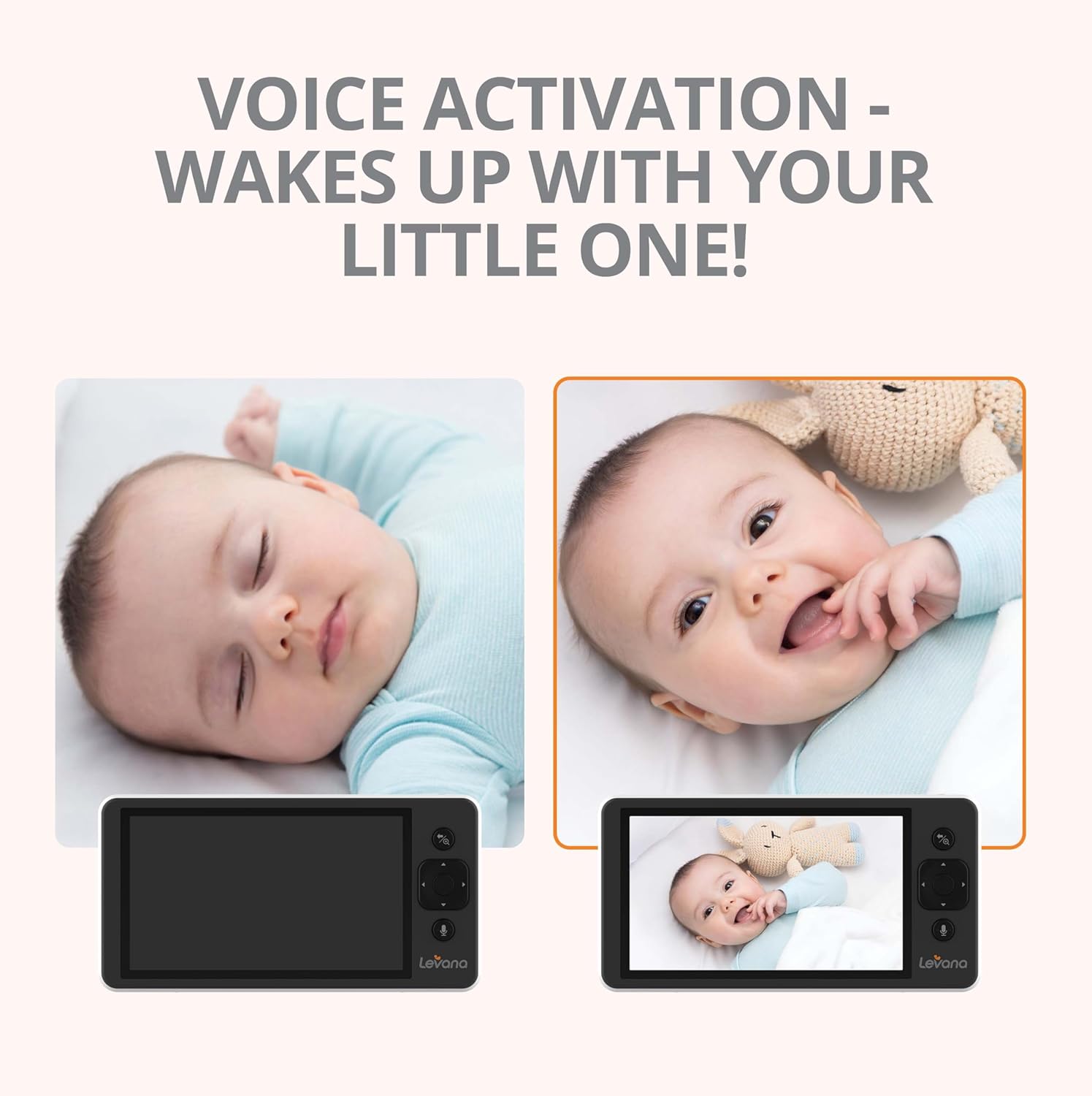
Image: Two monitor screens side-by-side, one showing a sleeping baby with a black screen (VOX off), and the other showing an awake baby with the screen on (VOX activated).
Колискові пісні
Soothe your baby with built-in melodies:
- Access the menu to select and play lullabies through the camera's speaker.
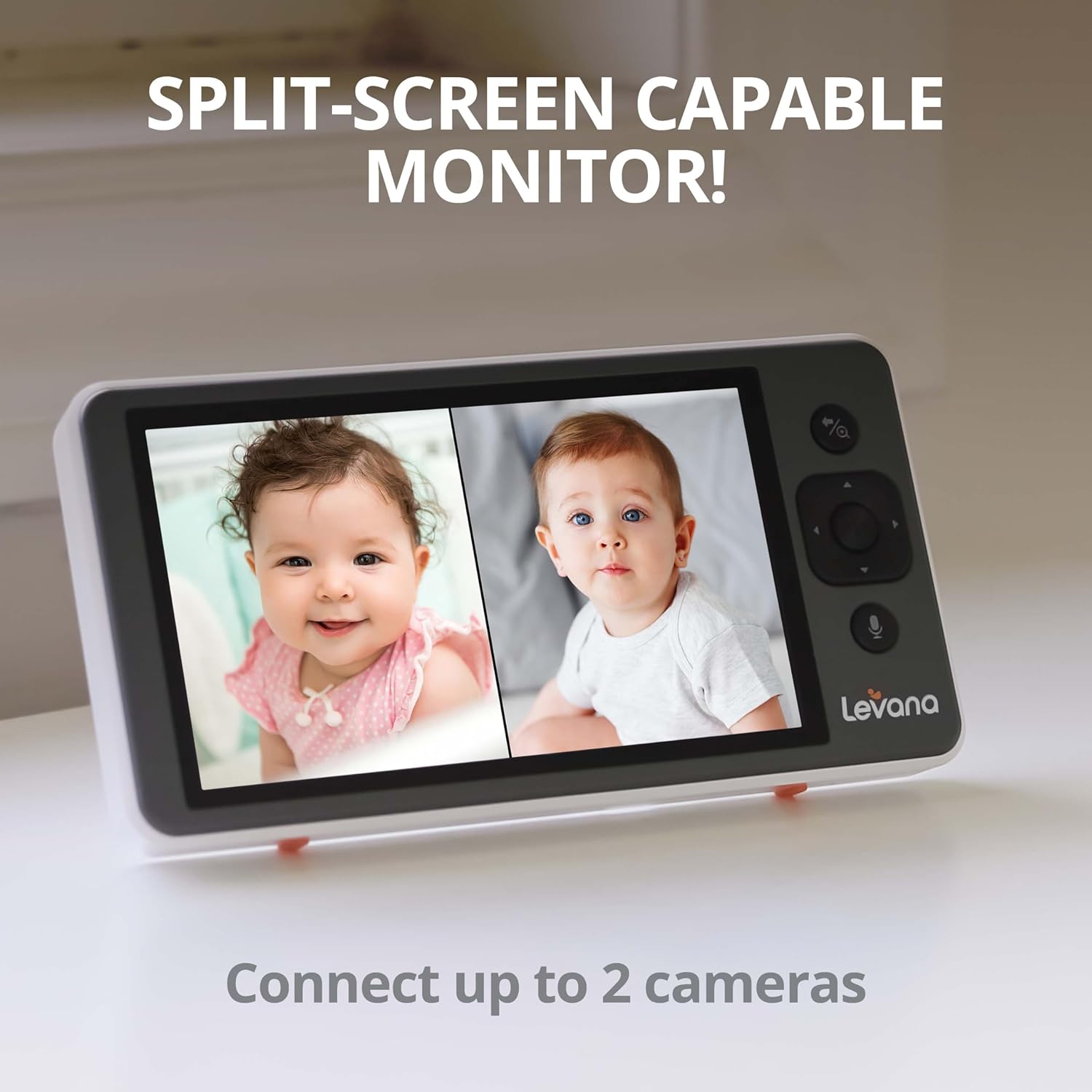
Image: A baby sleeping peacefully in a crib, with musical notes emanating from the Levana Ella camera, symbolizing the built-in lullaby function.
Термін служби батареї
The monitor is equipped with a 3800mAh rechargeable battery, providing up to 4 days of continuous video streaming on a single charge, depending on usage.
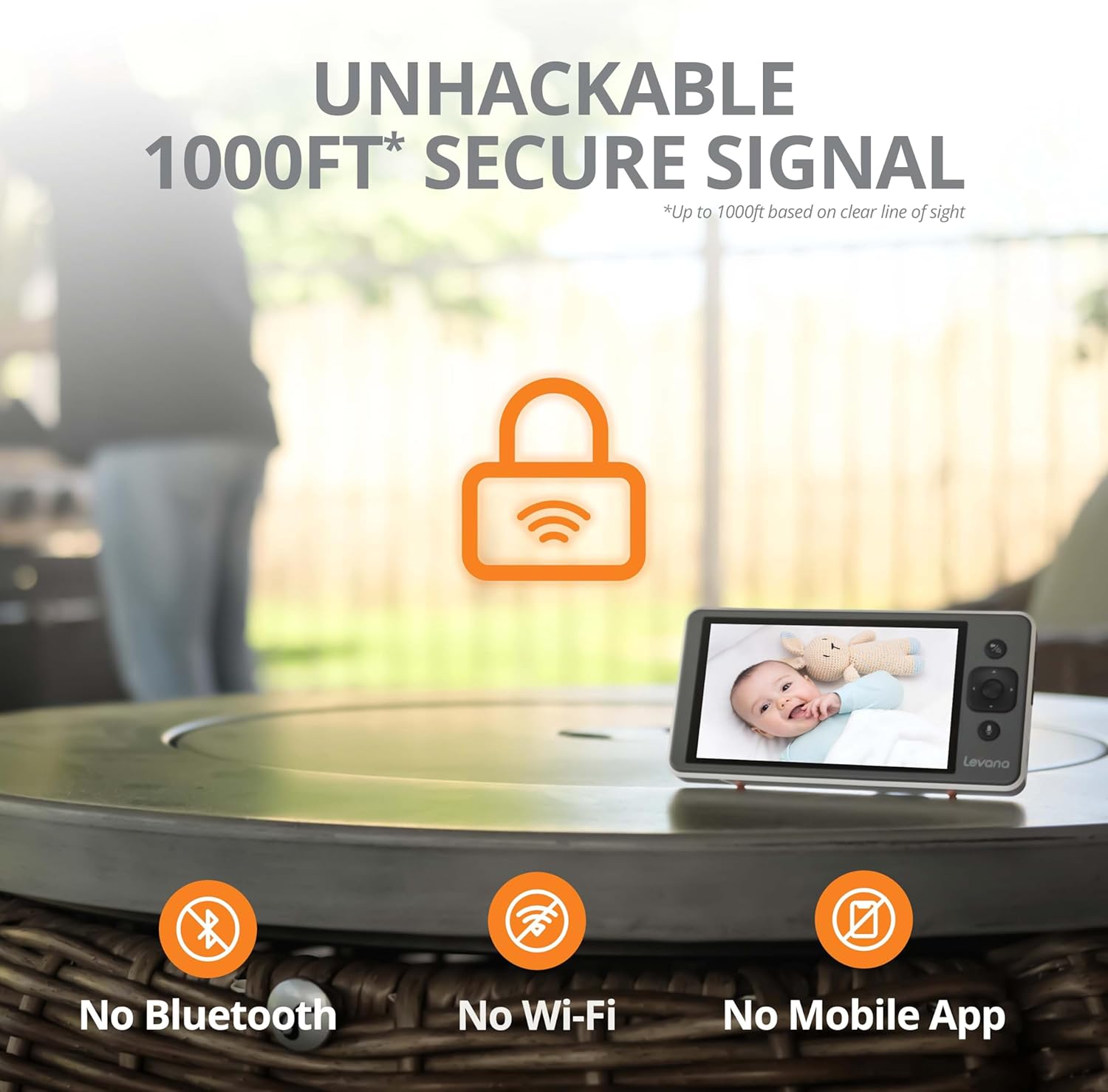
Image: The monitor screen showing a happy baby, with a prominent battery icon indicating extended battery life.
Secure Connection (No WiFi)
The Levana Ella monitor operates on a secure, non-WiFi connection, ensuring privacy and preventing unauthorized access. It offers a range of up to 1000ft in clear line of sight.

Image: The monitor and camera with a large lock icon and text indicating an "unhackable 1000ft secure signal" without Bluetooth, Wi-Fi, or mobile app.
Split-Screen Capability (Optional)
If you have multiple cameras (sold separately), the monitor supports split-screen viewing, allowing you to monitor two areas simultaneously.

Image: The monitor screen divided into two, showing two different babies, demonstrating the split-screen feature for connecting up to two cameras.
Технічне обслуговування
To maintain your Levana Ella Video Baby Monitor in optimal condition:
- Clean the monitor and camera surfaces with a soft, dry cloth. Do not use abrasive cleaners or solvents.
- Ensure the camera lens is clean for clear image quality.
- Зберігайте пристрій у прохолодному сухому місці, коли він не використовується.
- Regularly check power cords for any signs of damage.
Усунення несправностей
| проблема | Можлива причина | Рішення |
|---|---|---|
| Немає зображення/сигналу на моніторі | Camera or monitor not powered on; out of range; interference. | Ensure both devices are powered on and charged. Move monitor closer to camera. Reduce obstacles between devices. |
| Погана якість зображення | Dirty camera lens; insufficient lighting; camera too far. | Clean the camera lens. Ensure adequate lighting or rely on night vision. Adjust camera position. |
| Short battery life on monitor | Monitor not fully charged; continuous screen-on time; aging battery. | Ensure monitor is fully charged before use. Utilize VOX mode to conserve battery. Contact support if battery degradation is significant. |
| Audio buzzing/static | Interference from other electronics; monitor too close to camera. | Move monitor away from other electronic devices. Ensure monitor is not too close to the camera. |
| Range is less than expected | Obstructions (walls, furniture) between camera and monitor. | The 1000ft range is for clear line of sight. Walls and other structures will reduce effective range. Reposition devices for better signal. |
Технічні характеристики
| Особливість | Деталь |
|---|---|
| Номер моделі | LVEL1C |
| Розмір екрана монітора | 5 дюймів |
| Роздільна здатність захоплення відео | 720p HD |
| Тип камери | PTZ (Pan, Tilt, Zoom) |
| Пан Кут | 330° |
| Кут нахилу | 100° |
| Цифровий зум | 2X |
| Ємність акумулятора | 3800mAh (Monitor) |
| Термін служби батареї | Up to 4 days (continuous video streaming) |
| Бездротова технологія | Non-WiFi, Secure Digital Signal |
| Дальність бездротового зв'язку | До 1000 метрів (пряма видимість) |
| Особливості | Night Vision, Two-Way Talk, Voice Activation, Lullabies, Split-Screen Capable |
| Тип монтажу | Настінне кріплення |
| Розміри продукту | 6.09 x 3.13 x 0.66 дюймів |
| Вага товару | 2.79 фунта |
| UPC | 842751004384 |
Гарантія та підтримка
Levana provides lifetime support for the Ella Video Baby Monitor. For technical assistance, warranty claims, or further inquiries, please visit the official Levana website or contact their customer service department. Refer to the Quick Start Guide included in your package for specific contact details.
You can also visit the Levana store on Amazon for more information: Levana Amazon Store