
Креативний EF1160
Інструкція з експлуатації бездротових внутрішньоканальних навушників Creative Aurvana Ace 2
Модель: EF1160
1. Вступ
This manual provides detailed instructions for the proper use, setup, and maintenance of your Creative Aurvana Ace 2 True Wireless In-Ear Headphones. Please read this manual thoroughly before using the product to ensure optimal performance and longevity.

Image: Creative Aurvana Ace 2 earbuds shown in their open charging case, highlighting the black earbuds with copper accents and the translucent charging case.
2. Вміст упаковки
Перевірте наявність усіх елементів в упаковці:
- Creative Aurvana Ace 2 True Wireless In-Ear Headphones (Left and Right earbuds)
- Зарядний футляр
- Зарядний кабель USB-C
- Silicone Ear Tips (Various Sizes: Small, Medium, Large)
- Короткий посібник (цей посібник слугує вичерпним посібником)
3. Налаштування
3.1 Початкове заряджання
Before first use, fully charge the earbuds and the charging case. Place the earbuds into the charging case. Connect the USB-C charging cable to the case and a power source. The charging indicator on the case will show charging status. A full charge provides up to 6 hours of playback for the earbuds and a total of 24 hours with the charging case (with ANC off).

Image: The Creative Aurvana Ace 2 charging case resting on a wireless charging pad, indicating its wireless charging capability.
3.2 Вибір та підгонка вушних насадок
Selecting the correct ear tip size is crucial for sound quality and noise isolation. Experiment with the provided silicone ear tips (Small, Medium, Large) to find the best fit for your ears. A good seal ensures optimal audio performance and comfort.

Image: Graphic illustrating different sizes of ear tips for a customized fit.
Важливо: Before first use, ensure you remove any protective clear films covering the charging contacts on the earbuds. Failure to do so will prevent proper charging and pairing.
3.3 Створення пари Bluetooth
- Переконайтеся, що навушники заряджені та поміщені в зарядний футляр.
- Відкрийте кришку зарядного футляра. Навушники автоматично перейдуть у режим сполучення.
- На вашому пристрої (смартфоні, планшеті, комп’ютері) перейдіть до налаштувань Bluetooth.
- Select "Creative Aurvana Ace 2" from the list of available devices.
- Після підключення пролунає звуковий сигнал підтвердження, і навушники будуть готові до використання.
3.4 Creative App Download
For full functionality, including firmware updates, equalizer settings, and customizable controls, download the Creative app. The app is available for both iOS and Android devices.
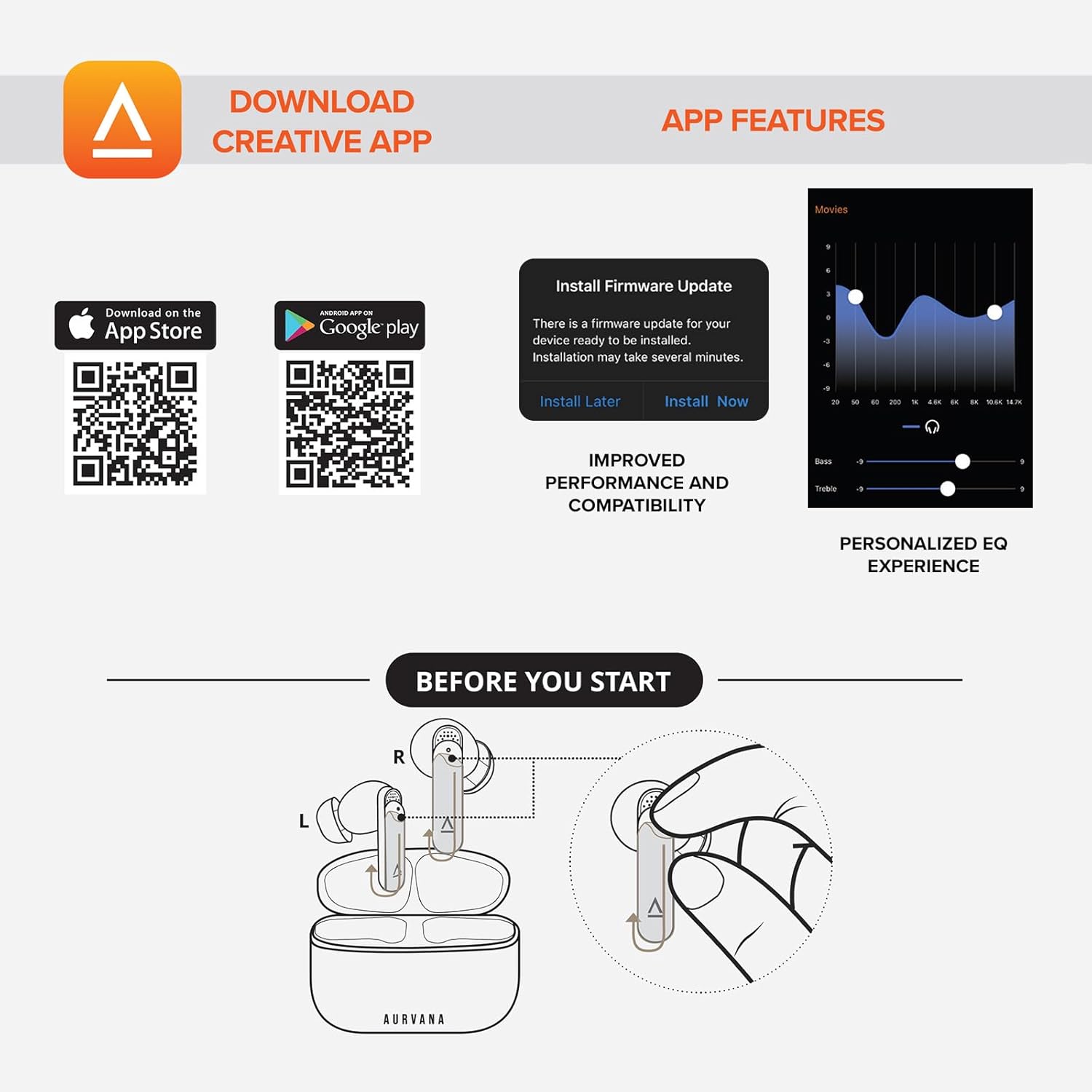
Image: Screenshot showing QR codes for downloading the Creative app from the Apple App Store and Google Play Store, alongside examples of app features such as firmware updates and personalized EQ settings.
Завантажити для Android: Google Play Store
Завантажити для iOS: Apple App Store
4. Інструкція з експлуатації
4.1 Сенсорне керування
The Creative Aurvana Ace 2 earbuds feature touch-sensitive controls on each earbud. Functions can be customized via the Creative app. Common controls include:
- Однократне натискання: Відтворення/пауза аудіо, відповідь/завершення дзвінка.
- Двічі натисніть: Next track, Activate voice assistant.
- Потрійний дотик: Previous track, Toggle ANC/Ambient Mode.
- Тривале натискання: Volume control (customizable).

Image: Graphic depicting a finger tapping an earbud, symbolizing touch controls.
4.2 Noise Control (Adaptive ANC & Ambient Mode)
The earbuds feature Adaptive Active Noise Cancellation (ANC) and Ambient Mode. These modes can be toggled via the touch controls or the Creative app.
- Адаптивний ANC: Зменшує зовнішній шум для захопливого прослуховування.
- Режим навколишнього середовища: Пропускає звуки навколишнього середовища, покращуючи ситуаційну обізнаність.
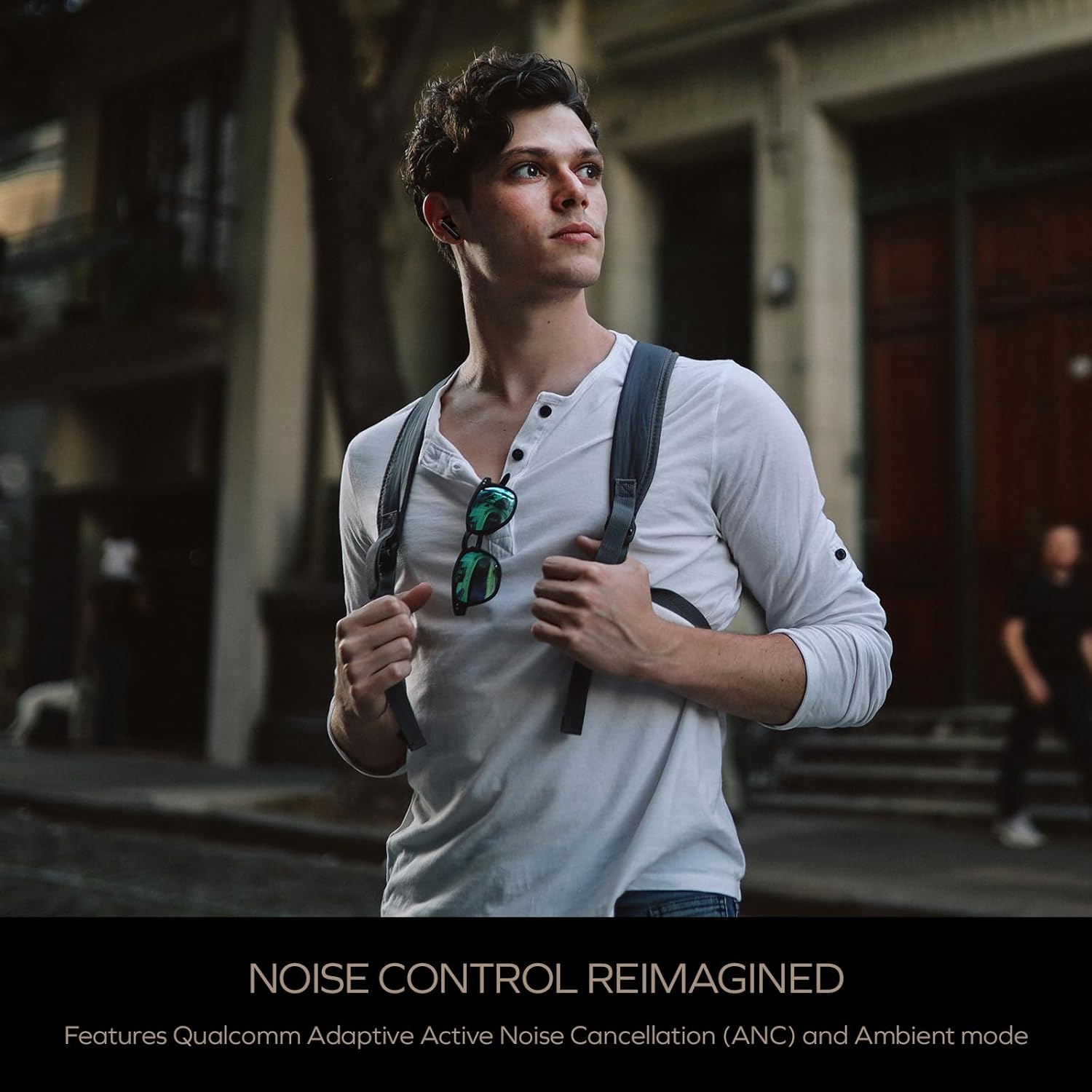
Image: A person wearing the Creative Aurvana Ace 2 earbuds while walking outdoors, illustrating the use of noise control features in various environments.
4.3 Audio Technologies (xMEMS, aptX Lossless, Bluetooth LE Audio)
The Aurvana Ace 2 incorporates advanced audio technologies for high-fidelity sound:
- xMEMS Technology: Provides precise and detailed audio reproduction.
- Qualcomm aptX Lossless: Delivers CD-quality audio over Bluetooth for compatible devices.
- Bluetooth LE Audio: Offers improved wireless audio quality with lower power consumption and Unicast mode for a more stable connection.

Зображення: Детальне view of the earbud's internal components, highlighting the xMEMS drivers and 10mm dynamic drivers responsible for audio output.

Image: The Qualcomm aptX Lossless logo, indicating support for high-fidelity audio streaming.

Image: A microchip labeled 'LE Audio', representing the Bluetooth LE Audio technology integrated into the earbuds.
4.4 Voice Assistant and Call Quality
The earbuds support voice assistant activation (e.g., Siri, Google Assistant) via touch controls. Equipped with Qualcomm cVc (clear voice capture) noise cancellation technology and six built-in microphones, the Aurvana Ace 2 ensures clear voice calls.

Image: Graphic showing an earbud with Google Assistant and Siri icons, accompanied by sound wave visualizations, indicating voice assistant support and clear audio transmission.
5. Технічне обслуговування
5.1 Очищення
Regular cleaning helps maintain optimal performance and hygiene. Use a soft, dry, lint-free cloth to wipe the earbuds and charging case. For ear tips, remove them from the earbuds and clean with mild soap and water, then dry thoroughly before reattaching. If charging issues occur, gently clean the charging contacts on both the earbuds and inside the case with a cotton swab lightly dampспиртом.
5.2 Зберігання
Коли навушники не використовуються, зберігайте їх у зарядному футлярі, щоб захистити їх та підтримувати зарядженими. Зберігайте футляр у прохолодному, сухому місці, подалі від прямих сонячних променів та екстремальних температур.
6. Вирішення проблем
If you encounter issues with your Creative Aurvana Ace 2 earbuds, refer to the following common solutions:
| проблема | Можлива причина | Рішення |
|---|---|---|
| Навушники не сполучаються або не підключаються | Protective film on contacts, low battery, out of range, incorrect pairing mode. |
|
| Навушники не заряджаються | Dirty charging contacts, improper placement, faulty cable/power source. |
|
| Frequent disconnections or audio dropouts | Interference, distance from device, low earbud battery. |
|
| Screeching sound in Ambient Mode | Pressure on earbuds, improper fit. |
|
| Audio glitching or shrill noises | Software issue, interference. |
|
| Сенсорне керування не реагує | Incorrect gesture, dirty sensor, temporary software glitch. |
|
7. Технічні характеристики
| Особливість | Деталь |
|---|---|
| Назва моделі | EF1160 |
| Технологія підключення | Wireless (Bluetooth 5.2, LE Audio) |
| Тип аудіо драйвера | xMEMS Driver, 10 mm Dynamic Driver |
| Аудіокодеки | aptX Lossless, aptX Adaptive, AAC, SBC |
| Контроль шуму | Adaptive Active Noise Cancellation (ANC), Ambient Mode |
| мікрофони | 6 built-in mics with Qualcomm cVc Noise Cancellation |
| Термін служби батареї (навушники) | До 6 годин (ANC вимкнено) |
| Загальний час відтворення з кейсом | До 24 годин (ANC вимкнено) |
| Час зарядки | Approximately 2 hours for earbuds and case |
| Інтерфейс зарядки | USB-C, бездротова зарядка |
| Діапазон Bluetooth | До 10 метрів (33 фути) |
| АЧХ | 20 Гц - 20 000 Гц |
| Спосіб контролю | Дотик, голос |
| матеріал | пластик |
| Розміри продукту | 3.58 x 4.33 x 1.53 дюймів |
| Вага товару | 5.3 унції |
| UPC | 054651196032 |
8. Гарантія та підтримка
Creative products are covered by a limited warranty. For specific warranty terms and conditions applicable to your region, please refer to the warranty card included with your product or visit the official Creative webсайт.
For technical support, frequently asked questions, and driver/firmware downloads, please visit the Creative support page:
You can also contact Creative customer service directly for assistance.