
вступ
The Majority Naga 80 Sound Bar is designed to enhance your home audio experience with powerful 140W peak output and 2.1 channel sound. Featuring advanced 3D surround sound technology and a built-in subwoofer, it delivers rich, clear audio for movies, gaming, and music. This manual provides detailed instructions for setup, operation, and maintenance of your sound bar.

The Naga 80 TV Soundbar delivers powerful, high-quality sound to elevate your home entertainment.
Що в коробці
Please check the contents of your package carefully. If any items are missing or damaged, contact customer support.
- Саундбар Naga 80
- Посібник користувача
- Пульт дистанційного керування
- Настінні кронштейни
- HDMI, AUX, and Power cables
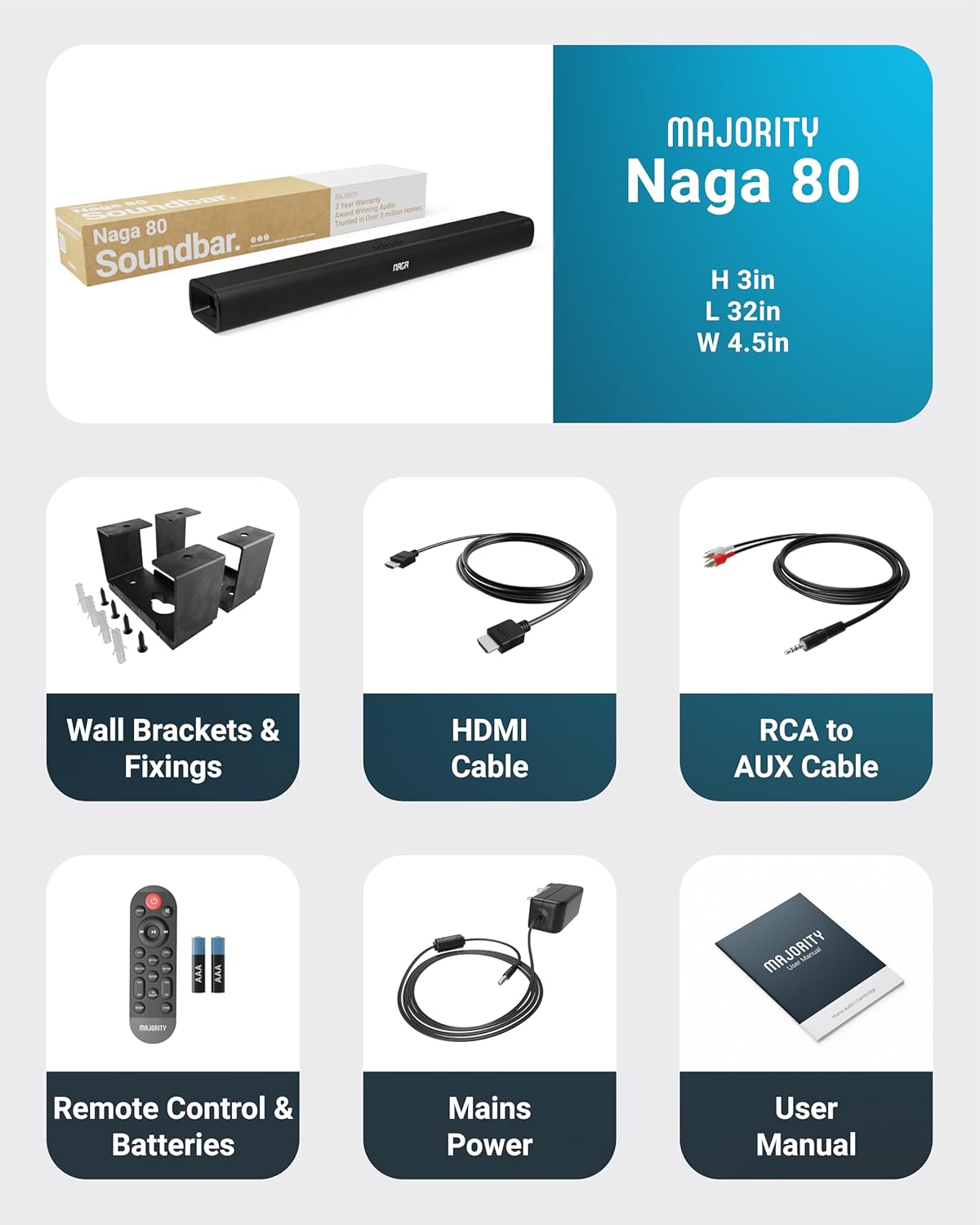
All items included in the Naga 80 Sound Bar package.
Налаштування
Підключення до живлення
- Ensure the sound bar is placed on a stable surface or securely wall-mounted.
- Connect the power adapter to the DC 24V input port on the back of the sound bar.
- Підключіть адаптер живлення до настінної розетки.
Аудіопідключення
The Naga 80 Sound Bar offers multiple connectivity options for your devices:
- HDMI ARC: Connect an HDMI cable from the sound bar's ARC port to your TV's HDMI ARC port for high-quality audio and TV remote control integration.
- Оптичний вхід: Use an optical cable to connect to your TV or other audio source for digital audio transmission.
- AUX вхід: Connect devices using the 3.5mm AUX cable for analog audio input.
- USB: Вставте USB-накопичувач для відтворення аудіо files directly from the sound bar.
- Bluetooth: Pair your smartphone, tablet, or other Bluetooth-enabled devices wirelessly.
Важливо: If you experience buzzing or static sound when using HDMI or Optical connections, adjust your TV's audio output settings to PCM (Pulse Code Modulation).

Rear panel connections of the Naga 80 Sound Bar.
Bluetooth-парування
- Press the 'Input' button on the sound bar or remote control until 'BT' appears on the display.
- On your device (smartphone, tablet), enable Bluetooth and search for 'Naga 80'.
- Select 'Naga 80' to pair. A confirmation sound will indicate successful pairing.
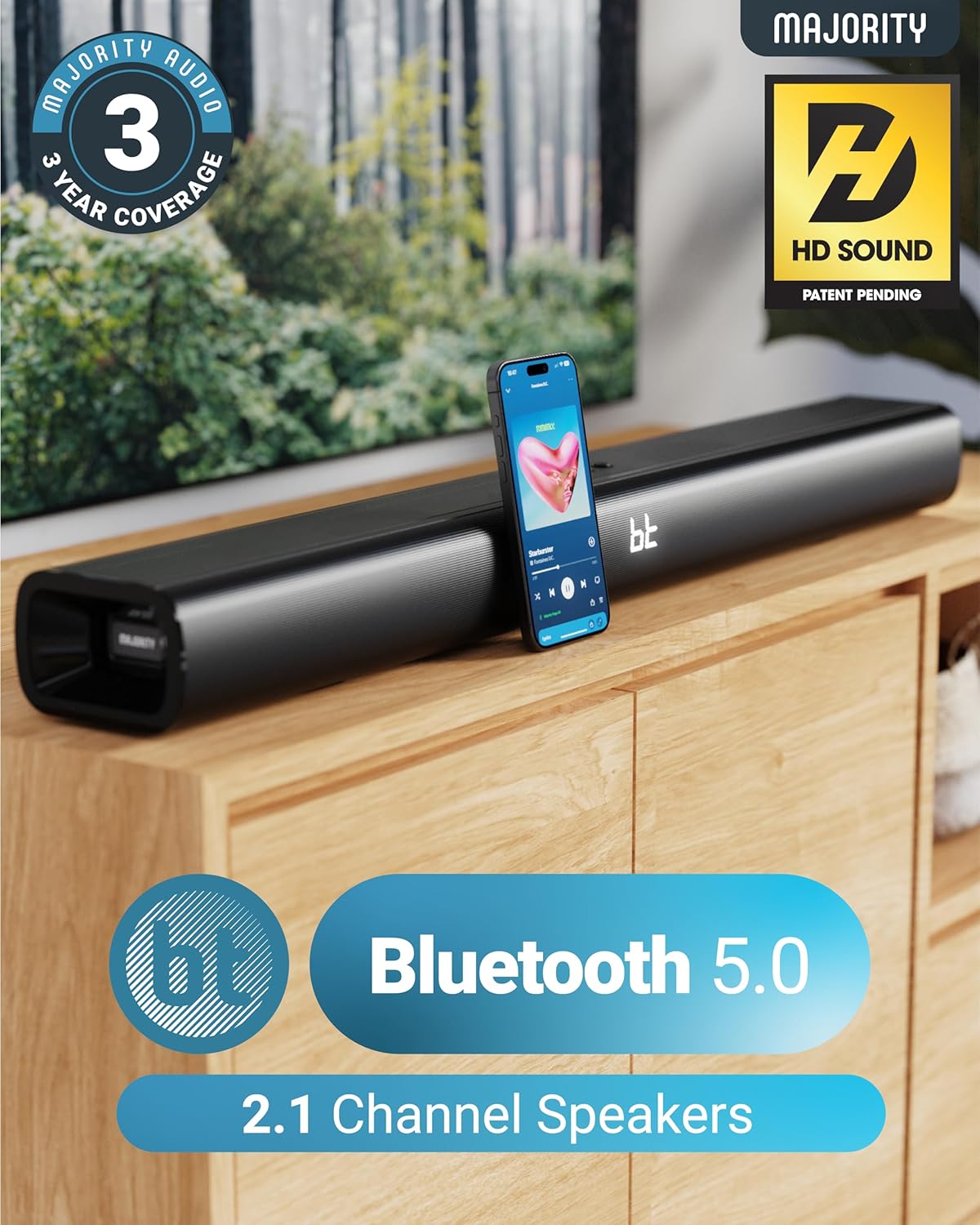
The Naga 80 Sound Bar supports Bluetooth 5.0 for wireless audio streaming.
Інструкція з експлуатації
Функції дистанційного керування
The included remote control allows full command over your sound bar's features:
- Потужність: Turn the sound bar on or off.
- введення: Перемикання між джерелами вхідного сигналу (HDMI ARC, оптичний, AUX, USB, Bluetooth).
- Гучність +/-: Налаштуйте головну гучність.
- Відтворення/Пауза, Пропуск треків: Control media playback in Bluetooth or USB mode.
- Режими звуку: Select between Movie, Music, and Dialog modes.
- Bass +/- (BA+/-): Налаштуйте рівень басів.
- Treble +/- (TR+/-): Налаштуйте рівні високих частот.
- 3D On/Off: Activate or deactivate 3D surround sound.
- Скинути: Reset audio settings to default.
- Пара: Розпочніть сполучення Bluetooth.
The remote control provides comprehensive control over your sound bar.
Режими звуку
Оптимізуйте свій аудіодосвід за допомогою спеціальних звукових режимів:
- Режим фільму: Enhances cinematic sound effects and dialogue for an immersive movie-watching experience.
- Музичний режим: Забезпечує збалансований професійний звукfile suitable for various music genres.
- Dialog Mode: Prioritizes vocal clarity, making conversations easier to understand, especially in TV shows or news broadcasts.
Налаштування низьких і високих частот
You can fine-tune the bass and treble levels to your preference using the remote control. Both settings can be adjusted from -4 to +4, with 0 being the default. Use the 'BA+/-' buttons for bass and 'TR+/-' buttons for treble.
Монтаж і розміщення
Настінне кріплення
The Naga 80 Sound Bar can be wall-mounted for a clean, space-saving setup. Use the included wall brackets and fixings. Ensure the mounting surface is sturdy enough to support the sound bar's weight (4.3 pounds).
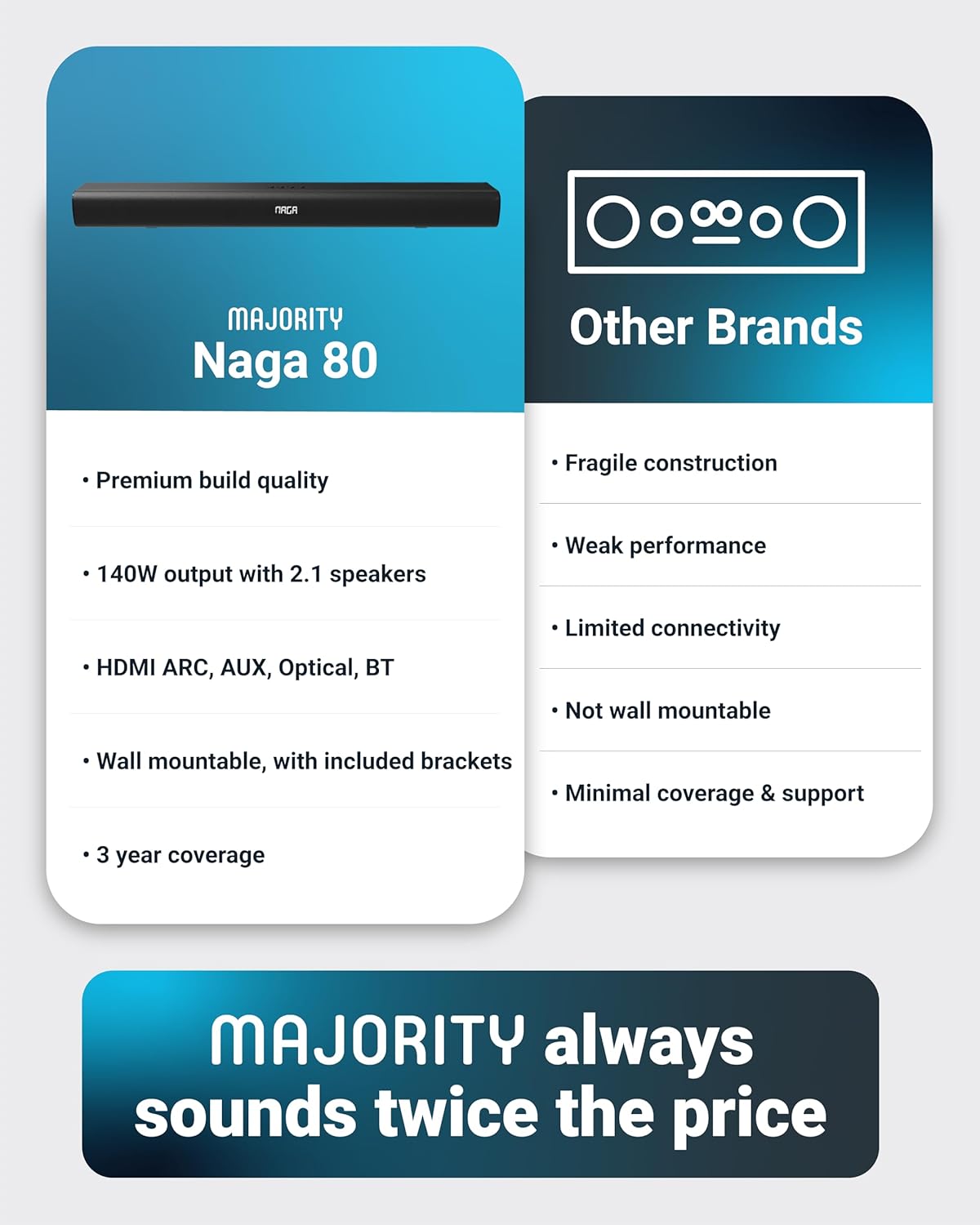
Wall mount brackets for secure installation.
Технічні характеристики
| Особливість | Специфікація |
|---|---|
| Назва моделі | Нага 80 |
| Тип динаміка | Саундбар |
| Максимальна вихідна потужність динаміка | 140 Вт |
| Конфігурація каналу об’ємного звуку | 2.1 |
| Технологія підключення | Bluetooth, HDMI, Optical, AUX, USB |
| Технологія бездротового зв'язку | Bluetooth |
| Діапазон Bluetooth | 10 метрів |
| Спосіб контролю | Дистанційний |
| Розміри продукту | 31.8" Г x 4.6" Ш x 3.06" В |
| Вага товару | 4.3 фунта |
| матеріал | Plastic (Enclosure), Metal (Subwoofer) |
| Включені компоненти | HDMI, AUX and Power cables, Naga 80 Soundbar, Remote, User Manual, Wall Brackets |
| Акумулятори | Потрібна 2 батарея AAA (входить в комплект) |
| Тип монтажу | Настінне кріплення |
Технічне обслуговування
To ensure the longevity and optimal performance of your Majority Naga 80 Sound Bar, follow these maintenance guidelines:
- Прибирання: Use a soft, dry cloth to wipe the exterior of the sound bar. Avoid using abrasive cleaners, waxes, or solvents.
- Вентиляція: Забезпечте належну вентиляцію навколо саундбара, щоб запобігти перегріву. Не блокуйте вентиляційні отвори.
- Зберігання: Якщо саундбар зберігатиметься протягом тривалого часу, від’єднайте його від живлення та зберігайте в прохолодному сухому місці.
Усунення несправностей
If you encounter any issues with your sound bar, refer to the following common problems and solutions:
- Немає живлення: Ensure the power cable is securely connected to both the sound bar and a working power outlet. Check if the power adapter is functioning correctly.
- Немає звуку: Verify the correct input source is selected on the sound bar. Check all audio cables for secure connections. Ensure the volume is not muted or set too low on both the sound bar and your connected device.
- Buzzing/Static Sound (HDMI/Optical): Adjust your TV's HDMI/Optical audio output settings to PCM. Some TVs may default to other formats that are not compatible with the sound bar.
- Проблеми зі сполученням Bluetooth: Ensure the sound bar is in Bluetooth pairing mode. Turn off and on Bluetooth on your device, then try pairing again. Move your device closer to the sound bar to ensure it's within range (10 meters).
- Пульт дистанційного керування не працює: Check the batteries in the remote control and replace them if necessary (2 AAA batteries). Ensure there are no obstructions between the remote and the sound bar.
Гарантія та підтримка
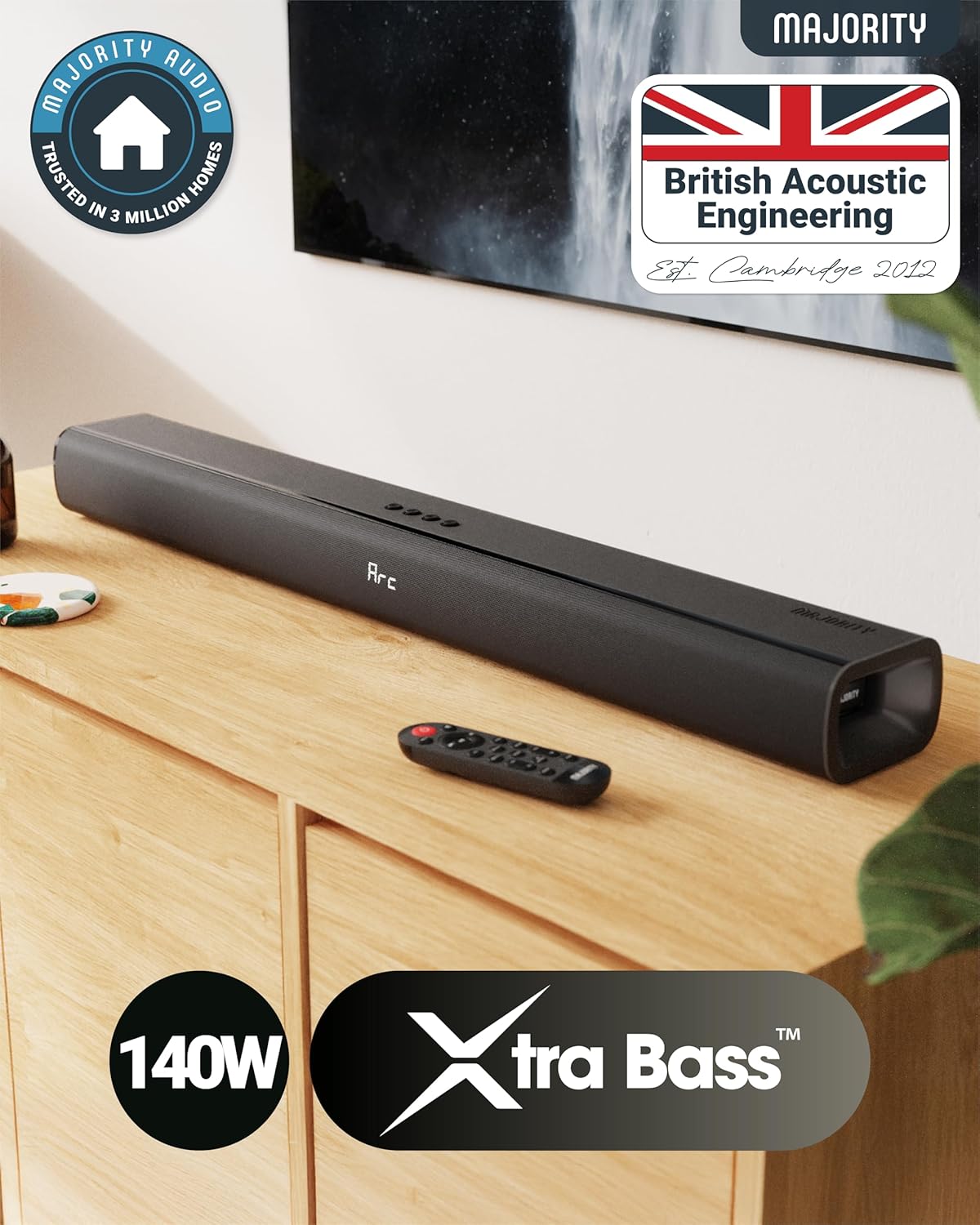
The Majority Naga 80 Sound Bar comes with a 3-річна розширена гарантія upon registration. For warranty registration, technical support, or further assistance, please visit the official Majority webсайту або зв’яжіться з їхньою службою обслуговування клієнтів.
Щоб отримати додаткову інформацію та зареєструвати свій продукт, відвідайте: www.majority.co.uk