
вступ
Thank you for choosing the LEXIP Madara Design Headset. This manual provides detailed instructions for setting up, operating, and maintaining your headset. Please read this manual thoroughly before use to ensure optimal performance and longevity of your device.
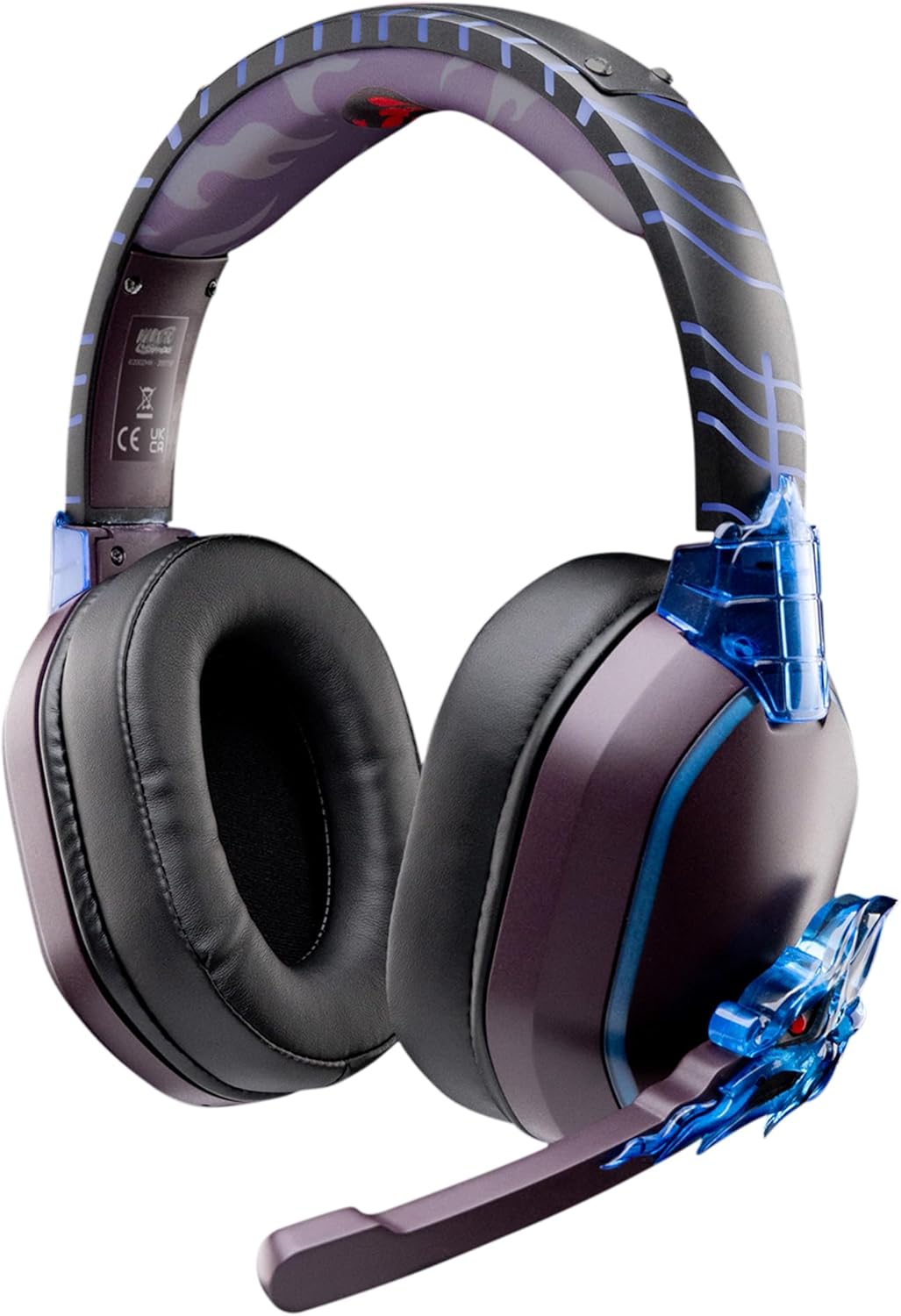
Image: The LEXIP Madara Design Headset, featuring a distinctive purple and blue color scheme with intricate design elements inspired by Madara.
Вміст упаковки
Переконайтеся, що всі предмети присутні в упаковці:
- LEXIP Madara Design Headset
- Знімний мікрофон
- Аудіокабель 3.5 мм
- USB-кабель для зарядки
- Посібник користувача
Продукт закінченийview
Familiarize yourself with the components and design features of your headset.

Image: Close-up of the headset's ear cup, highlighting the intricate blue dragon design element.

зображення: View of the soft earcups and adjustable headband, designed for comfort during extended use.
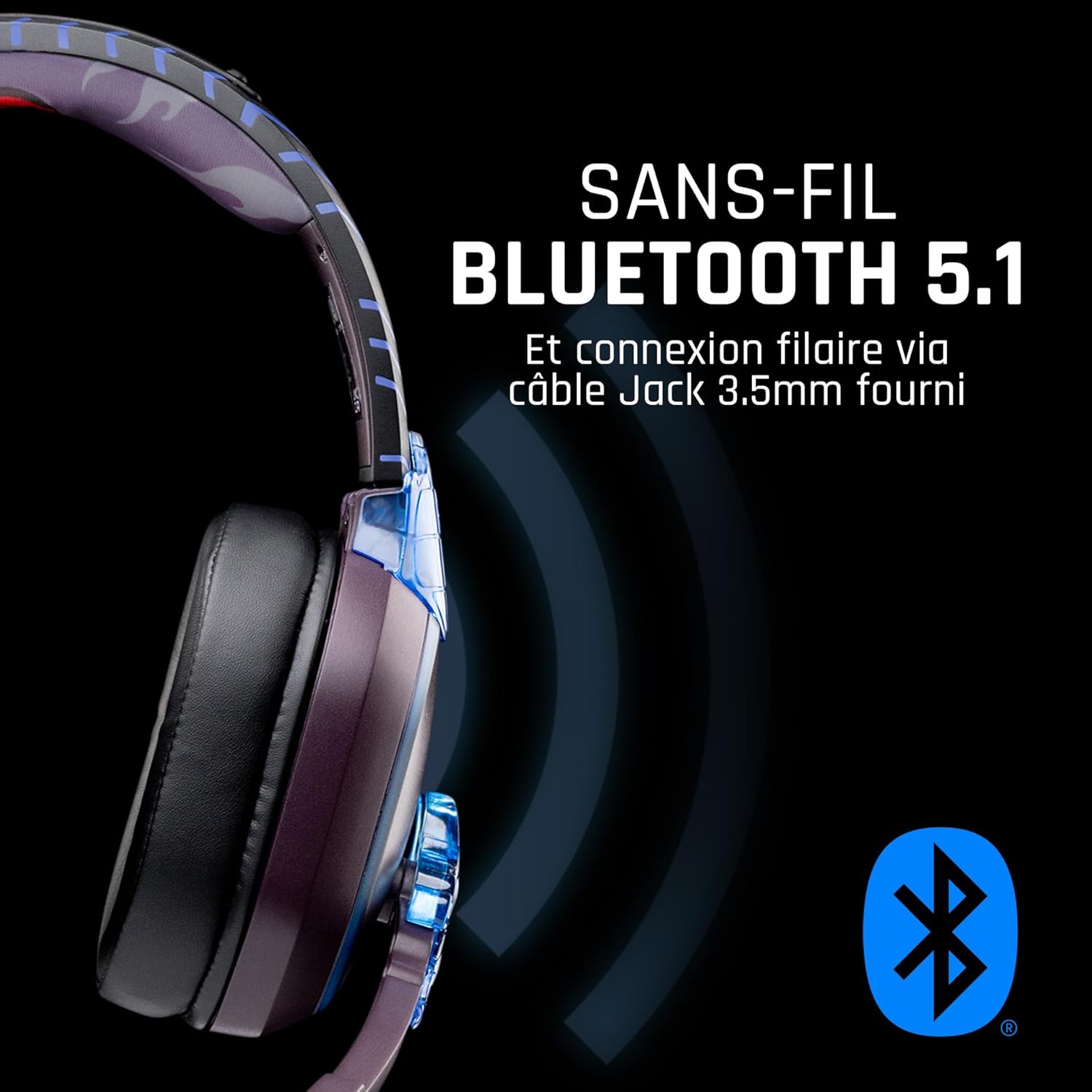
Зображення: Збоку view of the headset, illustrating its wireless Bluetooth 5.1 capability and connection points.

Image: The headset displayed on a stand, alongside a matching game controller, showcasing its gaming application.
Ключові характеристики:
- Wireless Bluetooth 5.1: For seamless wireless audio.
- Дротове підключення: Via the included 3.5mm Jack cable.
- Знімний мікрофон: For clear communication and versatility.
- Регулювання гучності: Integrated controls for easy audio adjustment.
- Шумоізоляція: Passive noise reduction for an immersive experience.
- Зручний дизайн: Adjustable headband and over-ear form factor.
Налаштування
1. Заряджання гарнітури
- Підключіть USB-кабель для заряджання до порту заряджання на гарнітурі.
- Підключіть інший кінець USB-кабелю до сумісного USB-джерела живлення (наприклад, USB-порту комп’ютера, USB-адаптера).
- The LED indicator on the headset will show the charging status. A full charge typically takes approximately 2-3 hours.
2. Підключення мікрофона
- Locate the microphone input port on the headset, usually on the left earcup.
- Align the detachable microphone connector with the port and gently push it in until it clicks into place.
- Adjust the microphone's position for optimal voice pickup.
Інструкція з експлуатації
1. Увімкнення/вимкнення живлення
- Щоб увімкнути: Натисніть і утримуйте кнопку живлення приблизно 3 секунди, доки не засвітиться світлодіодний індикатор.
- Щоб вимкнути: Натисніть і утримуйте кнопку живлення приблизно 5 секунди, доки світлодіодний індикатор не згасне.
2. Сполучення Bluetooth (бездротовий режим)
- Переконайтеся, що гарнітуру вимкнено.
- Натисніть і утримуйте кнопку живлення приблизно 5-7 секунд, доки світлодіодний індикатор не почне швидко блимати, що вказує на режим сполучення.
- On your device (Windows 10/11, Mac, PS5, PS4, Xbox Series X/S, Xbox One, Nintendo Switch, Android, iOS, tablets), navigate to Bluetooth settings.
- шукати available devices and select "LEXIP Madara Headset" (or similar name).
- Після сполучення світлодіодний індикатор перестане блимати та залишиться синім.
3. Дротове підключення (роз'єм 3.5 мм)
- Insert one end of the 3.5mm audio cable into the headset's audio jack.
- Insert the other end into the 3.5mm audio port of your desired device.
- The headset will operate in passive wired mode, even if the power is off.
4. Регулювання гучності
- Use the volume control dial or buttons located on the headset to adjust the audio level.
Технічне обслуговування
- Прибирання: Використовуйте м’яку суху тканину для очищення гарнітури. Не використовуйте абразивні засоби для чищення або розчинники.
- Зберігання: Зберігайте гарнітуру в прохолодному, сухому місці, подалі від прямих сонячних променів та екстремальних температур.
- Догляд за акумулятором: For optimal battery life, avoid fully discharging the headset frequently. Charge it regularly.
- Водонепроникність: Гарнітура не є водонепроникною. Уникайте контакту з рідинами.
Усунення несправностей
| проблема | Можлива причина | Рішення |
|---|---|---|
| Немає звуку з гарнітури | Headset not powered on; Volume too low; Not paired/connected; Incorrect audio output selected on device. | Ensure headset is powered on and charged. Increase volume. Re-pair Bluetooth or check 3.5mm cable connection. Select headset as audio output on your device. |
| Не вдається підключити пристрій через Bluetooth | Гарнітура не в режимі сполучення; Bluetooth пристрою вимкнено; Занадто далеко від пристрою; Перешкоди. | Ensure headset is in pairing mode (flashing LED). Turn device Bluetooth off and on again. Move headset closer to device. Avoid strong Wi-Fi signals or other Bluetooth devices. |
| Мікрофон не працює | Microphone not properly attached; Muted on headset/device; Incorrect input selected on device. | Ensure microphone is securely attached. Check if microphone is muted. Select headset microphone as input device in your device's sound settings. |
| Короткий час автономної роботи | Headset not fully charged; Old battery. | Ensure headset is fully charged before use. Battery performance may degrade over time. |
Технічні характеристики
| Номер моделі | TSXLXHS0003 |
| Бренд | Лексип |
| Технологія підключення | Бездротовий (Bluetooth 5.1), дротовий (роз'єм 3.5 мм) |
| Діапазон частот | 20 Гц - 20 000 Гц |
| Імпеданс | 3 Ом |
| Чутливість | 116 дБ |
| Шумоізоляція | Пасивне зменшення шуму |
| мікрофон | Роз'ємний |
| Елементи керування | Регулювання гучності, пульт дистанційного керування |
| Сумісні пристрої | Windows 10/11, Mac, PS5, PS4, Xbox Series X/S, Xbox One, Nintendo Switch, Android, iOS, tablets |
| Форм-фактор | Over-ear, Extra-aural |
| матеріал | Змішані матеріали |
| Віковий діапазон | Дорослий |
| Рівень водонепроникності | Не водостійкий |
| Акумулятор | 1 нестандартна батарейка (в комплекті) |
Гарантія та підтримка
The LEXIP Madara Design Headset comes with a 2-річна гарантія виробника з дати покупки. Ця гарантія поширюється на дефекти матеріалів і виготовлення за нормального використання.
For warranty claims, technical support, or further assistance, please contact LEXIP customer service through their official website or the retailer where the product was purchased. Please have your proof of purchase and model number (TSXLXHS0003) ready when contacting support.
Примітка: Інформація щодо наявності запасних частин та оновлень програмного забезпечення наразі недоступна.