
вступ
Thank you for choosing the Lexip Tsume Kakashi Kamui Naruto Shippuden Controller. This high-performance gaming controller is designed to enhance your gaming experience with its unique design and advanced features. This manual provides essential information for setting up, operating, and maintaining your controller.
Вміст упаковки
Будь ласка, перевірте упаковку на наявність наступних предметів:
- Lexip Tsume Kakashi Kamui Naruto Shippuden Controller
- USB-кабель для зарядки/передачі даних
- Посібник користувача (цей документ)
Макет контролера
Familiarize yourself with the various components of your controller.

малюнок 1: Фронт view контролера, шоуasing the limited edition design inspired by Naruto Shippuden.
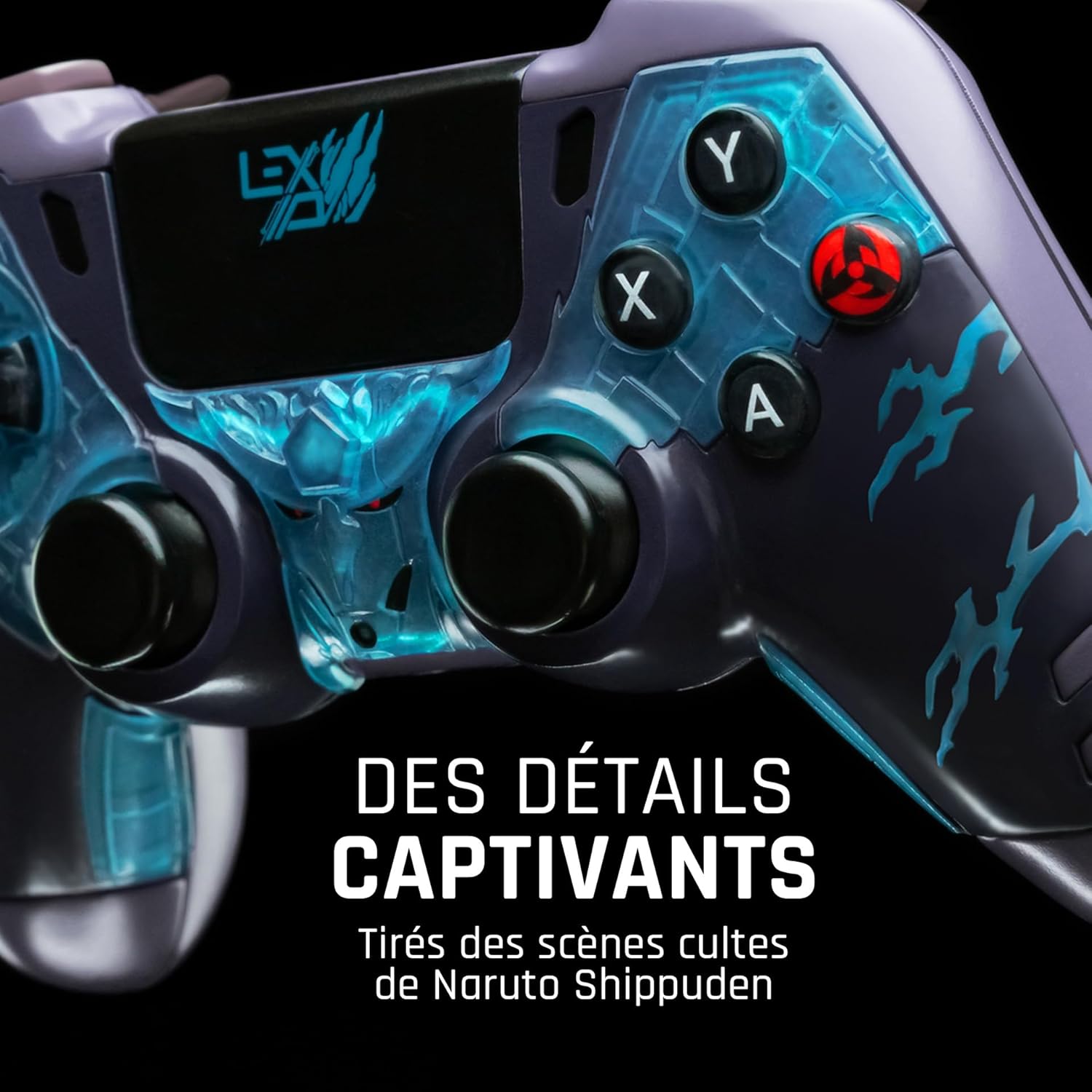
малюнок 2: Детальний view of the controller's face buttons and analog sticks, highlighting the intricate Naruto Shippuden design elements.

малюнок 3: Задня view of the controller, illustrating the placement of the programmable paddles (M1, M2, M3) for enhanced gameplay.
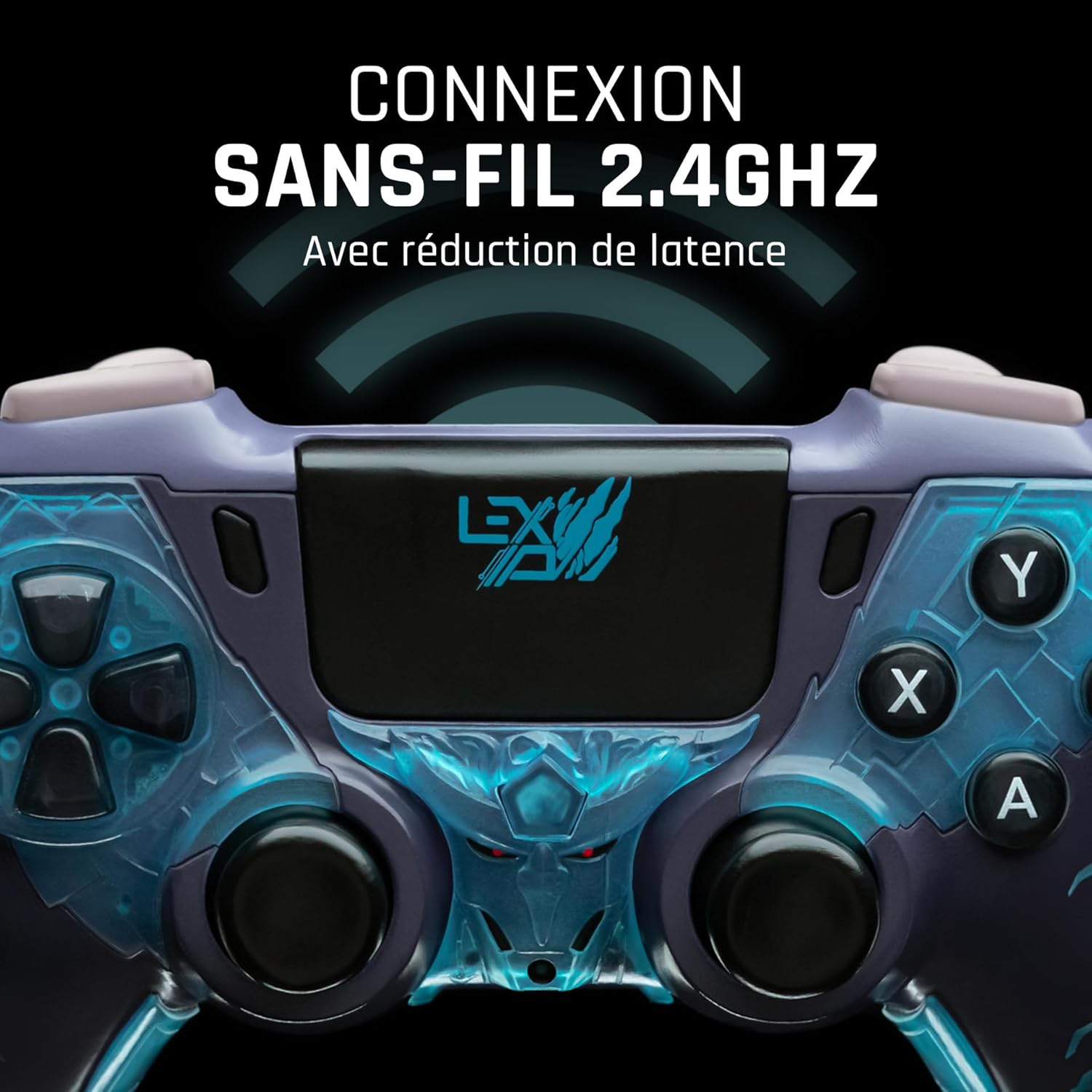
малюнок 4: Фронт view of the controller, indicating its 2.4GHz wireless connection capability for reduced latency.
Ключові компоненти:
- Аналогові стіки: Два високоточні аналогові джойстики для керування рухом та камерою.
- D-Pad: Напрямний джойстик для точного введення.
- Кнопки на обличчі (A, B, X, Y): Стандартні кнопки дій.
- Плечові кнопки (L1, R1) та тригери (L2, R2): Для різних дій у грі.
- Programmable Paddles (M1, M2, M3): Located on the rear for custom button assignments.
- Кнопка "Додому: Для доступу до системного меню.
- Share/Options Buttons: For in-game menu and sharing functions.
- Порт USB-C: Для зарядки та дротового підключення.
Налаштування
1. Початкове заряджання
Before first use, fully charge the controller. Connect the supplied USB cable to the controller's USB-C port and the other end to a powered USB port (e.g., console, PC, or USB wall adapter). The charging indicator will show the charging status and turn off when fully charged.
2. Бездротове підключення (2.4 ГГц)
- Insert the 2.4GHz wireless dongle (if included, typically found in the controller's packaging or a dedicated slot) into an available USB port on your gaming console or PC.
- Увімкніть контролер, натиснувши кнопку «Додому».
- The controller will automatically attempt to pair with the dongle. The indicator light on the controller will stop flashing and remain solid once connected.
3. Connecting via USB Cable
To use the controller in wired mode or if wireless connection is not desired:
- Connect the USB cable to the controller's USB-C port.
- Connect the other end of the USB cable to an available USB port on your gaming console or PC.
- The controller will be recognized as a wired device and is ready for use.
Інструкція з експлуатації
Увімкнення/вимкнення живлення
- Щоб увімкнути: Press the Home button. The controller will attempt to connect to the last paired device.
- Щоб вимкнути: Press and hold the Home button for approximately 5-10 seconds until the indicator lights turn off. The controller will also power off automatically after a period of inactivity to conserve battery.
Using Programmable Paddles
The controller features three programmable paddles (M1, M2, M3) on the rear. These paddles can be assigned to replicate other button inputs for quick access during gameplay. Refer to your console or PC's controller settings for specific button remapping options, as dedicated software for programming these paddles may not be available.

малюнок 5: A user holding the controller, demonstrating its ergonomic design during use.
Технічне обслуговування
- Прибирання: Використовуйте м’яку суху тканину для очищення контролера. Для стійкого бруду злегкаampпротріть тканину водою. Не використовуйте агресивні хімікати або абразивні засоби для чищення.
- Зберігання: Зберігайте контролер у прохолодному, сухому місці, подалі від прямих сонячних променів та екстремальних температур.
- Догляд за акумулятором: Щоб продовжити термін служби акумулятора, уникайте частого повного розряджання контролера. Регулярно заряджайте його, навіть якщо він не використовується протягом тривалого часу.
Усунення несправностей
Контролер не підключається
- Переконайтеся, що контролер заряджений.
- For wireless connection, ensure the 2.4GHz dongle is securely plugged into the console/PC and the controller is powered on.
- Try connecting the controller via the USB cable to verify functionality.
- Restart your console/PC and try connecting again.
Buttons/Sticks Unresponsive
- Переконайтеся, що контролер правильно підключений та увімкнений.
- Check for any physical obstructions or debris around the buttons or sticks.
- Перевірте контролер з іншою грою або програмою, щоб визначити, чи проблема стосується лише однієї програми.
Короткий термін служби батареї
- Перед використанням переконайтеся, що контролер повністю заряджений.
- Reduce rumble intensity if possible through system settings, as vibration motors consume significant power.
- Уникайте екстремальних температур під час використання та зберігання.
Технічні характеристики
| Особливість | Деталь |
|---|---|
| Номер моделі | TSXLXGC0002 |
| Підключення | 2.4GHz Wireless, USB Wired |
| Розміри (Д x Ш x В) | 3.94 x 1.97 x 0.5 дюймів |
| вага | 1.01 фунта |
| Вхідний об'ємtage | 3 В - 500 мА |
| Programmable Paddles | Yes (M1, M2, M3) |
Гарантія та підтримка
For warranty information and technical support, please refer to the official Lexip website or contact Lexip customer service. Keep your proof of purchase for warranty claims.
Lexip Official Webсайт: www.lexip.com (Note: This is a placeholder link, please refer to actual Lexip support channels.)