
AVMTON wireless mouse
AVMTON Wireless Gaming Mouse
Інструкція з експлуатації
Model: wireless mouse | Brand: AVMTON
1. Вступ
The AVMTON Wireless Gaming Mouse is designed for comfortable and efficient use with personal computers, laptops, and other compatible devices. Featuring a honeycomb shell for lightweight design, RGB backlighting, and a rechargeable battery, this mouse offers a responsive and ergonomic experience. It connects wirelessly via a 2.4GHz USB receiver, providing a stable connection for both office tasks and light gaming.

Image 1.1: The AVMTON Wireless Gaming Mouse shown alongside its 2.4GHz USB receiver. The mouse features a black honeycomb shell design and vibrant RGB lighting.
2. Налаштування
2.1 Розпакування та компоненти
Після розпакування переконайтеся, що всі компоненти присутні:
- AVMTON Wireless Gaming Mouse
- 2.4GHz USB Receiver (typically stored in the mouse's bottom compartment)
- Зарядний кабель USB Type-C
2.2 Підключення миші
- Знайдіть USB-приймач, що знаходиться у відсіку на нижній частині миші.
- Зніміть USB-приймач з миші.
- Підключіть USB-приймач до вільного USB-порту комп’ютера або ноутбука.
- Turn on the mouse using the power switch located on the bottom of the mouse. The mouse should automatically connect to the receiver.
2.3 Початкове заряджання
The mouse comes with a built-in rechargeable battery. For optimal performance, it is recommended to fully charge the mouse before its first use. The mouse can be used while it is charging.

Image 2.1: The AVMTON Wireless Gaming Mouse connected to a laptop via its Type-C charging cable. The image highlights the convenience of charging while using the mouse.
3. Інструкція з експлуатації
3.1 Mouse Button Functions
The AVMTON Wireless Gaming Mouse features several buttons for enhanced functionality:
- Ліва кнопка: Стандартна функція клацання.
- Права кнопка: Стандартна функція клацання правою кнопкою миші.
- Колесо прокрутки: Scrolls content up or down. Can also be pressed for middle-click functionality.
- Кнопка DPI: Налаштовує чутливість миші (DPI).
- Кнопка вперед: Переміщується вперед web браузери або file дослідники.
- Кнопка "Назад": Переміщується назад web браузери або file дослідники.
- Вимикач живлення: Вмикає або вимикає мишу.
- Вимикач світла: Controls the RGB lighting.

Image 3.1: A detailed diagram illustrating the various buttons and components of the AVMTON Wireless Gaming Mouse, including the DPI button, scroll wheel, forward/backward buttons, and power/light switches.
3.2 Налаштування DPI
The mouse offers three adjustable DPI (Dots Per Inch) levels to control cursor speed and sensitivity. Press the DPI button (located behind the scroll wheel) to cycle through the settings: 800 DPI, 1200 DPI (default), and 1600 DPI. Choose the sensitivity that best suits your task, whether for precise work or faster movements in games.
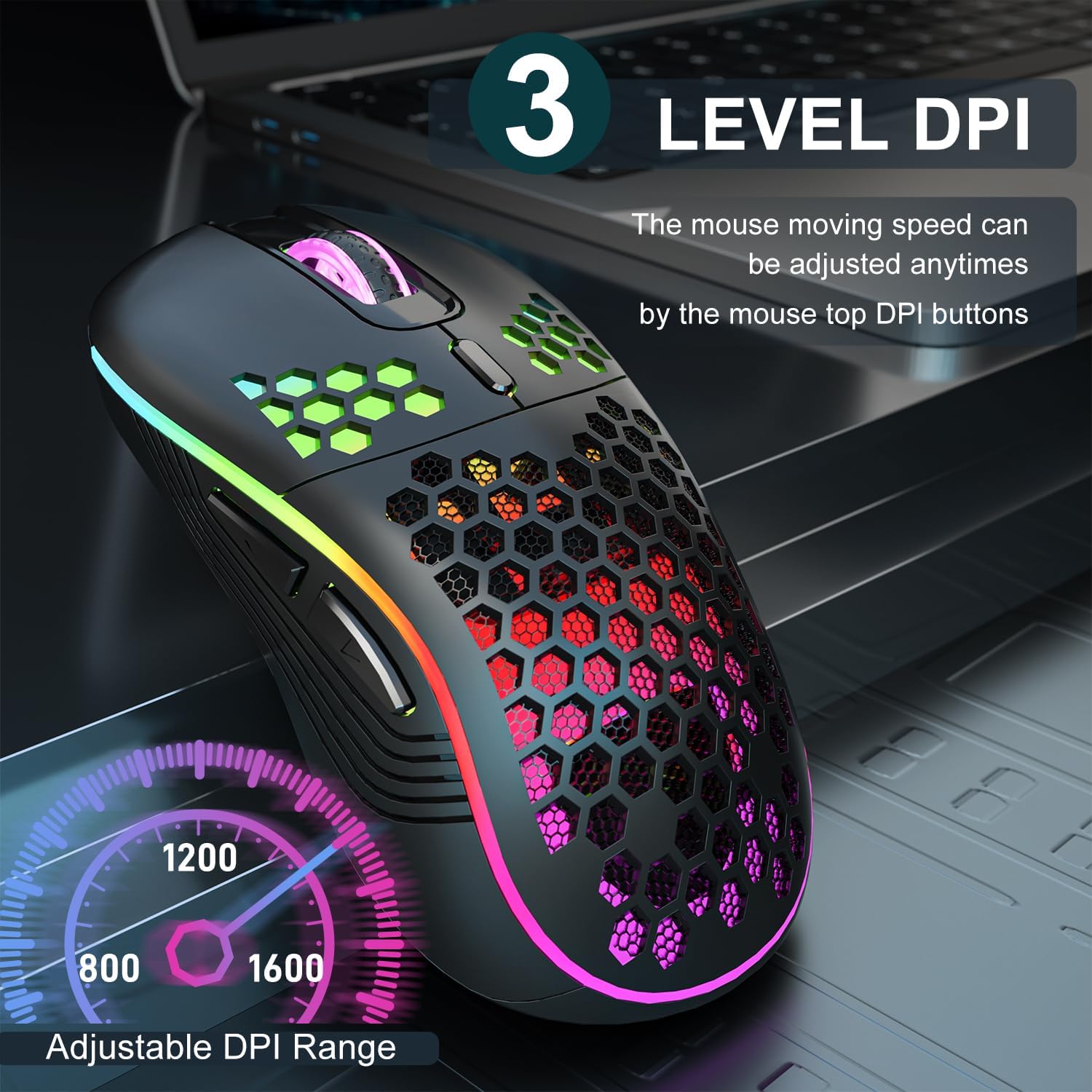
Image 3.2: The AVMTON Wireless Gaming Mouse with an overlay indicating the three adjustable DPI levels: 800, 1200, and 1600. This allows users to easily switch mouse sensitivity.
3.3 Керування RGB-підсвічуванням
The mouse features customizable RGB lighting. Use the dedicated light switch on the bottom of the mouse to turn the RGB lighting on or off. Turning off the RGB lighting can help conserve battery life.
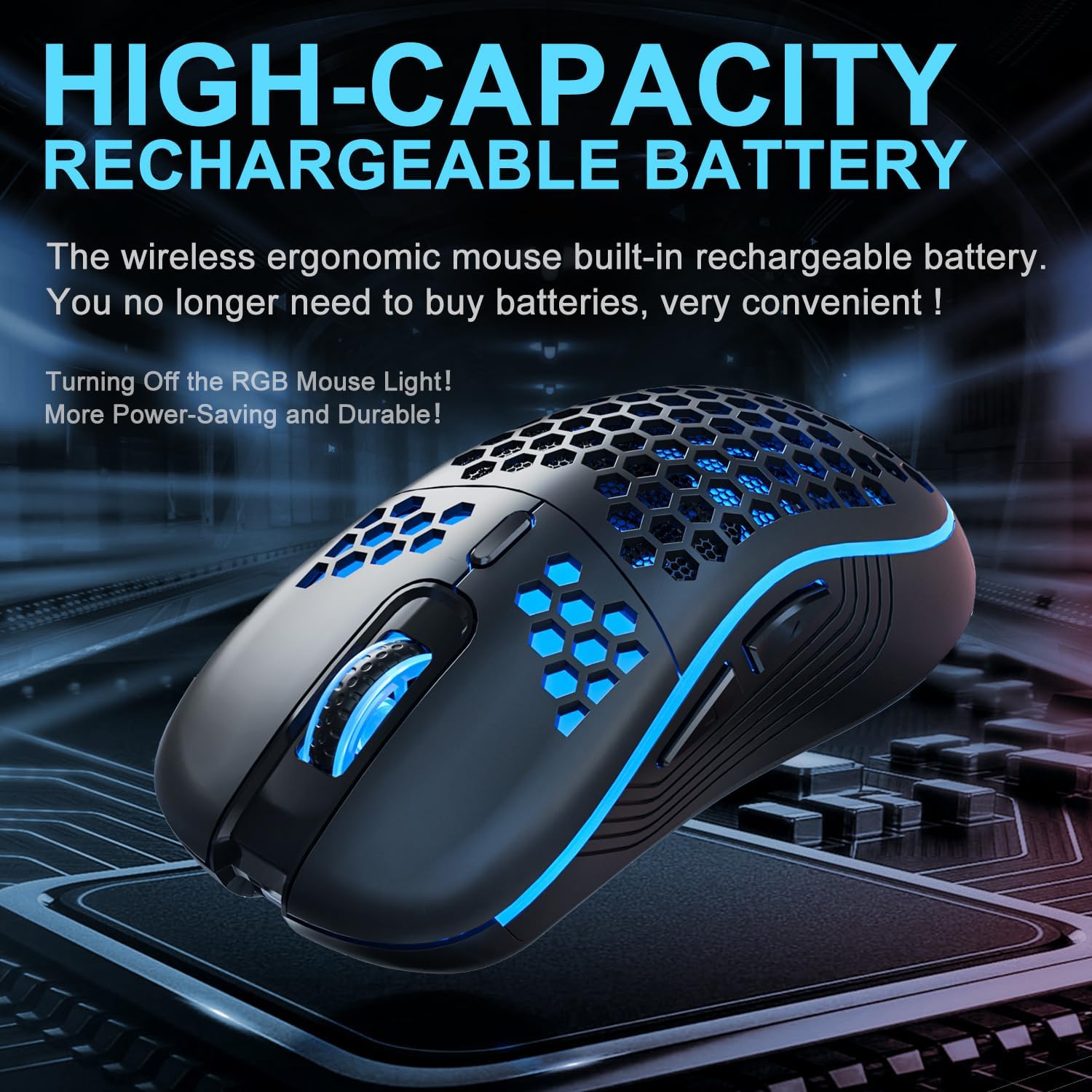
Image 3.3: The AVMTON Wireless Gaming Mouse illuminated with blue RGB lighting, highlighting its aesthetic features and rechargeable battery capacity.
3.4 Режим енергозбереження
To conserve battery, the mouse automatically enters a power-saving mode after a period of inactivity. To reactivate the mouse, simply move it or click any button.
3.5 Сумісність
The AVMTON Wireless Gaming Mouse is widely compatible with various operating systems, including Windows 2000, XP, Vista, 7, 8, 10, 11, Linux, and Mac OS. It is designed for use with personal computers and laptops.

Image 3.4: Visual representation of the mouse's wide compatibility with Windows, Linux, and Mac OS operating systems.
4. Технічне обслуговування
4.1 Заряджання батареї
When the mouse battery is low, connect the provided USB Type-C charging cable to the mouse's charging port and the other end to a USB power source (e.g., computer USB port, USB wall adapter). The mouse can be used normally while charging.
4.2 Очищення миші
To maintain optimal performance and appearance, clean the mouse regularly. Use a soft, dry cloth to wipe the surface. For stubborn dirt, a slightly damp можна використовувати тканину, переконавшись, що рідина не потрапить всередину миші. Уникайте використання агресивних хімікатів або абразивних матеріалів.
5. Вирішення проблем
- Миша не реагує:
- Переконайтеся, що USB-приймач надійно підключено до робочого USB-порту.
- Verify that the mouse's power switch is in the 'ON' position.
- Check the battery level and charge the mouse if necessary. - Рух курсора нерівномірний або повільний:
- Adjust the DPI setting using the DPI button.
- Ensure the mouse is used on a clean, non-reflective surface. A mouse pad is recommended.
- Заряджайте мишу, якщо батарея розряджена. - RGB-підсвічування не працює:
- Ensure the light switch on the bottom of the mouse is in the 'ON' position.
- The mouse may be in power-saving mode; move or click to wake it up. - Latency during large games:
- This mouse is primarily designed for office scenarios and small games. Large, graphically intensive games may experience some latency due to the wireless connection and mouse specifications.
6. Технічні характеристики
| Бренд | АВМТОН |
| Назва моделі | бездротова миша |
| Технологія підключення | USB (2.4 ГГц бездротовий зв'язок) |
| Технологія виявлення руху | Оптичний |
| Рівні DPI | 800 / 1200 (за замовчуванням) / 1600 |
| Тип батареї | Rechargeable Lithium Polymer (included) |
| Середній термін служби батареї | 6 months (approx.) |
| Порт зарядки | USB Type-C |
| Особливості | Honeycomb Design, RGB Backlight, Lightweight, 6 programmable Buttons |
| Орієнтація руки | Амбідекстр |
| матеріал | пластик |
| Сумісна ОС | Windows 2000 / XP / Vista / 7 / 8 / 10 / 11, Linux, Mac OS |
| Розміри посилки | 13.7 х 8.7 х 4.9 см |
| Вага товару | 140 г |
7. Гарантія та підтримка
Specific warranty details are not provided within this manual. For warranty information, technical support, or any inquiries regarding your AVMTON Wireless Gaming Mouse, please refer to the product packaging or contact AVMTON customer service directly through their official webсайт або роздрібний продавець, де було придбано товар.
Ask a question about this manual
Ask about setup, troubleshooting, compatibility, parts, safety, or missing instructions. Manuals+ will review the question and use this page’s manual context to help answer it.