
TakTark WN100
Інструкція користувача звукового апарата TakTark
Модель: WN100
вступ
The TakTark Sound Machine is a portable device designed to create a calming auditory environment, aiding in relaxation, sleep, and focus. It features a variety of soothing sounds, customizable timer settings, and a memory function for convenience. Its compact design and dual power options make it suitable for use in various settings, including nurseries, bedrooms, and during travel.

Figure 1: TakTark Sound Machine (Model WN100)
Інформація про безпеку
This product is not a toy. Always use according to voltage/power requirements and handle with care to avoid electric shock. Prolonged exposure to high sound levels can cause damage to hearing. Always use at safe and comfortable volume levels.
Вміст упаковки
Будь ласка, перевірте наявність усіх предметів у упаковці:
- 1x TakTark White Noise Machine
- USB-зарядний кабель 1x
- 1x Посібник користувача

Figure 2: Product Packaging Detail (showing contents and contact information)
Продукт закінченийview і особливості
The TakTark Sound Machine is designed with user convenience and effectiveness in mind. Key features include:
- 20 заспокійливих звуків: A diverse selection including white noise, nature sounds, lullabies, and other calming melodies.
- 5 Налаштування таймера: Options for 30, 60, 90 minutes, or continuous play.
- Функція пам'яті: Remembers your last sound, volume, and timer settings.
- Компактний і портативний: Lightweight and small, ideal for travel and on-the-go use.
- USB Power and Battery Operation: Can be powered via USB or its built-in rechargeable battery for cordless use.

Figure 3: Portability of the Sound Machine
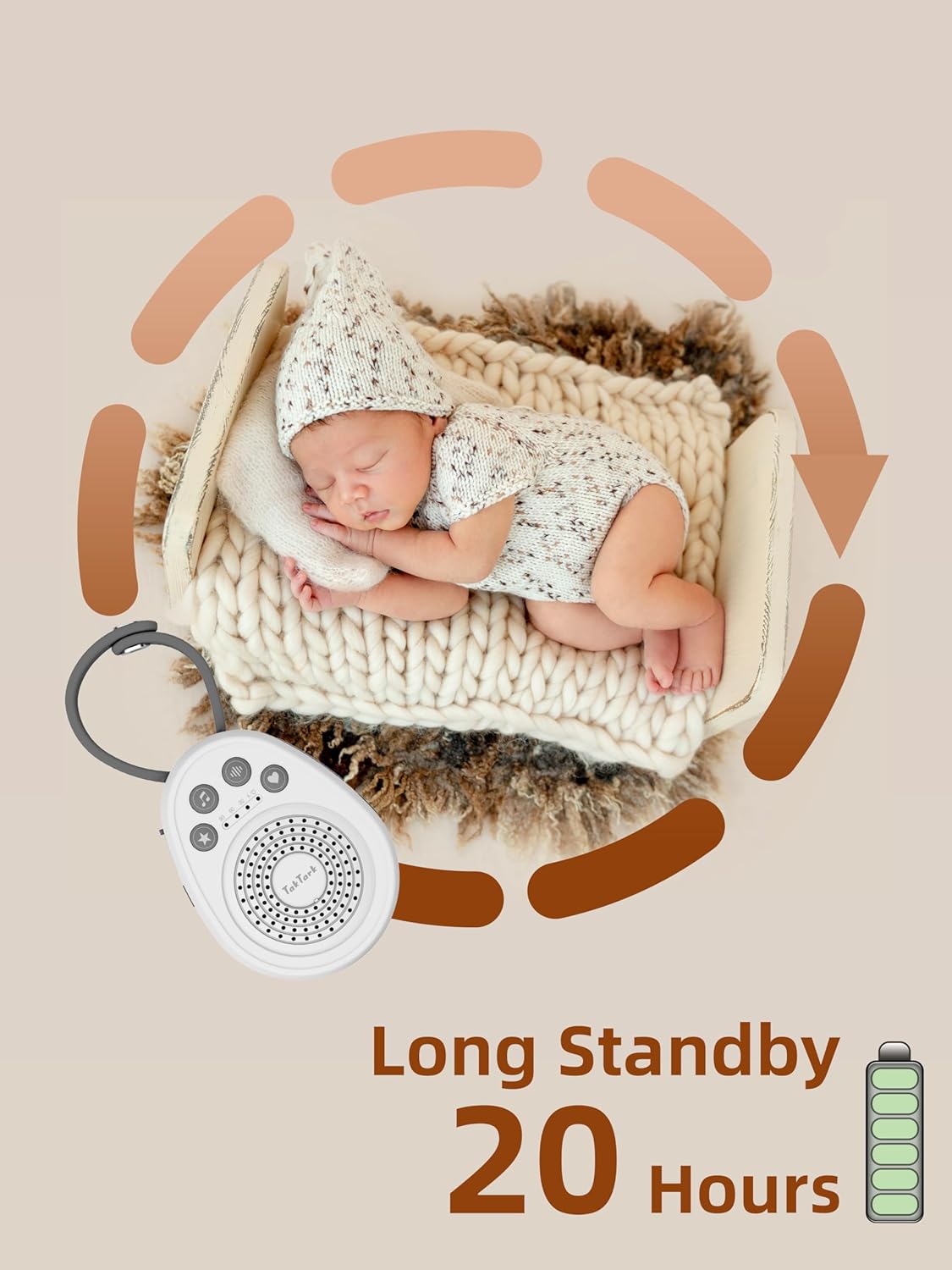
Figure 4: Long Standby Time (Up to 20 Hours)
Налаштування
Для початкового налаштування виконайте такі дії:
- Увімкнення: Connect the device using the provided USB cable to a USB power source (e.g., computer, power bank, wall adapter) or ensure the built-in battery is charged. Press and hold the power button (U), щоб увімкнути пристрій.
- Initial Sound Selection: The device will start playing the last selected sound. You can change the sound as described in the 'Operating Instructions' section.
- Регулювання гучності: Встановіть комфортний рівень гучності за допомогою кнопок гучності.
- Налаштування таймера: Select your desired timer duration or continuous play.
Інструкція з експлуатації
Увімкнення/вимкнення живлення
- To turn on, press and hold the power button (U), доки не засвітиться індикатор.
- To turn off, press and hold the power button (U) знову, доки індикатор не згасне.
Вибір звуку
The device offers 20 unique soothing sounds across four categories. Press the sound selection button (♪) to cycle through the available sounds.

Figure 5: Sound Categories
The 20 sounds include:
- Nature Sounds (9): Wave, Rain, Piano, Bird, Thunder, Bonfire, Loss of TV signal, and two additional nature sounds.
- Light Music (5): Various calming melodies.
- White Noise (5): Different variations of white noise.
- Fetal Sound (1): A single fetal heartbeat sound.
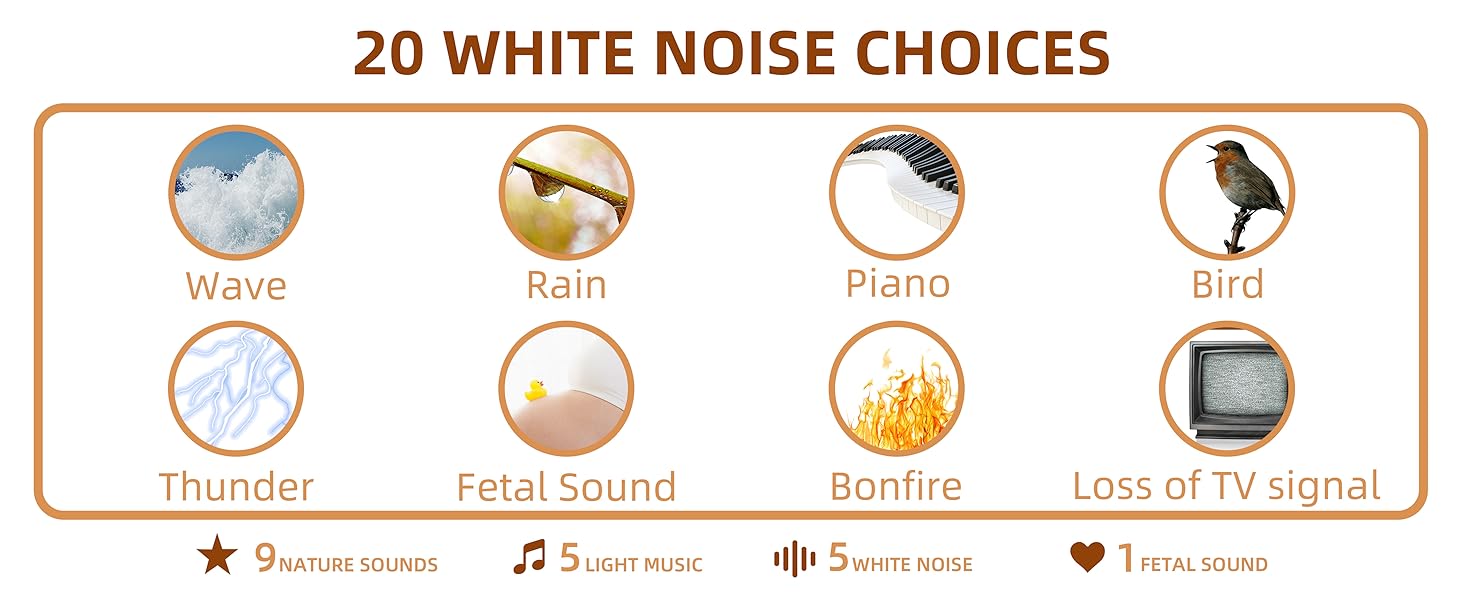
Figure 6: Detailed Sound Options
Регулювання гучності
The device features 16 adjustable volume levels. Use the volume up (🔊+) and volume down (🔊-) buttons to set the desired sound level.
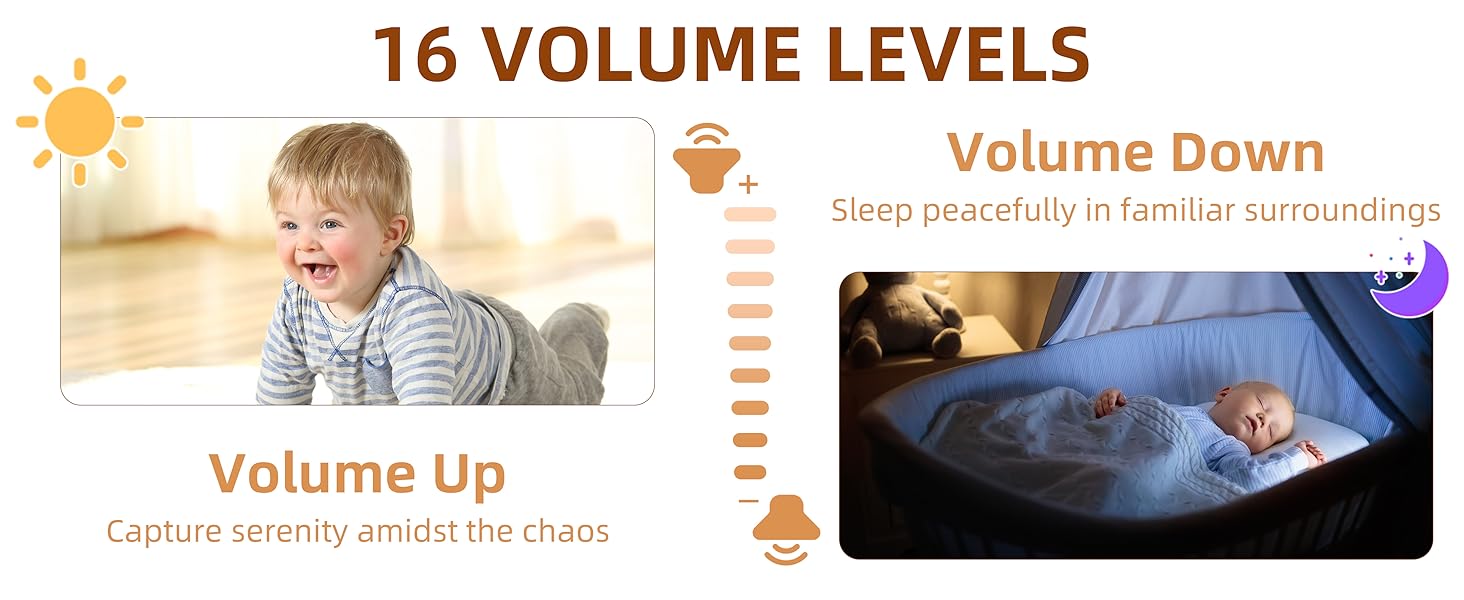
Figure 7: Volume Levels
Налаштування таймера
The sound machine includes an auto-off timer function. Press the timer button (⏱) для перемикання між доступними налаштуваннями:
- 30 хвилин
- 60 хвилин
- 90 хвилин
- Continuous Play (indicated by no timer light)

Figure 8: Auto Timer Function
Функція пам'яті
The device is equipped with a memory function that saves your last used sound, volume level, and timer setting. When you power on the machine, it will automatically resume play with these saved preferences.
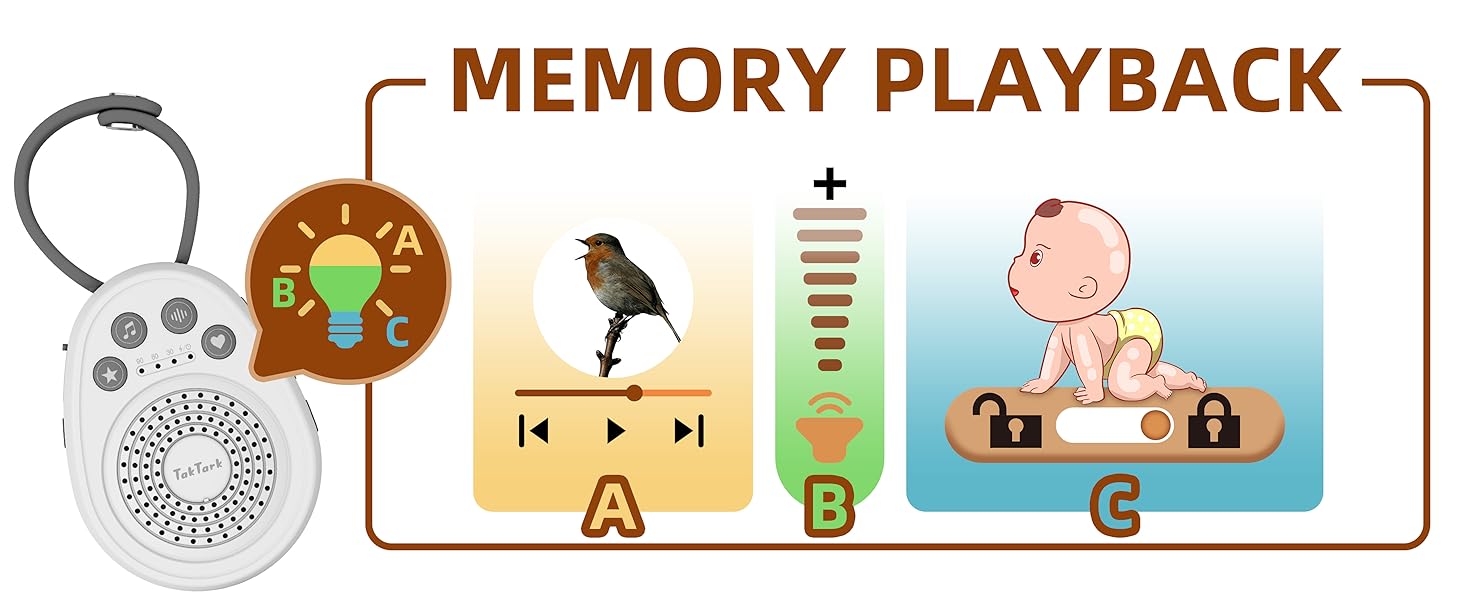
Figure 9: Memory Playback Feature
Блокування від дітей
To prevent accidental changes to settings, the sound machine includes a child lock feature. Locate the lock switch on the side of the device and slide it to the locked position. This will disable the control buttons.

Рисунок 10: Функція блокування від дітей
Технічне обслуговування
To ensure the longevity and proper functioning of your TakTark Sound Machine:
- Протирайте пристрій м’якою сухою тканиною. Не використовуйте рідкі засоби для чищення або абразивні матеріали.
- Тримайте пристрій подалі від води та надмірної вологи.
- Не кидайте пристрій і не піддавайте його сильним ударам.
- Зберігайте в прохолодному, сухому місці, якщо не використовуєте протягом тривалого часу.
Усунення несправностей
If you encounter issues with your sound machine, please refer to the following common solutions:
- Пристрій не вмикається: Ensure the battery is charged or the device is connected to a working USB power source. Check the USB cable for damage.
- Немає звуку: Check the volume level and increase it if necessary. Ensure the device is not muted.
- Кнопки не реагують: Check if the child lock feature is enabled. Slide the lock switch to the unlocked position.
- Якість звуку погана: Ensure the speaker is not obstructed. Try a different sound to see if the issue persists.
- Таймер не працює: Verify that a timer setting (30, 60, or 90 minutes) is selected and not continuous play.
Якщо проблема не зникає після спроби цих рішень, зверніться до служби підтримки клієнтів.
Технічні характеристики
| Специфікація | Деталь |
|---|---|
| Номер моделі | WN100 |
| Розміри (Д x Ш x В) | 4.33 x 3.15 x 1.42 дюймів |
| вага | 3.53 унції |
| Тип батареї | 1 літій-металева батарея (у комплекті) |
| Джерело живлення | USB Powered, Battery Powered |
| Кількість звуків | 20 |
| Налаштування таймера | 30, 60, 90 minutes, Continuous |
| Рівні гучності | 16 |
| Колір | Білий |
| матеріал | пластик |
| Виробник | TakTark |
| Країна походження | Китай |
Гарантія та підтримка
For warranty information or technical support, please contact TakTark customer service:
- Електронна пошта: info@taktark.cc
- Facebook: https://www.facebook.com/Taktarkbabymonitor
Ask a question about this manual
Ask about setup, troubleshooting, compatibility, parts, safety, or missing instructions. Manuals+ will review the question and use this page’s manual context to help answer it.