
вступ
This manual provides instructions for the ADATA SC610 External Solid State Drive. Please read this manual thoroughly before using the device to ensure proper operation and to maximize its lifespan.
Вміст упаковки
- ADATA SC610 External SSD
Продукт закінченийview
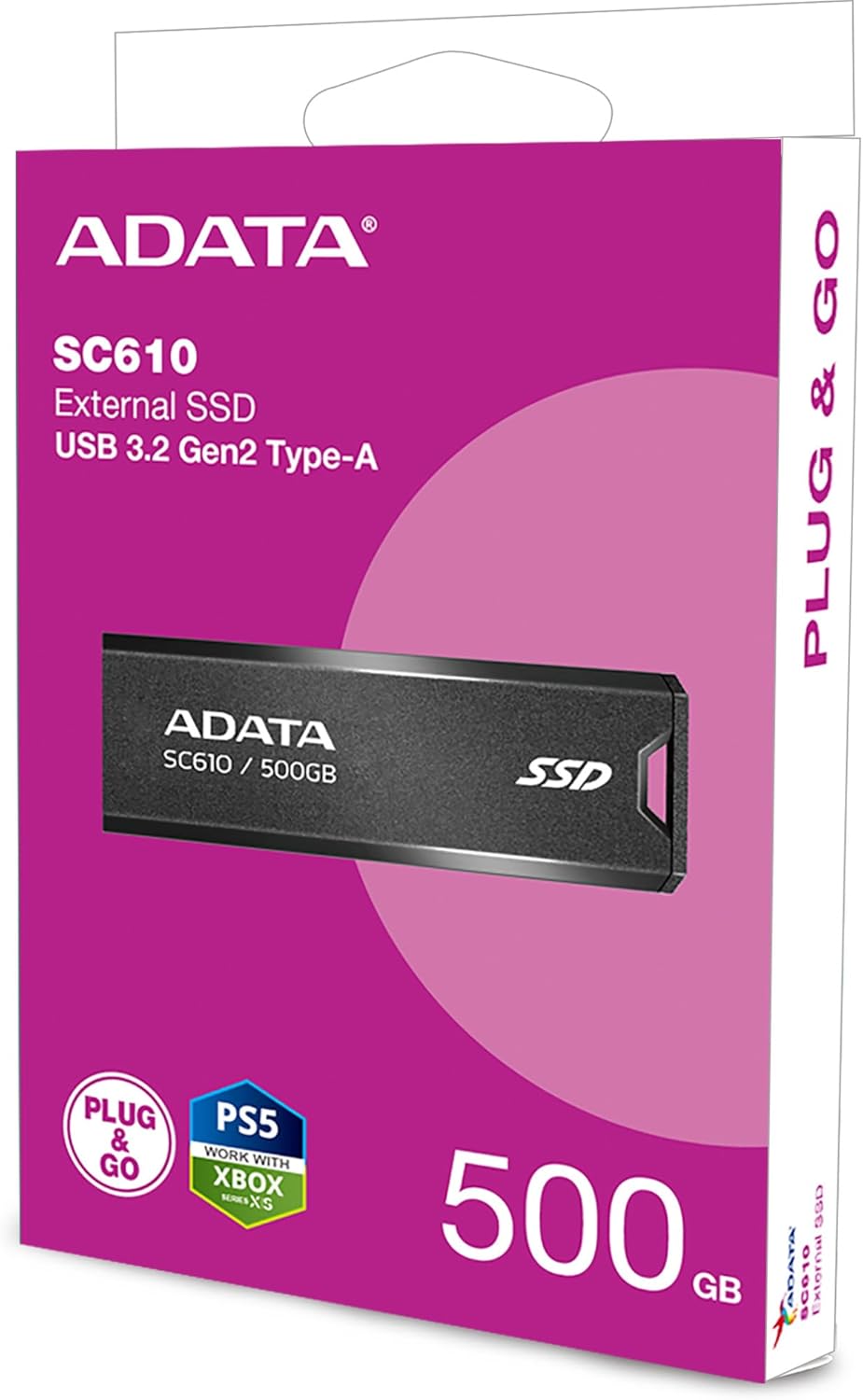
The ADATA SC610 is a compact and portable external solid state drive designed for high-speed data transfer. It features a capless push-out USB connector for convenience.

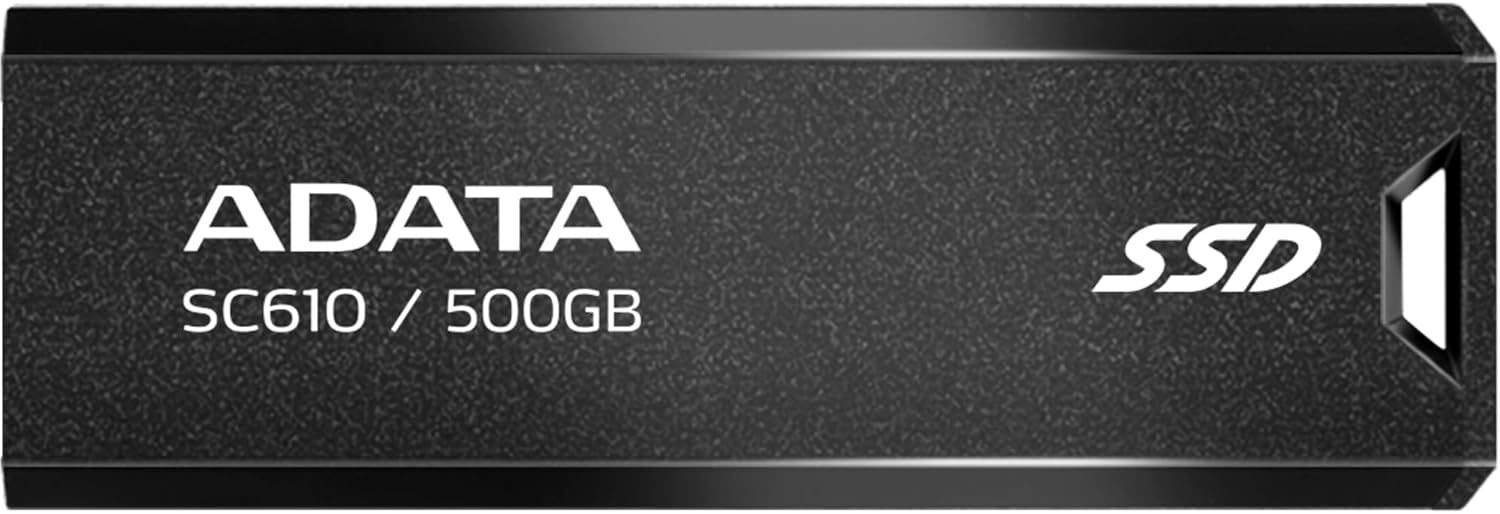
Фронт view of the ADATA SC610 External SSD, showing the ADATA logo, SC610 / 500GB model designation, and SSD branding.

Топ view of the ADATA SC610 External SSD, illustrating the push-out mechanism for the USB connector.
Налаштування
Connecting the SSD
- Locate an available USB-A port on your computer or compatible device.
- Gently push the slider on the ADATA SC610 to extend the USB connector.
The ADATA SC610 External SSD with its USB-A connector fully extended, ready for connection.
- Insert the USB connector into the USB-A port.
- The device will be automatically detected by most operating systems.
Initial Use and Formatting
For Windows users, the drive should appear as a removable storage device. For macOS or Linux, it may require initial formatting depending on your intended use. Refer to your operating system's documentation for disk management and formatting procedures.
Operating the ADATA SC610
Перенесення Files
Once connected, the ADATA SC610 functions like any other external storage device. You can drag and drop files, copy and paste, or use backup software to transfer data to and from the SSD.
The device supports USB 3.2 Gen 2, offering read speeds up to 550MB/s and write speeds up to 500MB/s for fast data transfers. Ensure your host device also supports USB 3.2 Gen 2 for optimal performance.
Using with Gaming Consoles
The SC610 is compatible with many gaming consoles, including PlayStation 5 and Xbox Series X|S, for storing games. Consult your console's manual for specific instructions on connecting and utilizing external storage for games.
ADATA SC610 External SSDs connected to an Xbox console, demonstrating their use as external game storage.
Безпечне видалення
Always safely eject the ADATA SC610 from your operating system before physically disconnecting it to prevent data corruption. For Windows, use the "Safely Remove Hardware" icon in the system tray. For macOS, drag the drive icon to the Trash or use the Eject option.
Технічне обслуговування
- Keep the SSD clean and free from dust. Use a soft, dry cloth for cleaning.
- Уникайте впливу на пристрій екстремальних температур, прямих сонячних променів або високої вологості.
- Do not drop or subject the SSD to strong impacts.
- Ensure the USB connector is fully retracted when not in use to protect it from damage.
Усунення несправностей
Пристрій не виявлено
- Ensure the USB connector is fully extended and securely plugged into the USB port.
- Спробуйте інший порт USB на комп’ютері.
- Test the SSD on another computer to rule out a port issue.
- Check your computer's Disk Management (Windows) or Disk Utility (macOS) to see if the drive is recognized but unformatted.
Низька швидкість передачі даних
- Verify that you are using a USB 3.2 Gen 2 compatible port on your host device. Older USB 2.0 or 3.0 ports will result in lower speeds.
- Переконайтеся, що драйвери вашого комп'ютера оновлені.
- Уникайте перенесення багатьох дрібних fileодночасно, оскільки це може знизити загальну швидкість передачі порівняно з великими files.
Пошкодження даних
- Always safely eject the device before disconnecting it.
- Уникайте переривання file перекази.
- Run a disk check utility on the drive if you suspect corruption.
Технічні характеристики
| Особливість | Деталь |
|---|---|
| Модель | SC610 |
| Ємність | 500 ГБ |
| Інтерфейс | USB 3.2 Gen 2 (USB-A) |
| Швидкість читання | До 550 XNUMX МБ/с |
| Швидкість запису | До 500 XNUMX МБ/с |
| Розміри (Д x Ш x В) | 0.93 x 2.65 x 0.4 дюймів |
| вага | 0.459 унції |
| Технологія підключення | USB |
| Сумісні пристрої | Ігрова консоль |
Гарантія та підтримка
ADATA products are covered by a limited warranty. For detailed warranty information, technical support, and service inquiries, please visit the official ADATA webсайту або зв’яжіться зі службою підтримки клієнтів.
Official ADATA Webсайт: www.adata.com