
1. Вступ
MUBVIEW PK320-Y is an indoor security camera designed for monitoring various indoor environments, including nurseries, pet areas, and general home security. It features 2K resolution video, dual-band Wi-Fi connectivity (2.4GHz and 5GHz), two-way audio communication, advanced night vision, and motion detection with automatic tracking capabilities. This manual provides instructions for setting up, operating, and maintaining your camera.

Image 1.1: MUBVIEW PK320-Y Indoor Security Camera and its mobile application interface.
2. Вміст упаковки
Перевірте наявність усіх елементів в упаковці:
- 1x MUBVIEW PK320-Y Indoor Camera (with 5.9ft USB Cable)
- 1x адаптер живлення
- 1x упаковка гвинтів
- 1x Інструкція з продукту
- 1x монтажний кронштейн

Image 2.1: All components included in the MUBVIEW PK320-Y product package.
3. Продукт закінчивсяview
MUBVIEW PK320-Y camera features a compact dome design with a lens for video capture, integrated microphone and speaker for two-way audio, and indicators for status. It supports flexible placement options including surface, wall, and ceiling mounting.

Image 3.1: Key features and physical attributes of the MUBVIEW PK320-Y camera.

Image 3.2: Flexible placement options for the MUBVIEW PK320-Y camera.
4. Налаштування
Follow these steps for initial setup of your MUBVIEW PK320-Y camera:
- Завантажте MUBVIEW додаток: шукати "MUBVIEW" in your smartphone's app store (compatible with Android phones) and install the application.
- Увімкнення: Connect the camera to a power outlet using the provided USB cable and power adapter.
- Підключіться до Wi-Fi: Відкрийте MUBVIEW app and follow the on-screen instructions to connect the camera to your home Wi-Fi network. The camera supports both 2.4GHz and 5GHz Wi-Fi bands for a stable connection.
Ensure your Wi-Fi network is active and you have the correct password. The setup process is designed to be quick and straightforward.
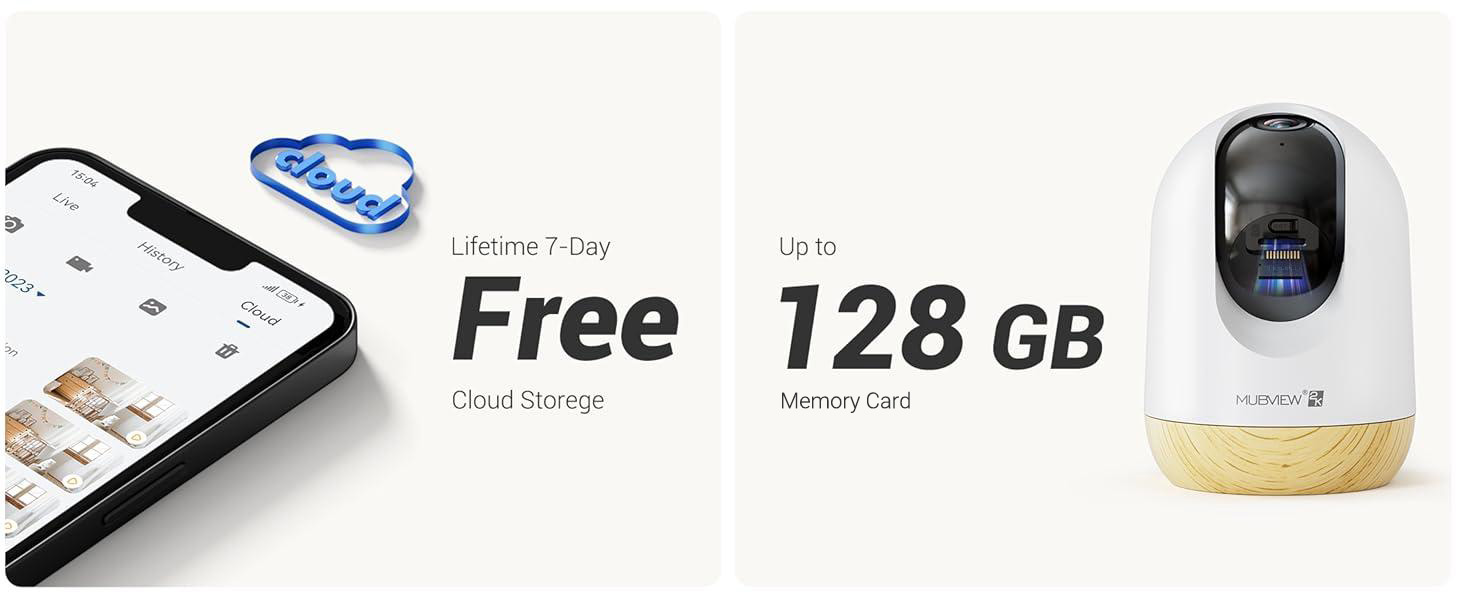
Image 4.1: Visual guide for the quick setup process.

Image 4.2: The camera supports both 2.4GHz and 5GHz dual-band Wi-Fi for enhanced connectivity.
5. Інструкція з експлуатації
5.1 Керування програмами
MUBVIEW camera is primarily controlled through its dedicated mobile application. The app allows you to view жити footage, access recorded events, adjust settings, and manage multiple cameras.

Image 5.1: Controlling camera functions via the mobile application.
5.2 Живий View та моніторингу
Access the live feed from your camera anytime, anywhere through the MUBVIEW app. The camera provides 24/7 monitoring with 2K Ultra HD resolution.

Image 5.2: Continuous monitoring of your environment.

Image 5.3: Remote monitoring allows for flexibility and peace of mind.
5.3 Двосторонній аудіозв'язок
The integrated microphone and speaker enable two-way communication. You can listen to the camera's environment and speak through the camera from your phone.

Image 5.4: Utilizing the two-way audio feature for communication.
5.4 Керування панорамуванням та нахилом
The camera offers a 355-degree horizontal pan and an 80-degree vertical tilt, allowing you to adjust the viewing angle remotely via the app to cover a wide area.

Image 5.5: Adjusting the camera's view to cover different areas.
5.5 Виявлення руху та автоматичне відстеження
The camera detects motion and can automatically track moving objects within its field of view. You will receive alerts on your phone when motion is detected.
- Сповіщення про рух: The camera audibly alerts you when motion is detected.
- Автоматичне відстеження: Automatically follows moving subjects, ensuring they remain in the frame.
- Зони діяльності: Configure specific areas for motion detection to reduce false alerts.
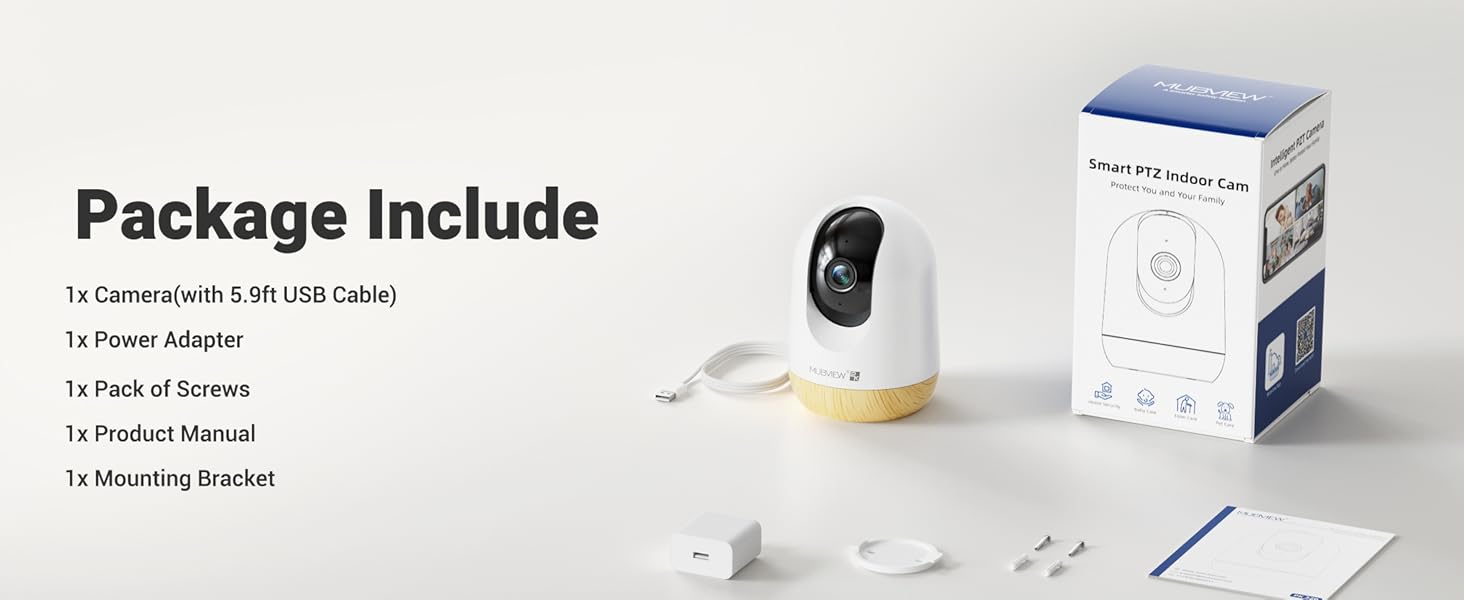
Image 5.6: Motion detection in action.
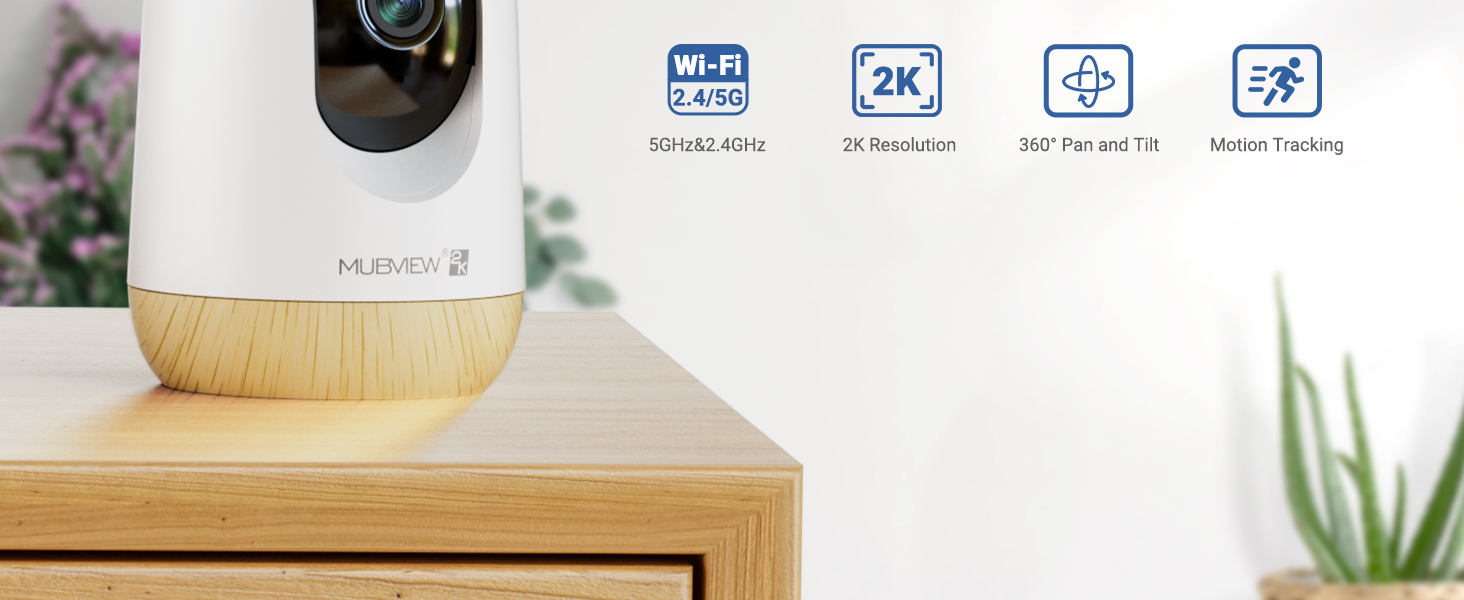
Image 5.7: The camera's auto-tracking feature following a moving subject.

Image 5.8: Configuring activity zones for targeted motion detection.
5.6 Нічне бачення
The camera is equipped with advanced night vision technology, providing clear 2K clarity even in low-light or dark conditions up to 33 feet.

Image 5.9: Clear night vision capabilities in a dark environment.
5.7 Remote Access and Multi-Camera View
Access your camera's live feed from anywhere with an internet connection. The app also supports viewодночасне зйомка кількома камерами.

Image 5.10: Remote access to your camera feed.
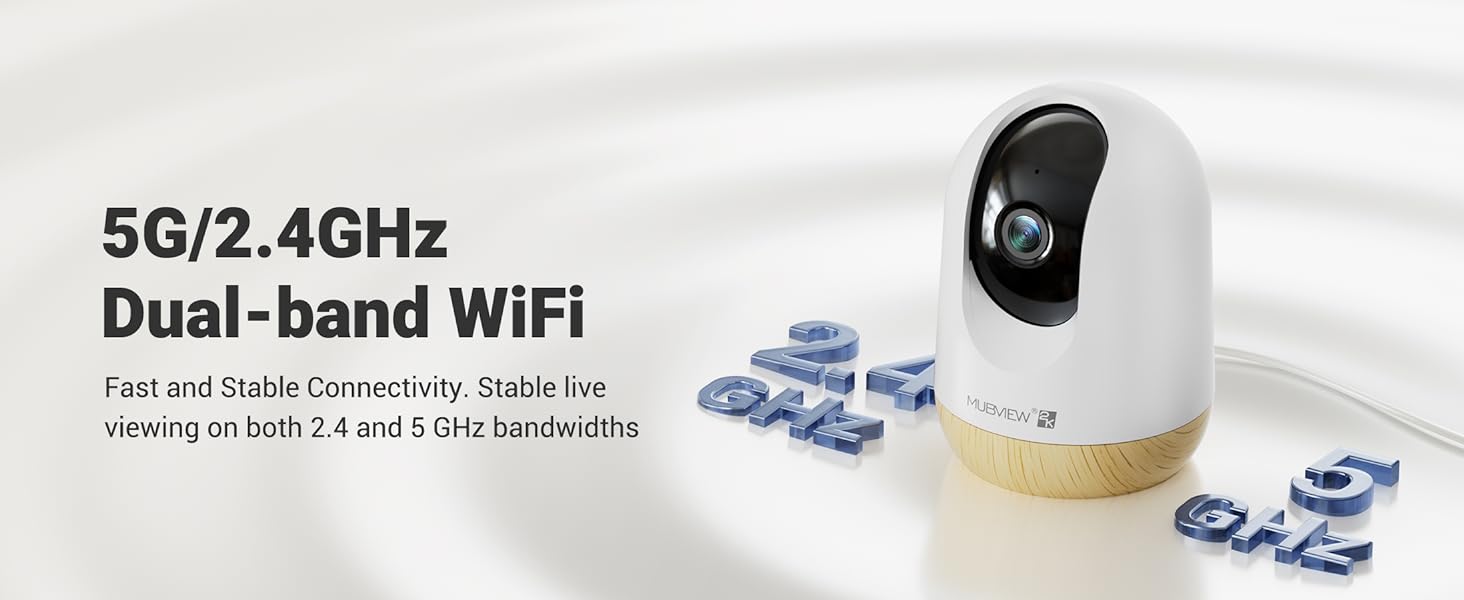
Image 5.11: Simultaneous viewпередача зображень з кількох камер.
5.8 Video Playback and Sharing
Review записаний footage through the app's playback feature. You can also share camera access with family members or other authorized users.
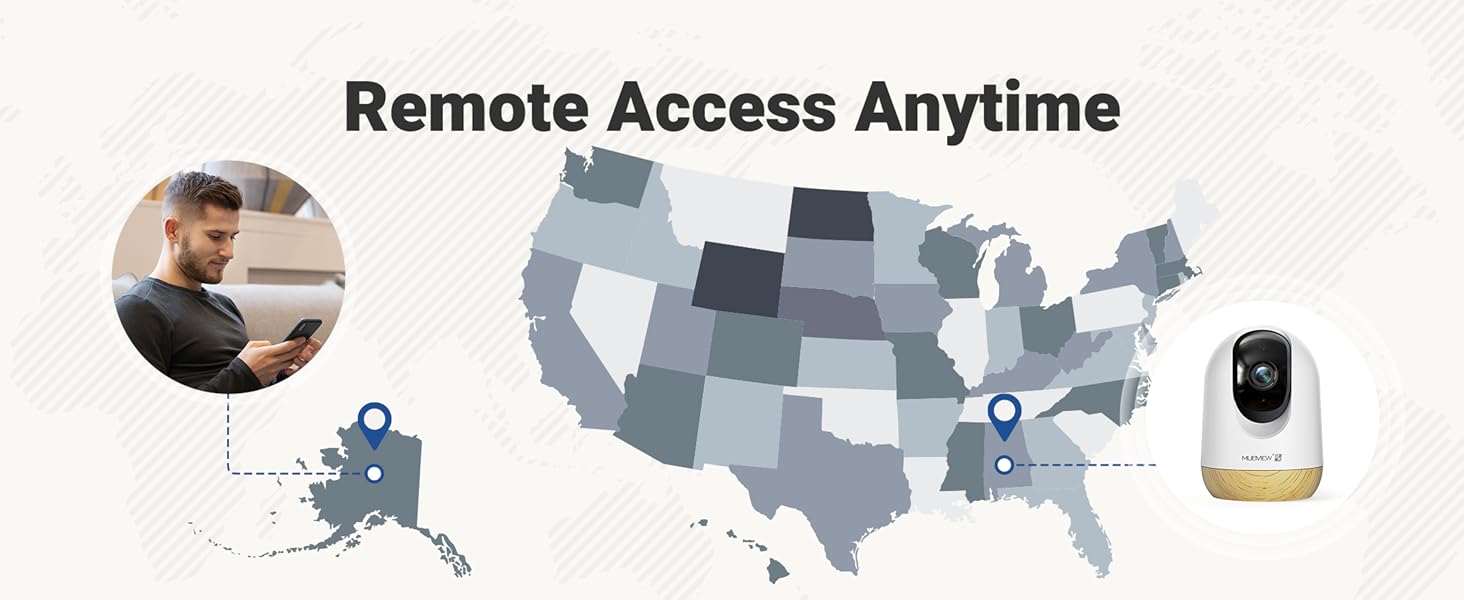
Image 5.12: Accessing and reviewing recorded video footage.

Зображення 5.13: Спільне використання камери для кількох користувачів.
6. Параметри зберігання
MUBVIEW PK320-Y camera offers flexible storage solutions for your video recordings:
- Пам'ять на картці SD: Supports local storage via an SD card (not included) with a capacity of up to 128GB.
- Хмарне сховище: Includes a lifetime 7-day loop recording cloud storage service without requiring a subscription.

Image 6.1: Available storage options for video recordings.
7. Технічне обслуговування
To ensure optimal performance and longevity of your MUBVIEW PK320-Y camera, follow these maintenance guidelines:
- Прибирання: Обережно протріть об’єктив та корпус камери м’якою сухою тканиною. Уникайте використання агресивних хімікатів або абразивних матеріалів.
- Розміщення: Переконайтеся, що камера розташована у стабільному місці, подалі від прямих сонячних променів, джерел тепла та надмірної вологи.
- Вентиляція: Do not obstruct the camera's ventilation openings to prevent overheating.
- Оновлення прошивки: Regularly check the MUBVIEW app for available firmware updates to ensure your camera has the latest features and security enhancements.
8. Вирішення проблем
If you encounter issues with your MUBVIEW PK320-Y camera, refer to the following common troubleshooting steps:
- Камера не підключається до Wi-Fi:
- Ensure your Wi-Fi network is operational and you have entered the correct password.
- Verify that the camera is within range of your Wi-Fi router.
- Confirm your router supports both 2.4GHz and 5GHz bands, and try connecting to the other band if one fails.
- Перезавантажте роутер і камеру.
- Немає живого View або запис:
- Перевірте підключення до Інтернету.
- Переконайтеся, що камеру ввімкнено.
- If using an SD card, ensure it is correctly inserted and formatted within the app.
- Проблеми з двостороннім аудіо:
- Перевірте налаштування гучності на телефоні та в додатку.
- Переконайтеся, що немає перешкод, які блокують мікрофон або динамік камери.
- Виявлення руху не працює:
- Перевірте, чи в налаштуваннях програми ввімкнено функцію виявлення руху.
- За потреби налаштуйте параметри чутливості.
- Ensure activity zones are correctly configured.
- Камера не відповідає:
- Unplug the camera from the power source, wait 10 seconds, and plug it back in to perform a restart.
- Locate the reset button (usually a small pinhole) and press it for 5-10 seconds with a pin until you hear a prompt or see an indicator light change. This will restore factory settings.
For further assistance, please contact MUBVIEW підтримка клієнтів.
9. Технічні характеристики
| Особливість | Деталь |
|---|---|
| Назва моделі | PK320-Y |
| Роздільна здатність захоплення відео | 3 МП (2 тис.) |
| Технологія підключення | Wi-Fi (дводіапазонний, 2.4 ГГц та 5 ГГц) |
| Сумісні пристрої | телефони Android |
| Джерело живлення | Дротовий електричний (220 вольт, 5 ват) |
| Тип монтажу | Surface Mount, Wall Mount, Ceiling Mount |
| Viewкут нахилу | 355 градусів (панорамування), 80 градусів (нахил) |
| Діапазон нічного бачення | 33 футів |
| Частота кадрів | 15-20fps |
| Двостороннє аудіо | так |
| Виявлення руху | Yes, with Auto Tracking and Audio Alerts |
| Локальна пам'ять | Підтримка SD-карти до 128 ГБ (не входить до комплекту) |
| Хмарне сховище | Lifetime 7-day loop recording (no subscription required) |
| матеріал | Акрилонітрилбутадієнстирол (АБС) |
| Розміри (Д x Ш x В) | 3 x 3 x 4.33 дюймів |
| Вага товару | 10.9 унції |
10. Гарантія та підтримка
MUBVIEW is committed to providing reliable products and customer satisfaction. For any questions or assistance, please refer to the following:
- Підтримка клієнтів: MUBVIEW offers US-based phone support for after-sales service. Contact information can be found within the MUBVIEW app or on the official MUBVIEW webсайт.
- Технічна підтримка: 24/7 professional technical support is available to assist with setup, operation, and troubleshooting.
- Хмарне сховище: Enjoy lifetime 7-day loop recording cloud storage without a subscription.

Image 10.1: MUBVIEW's commitment to privacy and data security.
11. Інформація про безпеку
Please read and follow these safety guidelines to prevent damage to the product or injury to yourself and others:
- Джерело живлення: Використовуйте лише наданий адаптер живлення. Переконайтеся, що джерело живлення відповідає потужності камери.tage вимоги.
- Управління кабелем: Route power cables safely to prevent tripping hazards and keep them out of reach of children and pets.
- Середовище: This camera is designed for indoor use only. Do not expose it to water, extreme temperatures, or high humidity.
- Розміщення: Mount the camera securely according to the instructions. Avoid placing it in locations where it could fall or be easily knocked over.
- Прибирання: Перед чищенням відключіть живлення.