
1. Вступ
The Zopsc Call to U Caregiver Pager system is designed to provide reliable and immediate communication between a patient or elderly individual and their caregiver. This wireless system ensures that assistance can be requested quickly and efficiently, enhancing safety and peace of mind in various settings such as homes, nursing facilities, and hospitals.
2. Продукт закінчивсяview
The system consists of a receiver unit and a call button (transmitter). The receiver alerts the caregiver, while the call button is used by the individual needing assistance.
2.1 Компоненти
- Приймач: The main unit that receives signals from the call button and emits alerts.
- Call Button (Transmitter): A portable button used to send an alert signal.
- Зарядний кабель: For recharging the receiver unit.
- Керівництво користувача: Цей посібник з інструкціями.
2.2 Діаграма продукту

Малюнок 1: Закінченоview of the Zopsc Caregiver Pager system, including the receiver and the call button with its lanyard.

Малюнок 2: Спереду view of the receiver unit, featuring a musical note icon indicating sound functions.

Малюнок 3: Спереду view of the call button, clearly marked with a bell icon and "CALL" text.
3. особливості
- Швидкий виклик: Immediate alert message upon pressing the call button during an emergency.
- Стабільний сигнал: Reliable working range up to 330 meters (1082.68 feet) in open areas, ensuring consistent communication.
- Настроювані сповіщення: Offers 38 music options and 4-level volume adjustment for personalized alert settings.
- Універсальне використання: Suitable for various environments including homes, nursing homes, and hospitals, providing safety for the elderly and patients.
- Портативний дизайн: Lightweight and compact, making it easy to carry for both indoor and outdoor use.
4. Налаштування
4.1 Заряджання приймача
- Connect the provided charging cable to the receiver's charging port.
- Plug the other end of the charging cable into a standard USB power adapter (not included) or a USB port.
- Allow the receiver to charge fully before first use. The charging indicator light will typically change color or turn off when charging is complete.
4.2 Installing Battery in Call Button
- Locate the battery compartment on the back of the call button.
- Відкрийте кришку відділення.
- Insert one 23A battery (60mAh) into the compartment, ensuring correct polarity (+/-).
- Надійно закрийте кришку батарейного відсіку.
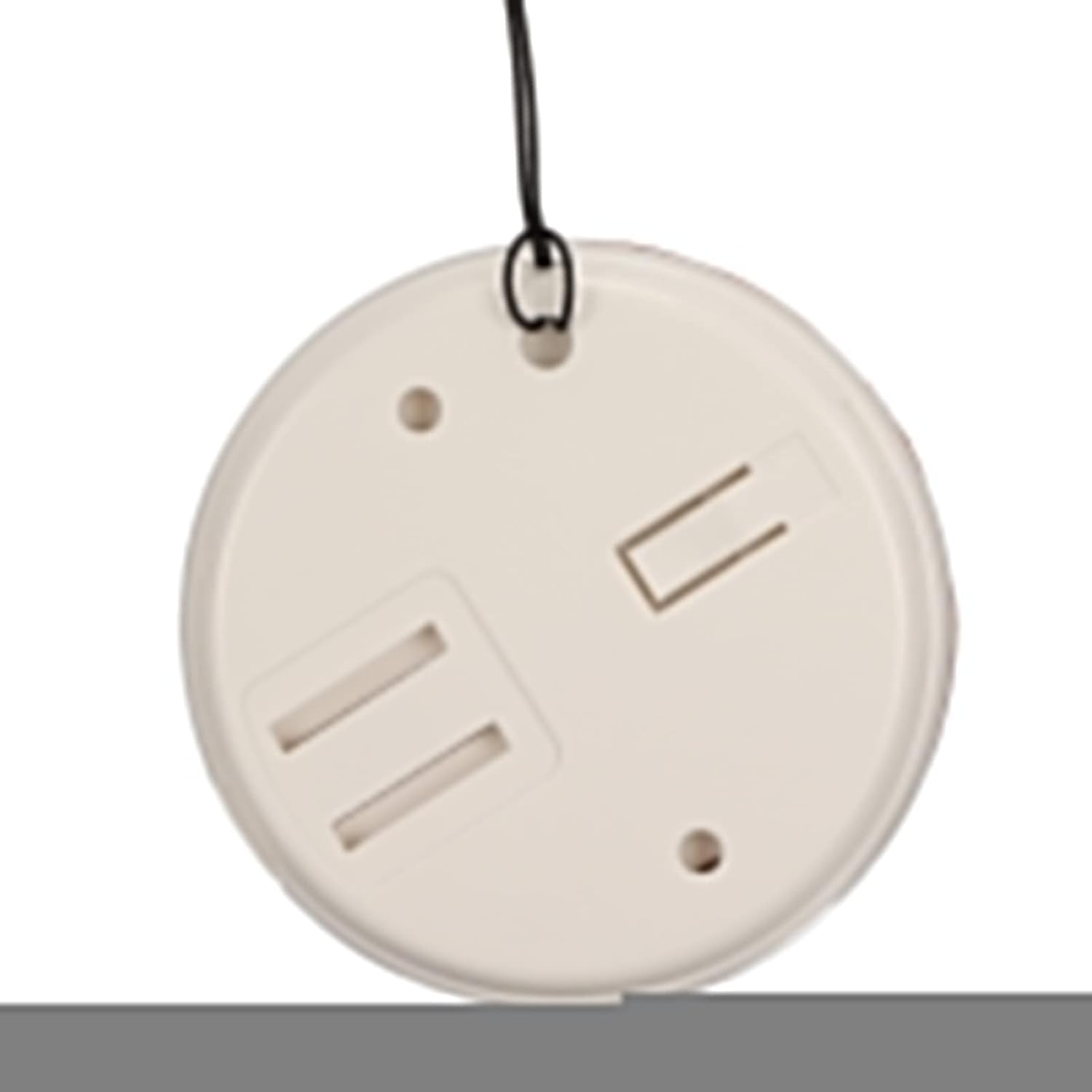
Малюнок 4: Задня частина view of the call button, illustrating the battery compartment for installation.
4.3 Pairing (Matching) Transmitter and Receiver
The system typically comes pre-paired. If re-pairing is needed or if you add additional buttons, follow these general steps:
- Увімкніть приймач.
- Press and hold the pairing button on the receiver (refer to receiver diagram for exact location, usually a small button on the side or back) until an indicator light flashes or a sound is heard, indicating pairing mode.
- Within a few seconds, press the call button (transmitter).
- The receiver should confirm successful pairing with a sound or light indication.
5. Інструкція з експлуатації
5.1 Здійснення дзвінка
To alert the caregiver, simply press the large "CALL" button on the transmitter. The receiver will immediately sound an alarm and/or flash a light, depending on its settings.
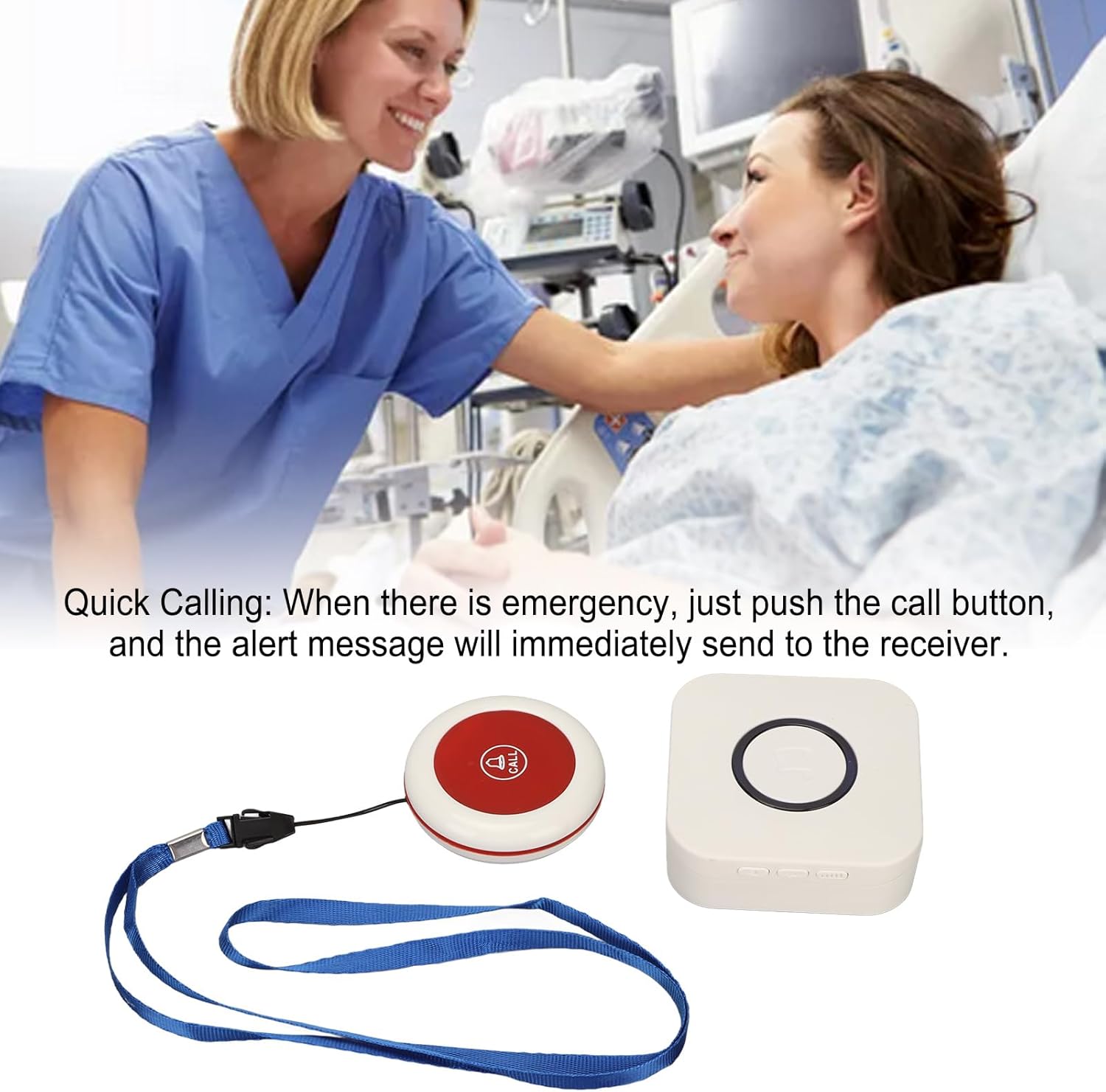
Figure 5: Illustrative image of a caregiver responding to a patient's call, demonstrating the product's purpose.
5.2 Adjusting Volume and Music Options
The receiver unit typically has buttons to adjust the volume level and cycle through the available music/alert tones. Refer to the receiver unit for specific button functions (e.g., volume up/down, melody selection button).

Малюнок 6: Верх view of both the receiver and call button, showing their relative sizes and designs.
6. Технічне обслуговування
- Прибирання: Протирайте пристрої м’якою сухою тканиною. Не використовуйте абразивні засоби для чищення та не занурюйте їх у воду.
- Battery Replacement (Call Button): Replace the 23A battery in the call button when the signal becomes weak or the button stops functioning.
- Charging (Receiver): Recharge the receiver when the battery is low to ensure continuous operation.
- Зберігання: Store the pager system in a cool, dry place when not in use for extended periods.
7. Вирішення проблем
| проблема | Можлива причина | Рішення |
|---|---|---|
| Receiver does not sound alarm. |
|
|
| Кнопка виклику не реагує. |
|
|
| Короткий радіус дії сигналу. |
|
|
8. Технічні характеристики
| Особливість | Деталь |
|---|---|
| Тип елемента | Пейджер для доглядача |
| матеріал | ABS |
| Відстань бездротового прийому | Approx. 330m / 1082.68ft (in open space) |
| Бездротова частота | 433 МГц |
| Батарея приймача | Built-in Lithium Polymer Battery, 1 x 1000mAh |
| Transmitter (Call Button) Battery | 1 x 23A Battery, 60mAh |
| Номер моделі | Zopsc2dw5184pv7 |
| Розміри | 10.1 x 8.4 x 6.7 см (розміри з упаковкою) |
| вага | 190 г (вага виробу) |
9. Гарантія та підтримка
Щоб отримати інформацію про гарантію або технічну підтримку, зверніться до упаковки продукту або до продавця. Зберігайте чек про покупку як підтвердження покупки.
For further assistance, you may visit the Zopsc official webсайту або зв’яжіться зі своїм відділом обслуговування клієнтів.