
1. Вступ
The Lanaform WL-100C is a versatile device designed to enhance your sleep and wake-up experience through light and sound simulation. It functions as a smart alarm clock, a bedside lamp, and a sleep aid, offering both sunrise and sunset simulations. This manual provides detailed instructions for setting up, operating, and maintaining your WL-100C device.

Image 1.1: Lanaform WL-100C device with its mobile application interface.
2. Інформація про безпеку
- Перед використанням прочитайте всі інструкції та збережіть їх для використання в майбутньому.
- Do not immerse the device or power adapter in water or other liquids.
- Використовуйте лише наданий адаптер живлення.
- Тримайте пристрій подалі від джерел тепла та прямих сонячних променів.
- Не намагайтеся розбирати або ремонтувати пристрій самостійно. Зверніться до кваліфікованого сервісного персоналу.
- Переконайтеся, що пристрій розміщено на стійкій рівній поверхні.
3. Вміст упаковки
Перевірте наявність усіх елементів в упаковці:
- Lanaform WL-100C Smart Sunrise & Sunset Simulator
- Адаптер живлення
- Посібник користувача (цей документ)
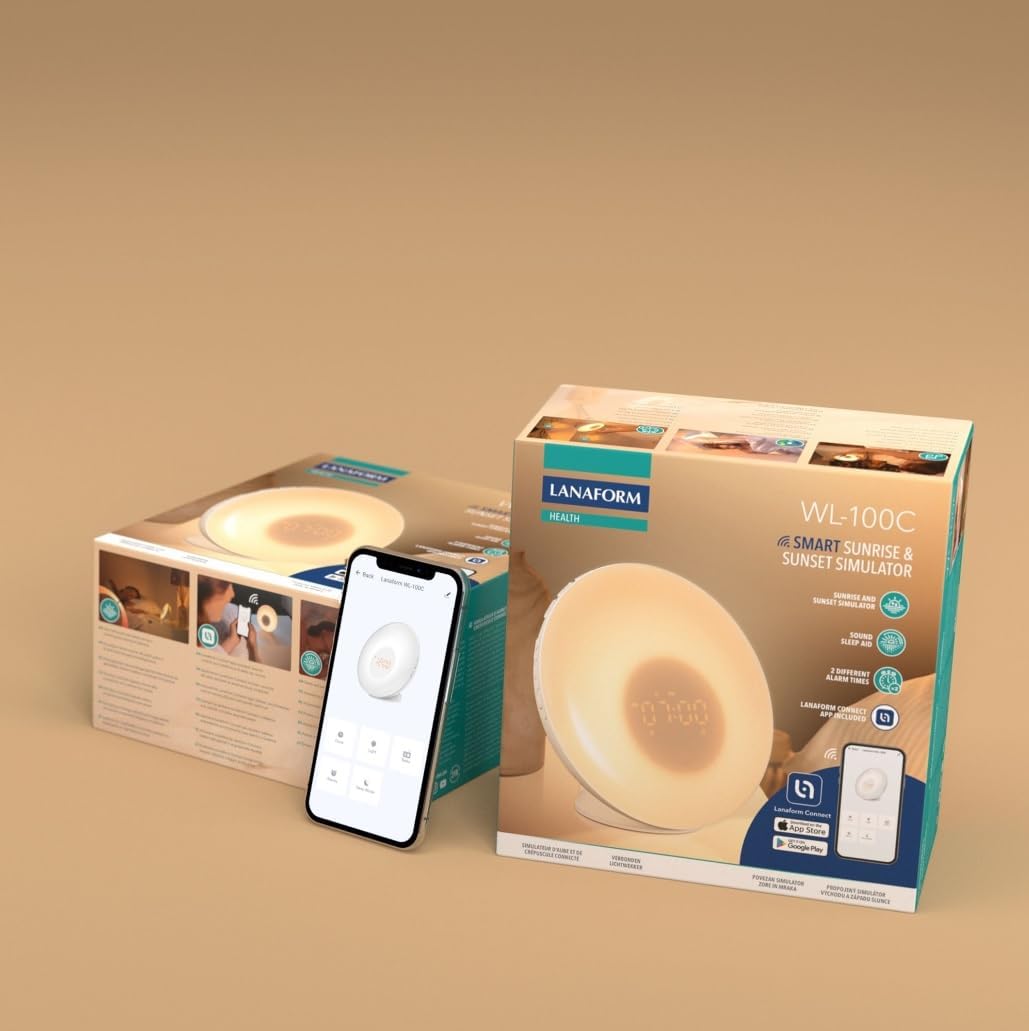
Image 3.1: The Lanaform WL-100C device and its packaging.
4. Пристрій закінчивсяview
The WL-100C features an intuitive design with accessible controls and a clear display. Familiarize yourself with the main components:
- Передня панель: Light panel, digital time display.
- Верхні кнопки: Control various functions such as time setting, alarm activation, light intensity, sound selection, and FM radio.
- Задня панель: Power input, USB charging port, FM antenna.
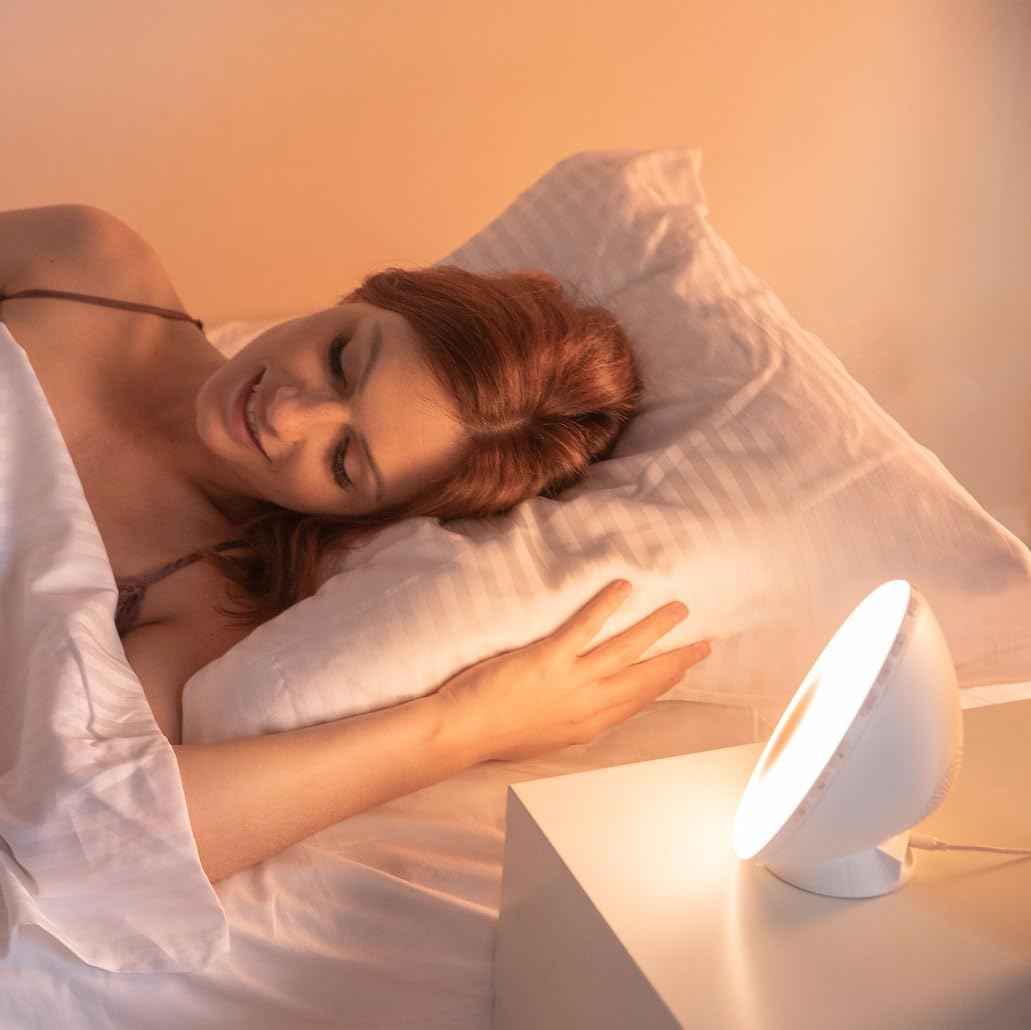
Зображення 4.1: спереду view of the Lanaform WL-100C device.
5. Налаштування
5.1 Підключення живлення
- Connect the power adapter to the DC input port on the rear of the WL-100C.
- Plug the adapter into a standard wall outlet. The device will power on and the display will illuminate.
5.2 App Installation (Lanaform Connect)
For advanced features and convenient control, download the Lanaform Connect application:
- Scan the QR code provided in the packaging or search for "Lanaform Connect" on the Apple App Store or Google Play Store.
- Встановіть застосунок на свій смартфон.
5.3 Створення пари Bluetooth
To connect the device to the Lanaform Connect app:
- Переконайтеся, що Bluetooth увімкнено на вашому смартфоні.
- Open the Lanaform Connect app.
- Follow the in-app instructions to discover and pair with your WL-100C device. The device name will typically appear as "Lanaform WL-100C".

Image 5.1: Controlling the WL-100C via the Lanaform Connect mobile application.
6. Інструкція з експлуатації
6.1 Час схоплювання
The time can be set manually using the device buttons or automatically via the Lanaform Connect app after pairing.
6.2 Sunrise Simulation (Wake-up Light)
The sunrise simulation gradually increases light intensity over 30 minutes before your set alarm time, transitioning to a bright yellow light to simulate natural dawn.
- активація: Enable this feature through the alarm settings on the device or via the app.
- Тривалість: Fixed at 30 minutes prior to the alarm.
6.3 Sunset Simulation (Sleep Aid)
The sunset simulation gradually decreases light intensity, promoting a peaceful transition to sleep. You can set the duration for 15, 30, or 60 minutes.
- активація: Select the sunset mode on the device or through the app.
- Тривалість: Choose 15, 30, or 60 minutes for the light to dim completely.
6.4 Налаштування будильника
The WL-100C supports two customizable alarms.
- Налаштування будильників: Use the dedicated alarm buttons on the device or the alarm section in the Lanaform Connect app to set desired wake-up times.
- Параметри звуку: Choose from 6 neutral sounds or select an FM radio station as your alarm sound.
- обсяг: Adjust the alarm volume to your preference.
6.5 Робота FM-радіо
The integrated FM radio can be used as an alarm sound or for general listening.
- Налаштування: Use the radio function buttons to scan for and save FM stations.
- Антена: Ensure the FM antenna on the rear of the device is extended for optimal reception.
6.6 Bedside Lamp функція
The device can be used as a regular bedside lamp з регульованою яскравістю та колірною температурою.
- Яскравість: Adjust light intensity using the dedicated light control buttons or the app.
- колір: Customize light colors and ambiances via the Lanaform Connect app.
6.7 Функція відкладання
When an alarm sounds, press the Snooze button (usually located on top of the device) to temporarily pause the alarm and extend your sleep for a short period (e.g., 9 minutes). The alarm will sound again after the snooze period.
6.8 USB-порт для зарядки
A USB port is available on the rear of the device for charging external devices like smartphones.
- Connect your device's USB charging cable to the WL-100C's USB port.
- Ensure the WL-100C is powered on for charging functionality.
6.9 App Control vs. Manual Control
All primary functions of the WL-100C can be controlled manually using the buttons on the device. For more detailed customization, such as specific light ambiances, advanced alarm scheduling, and sound selection, the Lanaform Connect application offers a comprehensive interface.

Зображення 6.1: закінченоview of the WL-100C's multiple functions and customizable experience.
7. Технічне обслуговування
7.1 Очищення
- Перед чищенням вимкніть пристрій з розетки.
- Протріть зовні м’якою сухою тканиною.
- Не використовуйте абразивні засоби для чищення, розчинники або агресивні хімікати.
7.2 Зберігання
If storing the device for an extended period, unplug it and keep it in a cool, dry place, away from direct sunlight and moisture.
8. Вирішення проблем
| проблема | Можлива причина | Рішення |
|---|---|---|
| Пристрій не включається. | Адаптер живлення не підключений або несправний. | Ensure the power adapter is securely plugged into the device and a working outlet. Try a different outlet. |
| Сигналізація не звучить. | Будильник не увімкнено або гучність занадто низька. | Check alarm settings on the device or app. Increase alarm volume. |
| Sunrise/Sunset simulation not working. | Feature not enabled or incorrect settings. | Verify that the simulation is enabled and configured correctly in the alarm or sleep settings. |
| Cannot connect to Lanaform Connect app. | Bluetooth вимкнено або пристрій знаходиться поза зоною досяжності. | Ensure Bluetooth is enabled on your smartphone. Bring the device closer to your phone. Restart both the app and the device. |
| Поганий прийом FM-радіо. | Антена не висунута або слабкий сигнал. | Fully extend the FM antenna. Try repositioning the device for better signal. |
9. Технічні характеристики
- Номер моделі: 1625
- Розміри продукту (Д x Ш x В): 17.5 х 8.5 х 17.5 см
- вага: 400 грами
- Джерело живлення: AC/DC Adapter (Input: 100-240V, Output: 5V)
- Підключення: Bluetooth
- особливості: Sunrise/Sunset Simulation, 2 Alarms, FM Radio, 6 Natural Sounds, Snooze Function, USB Charging Port, Bedside Lamp
- Виробник: Lanaform
- Країна походження: Бельгія
10. Інформація про гарантію
Lanaform products are manufactured to high-quality standards. For detailed warranty terms and conditions, please refer to the official Lanaform webсайт або гарантійний талон, що додається до вашої покупки. Зберігайте підтвердження покупки для будь-яких гарантійних претензій.
11. Підтримка
For further assistance, technical support, or inquiries regarding your Lanaform WL-100C, please visit the official Lanaform website or contact their customer service department. Contact details can typically be found on the Lanaform webсайті або в упаковці вашого продукту.
Webсайт: www.lanaform.com