
вступ
Welcome to your guide for the Apple Watch SE 2nd Generation. This manual will help you understand and utilize all the features of your new wearable device, from initial setup to advanced functionalities. Whether you are a new user or looking to explore advanced features, this guide provides clear, step-by-step instructions.
Налаштування
Setting Up Your Apple Watch SE 2nd Generation
Follow these steps to get your Apple Watch SE 2nd Generation ready for use:
- Увімкнення живлення: Press and hold the side button until the Apple logo appears on the screen.
- Сполучення з iPhone: Open the Apple Watch app on your iPhone. Bring your Apple Watch close to your iPhone and follow the on-screen instructions to pair the devices.
- Початкова конфігурація: During the setup process, you will be guided to set up your preferences, sign in with your Apple ID, and configure cellular service (if your model supports it and you have a plan).
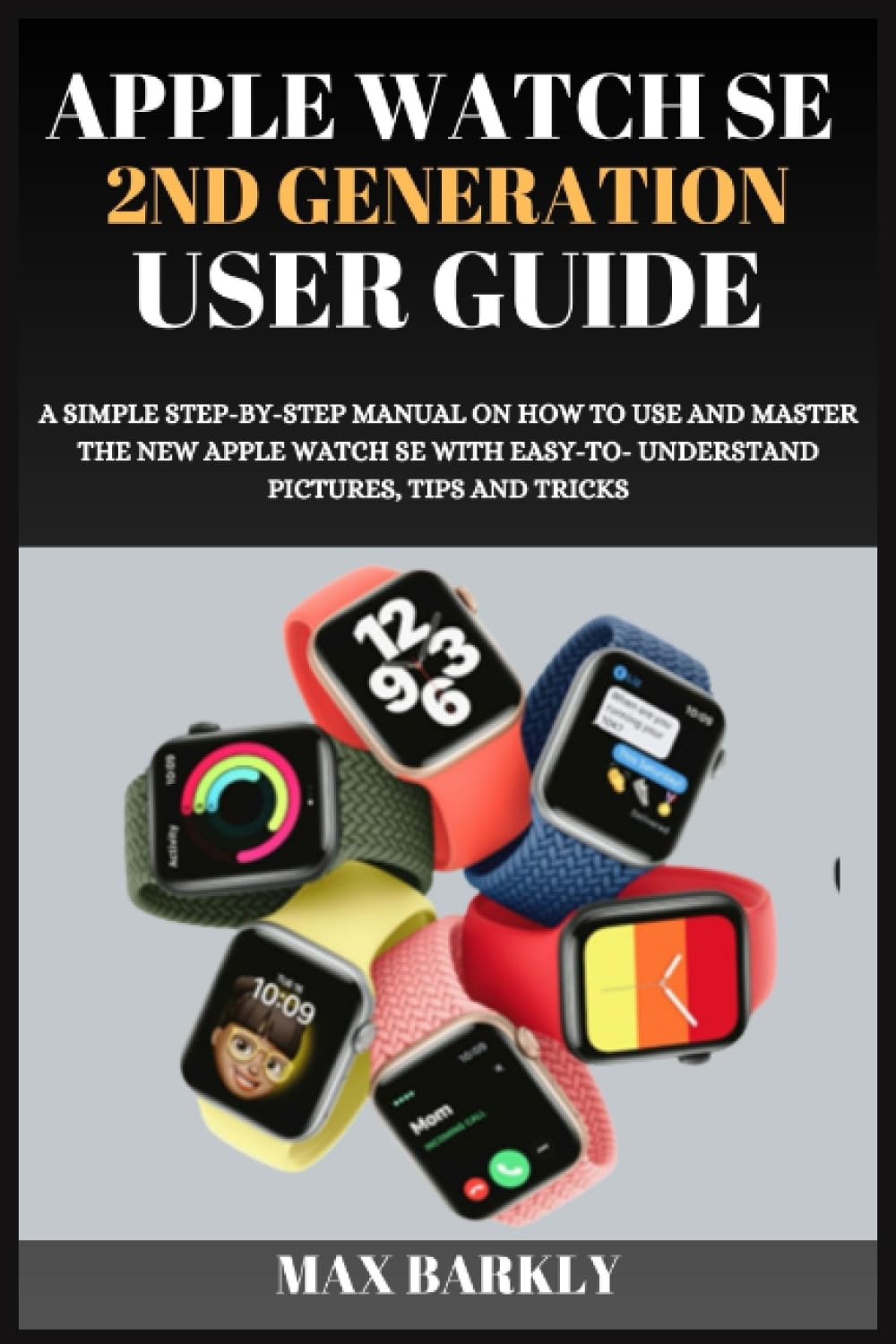
Image: Front cover of the user guide book. This image represents the manual itself, which provides detailed instructions for the Apple Watch SE 2nd Generation.
Operating Your Apple Watch SE 2nd Generation
Навігація інтерфейсом годинника
Learn how to interact with your Apple Watch SE 2nd Generation using its various controls:
- Digital Crown: Rotate to scroll through lists, zoom in or out, or adjust values. Press once to go to the watch face or app list. Double-press to return to the last used app.
- Бічна кнопка: Press once to open the Dock, which shows recently used apps. Double-press to activate Apple Pay. Press and hold to access emergency services or power off the watch.
- Сенсорний екран: Tap to select items, swipe to navigate between screens or notifications, and use Force Touch (press firmly) for additional options within apps.
Customizing Watch Faces and Complications
Personalize your watch face to display information and apps you use most frequently:
- Зміна циферблатів: On the watch face, press firmly on the display (Force Touch), then swipe left or right to select a new face. Tap "New" to browse and add more faces.
- Adding Complications: While customizing a watch face, tap "Edit" and then tap a complication area to choose what information (e.g., weather, activity, calendar) it displays.
Відстеження здоров'я та фізичної форми
Your Apple Watch SE 2nd Generation is a powerful tool for monitoring your health and fitness:
- Кільця активності: Track your daily progress towards Move (active calories), Exercise (brisk activity), and Stand (standing for at least one minute per hour) goals.
- Додаток для тренувань: Select from various workout types (e.g., running, cycling, swimming) to track your performance, heart rate, and calories burned.
- Монітор серцевого ритму: View your current heart rate, resting heart rate, and heart rate during workouts. Receive notifications for unusually high or low heart rates.
- Відстеження сну: Monitor your sleep patterns, including time spent in different sleep stages, and set sleep goals to improve your rest.
Utilizing Built-in Apps
Explore the pre-installed applications for communication and productivity directly from your wrist:
- повідомлення: Send and receive texts, dictate replies, or use Smart Replies.
- телефон: Make and answer calls, access your contacts, and check voicemail.
- Календар: View your schedule, upcoming events, and receive event notifications.
- Пошта: Check and respond to emails from your linked accounts.
- App Store: Discover and download new apps directly to your Apple Watch.
Managing Notifications and Alerts
Stay informed without constantly checking your iPhone:
- Центр сповіщень: Проведіть пальцем униз від верхньої частини циферблата, щоб view останні сповіщення.
- Customizing Alerts: Adjust notification settings for individual apps in the Apple Watch app on your iPhone to control what alerts appear on your watch.
Siri and Voice Commands
Use Siri for hands-free assistance and quick access to information:
- Activating Siri: Raise your wrist and speak your command, or press and hold the Digital Crown.
- Команди: Ask Siri questions, set reminders, send messages, start workouts, and control smart home devices.
Syncing and Content Management
Ensure your watch and iPhone are always in sync and manage your content effectively:
- Automatic Syncing: Your Apple Watch automatically syncs data, such as activity, health metrics, and app data, with your paired iPhone.
- Adding Music/Podcasts: Use the Apple Watch app on your iPhone to transfer music, podcasts, and audiobooks to your watch for offline listening during workouts or when away from your iPhone.
Технічне обслуговування
Optimizing Performance and Care
To ensure your Apple Watch SE 2nd Generation operates smoothly and lasts longer, consider these maintenance tips:
- Оновлення програмного забезпечення: Regularly update your watchOS to the latest version. Updates often include performance improvements, new features, and security enhancements.
- Прибирання: Clean your Apple Watch and bands regularly. Use a soft, lint-free cloth, slightly dampened with fresh water. Avoid harsh chemicals, soaps, or abrasive materials.
- Здоров'я акумулятора: Optimize battery life by managing background app refresh, reducing screen brightness, and disabling unnecessary notifications. Check battery health in the Settings app on your watch.
- Водонепроникність: The Apple Watch SE 2nd Generation is water resistant, but not waterproof. Avoid exposing it to high-velocity water or submerging it for extended periods. Dry it thoroughly after exposure to water.
Усунення поширених проблем
Вирішення проблем
If you encounter issues with your Apple Watch SE 2nd Generation, try these solutions before seeking further support:
- Годинник не відповідає: If your watch is unresponsive, force restart it by holding the Digital Crown and side button simultaneously until the Apple logo appears.
- Проблеми сполучення: Ensure Bluetooth is enabled on your iPhone and both devices are charged. Try unpairing the watch from your iPhone (via the Apple Watch app) and then re-pairing it.
- Проблеми з програмою: If a specific app is not working correctly, try closing and reopening it. If the problem persists, restart your Apple Watch.
- Розряд батареї: If you experience rapid battery drain, check for apps running in the background, reduce screen brightness, disable 'Always On' display (if applicable), and review налаштування сповіщень.
- Сповіщення не відображаються: Verify that 'Do Not Disturb' or 'Theater Mode' is not enabled. Check notification settings for individual apps in the Apple Watch app on your iPhone.
Технічні характеристики
Технічні характеристики продукту
| Особливість | Деталь |
|---|---|
| Модель | Apple Watch SE 2nd Generation |
| ASIN (for this guide) | B0CF4FP4X6 |
| Publisher (for this guide) | Незалежно опубліковано |
| Publication Date (for this guide) | 9 серпня 2023 р |
| Мова | англійська |
| ISBN-13 (для цього посібника) | 979-8856739182 |
| Item Weight (for this guide) | 7.5 унції |
| Dimensions (for this guide) | 6 x 0.24 x 9 дюймів |
Note: Specifications related to publisher, publication date, ISBN, item weight, and dimensions refer to the physical user guide book, not the Apple Watch SE 2nd Generation device itself.
Додаткові ресурси
For more detailed information, support, and the latest updates regarding your Apple Watch SE 2nd Generation, please visit the official Apple support webсайт:

Image: Back cover of the user guide book, showing the ISBN barcode. This image is part of the physical book product.


