
1. Вступ
Thank you for choosing the Rettru XDWIFI Pro Wireless WiFi Camera. This compact camera is designed for versatile security monitoring, offering HD 1080P video recording, night vision, and motion detection capabilities. It is suitable for various applications including home security, baby monitoring, and pet monitoring. This manual provides detailed instructions for setting up, operating, and maintaining your camera to ensure optimal performance.
2. Вміст упаковки
Будь ласка, перевірте, чи всі перелічені нижче предмети входять до вашої упаковки:
- 1 x Rettru XDWIFI Pro Camera
- 1 х магнітна база
- 1 x Micro SD Card Reader
- 1 х посібник користувача
- 1 х кабель живлення

Image: The package contents include the camera, magnetic base, Micro SD card reader, user manual, and power cable.
3. Особливості продукту
- Компактний дизайн: The camera features a small form factor, measuring approximately 1.57 x 1.18 x 0.5 inches, making it easy to conceal and place discreetly.
- HD 1080P Video: Records clear video at 1080p resolution.
- Покращене нічне бачення: Equipped with two 940nm infrared lights, providing up to 26ft night vision range without visible glow.
- Виявлення руху: Intelligent motion detection with customizable monitoring areas and times. Sends alarm notifications with images to your phone upon detection.
- Режим подвійного живлення: Features a built-in lithium battery for approximately 1.5 hours of continuous operation, and can be connected to a USB power source for extended use.
- Циклічний запис: Автоматично перезаписує старіші files when the memory card is full, ensuring continuous recording.
- Дистанційний Viewing: Access live video feed from anywhere via the companion mobile application (V380 Pro).
- Магнітне кріплення: Includes a magnetic base for flexible installation on various surfaces.

Image: The camera's compact dimensions are illustrated, emphasizing its small size.

Image: The camera's small size allows for discreet placement, such as within a plant pot.

Image: The camera can be mounted on a desk, bookshelf, or wall using its 360-degree rotating stand.
4. Посібник із налаштування
4.1 Заряджання камери
Before first use, fully charge the camera. Connect the camera to a USB power source (e.g., wall charger, power bank, computer USB port) using the provided USB cable. The charging indicator light will show the charging status.

Image: The camera supports dual power modes, allowing it to be powered by its built-in battery or an external USB source like a power bank or wall charger.
4.2 Встановлення карти пам'яті Micro SD (додатково)
For local video storage, insert a Micro SD card (up to 128GB, purchased separately) into the camera's SD card slot. Ensure the card is inserted correctly with the contacts facing the camera's interior. The camera supports loop recording, overwriting older files коли картка заповнена.

Image: Illustration of Micro SD card insertion and the corresponding recording durations for various card capacities.
4.3 Завантаження та встановлення програми
The Rettru XDWIFI Pro camera uses the V380 Pro application for remote viewing and control. Download the app from your device's app store (iOS App Store or Google Play Store).
- шукати "V380 Pro" in your app store.
- Завантажте та встановіть програму.
- Зареєструйте обліковий запис або увійдіть, якщо він у вас вже є.

Image: Visual steps for downloading the V380 Pro app, connecting the device, and establishing a WiFi connection.
4.4 Підключення камери до Wi-Fi
Follow these steps to connect your camera to your home WiFi network:
- Увімкніть камеру.
- Open the V380 Pro app on your smartphone.
- Натисніть значок «+», щоб додати новий пристрій.
- Select the appropriate connection method (e.g., "Add device by WiFi Smart Config" or "Add device by AP Hotspot").
- Follow the on-screen instructions to connect the camera to your 2.4GHz WiFi network. Note: This camera only supports 2.4GHz WiFi networks. It is not compatible with 5GHz networks.
- Once connected, you can name your device and begin viewтрансляція в прямому ефірі.
5. Інструкція з експлуатації
5.1 Живий Viewінж
After successful setup, open the V380 Pro app and select your camera from the device list to access the live video feed. You can view the feed remotely from anywhere with an internet connection.
5.2 Виявлення руху
The camera features intelligent motion detection. When motion is detected, the camera will send an alarm notification with images to your phone. You can customize motion detection settings within the V380 Pro app:
- Чутливість: Налаштуйте чутливість виявлення руху.
- Зона виявлення: Визначте конкретні області в межах камери view для виявлення руху.
- Розклад: Встановіть певний час для активації виявлення руху.
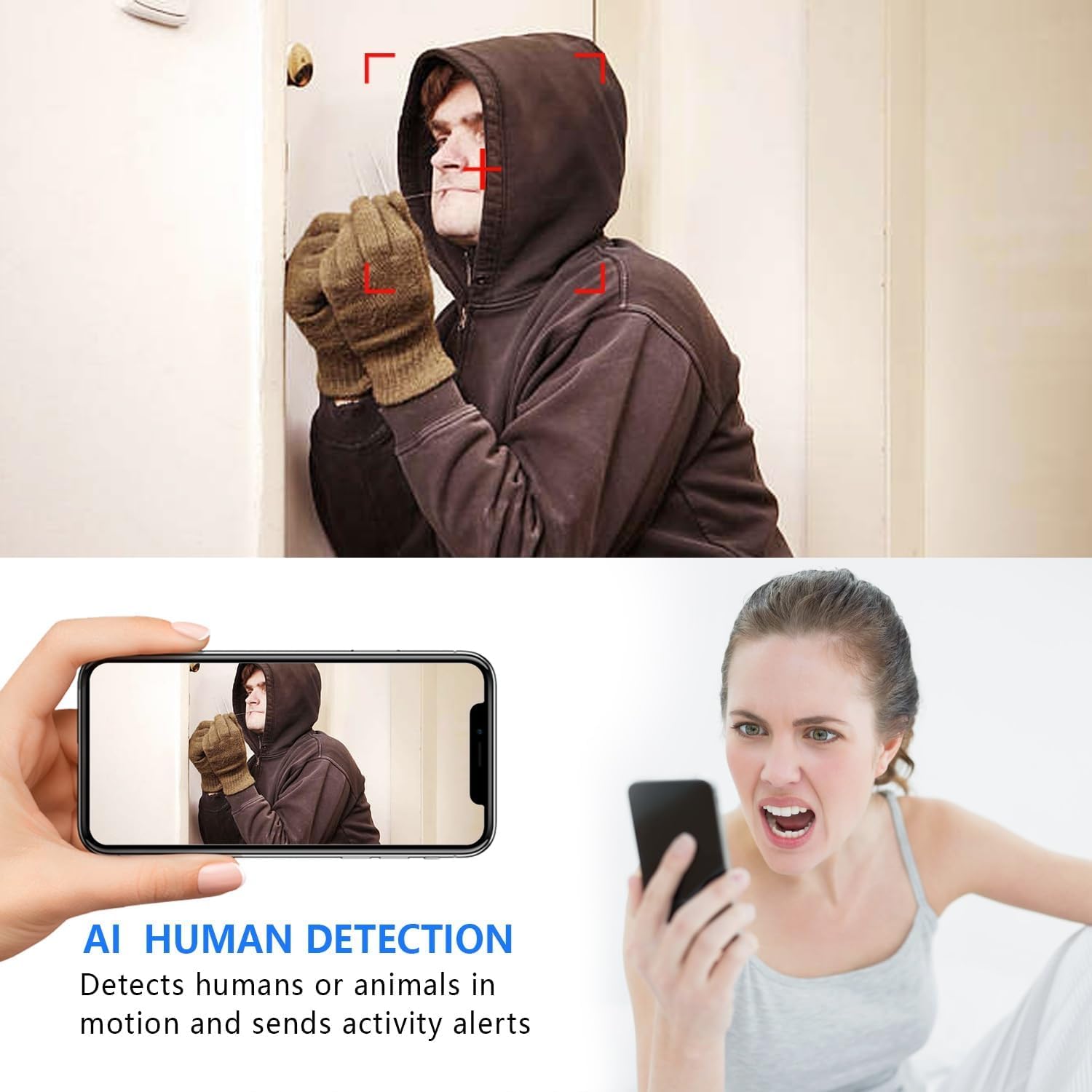
Image: The AI Human Detection feature identifies human movement and sends alerts to your mobile device.
5.3 Нічне бачення
The camera automatically switches to night vision mode in low-light conditions. The infrared lights are non-glowing, ensuring discreet monitoring in complete darkness up to 26 feet.

Image: Comparison of day and night vision, demonstrating the camera's ability to provide clear images in darkness.
5.4 Запис і зберігання
The camera supports two primary recording methods:
- Запис на карту Micro SD: If an SD card is inserted, the camera will record video directly to it. Loop recording ensures continuous operation by overwriting the oldest footage.
- Хмарне сховище: The V380 Pro app may offer optional cloud storage services for your recordings. Refer to the app for details on subscription plans and features.
6. Технічне обслуговування
- Прибирання: Використовуйте м’яку суху тканину для очищення об’єктива та корпусу камери. Уникайте використання рідких засобів для чищення або абразивних матеріалів.
- Догляд за акумулятором: For optimal battery life, avoid extreme temperatures. Recharge the camera regularly, especially if it will be stored for an extended period.
- Оновлення прошивки: Periodically check the V380 Pro app for any available firmware updates for your camera. Keeping the firmware updated ensures the best performance and security.
7. Вирішення проблем
| проблема | Можлива причина | Рішення |
|---|---|---|
| Camera fails to connect to WiFi. | Incorrect WiFi password; Camera too far from router; Router is 5GHz only; Network interference. |
|
| Немає прямої відеотрансляції. | Camera is offline; Poor internet connection; App issue. |
|
| Сповіщення про виявлення руху не отримано. | App notifications disabled; Motion detection settings incorrect; Camera offline. |
|
| Короткий час автономної роботи. | Continuous recording; Frequent motion detection; Low ambient temperature. |
|
8. Технічні характеристики
| Особливість | Деталь |
|---|---|
| Номер моделі | USA-Heima-XDWIFI New-JIAN-00005 |
| Роздільна здатність захоплення відео | 1080p |
| Viewкут нахилу | 160 градусів |
| Діапазон нічного бачення | До 26 футів |
| Протокол підключення | Wi-Fi (лише 2.4 ГГц) |
| Сумісні пристрої | iOS/Android Phone |
| Джерело живлення | Живлення від батареї (1 літій-іонна батарея в комплекті) |
| Термін служби батареї | Approx. 1.5 hours (continuous operation) |
| Зберігання | Карта пам'яті Micro SD (до 128 ГБ, не входить до комплекту), хмарне сховище (опціонально) |
| Розміри предмета (Д x Ш x В) | 1.7 x 1.3 x 0.4 дюймів |
| Вага товару | 0.64 унцій (18.14 г) |
| Operating App | V380 Pro |
| Тип установки | Wall-Mounted & Surface-Mounted (with magnetic base) |
| Міжнародний захист рейтингу | IP65 |
9. Гарантія та підтримка
For warranty information and technical support, please refer to the contact details provided with your purchase or visit the official Rettru webсайт. Якщо у вас виникнуть будь-які проблеми, не розглянуті в цьому посібнику, зверніться за допомогою до служби підтримки клієнтів.