
HOCO Y5 SMART WATCH
HOCO Smart Watch Y5 User Manual
Model: Y5 SMART WATCH
вступ
This manual provides comprehensive instructions for the setup, operation, and maintenance of your HOCO Smart Watch Y5. Designed for seamless integration into your daily life, the Y5 Smart Watch offers advanced features for connectivity, health monitoring, and convenience.

Малюнок 1: Спереду view of the HOCO Smart Watch Y5 with its display showing health metrics and time.
Що в коробці
Після відкриття упаковки, будь ласка, переконайтеся, що всі компоненти є в наявності та у належному стані.
- 1 x HOCO Smart Watch Y5 Main Unit
- 1 x кабель для зарядки
- 1 x Посібник користувача (цей документ)
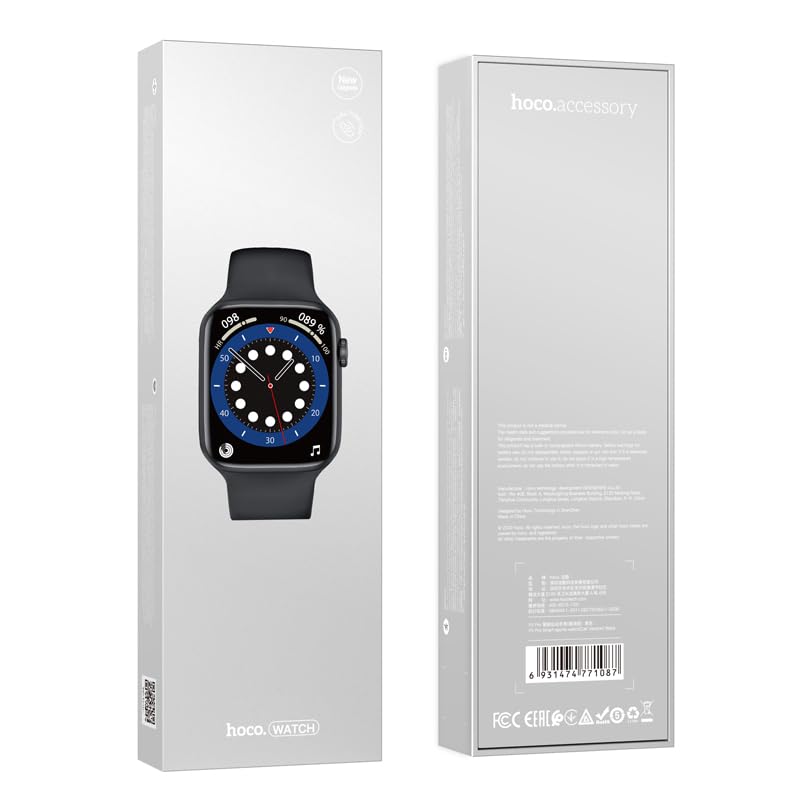
Figure 2: The retail packaging of the HOCO Smart Watch Y5, indicating the product inside.
Посібник із налаштування
1. Зарядка пристрою
Before initial use, fully charge your HOCO Smart Watch Y5. Connect the provided charging cable to the charging port on the back of the watch and to a USB power source. A full charge takes approximately 1 hour.
The watch boasts a 240mAh battery, providing up to 7 days of usage in single Bluetooth mode or 3-4 days with dual Bluetooth enabled.
2. Встановлення та сполучення програм
To unlock the full potential of your smartwatch, download the companion application on your smartphone. The HOCO Smart Watch Y5 is compatible with both iOS and Android devices.
- Scan the QR code in the watch's settings or search for the official HOCO smartwatch app in your device's app store (App Store for iOS, Google Play Store for Android).
- Встановіть додаток і відкрийте його.
- Переконайтеся, що Bluetooth увімкнено на вашому смартфоні.
- Follow the in-app instructions to search for and pair with your HOCO Smart Watch Y5. The watch will typically appear as "HOCO Y5" or similar in the Bluetooth device list.
- Підтвердіть запит на сполучення як на годиннику, так і на смартфоні.
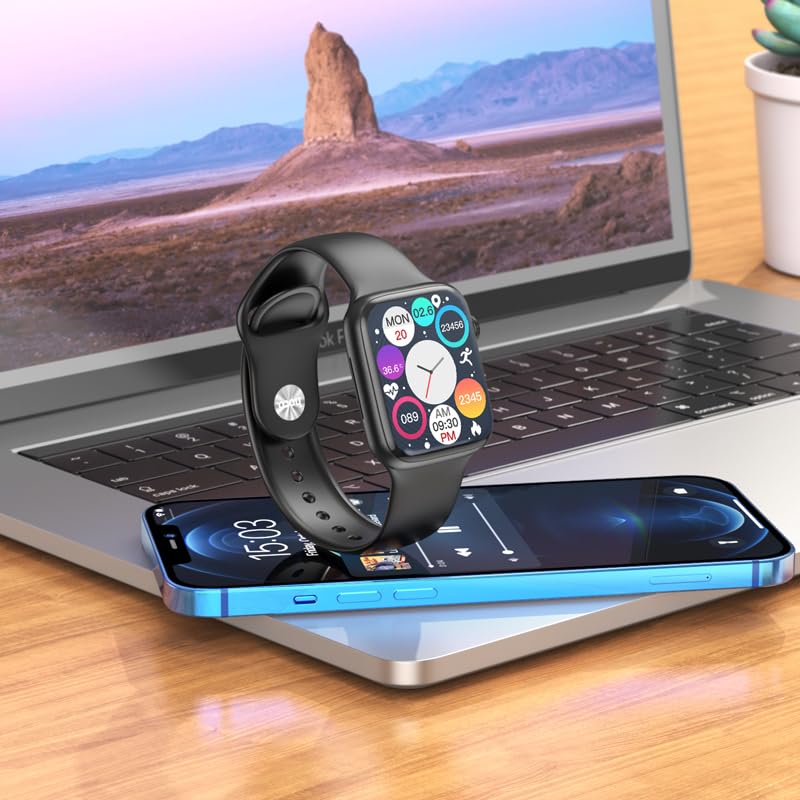
Figure 3: The HOCO Smart Watch Y5 positioned near a laptop and smartphone, demonstrating its compatibility and connectivity with other devices.
Інструкція з експлуатації
Основні елементи керування
- Сенсорний екран: Navigate menus, select options, and interact with apps by swiping and tapping the 1.96-inch AMOLED display.
- Side Button/Dial: Press to wake/sleep the screen, return to the home screen, or access the app menu. Rotate the dial for scrolling through lists or adjusting settings.
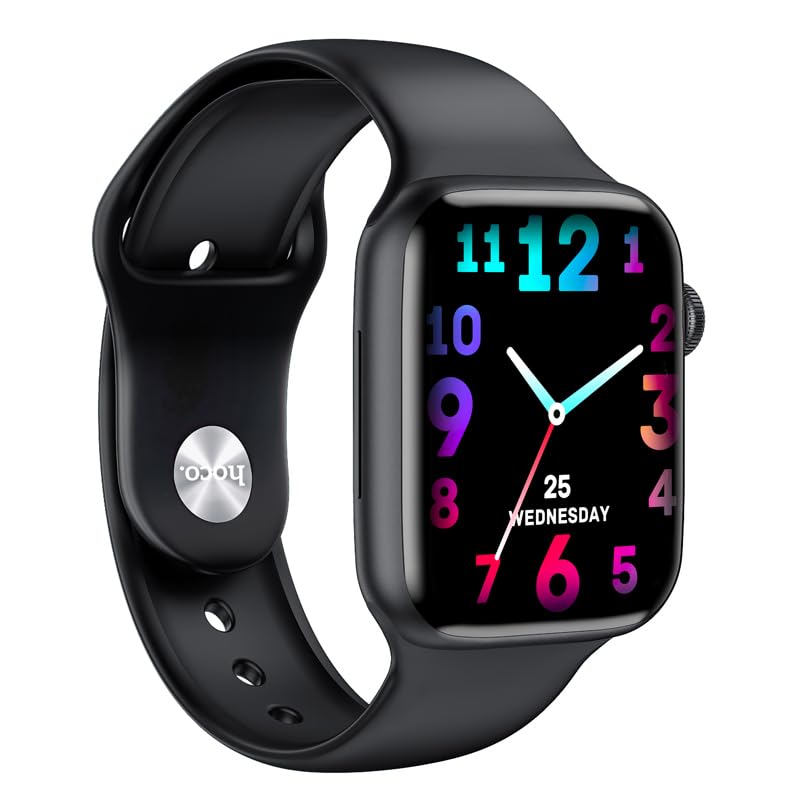
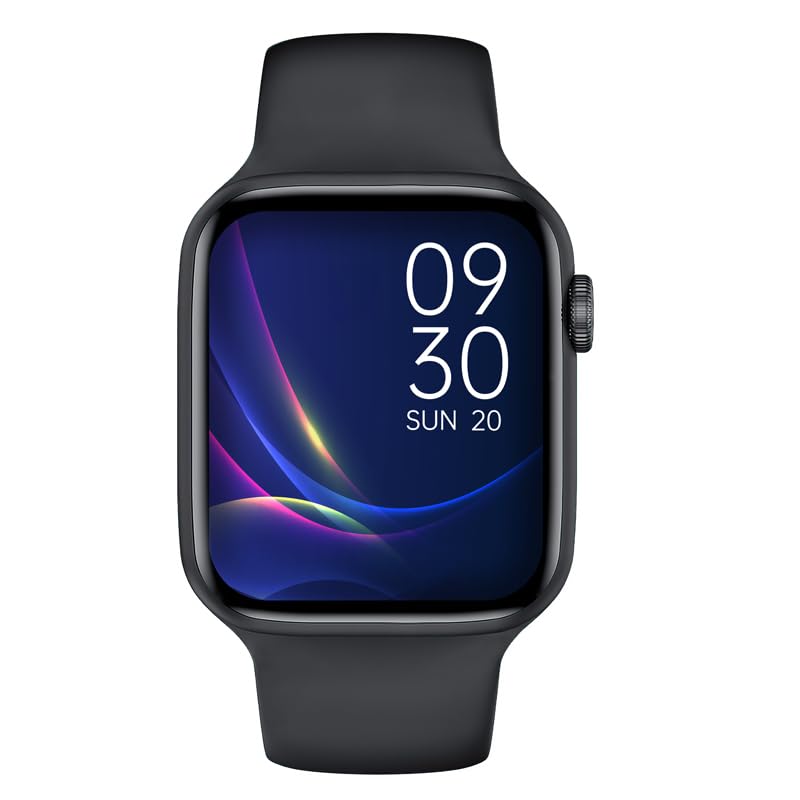
Малюнок 4: Впрamples of customizable watch faces on the HOCO Smart Watch Y5, including digital and analog styles.
Основні характеристики та функції
- Відстеження здоров'я: Monitor your heart rate, blood oxygen levels, steps taken, calories burned, and sleep patterns. Access detailed reports via the companion app.
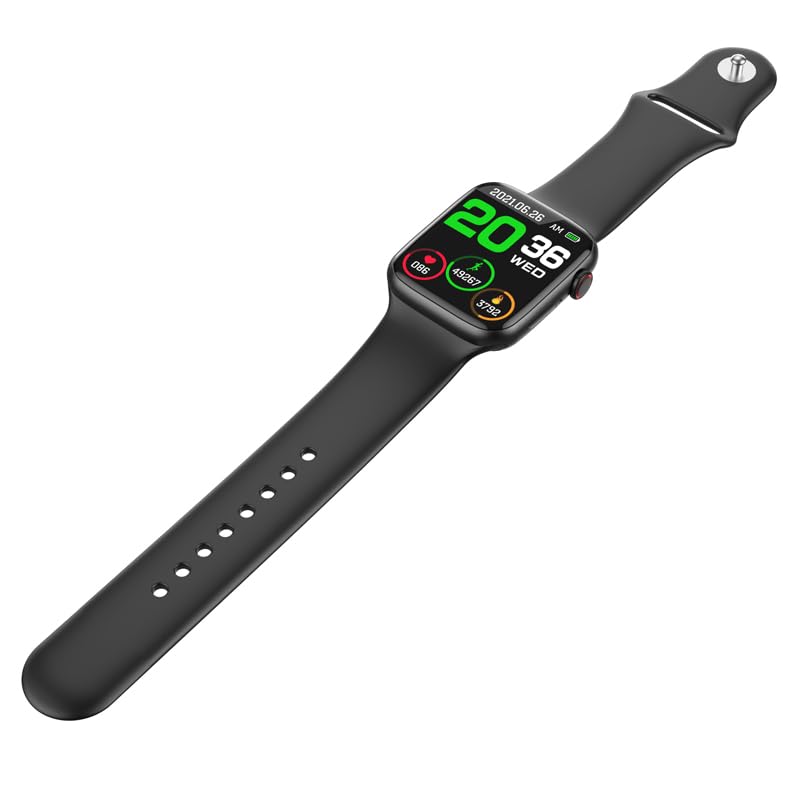
Figure 5: The HOCO Smart Watch Y5 displaying various health metrics, including heart rate and step count.
- Кілька спортивних режимів: Select from various sports modes to accurately track your workouts, including running, walking, cycling, and more.
- Розумні сповіщення: Receive real-time alerts for incoming calls, messages, and social media notifications directly on your wrist.
- Дистанційна фотозйомка: Використовуйте свій годинник як пульт дистанційного керування затвором для камери смартфона.
- Розділений екран: Access frequently used functions quickly with the split-screen feature.
- Інформація про погоду: Get current weather updates directly on your watch.
- Підтримка голосового помічника: Interact with Siri or Google Assistant through your watch (requires smartphone connection).
- Персоналізовані циферблати: Customize your watch's appearance by choosing from a variety of pre-installed watch faces or downloading new ones via the app.
Технічне обслуговування
Очищення смарт-годинника
Регулярно чистіть годинник, щоб забезпечити оптимальну роботу та гігієну. Використовуйте м’яку тканину без ворсу для протирання екрана та корпусу. Для стійкого бруду злегка протрітьampпромийте тканину водою. Уникайте використання агресивних хімікатів або абразивних матеріалів.
Water and Sweat Resistance (IP68)
The HOCO Smart Watch Y5 is IP68 rated, meaning it is resistant to dust and can withstand immersion in water up to 1.5 meters for 30 minutes. It is suitable for swimming and showering. However, it is not recommended for diving or high-pressure water activities. Always dry the watch thoroughly after exposure to water, especially the charging contacts.
Догляд за акумулятором
- Уникайте впливу екстремальних температур (високих або низьких), оскільки це може знизити термін служби батареї.
- Заряджайте годинник, використовуючи лише кабель для заряджання, що входить до комплекту.
- Не залишайте годинник незарядженим протягом тривалого часу.
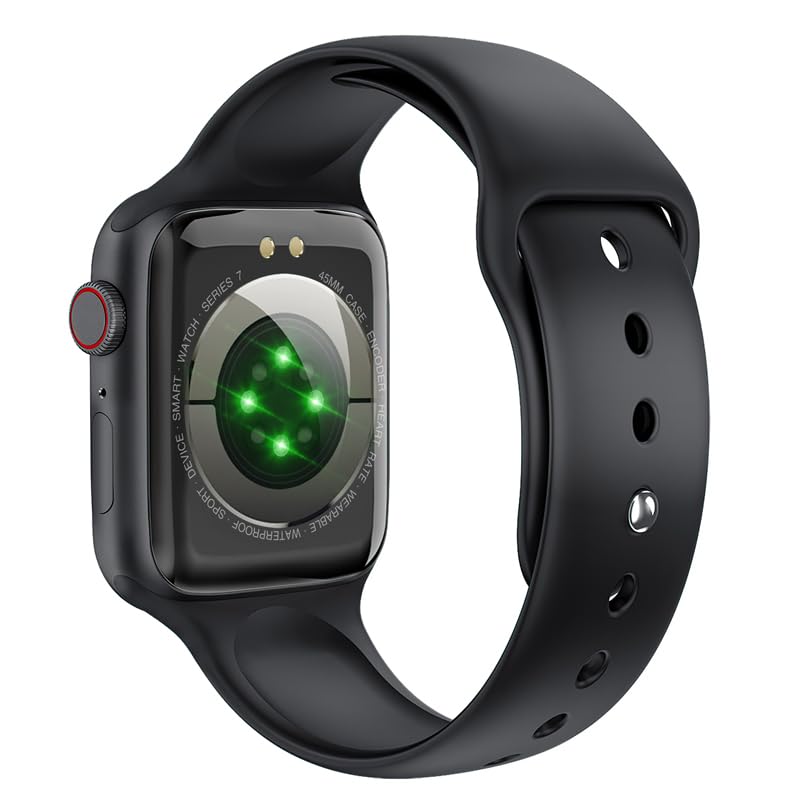
Рисунок 6: Задня частина view of the HOCO Smart Watch Y5, highlighting the optical heart rate sensors and charging contacts.
Усунення несправностей
| проблема | Можливе рішення |
|---|---|
| Годинник не вмикається. | Переконайтеся, що годинник повністю заряджений. Підключіть його до зарядного пристрою щонайменше на 15 хвилин. |
| Не вдається з'єднати пристрій зі смартфоном. |
|
| Повідомлення не надходять. |
|
| Heart rate/blood oxygen readings are inaccurate. |
|
Технічні характеристики
| Бренд | HOCO |
| Модель | Y5 SMART WATCH |
| Дисплей | 1.96 Inches AMOLED, 240 x 240 Resolution |
| Підключення | Bluetooth 5.3 |
| Ємність акумулятора | 240 мАг |
| Термін служби батареї | Up to 7 days (single Bluetooth), 3-4 days (dual Bluetooth) |
| Час зарядки | Приблизно 1 година |
| Водонепроникність | IP68 |
| Сумісна ОС | iOS, Android |
| Ємність пам'яті | 128 Мб |
| Вага товару | 100 г |
| Розміри продукту | 20 х 5 х 3 см |
Гарантія та підтримка
Your HOCO Smart Watch Y5 comes with a standard manufacturer's warranty. Please refer to the warranty policy provided at the time of purchase for specific terms and conditions. For technical support, troubleshooting assistance, or warranty claims, please contact HOCO customer service through their official webабо контактну інформацію, надану під час покупки.
For more information, visit the official HOCO webсайт: www.hoco.hk
Ask a question about this manual
Ask about setup, troubleshooting, compatibility, parts, safety, or missing instructions. Manuals+ will review the question and use this page’s manual context to help answer it.