
HOCO Y10
Hoco Y10 Amoled Smart Sports Watch User Manual
Модель: Y10
вступ
Thank you for choosing the Hoco Y10 Amoled Smart Sports Watch. This manual provides essential information for setting up, operating, and maintaining your device. Please read this manual thoroughly before using the watch to ensure proper function and longevity.
Інформація про безпеку
- Не намагайтеся розбирати, ремонтувати або модифікувати пристрій. Несанкціоновані модифікації можуть призвести до анулювання гарантії та пошкодження.
- Keep the watch away from extreme temperatures, direct sunlight, and corrosive liquids.
- Use only the provided charging cable. Using incompatible chargers may cause damage or fire.
- While the watch is 3ATM waterproof, it is not suitable for diving or high-pressure water activities. Avoid prolonged submersion.
- Перш ніж розпочинати будь-який новий режим фізичних вправ, проконсультуйтеся з лікарем, особливо якщо у вас є попередні захворювання.
- Тримайте пристрій у недоступному для дітей та домашніх тварин місці.
Вміст упаковки
Будь ласка, перевірте вміст упаковки після відкриття, щоб переконатися в наявності всіх елементів:
- Hoco Y10 Amoled Smart Sports Watch
- Зарядний кабель
Продукт закінченийview
The Hoco Y10 Smart Sports Watch features a vibrant 1.3-inch AMOLED display and a durable design suitable for daily wear and sports activities. Below are various views of the watch highlighting its design and features.

Фронт view of the Hoco Y10 Smart Watch displaying a digital watch face with time, battery, steps, and heart rate.
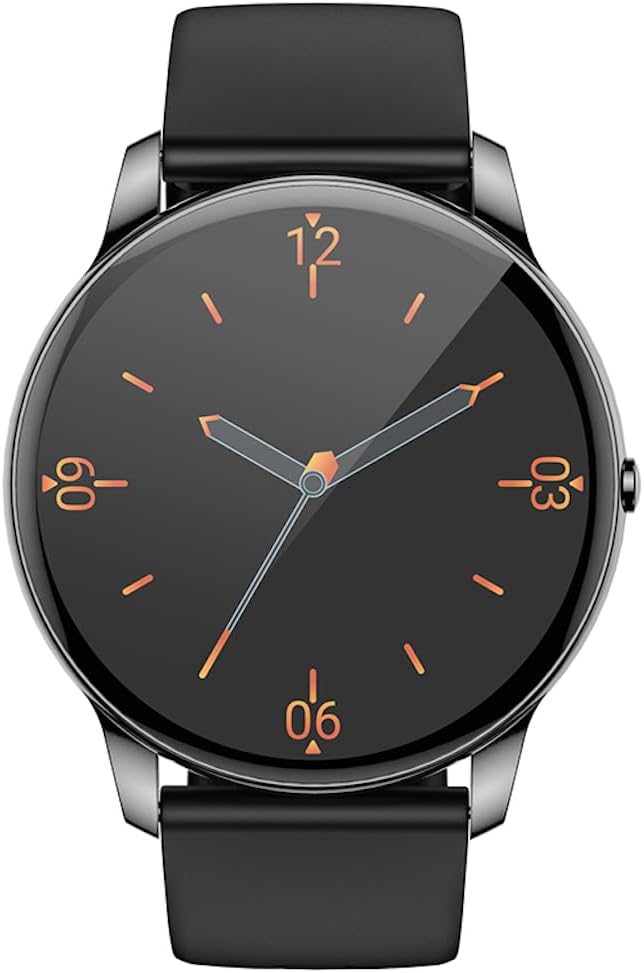
Фронт view of the Hoco Y10 Smart Watch displaying a classic analog watch face.
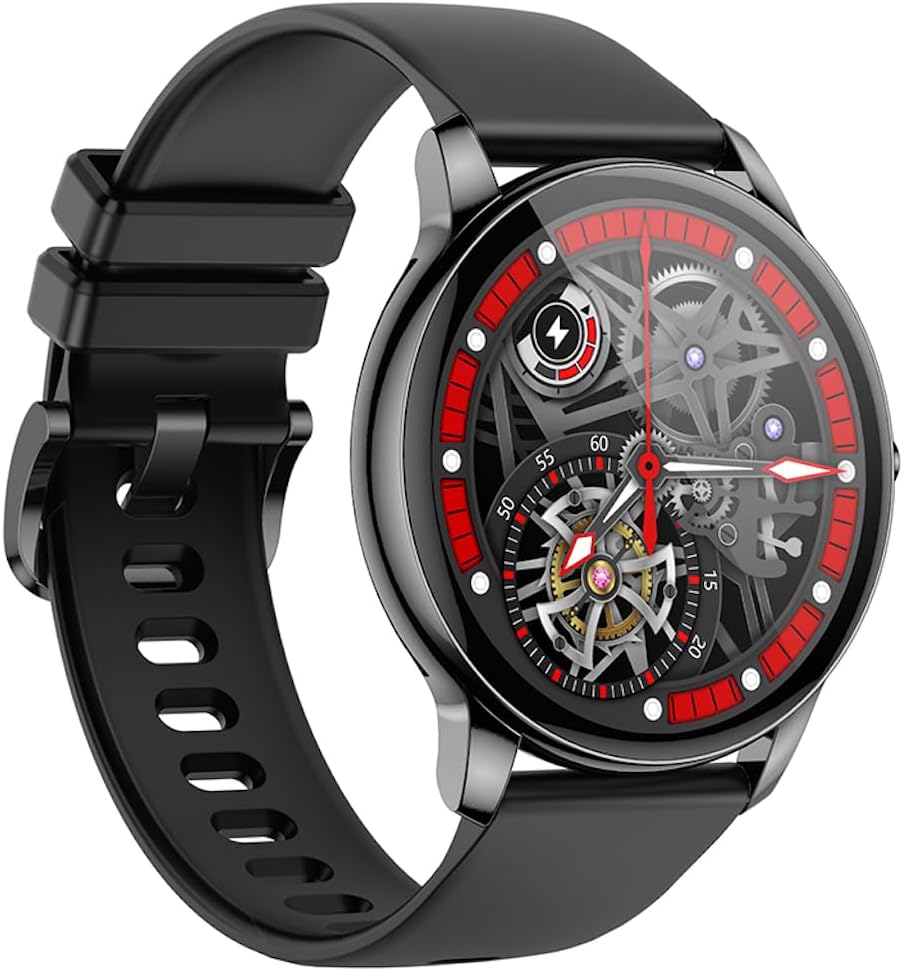
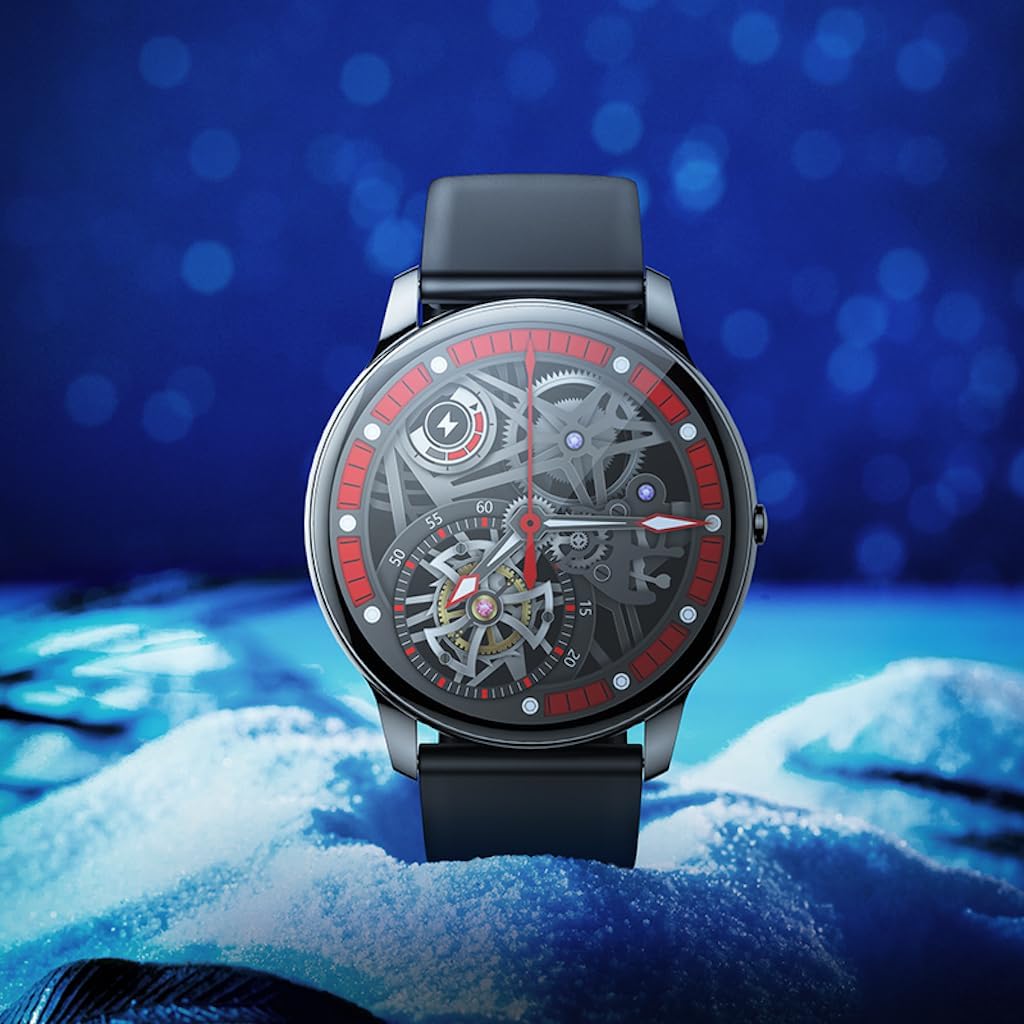
Під кутом view of the Hoco Y10 Smart Watch showcasing a mechanical-style watch face.
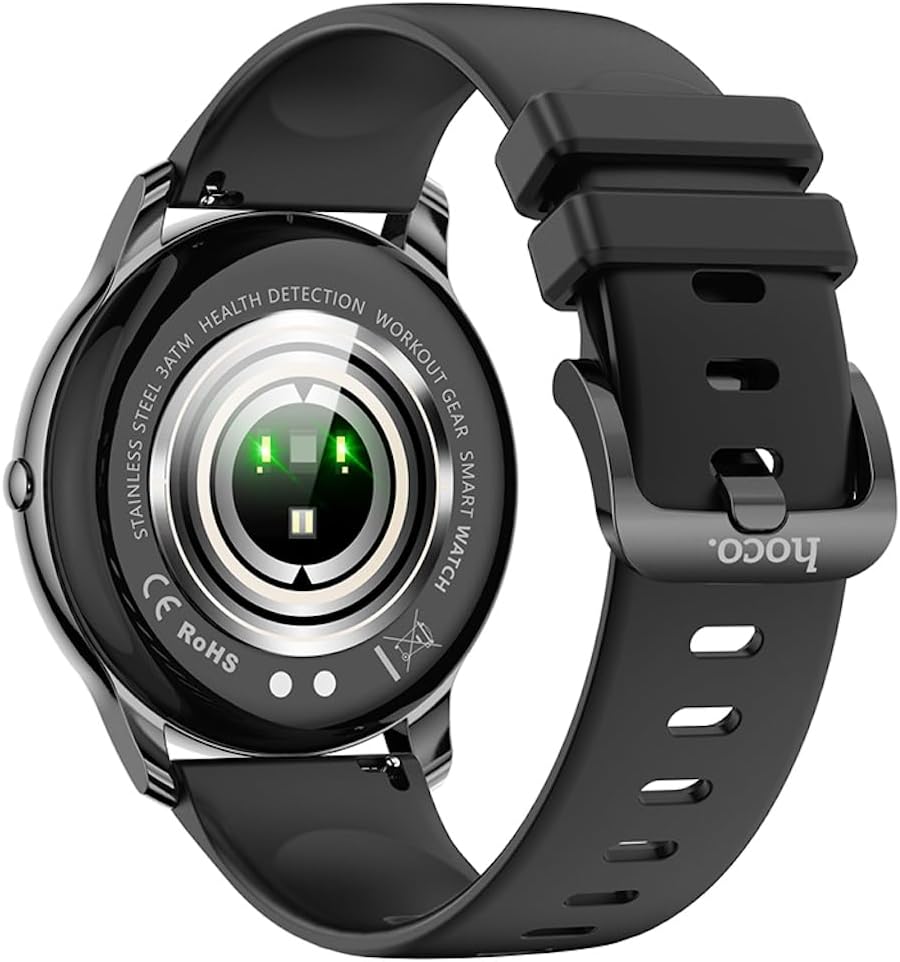
Задня view of the Hoco Y10 Smart Watch, highlighting the optical sensors for health detection and charging contacts.
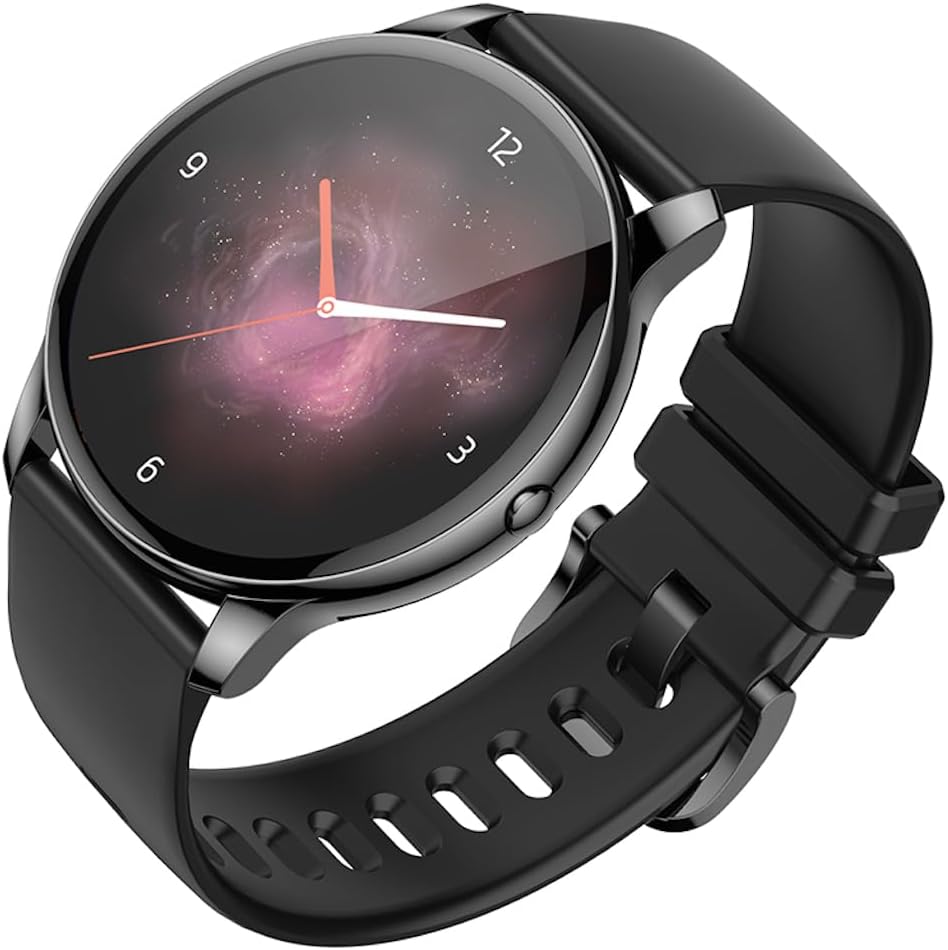
Під кутом view of the Hoco Y10 Smart Watch with an abstract, artistic watch face.
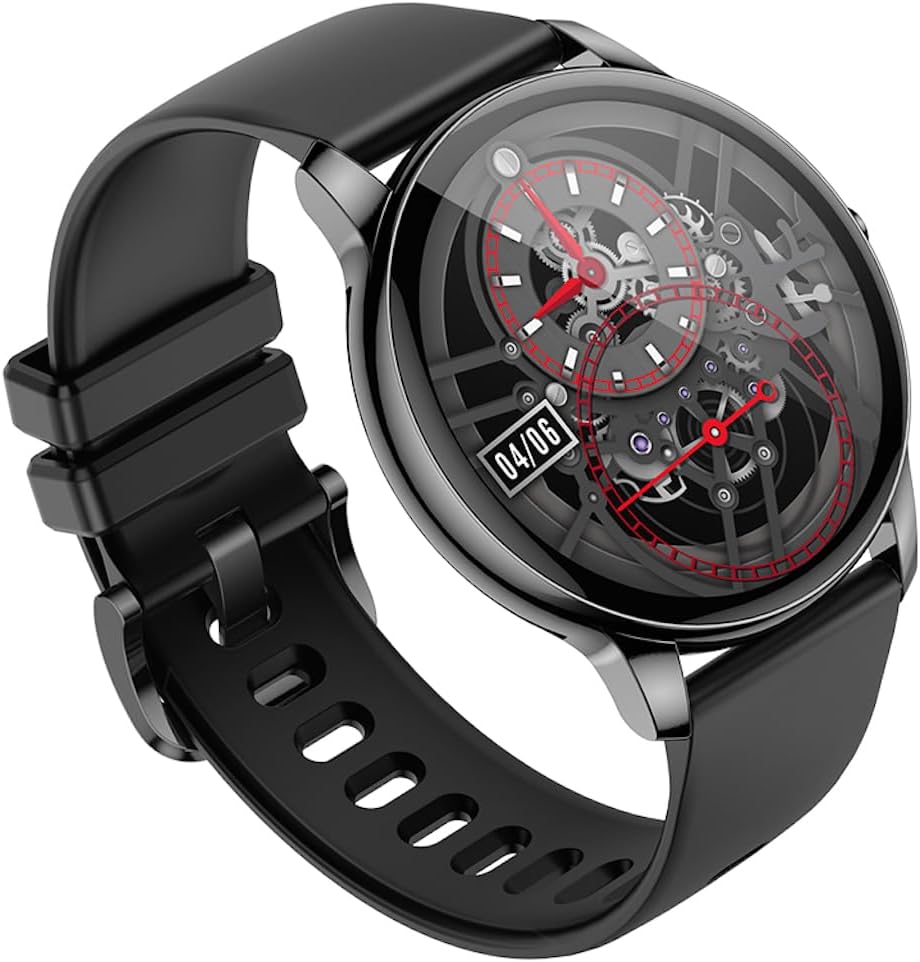
Ще один кутовий view of the Hoco Y10 Smart Watch, showing a detailed mechanical-style watch face with visible gears.

The Hoco Y10 Smart Watch displayed on a textured, light-colored surface, highlighting its sleek design.
Two Hoco Y10 Smart Watches presented together, one with a digital face and the other with an analog face.
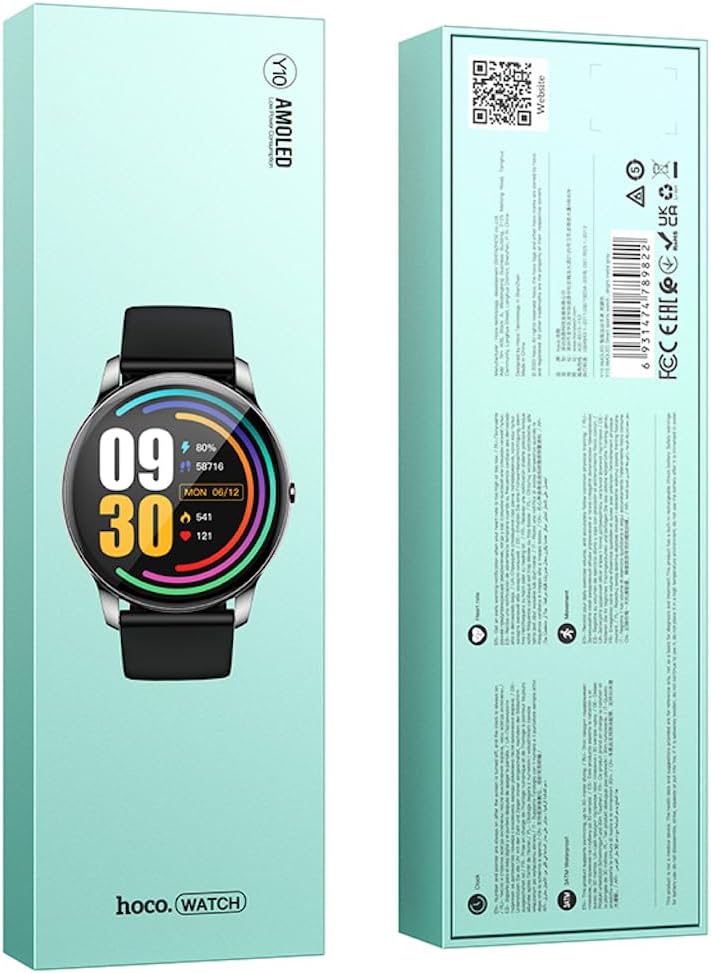
Спереду і ззаду view of the Hoco Y10 Smart Watch product packaging, showing product details and certifications.
Налаштування
1. Початкове заряджання
Before first use, fully charge your Hoco Y10 Smart Watch. Connect the provided charging cable to the charging contacts on the back of the watch and plug the USB end into a standard USB power adapter (not included) or a computer USB port. The watch display will indicate charging status. A full charge typically takes approximately 2 hours.
2. Увімкнення/вимкнення живлення
- Щоб увімкнути: Press and hold the side button until the Hoco logo appears.
- Щоб вимкнути: From the watch face, swipe down or navigate to the settings menu, then select "Power Off" or "Shutdown". Confirm your selection.
3. Сполучення зі смартфоном
To unlock the full features of your Hoco Y10, you need to pair it with your smartphone via Bluetooth. While the specific app name is not provided, most smartwatches require a companion app. Please refer to the QR code on the product packaging or search for "Hoco Smart Watch" or "Hoco Y10" in your phone's app store (Google Play Store for Android, Apple App Store for iOS).
- Завантажте та встановіть додаток-супутник на свій смартфон.
- Переконайтеся, що Bluetooth увімкнено на вашому смартфоні.
- Відкрийте програму та дотримуйтеся вказівок на екрані, щоб створити обліковий запис або увійти.
- In the app, select "Add Device" or "Pair Device" and choose "Hoco Y10" from the list of available devices.
- Підтвердіть запит на сполучення як на годиннику, так і на смартфоні.
Інструкція з експлуатації
Основна навігація
- Сенсорний екран: Проведіть пальцем ліворуч/праворуч, вгору/вниз, щоб переходити між меню та функціями. Торкніться, щоб вибрати.
- Бічна кнопка: Typically used to wake the screen, return to the watch face, or access the app menu.
Ключові характеристики
- Дивитися обличчя: Customize your watch face by long-pressing the screen or through the companion app.
- Спортивні режими: Access various sports tracking modes (e.g., running, walking, cycling) to monitor your activity data.
- Моніторинг здоров'я: The watch supports health detection features, likely including heart rate monitoring. Refer to the app for detailed data and historical trends.
- Сповіщення: Receive call, message, and app notifications directly on your wrist (requires app setup).
- Налаштування: Adjust brightness, language (supports 20 languages), vibration, and other watch settings.
- Керування музикою: Керуйте відтворенням музики на підключеному смартфоні.
- Погода: View current weather conditions (requires app synchronization).
Note: The Hoco Y10 does not support direct call functionality.
Технічне обслуговування та догляд
- Прибирання: Регулярно протирайте годинник і ремінець м’якою губкоюamp тканина. Не використовуйте агресивні хімікати або абразивні матеріали.
- Водонепроникність: The watch is 3ATM waterproof, meaning it can withstand splashes, rain, and brief immersion. Do not wear it while showering with hot water, in saunas, or for diving. After contact with saltwater, rinse with fresh water and dry thoroughly.
- Зарядка: Перед заряджанням переконайтеся, що зарядні контакти на годиннику та кабелі чисті та сухі.
- Зберігання: When not in use for extended periods, store the watch in a cool, dry place. Charge it periodically to prevent deep discharge of the battery.
Усунення несправностей
| проблема | Можливе рішення |
|---|---|
| Годинник не вмикається. | Переконайтеся, що годинник повністю заряджений. Підключіть його до зарядного пристрою щонайменше на 30 хвилин. |
| Не вдається з'єднати пристрій зі смартфоном. |
|
| Неточні дані про стан здоров'я. | Переконайтеся, що годинник щільно прилягає до зап'ястя, не надто туго і не надто вільно. Почистіть датчики на задній панелі годинника. |
| Короткий час автономної роботи. |
|
Технічні характеристики
| Особливість | Деталь |
|---|---|
| Модель | Y10 |
| Головний екран | 1.3 дюймів AMOLED |
| роздільна здатність | 360 х 360 |
| Рейтинг водонепроникності | 3ATM |
| ЦП | Ruiyu RTL8762DT |
| Пам'ять | 128 Мб |
| Версія Bluetooth | 5.0 |
| Ємність акумулятора | 230 мАг |
| Витривалість | 7-10 днів (типове використання) |
| Підтримувані мови | 20 languages (Chinese, English, Russian, Arabic, Vietnamese, Danish, Thai, Polish, Persian, Spanish, Malay, Greek, French, Italy, German, Portuguese, Türkiye, Romania, Hebrew, Burmese) |
| Функціональність виклику | Не підтримується |
| Операційна система | Android (сумісний) |
| Колір | Bright Metal Grey |
| Вага товару | 169 г |
Гарантія та підтримка
For information regarding the manufacturer's warranty, please refer to the warranty card included with your product or contact your point of purchase. For technical support and further inquiries, please visit the official HOCO webсайт:
Ask a question about this manual
Ask about setup, troubleshooting, compatibility, parts, safety, or missing instructions. Manuals+ will review the question and use this page’s manual context to help answer it.