
1. Вступ
This manual provides detailed instructions for the installation, operation, and maintenance of your Gyration Cyberview 3000 3MP Wi-Fi Network Camera. Please read this manual thoroughly before using the product to ensure proper functionality and safety. The Cyberview 3000 is designed for both indoor and outdoor surveillance, offering high-resolution video, advanced detection features, and seamless smart home integration.
2. Продукт закінчивсяview
2.1 Вміст упаковки
- Кібер-гіраціяview 3000 3MP Smart Wi-Fi Wireless Doorbell Camera
- Бездротовий дзвінок
- Кріпильні елементи (шурупи, анкера)
- USB-кабель для зарядки (якщо є)
- Посібник користувача (цей документ)
2.2 Основні характеристики
- High-quality 3MP image with 1/2.8'' CMOS sensor (2048 x 1536@15fps; 16:9 aspect ratio)
- 3X Digital Zoom for detailed viewінж
- PIR motion sensor for instant and accurate alerts
- Advanced AI detection: humanoid, vehicle, pet capture, and package detection (requires value-added services)
- Підключення Wi-Fi для легкого встановлення
- Вбудований мікрофон і динамік для двостороннього аудіозв'язку
- Multiple storage options: Cloud storage, local Micro SD card (up to 128 GB), and mobile phone memory
- IP65 weather resistance rating
- Includes a wireless chime for audible alerts
- Compatibility with Google Home & Amazon Alexa
- Remote real-time monitoring via Android/iOS mobile devices
2.3 Компоненти продукту
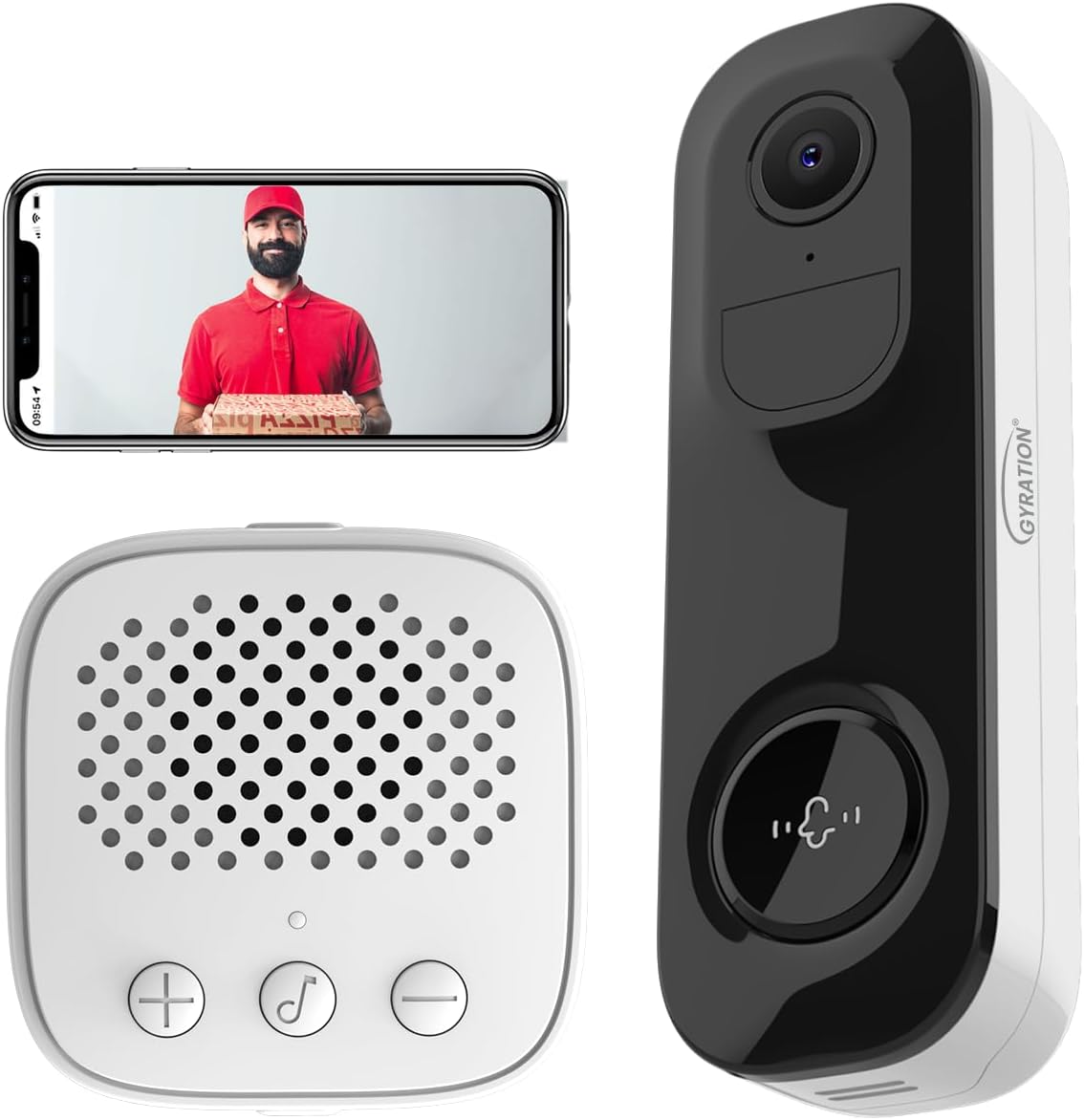
малюнок 2.3.1: The Gyration Cyberview 3000 system, including the doorbell camera, wireless chime, and a smartphone displaying the live feed.
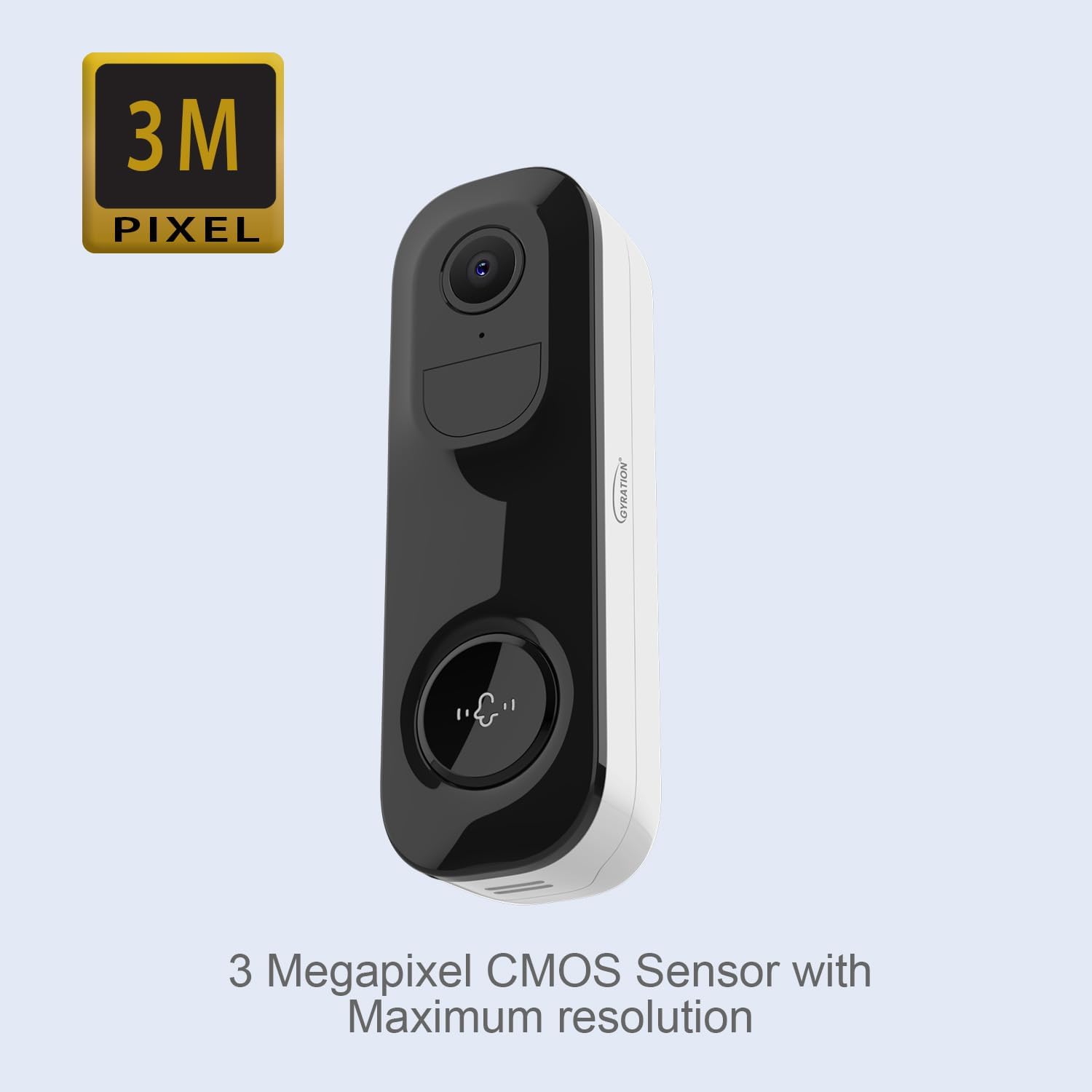
малюнок 2.3.2: Фронт view of the Cyberview 3000 camera, emphasizing its 3 Megapixel CMOS sensor for high-resolution video.
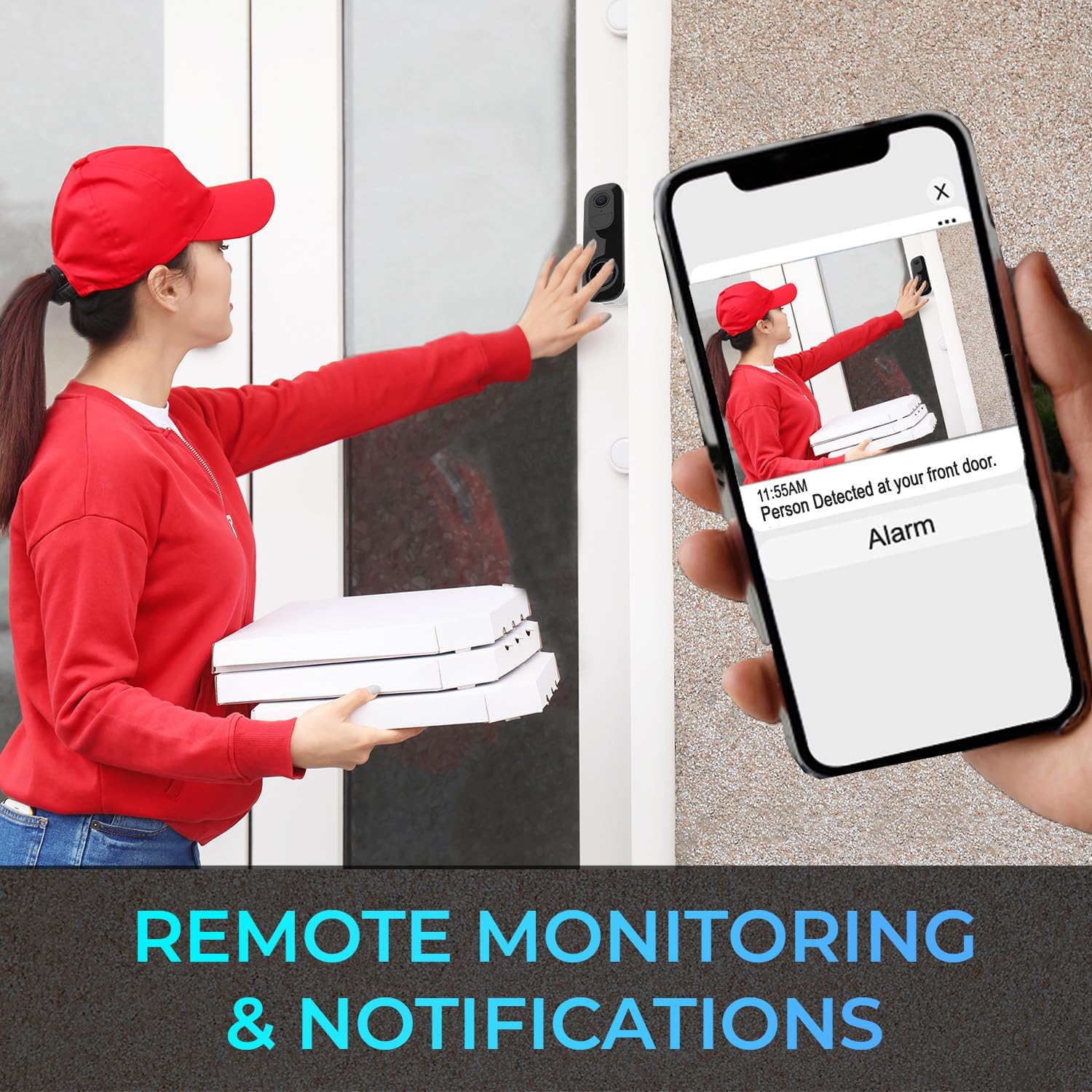
малюнок 2.3.3: The wireless chime unit, which provides audible alerts when the doorbell is pressed or motion is detected.
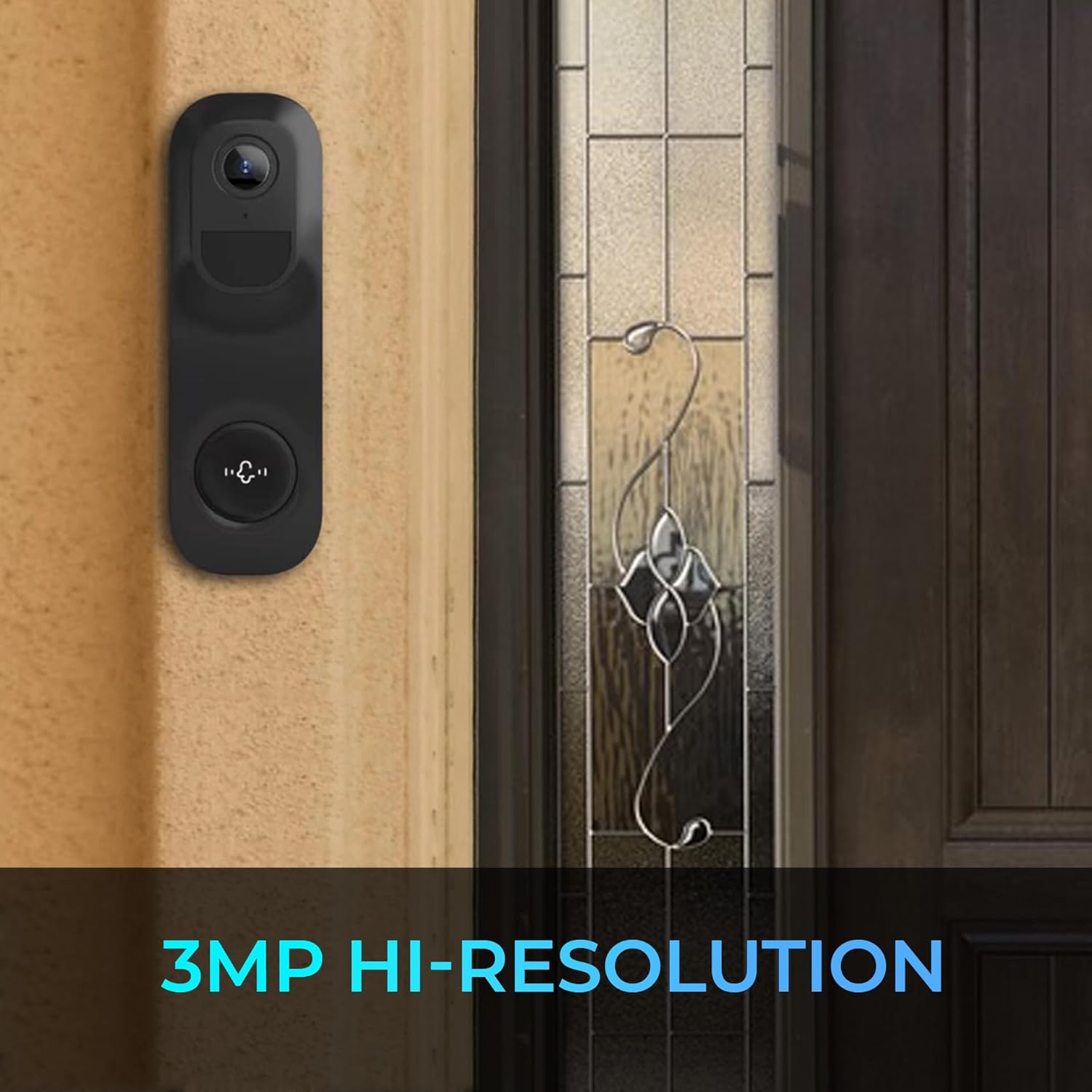
малюнок 2.3.4: Кіберview 3000 doorbell camera mounted on a wall, showcasing its compact design and 3MP high-resolution capability.
3. Налаштування
3.1 Зарядка пристрою
Before initial use, ensure the doorbell camera is fully charged. Connect the camera to a 5V power source using the provided USB charging cable. The charging indicator will show the charging status.
3.2 Встановлення програми та створення облікового запису
- Download the official Gyration app from your mobile device's app store (available for Android and iOS).
- Open the app and create a new user account. Follow the on-screen prompts to complete registration.
3.3 Сполучення пристроїв
- Переконайтеся, що ваш мобільний пристрій підключено до мережі Wi-Fi 2.4 ГГц.
- У застосунку виберіть «Додати пристрій» або значок «+».
- Follow the in-app instructions to put the camera into pairing mode (usually by pressing and holding a button on the camera).
- Scan the QR code displayed on your phone with the camera, or follow alternative pairing methods provided by the app.
- Once the camera is connected, follow the prompts to name your device and complete the setup.
3.4 Chime Pairing
- Plug the wireless chime into a power outlet within range of the doorbell camera.
- Press the SYNC button on the chime unit.
- Press the doorbell button on the camera. The chime should ring, indicating successful pairing.
- Adjust chime volume and melody using the buttons on the chime unit.
3.5 Фізичне встановлення
- Choose a suitable location for the camera, ensuring good Wi-Fi signal strength and a clear view області, яку ви бажаєте контролювати.
- Use the provided mounting hardware to securely attach the camera to a wall or doorframe.
- Ensure the camera is positioned at an optimal height for detection and clear viewінж.
4. Інструкція з експлуатації
4.1 Живий View та дистанційний моніторинг
Open the Gyration app on your smartphone to access the live video feed from your Cyberview 3000 camera. You can monitor your property in real-time from anywhere with an internet connection.
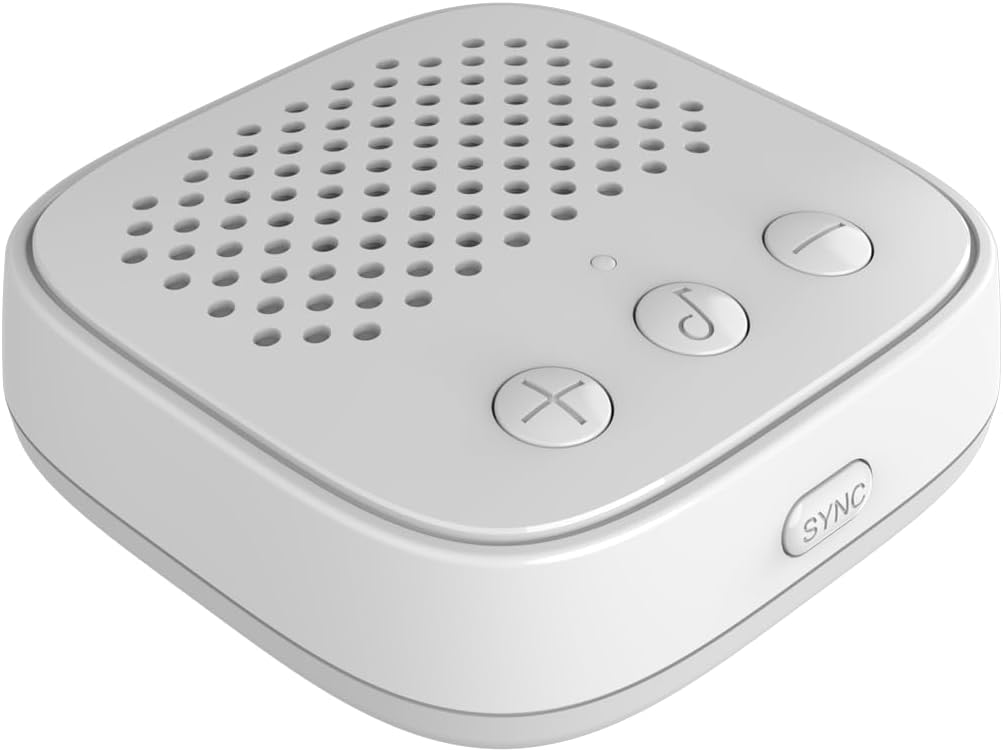
малюнок 4.1.1: Remote monitoring and notifications allow users to receive alerts and view events on their mobile device.
4.2 Двосторонній аудіозв'язок
У прямому ефірі view, tap the microphone icon in the app to speak through the camera's speaker. Tap the speaker icon to listen to audio from the camera's microphone. This enables communication with visitors or deterrence of unwanted activity.
4.3 Motion and Activity Detection
Кіберview 3000 utilizes a PIR motion sensor and advanced AI for detection. When motion, a person, vehicle, pet, or package is detected, you will receive an instant alert on your mobile device. You can customize detection zones and sensitivity settings within the app.

малюнок 4.3.1: The camera's ability to detect people and packages, indicated by red detection lines, triggering alerts.
4.4 Нічне бачення
The camera features full-color infrared night vision, providing clear video footage even in low-light or no-light conditions.

малюнок 4.4.1: A visual comparison demonstrating the effectiveness of the camera's full-color infrared night vision.
4.5 Зберігання відео
Записано відео footage can be stored in several ways:
- Хмарне сховище: Subscribe to cloud services through the app for secure, remote storage of your recordings.
- Micro SD Card: Insert a Micro SD card (up to 128 GB, not included) into the camera's designated slot for local storage.
- Mobile Phone Memory: Manually record or download clips directly to your smartphone.
4.6 Інтеграція з розумним будинком
Кіберview 3000 is compatible with Google Home and Amazon Alexa. Follow the instructions in your smart home app to link your Gyration account and enable voice control or integrate with other smart devices.
5. Технічне обслуговування
5.1 Очищення
To maintain optimal performance, periodically clean the camera lens and housing with a soft, dry cloth. Avoid using harsh chemicals or abrasive materials that could damage the device.
5.2 оновлень мікропрограми
Ensure your camera's firmware is always up to date. The app will typically notify you of available updates. Follow the in-app instructions to perform firmware upgrades, which can improve performance and add new features.
5.3 Керування батареєю
The camera is battery-powered. Monitor the battery level through the app and recharge the device as needed to ensure continuous operation.
6. Вирішення проблем
- Камера не підключається до Wi-Fi:
- Переконайтеся, що ваша мережа Wi-Fi працює на частоті 2.4 ГГц.
- Перевірте силу сигналу Wi-Fi у місці розташування камери.
- Перезавантажте роутер і камеру.
- Перевірте правильність введення пароля Wi-Fi у застосунку.
- Немає сповіщень про виявлення руху:
- Check app notification settings and ensure they are enabled.
- Налаштуйте чутливість виявлення руху в додатку.
- Переконайтеся, що камера view не перешкоджає.
- Двосторонній аудіо не працює:
- Перевірте дозволи мікрофона та динаміка для програми на вашому телефоні.
- Ensure volume levels are adjusted correctly in the app and on your phone.
- Дзвінок не дзвонить:
- Переконайтеся, що дзвінок підключено до мережі та увімкнено.
- Re-pair the chime with the doorbell camera as per Section 3.4.
- Check if the chime is within effective range of the doorbell camera.
- Погана якість відео:
- Перевірте швидкість вашого Wi-Fi з'єднання.
- Очистіть об'єктив камери.
- Ensure adequate lighting for optimal image quality.
7. Технічні характеристики
| Особливість | Специфікація |
|---|---|
| Назва моделі | Кіберview 3000 |
| Датчик зображення | 3MP, 1/2.8'' CMOS |
| Роздільна здатність відео | 2048 x 1536 при 15 кадрів в секунду |
| Цифровий зум | 3X |
| Підключення | Wi-Fi (2.4 ГГц) |
| Аудіо | Двосторонній аудіозв'язок (вбудований мікрофон і динамік) |
| Параметри зберігання | Cloud Storage, Micro SD Card (up to 128 GB), Mobile Phone Memory |
| виявлення | PIR Motion Sensor, Humanoid, Vehicle, Pet, Package Detection |
| Нічне бачення | Full Color Infrared Night Vision |
| Стійкість до погодних умов | Рейтинг IP65 |
| Джерело живлення | Живлення від батареї (5 В) |
| Сумісні пристрої | Smartphone (Android/iOS), Google Home, Amazon Alexa |
| Розміри (Д x Ш x В) | 6.4 x 3.8 x 2.7 дюймів |
| Вага товару | 16 унцій (1 фунт) |
| Включені компоненти | 3MP Smart WiFi Wireless Doorbell Camera, Wireless Chime |
8. Гарантія та підтримка
For warranty information and technical support, please refer to the official Gyration webсайт або зверніться безпосередньо до служби підтримки клієнтів. Зберігайте чек про покупку як підтвердження покупки для гарантійних претензій.
Виробник: Гірація
Номер деталі: КІБЕРVIEW 3000
UPC: 744390953484