
MARK ADLER Xeno 4.1
MARK ADLER Xeno 4.1 Electric Height-Adjustable Desk Frame
Model: Xeno 4.1 | Brand: MARK ADLER
вступ
This manual provides essential instructions for the assembly, operation, and maintenance of your MARK ADLER Xeno 4.1 Electric Height-Adjustable Desk Frame. Please read this manual thoroughly before use to ensure safe and efficient operation.
The MARK ADLER Xeno 4.1 desk frame offers a flexible workspace solution, allowing you to switch between sitting and standing positions. Its robust construction and intuitive controls are designed for comfort and stability in various work environments.
Інформація про безпеку
- Перед використанням переконайтеся, що всі компоненти надійно закріплені.
- Не перевищуйте максимальну вантажопідйомність 70 кг (154 фунтів).
- Тримайте дітей та домашніх тварин подалі від столу під час регулювання висоти.
- Уникайте потрапляння рідин безпосередньо на панель керування або компоненти двигуна.
- Від’єднайте живлення перед чищенням або будь-яким технічним обслуговуванням.
- Використовуйте лише надані адаптер живлення та компоненти.
- If any unusual noise or malfunction occurs, immediately stop operation and disconnect power.
Вміст упаковки
Verify that all parts are present before beginning assembly. Refer to the included assembly guide for a detailed list of components.
- Electric Height-Adjustable Desk Frame components
- Control Panel with Memory Function
- Адаптер живлення
- Посібник з монтажу
- Necessary Screws and Tools (Screwdriver recommended for assembly)
Налаштування та збірка
Follow these general steps for assembling your MARK ADLER Xeno 4.1 desk frame. A detailed assembly guide is included with your product.
- Розпакуйте компоненти: Обережно вийміть усі деталі з упаковки та розкладіть їх на чистій рівній поверхні.
- Зібрати ніжки та ступні: Attach the desk legs to the feet using the provided screws. Ensure they are stable and level.
- Підключення поперечної штанги: Attach the adjustable crossbar between the two leg assemblies. Adjust the width to match your desired tabletop size (90 to 160 cm).
- Встановлення двигуна та блоку керування: Secure the motor and control box to the frame according to the assembly guide.
- Підключіть панель керування: Mount the LED control panel in an accessible location on the frame.
- Електропроводка: Connect all cables from the motor, control panel, and power adapter to the control box. Ensure all connections are secure.
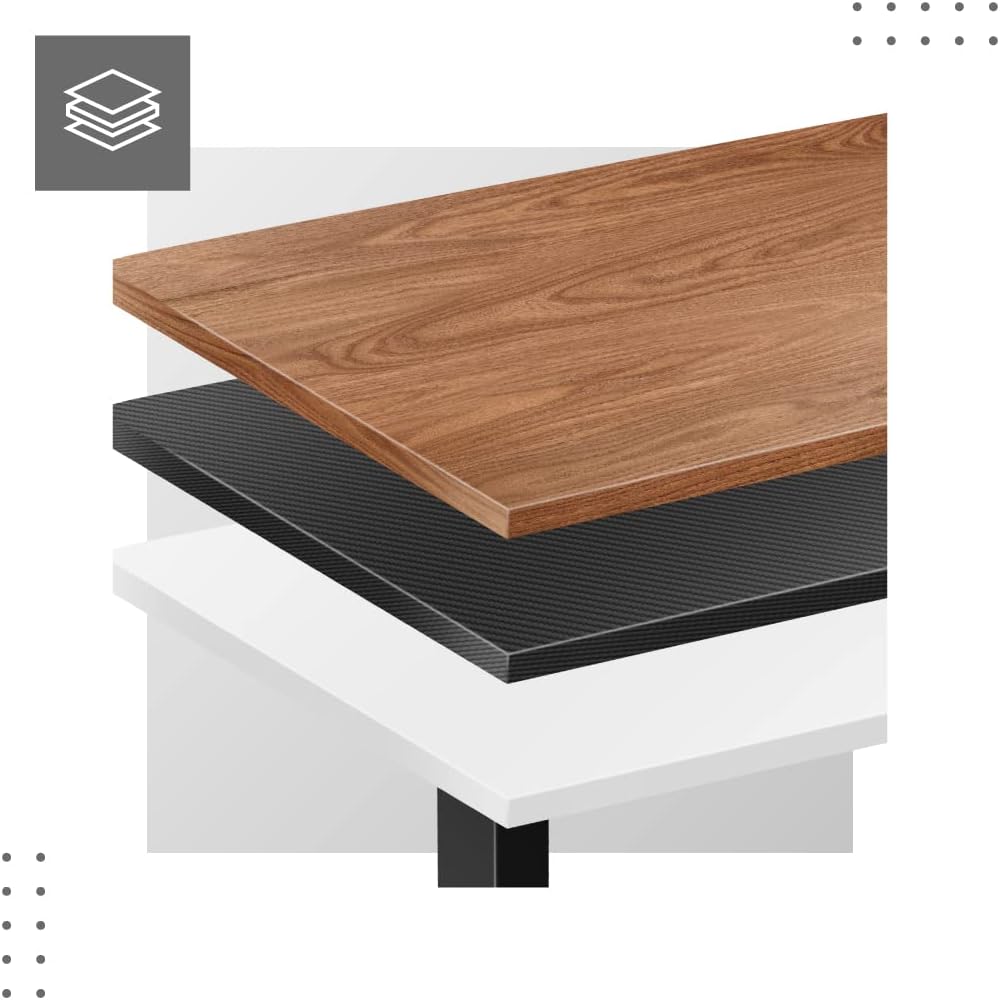
- Прикріпіть стільницю (не входить до комплекту): Place your tabletop (90-160 cm width recommended) onto the assembled frame and secure it using appropriate screws (not included with frame).
- Початкове включення: Plug the power adapter into a wall outlet. The desk is now ready for calibration.
Розміри та сумісність:

Інструкція з експлуатації
The MARK ADLER Xeno 4.1 features an intuitive LED control panel for easy height adjustment and memory functions.


Basic Height Adjustment
- Використовуйте Вгору (▲) arrow button to raise the desk to your desired standing height.
- Використовуйте Вниз (▼) arrow button to lower the desk to your desired sitting height.
- The current height will be displayed on the LED screen.
Налаштування пресетів пам'яті
Стіл дозволяє зберегти до трьох бажаних налаштувань висоти.
- Відрегулюйте висоту столу на потрібну вам висоту за допомогою кнопок «Вгору/Вниз».
- Натисніть "С" (Save) button. The display will show "S-".
- Протягом 3 секунд натисніть одну з кнопок пам'яті ("1", "2", або "3"). Поточна висота тепер збережена в цьому пресеті.
Recalling Memory Presets
- Simply press the desired memory button ("1", "2", або "3"). Стіл автоматично переміститься на збережену висоту.
Initial Calibration / Reset
If the desk does not operate correctly or displays an error code, a reset may be required.
- Натисніть і утримуйте Вниз (▼) button until the desk reaches its lowest position and then slightly rises. Release the button.
- If the issue persists, disconnect the power for 10 seconds, then reconnect and attempt the reset procedure again.
Технічне обслуговування
- Прибирання: Протріть каркас столу м’якою ганчіркоюamp cloth. Avoid abrasive cleaners or solvents. Ensure the control panel and electrical components remain dry.
- Управління кабелем: Regularly check and organize cables to prevent tangles or damage, especially during height adjustments.
- Перевірка кріплення: Періодично перевіряйте всі гвинти та болти, щоб переконатися, що вони затягнуті. За потреби підтягніть.
- Змащення: The electric lifting mechanism is generally maintenance-free. Do not attempt to lubricate internal components unless specifically instructed by the manufacturer.
Усунення несправностей
| проблема | Можлива причина | Рішення |
|---|---|---|
| Стіл не рухається. | Power cable disconnected; Overload; Motor overheating; Control panel issue. | Check power connection. Reduce load. Allow motor to cool down. Perform a reset (see Operating Instructions). |
| Uneven movement or desk tilting. | Uneven load distribution; Loose fasteners. | Distribute weight evenly on the tabletop. Check and tighten all assembly screws. |
| Код помилки відображається на панелі керування. | System malfunction; Overload; Sensor issue. | Perform a reset (see Operating Instructions). If the error persists, contact customer support. |
| Пресетні налаштування пам'яті не працюють. | Пресети збережено неправильно. | Re-save your desired height presets (see Operating Instructions). |
Технічні характеристики
| Особливість | Деталь |
|---|---|
| Назва моделі | Xeno 4.1 Black |
| Бренд | МАРК АДЛЕР |
| Діапазон регулювання висоти | 72 см - 118 см (28.3 дюйма - 46.5 дюйма) |
| Width Adjustment Range | 84 см - 129 см (33.1 дюйма - 50.8 дюйма) |
| Рекомендована ширина стільниці | 90 см - 160 см (35.4 дюйма - 63 дюйма) |
| Максимальна вантажопідйомність | 70 кг (154 фунта) |
| Матеріал рами | метал |
| Колір | чорний |
| Панель керування | LED with 3 Memory Presets |
| Тип двигуна | Electric, Smooth Operation |
| Потрібна збірка | так |
| Рекомендовані інструменти | Викрутка |
| Вага товару | 17 кг (37.5 фунта) |
| Виробник | Meester Group sp. z o.o. |
Гарантія та підтримка
For warranty information and customer support, please refer to the official MARK ADLER webсайт або зверніться до продавця. Зберігайте чек про покупку як підтвердження покупки для будь-яких гарантійних претензій.
Виробник: Meester Group sp. z o.o.
ASIN: B0C66DP9NT
Для отримання додаткової допомоги, будь ласка, відвідайте сторінка товару на Amazon or contact MARK ADLER customer service.
Ask a question about this manual
Ask about setup, troubleshooting, compatibility, parts, safety, or missing instructions. Manuals+ will review the question and use this page’s manual context to help answer it.