
1. Вступ
Дякуємо за покупкуasing the FunFlix RD-882 Portable Projector. This manual provides essential information for setting up, operating, and maintaining your projector to ensure optimal performance and longevity. Please read this manual thoroughly before use and retain it for future reference.
2. Техніка безпеки
- Не дивіться безпосередньо в об'єктив проектора, коли він увімкнений.amp увімкнено. Інтенсивне світло може спричинити пошкодження очей.
- Забезпечте належну вентиляцію навколо проектора. Не блокуйте вентиляційні отвори.
- Тримайте проектор подалі від води, вологи та екстремальних температур.
- Використовуйте лише адаптер живлення, що постачається з проектором.
- Не намагайтеся ремонтувати проектор самостійно. Звертайтеся до кваліфікованого персоналу для проведення будь-яких робіт з обслуговування.
- Від’єднуйте проектор від мережі під час грози або якщо він не використовується протягом тривалого часу.
3. Вміст упаковки
Перевірте наявність усіх предметів у вашій упаковці:
- FunFlix RD-882 Portable Projector
- Пульт дистанційного керування (батареї не входять)
- Кабель живлення
- Кабель HDMI
- AV-кабель
- Посібник користувача

Рисунок 3.1: Комплектуючі
4. Продукт закінчивсяview
4.1 Спереду View
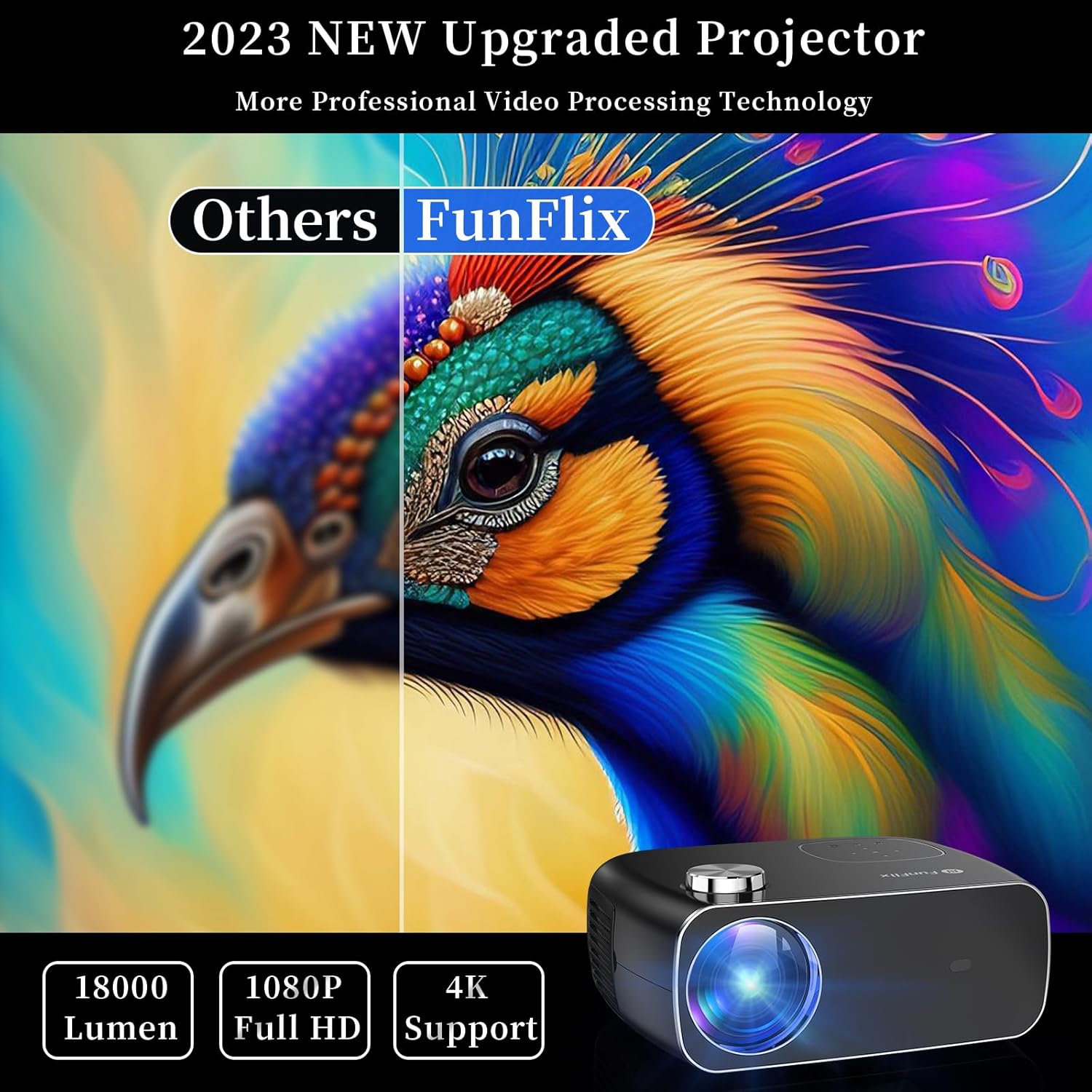
Малюнок 4.1: Спереду View проектора
The front of the projector features the projection lens and an infrared receiver for the remote control.
4.2 Задня частина View і порти

Малюнок 4.2: Задня частина View with Input Ports
На задній панелі є такі варіанти підключення:
- Порти HDMI (x2): Connect to devices like laptops, gaming consoles, or streaming sticks.
- USB-порти (x2): Connect USB drives for media playback or power external devices.
- AV-порт: Підключіться до старіших пристроїв за допомогою AV-кабелю, що входить до комплекту.
- Аудіо вихід: Підключіть зовнішні динаміки або навушники.
- Споживана потужність: Підключіть адаптер живлення.
5. Налаштування
5.1 Розміщення
Place the projector on a stable, flat surface. Ensure there is enough space around the projector for proper ventilation. The projection distance and screen size can vary. The projector supports projection sizes from 50 to 300 inches.

Figure 5.1: Projector Placement and Projection
5.2 Підключення живлення
Підключіть кабель живлення до вхідного порту живлення проектора, а потім увімкніть його в розетку.
5.3 Фокусування та корекція трапецієподібних спотворень
After powering on the projector, adjust the focus ring on the top of the projector until the image is clear. Use the keystone correction feature to adjust the image shape if it appears trapezoidal. The projector supports both manual focus and digital keystone correction.

Figure 5.2: Keystone Correction and Zoom Function
Video 5.1: Demonstrates projector features including power-on, bulb life, display sizes, precise intelligent focusing, native 1080P resolution, zoom function, 5G WiFi support, wireless projection for iOS/Android, wired HDMI connection, built-in speaker, 15-degree gradient correction, Bluetooth connection, and high color reproduction.
6. Операційна
6.1 Увімкнення/вимкнення живлення
Press the power button on the projector or the remote control to turn the projector on or off.
6.2 Джерела вхідних даних
Select the desired input source from the main menu using the remote control or the buttons on the projector.
- HDMI: Connect your device via an HDMI cable.
- USB: Вставте USB-накопичувач для відтворення медіафайлів files.
- AV: Підключіть старіші пристрої за допомогою AV-кабелю.
6.3 Бездротове підключення
The FunFlix RD-882 supports 5G WiFi and Bluetooth 5.2 for enhanced connectivity.
6.3.1 5G WiFi Connection
To connect to a 5G WiFi network:
- Перейдіть до меню «Налаштування» на проекторі.
- Select 'Network Settings' or 'WiFi'.
- Choose your 5G WiFi network from the list and enter the password.

Figure 6.1: 5G WiFi Wireless Connection
6.3.2 З’єднання Bluetooth 5.2
To connect to Bluetooth audio devices:
- Перейдіть до меню «Налаштування».
- Виберіть «Налаштування Bluetooth».
- Увімкніть Bluetooth і знайдіть доступні пристрої.
- Виберіть Bluetooth-колонку або навушники для сполучення.

Рисунок 6.2: З’єднання Bluetooth 5.2
6.4 Віддзеркалення екрана
The projector supports screen mirroring from iOS and Android devices. Ensure your device and the projector are connected to the same WiFi network.
- Для пристроїв iOS: Use the 'Screen Mirroring' or 'AirPlay' function on your iPhone/iPad and select the projector from the list of available devices.
- Для пристроїв Android: Use the 'Cast', 'Smart View', or 'Wireless Display' function on your Android phone/tablet and select the projector.
6.5 Налаштування параметрів
Access the projector's menu to adjust various settings:
- Параметри зображення: Налаштуйте яскравість, контрастність, колір та різкість.
- Налаштування звуку: Adjust volume, sound mode, and balance.
- Режим проекції: Виберіть проекцію спереду, ззаду, стельово-передньо або стельово-задньо.
7. Технічне обслуговування
7.1 Очищення об'єктива
Використовуйте м’яку тканину без ворсу або папір для чищення об’єктивів, щоб обережно протерти об’єктив. Уникайте використання абразивних засобів для чищення або надмірного зусилля, які можуть подряпати об’єктив.
7.2 Cleaning Air Filters/Vents
Regularly check and clean the air filters and vents to prevent dust buildup, which can affect cooling and performance. Use a soft brush or a vacuum cleaner with a brush attachment to remove dust.
7.3 Зберігання
Коли проектор не використовується, зберігайте його в прохолодному, сухому місці, подалі від прямих сонячних променів та екстремальних температур. Використовуйте оригінальну упаковку або захисний футляр, щоб запобігти потраплянню пилу та пошкодженням.
8. Вирішення проблем
| проблема | Можлива причина | Рішення |
|---|---|---|
| На екрані немає зображення | Power not connected, incorrect input source, device not connected. | Check power cable, select correct input source, ensure source device is on and connected. |
| Зображення розмите | Focus not adjusted, projector too far/close. | Adjust the focus ring. Ensure projector is within optimal projection distance. |
| Зображення має трапецієподібну форму | Трапецеїдний камінь не виправлено. | Adjust keystone correction in the settings menu. |
| Ні звуку | Volume too low, incorrect audio output, source device muted. | Increase projector volume, check audio output settings, unmute source device. |
| Пульт не працює | Батарейки розряджені/розряджені, ІЧ-датчик заблокований. | Замініть батарейки, переконайтеся, що між пультом дистанційного керування та проектором немає перешкод. |
9. Технічні характеристики
- Бренд: FunFlix
- Номер моделі: РД-882
- Вага товару: 4.75 фунта
- Розміри продукту: 9.57 x 7.87 x 3.98 дюймів
- Максимальна роздільна здатність дисплея: 1920 x 1080 (оригінальна роздільна здатність 1080P)
- Підключення: 5G WiFi, Bluetooth 5.2, HDMI (x2), USB (x2), AV
- Рекомендоване використання: Gaming, Home Theater, Outdoor Projection
- Форм-фактор: Портативний
- Тип монтажу: Настільне кріплення
10. Гарантія та підтримка
For warranty information and technical support, please refer to the contact details provided on the FunFlix official website or your purchase documentation. Do not attempt to open or repair the device yourself, as this may void your warranty.