
вступ
This manual provides essential information for setting up, operating, maintaining, and troubleshooting your Vodafone 4G Mobile Broadband Hotspot R228t. Please read this manual carefully before using the device to ensure optimal performance and safety.

Зображення: спереду view of the Vodafone 4G Mobile Broadband Hotspot R228t, showing the indicator lights for signal, Wi-Fi, messages, and battery.
Посібник із налаштування
1. Вміст упаковки
Перш ніж почати, переконайтеся, що всі елементи присутні в упаковці:
- Vodafone 4G Mobile Broadband Hotspot R228t Device
- Акумуляторна батарея
- USB-кабель для зарядки
2. Встановлення SIM-картки та акумулятора
The device requires a standard SIM card (not included). Follow these steps:
- Carefully remove the back cover of the hotspot.
- Locate the SIM card slot. Insert your activated SIM card into the slot with the gold contacts facing down, ensuring it clicks into place.
- Insert the provided battery into its compartment, aligning the contacts.
- Надійно закрийте задню кришку.
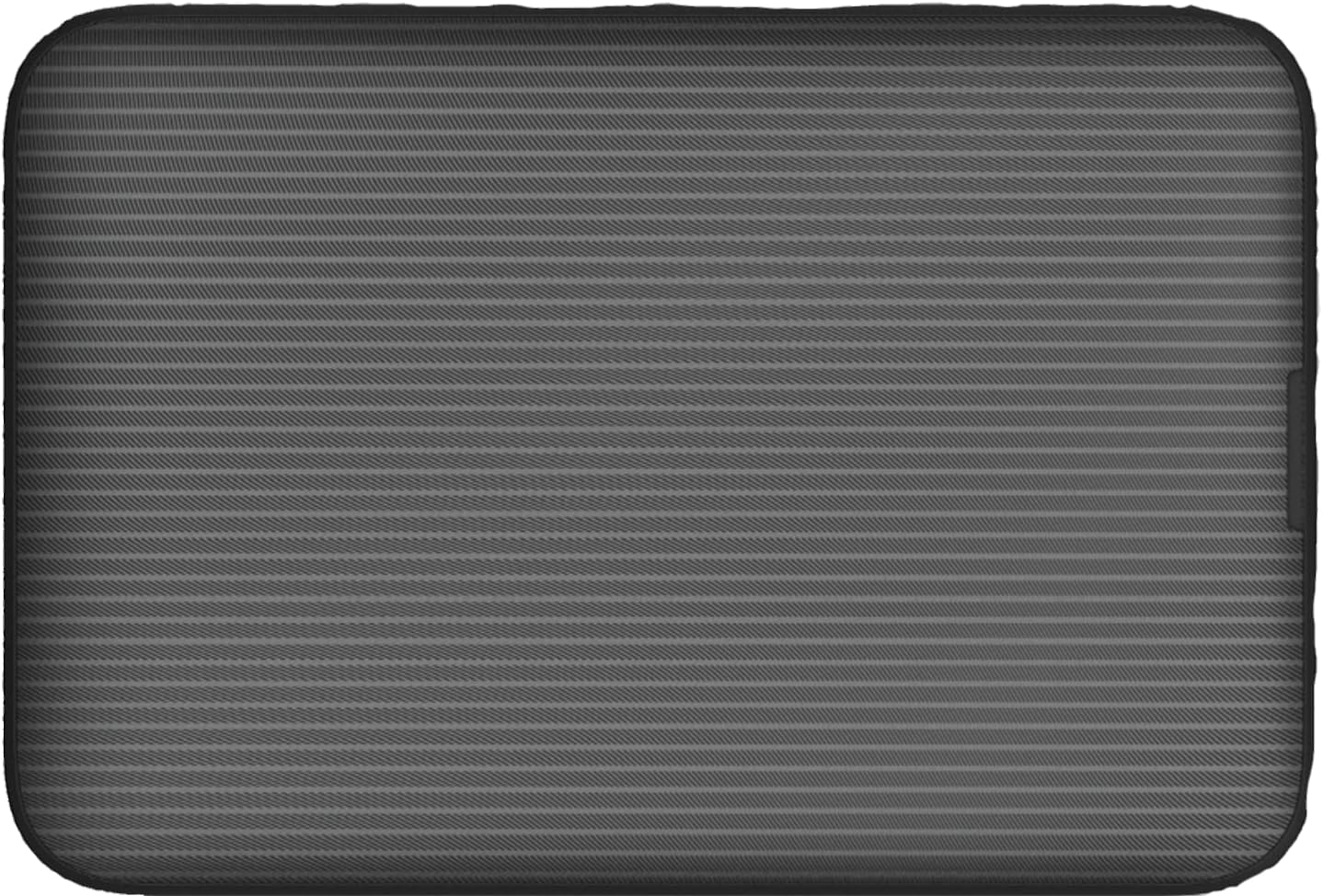
Зображення: Задня частина view of the Vodafone R228t hotspot with the back cover removed, illustrating the placement of the SIM card and battery.
3. Зарядка пристрою
Перед першим використанням повністю зарядіть пристрій.
- Connect the USB charging cable to the hotspot's charging port.
- Підключіть інший кінець кабелю до USB-адаптера живлення (не входить до комплекту) або USB-порту комп’ютера.
- The battery indicator light will show charging status. A full charge typically takes a few hours.

Зображення: Крупний план view of the Vodafone R228t hotspot's charging port, located on the side of the device.
Інструкція з експлуатації
1. Увімкнення/вимкнення живлення
- To power on: Press and hold the power button (located on the side) until the indicator lights illuminate.
- Щоб вимкнути живлення: натисніть і утримуйте кнопку живлення, доки індикатори не згаснуть.
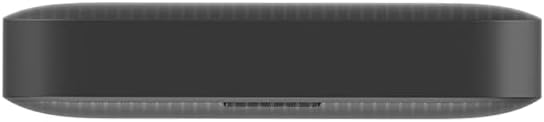
Зображення: Збоку view of the Vodafone R228t hotspot, highlighting the power button.
2. Connecting to the Wi-Fi Network
Once powered on, the hotspot will broadcast a Wi-Fi network. You can connect up to 32 devices simultaneously.
- On your device (laptop, smartphone, tablet), open your Wi-Fi settings.
- шукати available networks. The network name (SSID) and password (Wi-Fi Key) are typically found on a sticker inside the battery compartment or on the device packaging.
- Select the hotspot's SSID and enter the Wi-Fi Key when prompted.
- Після підключення у вас має бути доступ до Інтернету.
3. Світлові індикатори
The front panel features several indicator lights:
- Потужність сигналу: Indicates the strength of the 4G mobile signal. More bars mean better signal.
- Статус Wi-Fi: Shows if Wi-Fi is active and if devices are connected.
- повідомлення: Indicates new SMS messages received on the SIM card.
- Стан батареї: Displays the current battery level and charging status.
4. Web Інтерфейс управління
For advanced settings, such as changing Wi-Fi name/password, checking data usage, or managing SMS, access the web інтерфейс управління:
- Connect your device to the hotspot's Wi-Fi network.
- Відкрийте a web браузер і введіть IP-адресу за замовчуванням (наприклад, http://192.168.0.1 or http://vodafonemobile.wifi). Refer to your device's sticker for the exact address.
- Enter the default login password (usually "admin" or found on the device sticker).
Технічне обслуговування
- Прибирання: Використовуйте м’яку суху тканину для очищення пристрою. Уникайте рідких засобів для чищення або абразивних матеріалів.
- Зберігання: Зберігайте пристрій у прохолодному, сухому місці, подалі від прямих сонячних променів та екстремальних температур.
- Догляд за акумулятором: To prolong battery life, avoid fully discharging the battery frequently. If storing for extended periods, charge the battery to about 50% and recharge every few months.
- Оновлення програмного забезпечення: Періодично перевіряйте web інтерфейс керування доступними оновленнями прошивки для забезпечення оптимальної продуктивності та безпеки.
Усунення несправностей
| проблема | Можливе рішення |
|---|---|
| Немає підключення до Інтернету |
|
| Неможливо підключитися до Wi-Fi |
|
| Повільна швидкість інтернету |
|
| Пристрій не вмикається |
|
Технічні характеристики
| Особливість | Деталь |
|---|---|
| Назва моделі | R228t (Vodafone MW40) |
| Технологія підключення | 4G LTE, Wi-Fi |
| Максимальна швидкість завантаження | До 300 Мбіт/с |
| Стандартний Wi-Fi | 802.11a (Single-Band) |
| Безпека | WPA + WPA2 |
| Максимальна кількість користувачів Wi-Fi | До 32 |
| Тип батареї | Літій-іонний (1 в комплекті) |
| Час очікування | До 300 годин |
| Розміри (Д x Ш x В) | 9.5 х 6.5 х 1.5 см |
| вага | 87 г |
| Включені компоненти | Device, Battery, USB charging cable |
Гарантія та підтримка
For warranty information and technical support, please refer to the official Vodafone website or contact Vodafone customer service. Keep your purchase receipt as proof of purchase.
Official Vodafone Store: Vodafone Amazon Store

Image: The official Vodafone logo, a red circle with a white teardrop shape and the word "vodafone" in lowercase below it.