
1. Вступ
This manual provides comprehensive instructions for the Poly Voyager 5200 Bluetooth headset. It covers essential information for setup, operation, maintenance, and troubleshooting, enabling users to maximize the headset's performance and utilize its advanced features effectively.
2. Продукт закінчивсяview
The Poly Voyager 5200 is a professional-grade Bluetooth headset designed for clear communication in various environments. It features advanced noise-canceling technology and voice control capabilities, making it ideal for mobile professionals.
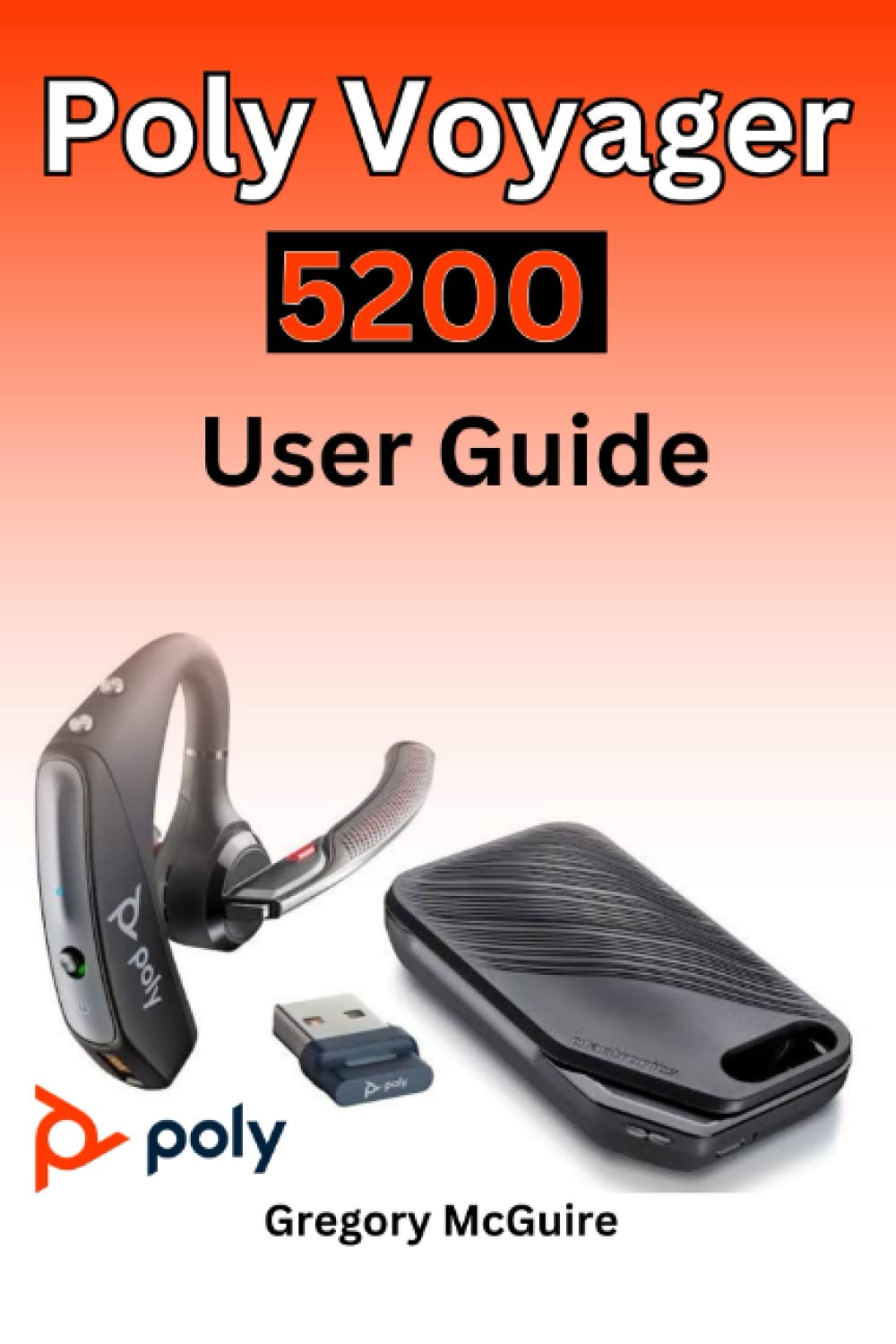
Figure 2.1: Front cover of the Poly Voyager 5200 User Guide book, featuring a red and orange gradient design with 'Copyrighted Material' text.

Figure 2.2: Back cover of the Poly Voyager 5200 User Guide book, displaying the ISBN 9798387380280 barcode and 'Copyrighted Material' text.
3. Налаштування
3.1 Заряджання гарнітури
Before first use, fully charge your Poly Voyager 5200 headset.
- Підключіть наданий USB-кабель для заряджання до порту заряджання гарнітури.
- Plug the other end of the USB cable into a USB wall charger or a powered USB port on your computer.
- The indicator light on the headset will illuminate to show charging status. It will typically turn off or change color when fully charged.
3.2 Сполучення з пристроєм
To use your headset, you must pair it with your Bluetooth-enabled device (e.g., smartphone, tablet, computer).
- Увімкнення: Turn on your Poly Voyager 5200 headset by pressing and holding the Power button until you hear a voice prompt or see the indicator light flash.
- Активувати режим спарювання: Press and hold the Call button on the headset until the indicator light flashes red and blue, indicating it is in pairing mode.
- Увімкнути Bluetooth: On your device, go to the Bluetooth settings and ensure Bluetooth is enabled.
- Виберіть гарнітуру: From the list of available devices, select "Poly V5200" or "Plantronics V5200". If prompted for a passcode, enter "0000" (four zeros).
- Підтвердження: Once successfully paired, the headset's indicator light will stop flashing red and blue, and you will hear a voice prompt confirming the connection.
4. Інструкція з експлуатації
4.1 Основні елементи керування
- Увімкнення/вимкнення живлення: Натисніть і утримуйте кнопку живлення приблизно 2 секунди.
- Відповісти/закінчити виклик: Натисніть кнопку виклику один раз.
- Відхилити виклик: Press and hold the Call button for approximately 2 seconds.
- Регулювання гучності: Use the Volume Up (+) or Volume Down (-) buttons located on the headset to adjust audio levels.
- Вимкнути/увімкнути звук: Натисніть кнопку вимкнення звуку під час активного дзвінка.
- Voice Commands/Assistant: Press the Voice button to activate your device's voice assistant (e.g., Siri, Google Assistant).
4.2 Носіння гарнітури
For optimal comfort and sound clarity, adjust the headset as follows:
- Gently place the ear tip into your ear.
- Rotate the microphone boom until it points towards your mouth.
- Ensure the headset is secure and comfortable for extended wear.
5. Технічне обслуговування
5.1 Очищення
Регулярне чищення допомагає підтримувати продуктивність та гігієну гарнітури.
- Wipe the headset with a dry, soft, lint-free cloth.
- Avoid using harsh chemicals, cleaning solvents, or abrasive materials, as these can damage the headset.
- Не занурюйте гарнітуру у воду або будь-яку іншу рідину.
5.2 Зберігання
Proper storage extends the life of your headset.
- Зберігайте гарнітуру в прохолодному, сухому місці, подалі від прямих сонячних променів та екстремальних температур.
- When not in use for extended periods, ensure the headset is partially charged to prevent deep discharge.
6. Вирішення проблем
If you encounter issues with your Poly Voyager 5200 headset, refer to the following common troubleshooting steps:
- Немає живлення: Ensure the headset is fully charged. Verify that the charging cable and power source are functioning correctly.
- Не вдається створити пару: Confirm the headset is in pairing mode (indicator flashing red and blue). Ensure Bluetooth is enabled on your device and the headset is within range. Try deleting previous pairings on your device and re-pairing.
- Погана якість звуку: Check the headset's placement and ensure the microphone boom is positioned correctly towards your mouth. Move closer to your connected device to minimize interference. Ensure there are no physical obstructions between the headset and the device.
- Немає звуку: Verify that the volume levels on both the headset and your connected device are turned up. Confirm that the Poly Voyager 5200 is selected as the audio output device on your phone or computer.
- Гарнітура не відповідає: Try resetting the headset by turning it off and then on again. If the issue persists, consult the official Poly support resources.
7. Технічні характеристики
| Особливість | Деталь |
|---|---|
| ASIN | B0BYR893FQ |
| Видавець | Незалежно опубліковано |
| Дата публікації | 17 березня 2023 р |
| Мова | англійська |
| Довжина друку | 35 сторінки |
| ISBN-13 | 979-8387380280 |
| Вага товару | 3.68 унції |
| Розміри | 6 x 0.08 x 9 дюймів |
8. Інформація про безпеку
Please read and follow these safety guidelines to ensure safe operation and prevent damage to your headset:
- Avoid exposing the headset to extreme temperatures, direct sunlight, moisture, or corrosive substances.
- Do not attempt to disassemble, modify, or repair the headset yourself. Refer all servicing to qualified personnel.
- Use only manufacturer-approved charging cables and accessories.
- Зберігайте гарнітуру та її аксесуари у недоступному для дітей та домашніх тварин місці.
- Тривале прослуховування музики на високих рівнях гучності може пошкодити слух. Слухайте на помірній гучності.
9. Гарантія та підтримка
Specific warranty details and support contact information for the Poly Voyager 5200 headset are not provided within this manual. For warranty claims, technical support, or further assistance, please refer to the official Poly (formerly Plantronics) webсайт або зверніться безпосередньо до служби підтримки клієнтів.