
1. Інформація про безпеку
Please read all instructions carefully before using the Taurus Inception Precission Smart Bathroom Scale. Retain this manual for future reference.
- Не використовуйте цей пристрій, якщо у вас є кардіостимулятор або інший внутрішній медичний пристрій.
- Не використовуйте цей пристрій, якщо ви вагітні.
- The scale is designed for household use only.
- Place the scale on a hard, flat surface. Using it on soft surfaces like carpet may affect accuracy.
- Поверхня ваг може бути слизькою, коли вона мокра. Переконайтеся, що поверхня суха, перш ніж наступати на неї.
- Не стрибайте на ваги.
- Тримайте ваги подалі від екстремальних температур, прямих сонячних променів та високої вологості.
- Не занурюйте накип у воду.
- Зберігати в недоступному для дітей місці.
2. Продукт закінчивсяview
The Taurus Inception Precission is a smart bathroom scale designed to measure weight, body fat percentagе, і відсоток води в організміtage. It features a sleek design, tempered glass platform, and an easy-to-read LCD display.
Ключові характеристики:
- Measures weight, body fat percentagе, і відсоток води в організміtage.
- High precision: 0.1 kg / 0.2 lb increments.
- Maximum capacity: 180 kg / 396 lb.
- Minimum weight for measurement: 3 kg / 6.6 lb.
- Великий, зручний для читання РК-дисплей.
- Міцна платформа із загартованого скла.
- Automatic power-on and 8-second automatic shut-off.
- Memory for up to 10 distinct users.
- В комплекті батарейки для негайного використання.
Компоненти:
- Weighing Platform (Tempered Glass)
- РК-дисплей
- Electrodes (metal pads for body composition analysis)
- Відсік для батарейок (розташований на нижній стороні)
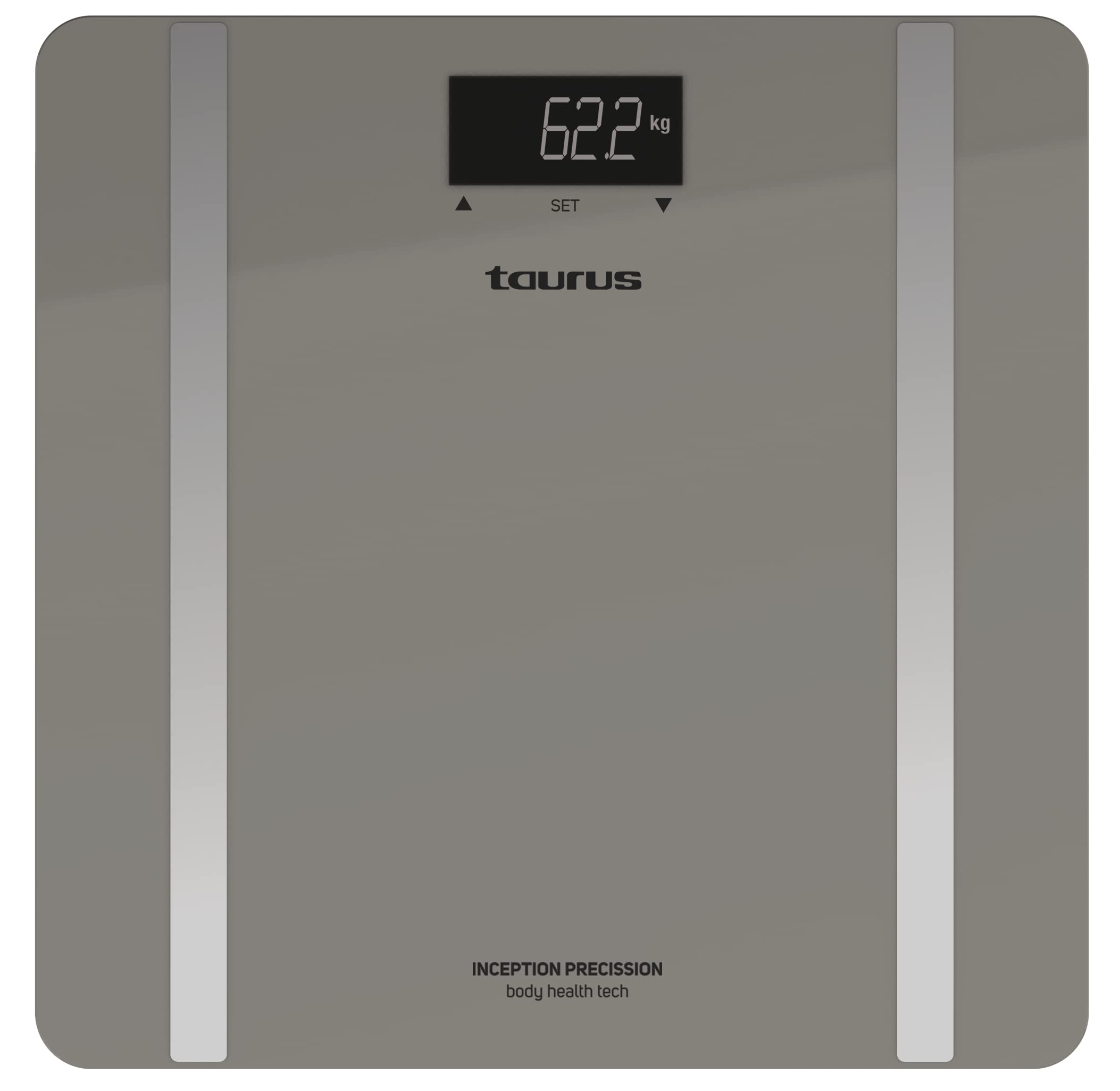
Image: Taurus Inception Precission Smart Bathroom Scale, grey color, with an LCD display and a tempered glass platform.
3. Налаштування
3.1. Встановлення батареї
- Переверніть ваги, щоб отримати доступ до батарейного відсіку знизу.
- Відкрийте кришку батарейного відсіку.
- Insert the included 1 AA battery, ensuring the correct polarity (+/-).
- Надійно закрийте кришку батарейного відсіку.
3.2. Початкове розміщення
- Place the scale on a hard, flat, and stable surface (e.g., tile, hardwood floor). Avoid carpets or uneven surfaces.
- Ensure the scale is not near any heat sources or in direct sunlight.
4. Інструкція з експлуатації
4.1. Основні методи вимірювання ваги
- Злегка постукайте ногою по центру шкали, щоб активувати її. На дисплеї з’явиться «0.0» або «0.00».
- Once "0.0" or "0.00" appears, step onto the scale barefoot and stand still.
- Your weight will be displayed and flash a few times before stabilizing.
- Step off the scale. It will automatically turn off after approximately 8 seconds.
4.2. Body Composition Measurement (Body Fat & Body Water)
For body composition analysis, you need to set up a user profile. The scale can store data for up to 10 users.
4.2.1. Setting Up a User Profile
The specific method for setting up user profiles (e.g., age, height, gender) is typically done via buttons on the scale or an associated app. As no app is mentioned, assume basic profile selection on the scale.
- Activate the scale by tapping it.
- Look for a 'SET' or 'MODE' button, or a user selection button (often indicated by arrows or a 'P' for profile).
- Use the buttons to select an empty user slot (P1-P10).
- Follow the on-screen prompts to input personal data such as age, height, and gender. Confirm each input.
- Одного разу проfile is set, the scale is ready for measurement.
4.2.2. Taking a Body Composition Measurement
- Activate the scale and select your user profile (P1-P10) if it doesn't automatically recognize you.
- Станьте на ваги босоніж, переконавшись, що ваші ноги розташовані на металевих електродах. Стійте нерухомо.
- Ваги спочатку відображатимуть вашу вагу, а потім циклічно показуватимуть відсоток жиру у вашому тілі.tage and body water percentage.
- Step off the scale once all measurements are displayed. The data will be stored in your profile.
4.3. Changing Weight Units (kg/lb)
The unit switch is usually located on the underside of the scale, near the battery compartment.
- Переверніть вагу.
- Locate the unit switch (often a small button or slider labeled "UNIT" or "kg/lb").
- Press or slide the switch to toggle between kilograms (kg) and pounds (lb).
- Turn the scale back over and activate it to confirm the new unit on the display.
5. Технічне обслуговування та догляд
- Очистіть накип рекламоюamp тканиною та м’яким миючим засобом. Не використовуйте абразивні засоби для чищення та не занурюйте у воду.
- Avoid dropping or striking the scale, as this may damage the tempered glass or internal components.
- If the scale will not be used for an extended period, remove the battery to prevent leakage.
- Зберігайте ваги в прохолодному сухому місці.
6. Вирішення проблем
| проблема | Можлива причина | Рішення |
|---|---|---|
| Відображається «Lo» | Низький заряд батареї. | Замініть батарею AA. |
| Відображається "Помилка" | Перевантаження або нестабільне вимірювання. | Ensure weight does not exceed 180 kg. Place scale on a flat, stable surface. Step on and stand still. |
| Неточні показання | Scale on soft surface, not calibrated, or moved. | Place scale on a hard, flat surface. Tap to activate, wait for "0.0", then weigh. If moved, recalibrate by tapping and waiting for "0.0" before weighing. |
| Немає дисплея | Battery issue or scale not activated. | Check battery installation and charge. Tap the scale to activate. |
| Body composition not measured | Not barefoot, feet not on electrodes, or user profile не встановлено. | Step on barefoot. Ensure feet cover the metal electrodes. Set up your user profile as per section 4.2.1. |
7. Технічні характеристики
- Бренд: Телець
- модель: Inception Precission
- Номер моделі: 8414234905567
- Максимальна вага: 180 кг / 396 фунтів
- Мінімальна вага: 3 кг / 6.6 фунтів
- Точність: 0.1 кг / 0.2 фунтів
- Тип дисплея: ЖК
- матеріал: Загартоване скло
- Джерело живлення: 1 батарейка типу АА (у комплекті)
- Пам'ять користувача: До 10 користувачів
- Автоматичне відключення: Yes (after 8 seconds of inactivity)
- колір: Сірий
8. Гарантія та підтримка
For warranty information and customer support, please refer to the documentation provided with your purchase or contact Taurus customer service. Keep your proof of purchase for any warranty claims.