
1. Вступ
This manual provides essential instructions for the SOLTECH CCTV Remote Control, model RCWN00001B (also identified as EP10-001090A). This remote is specifically designed for use with various Samsung Wisenet Security & Surveillance Camera Systems, including DVRs and NVRs. Please read this manual thoroughly to ensure proper use and functionality of your remote control.
2. Продукт закінчивсяview
The SOLTECH CCTV Remote Control is a dedicated device for managing your Samsung Wisenet security system. It replicates the functionality of the original remote control included with Wisenet All-In-One systems, providing convenient access to your DVR or NVR functions.
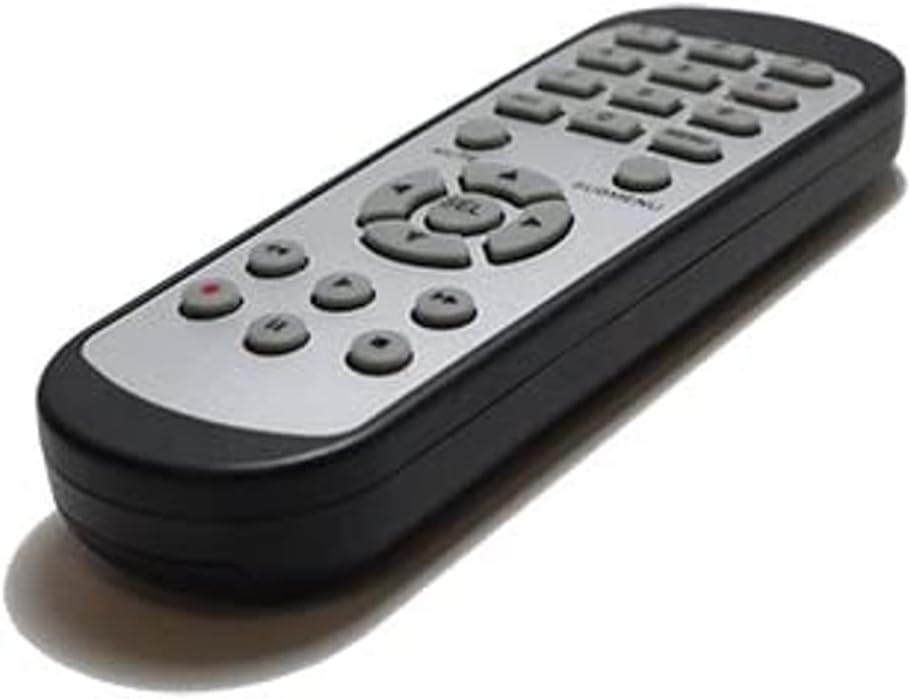
Зображення 2.1: спереду view of the SOLTECH CCTV Remote Control (Model RCWN00001B / EP10-001090A).
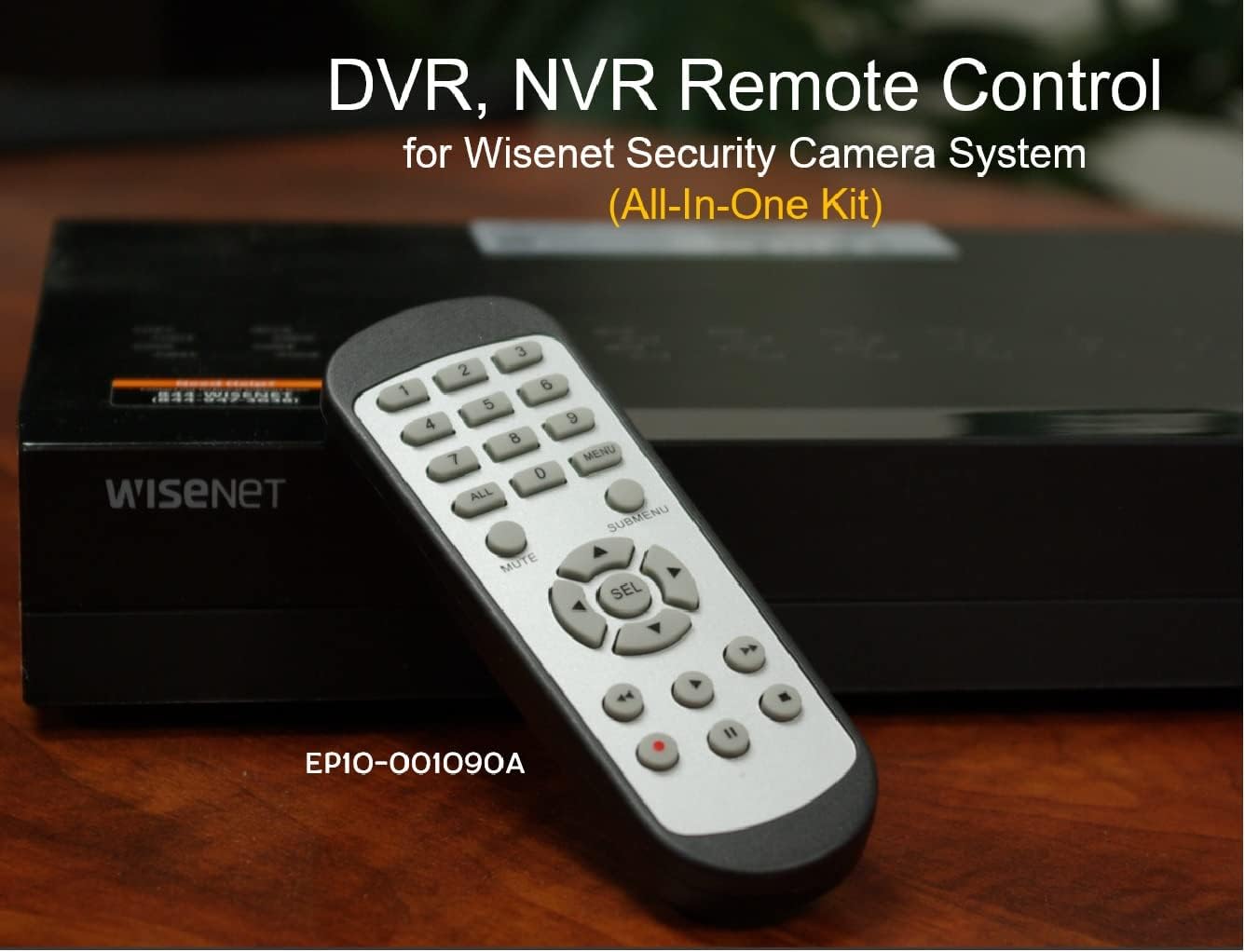
Image 2.2: The remote control positioned on a Wisenet Digital Video Recorder (DVR).
3. Налаштування
This remote control requires two AAA batteries for operation. Batteries are not included with the product and must be purchased separately.
3.1 Встановлення батареї
- Знайдіть батарейний відсік на задній панелі пульта дистанційного керування.
- Посуньте кришку відсіку для батарейок вниз і зніміть її.
- Вставте дві батарейки типу AAA, дотримуючись правильної полярності (+ та -), як зазначено всередині відсіку.
- Встановіть кришку відсіку для батарейок, зсунувши її на місце до клацання.

Зображення 3.1: Ззаду view пульта дистанційного керування з відкритим батарейним відсіком, що показує, куди вставляти батарейки типу AAA.
3.2 Початкове підключення
The SOLTECH CCTV Remote Control is pre-configured for Samsung Wisenet All-In-One System DVRs and NVRs. No additional setup, programming, or pairing is required. Once batteries are installed, the remote is ready for immediate use with compatible systems.
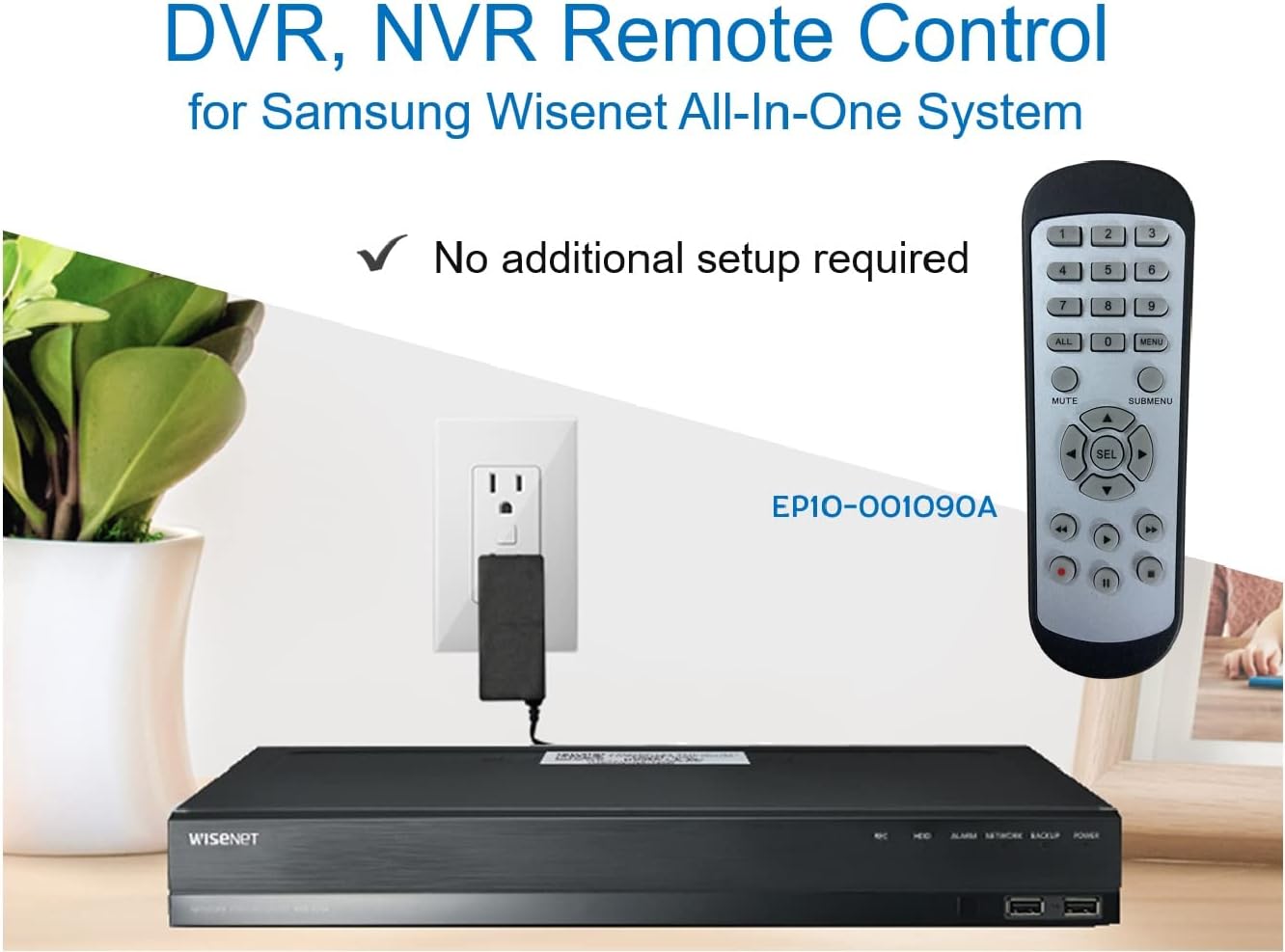
Image 3.2: The remote control shown alongside a Wisenet DVR, illustrating the 'no additional setup required' feature.
4. Інструкція з експлуатації
Point the remote control directly at your Samsung Wisenet DVR or NVR. Press the desired buttons to navigate menus, control playback, switch camera views, and access other functions of your security system. The button layout is standard for Wisenet systems, allowing for intuitive operation.
- Цифрові кнопки (0-9): Used for direct camera selection or data entry.
- Directional Pad (Up, Down, Left, Right, SEL): Для навігації та вибору в меню.
- МУК: Вимкнення звуку.
- SUBMENU: Accesses sub-menus within the system interface.
- Елементи керування відтворенням (відтворення, пауза, зупинка, швидке перемотування вперед, перемотування назад): Manages recorded footage відтворення.
- ЗАПИС (REC): Initiates manual recording.
5. Сумісність
This remote control is compatible with various Samsung Wisenet All-In-One System Series. It is designed to function as a direct replacement for the original remote controls supplied with these systems.
5.1 Compatible System Series
The remote control is compatible with, but not limited to, the following Samsung Wisenet All-In-One System Series:
- SDH-E95127
- SDH-B94047
- SDH-C94087
- SDH-B73043
- SDH-C85080
- SDH-SF440
- SDH-B74043
- SDH-B74083
- SDH-B74041
- SDH-B74081
- SDH-C85100
- SDR-C85300
- SNK-B73047
- SDH-B74086
- SDH-C73043
- SDR-C73303
- SDH-C74043DF
- SDR-C74303N1T
- SDR-B74301

Image 5.1: The remote control displayed alongside a partial list of compatible Samsung Wisenet All-In-One System Series.

Image 5.2: An illustration showing the remote control's compatibility with a range of Samsung Wisenet security camera systems.
6. Технічне обслуговування
6.1 Заміна батареї
When the remote control's performance diminishes or it stops responding, replace the AAA batteries. Always replace both batteries at the same time with new ones. Do not mix old and new batteries, or different types of batteries.
6.2 Очищення
Для очищення пульта дистанційного керування використовуйте м’яку суху тканину. Для стійкого бруду злегкаampen the cloth with water. Avoid using harsh chemicals, abrasive cleaners, or solvents, as these can damage the remote's surface or internal components.
6.3 Зберігання
Зберігайте пульт дистанційного керування в прохолодному, сухому місці, подалі від прямих сонячних променів та екстремальних температур. Якщо пульт дистанційного керування не використовуватиметься протягом тривалого часу, рекомендується вийняти батарейки, щоб запобігти витіканню.
7. Вирішення проблем
If you experience issues with your SOLTECH CCTV Remote Control, refer to the following common troubleshooting steps:
- Пульт не відповідає:
- Перевірте, чи правильно вставлені батарейки з дотриманням полярності.
- Замініть батареї новими батареями типу ААА.
- Ensure there is a clear line of sight between the remote control and the infrared receiver on your Wisenet DVR/NVR. Obstructions can block the signal.
- Verify that the remote control is pointed directly at the Wisenet system.
- Переривчаста функціональність:
- Це часто свідчить про низький заряд батареї. Замініть батареї.
- Переконайтеся, що жодні сильні джерела світла (наприклад, прямі сонячні промені або яскраві люмінесцентні лампи) не перешкоджають інфрачервоному сигналу.
- Remote Does Not Control My System:
- Confirm that your security system is a Samsung Wisenet All-In-One System and is listed as compatible in Section 5.1. This remote is specifically designed for these systems and may not work with other brands or models.
- As this remote requires no additional setup, if it is not working with a confirmed compatible system after battery replacement, contact customer support.
8. Технічні характеристики
| Особливість | Деталь |
|---|---|
| Номер моделі | RCWN00001B (EP10-001090A) |
| Розміри продукту | 5 x 1.75 x 0.75 дюймів |
| Вага товару | 1.76 унції |
| Потрібні батареї | 2 батарейки AAA (не входять в комплект) |
| Виробник | СОЛТЕХ |
| Колір | Сірий |
| Максимальна кількість підтримуваних пристроїв | 1 (Wisenet DVR/NVR) |
| Сумісні пристрої | Samsung Wisenet Security Camera Systems (DVR/NVR) |

Image 8.1: The remote control with its physical dimensions (length, width, thickness) indicated.
9. Гарантія та підтримка
For information regarding product warranty, please refer to the documentation provided with your purchase or contact the seller directly. The seller for this product is SOLTECH America.
For further assistance or technical support, please reach out to the manufacturer or seller through their official contact channels.